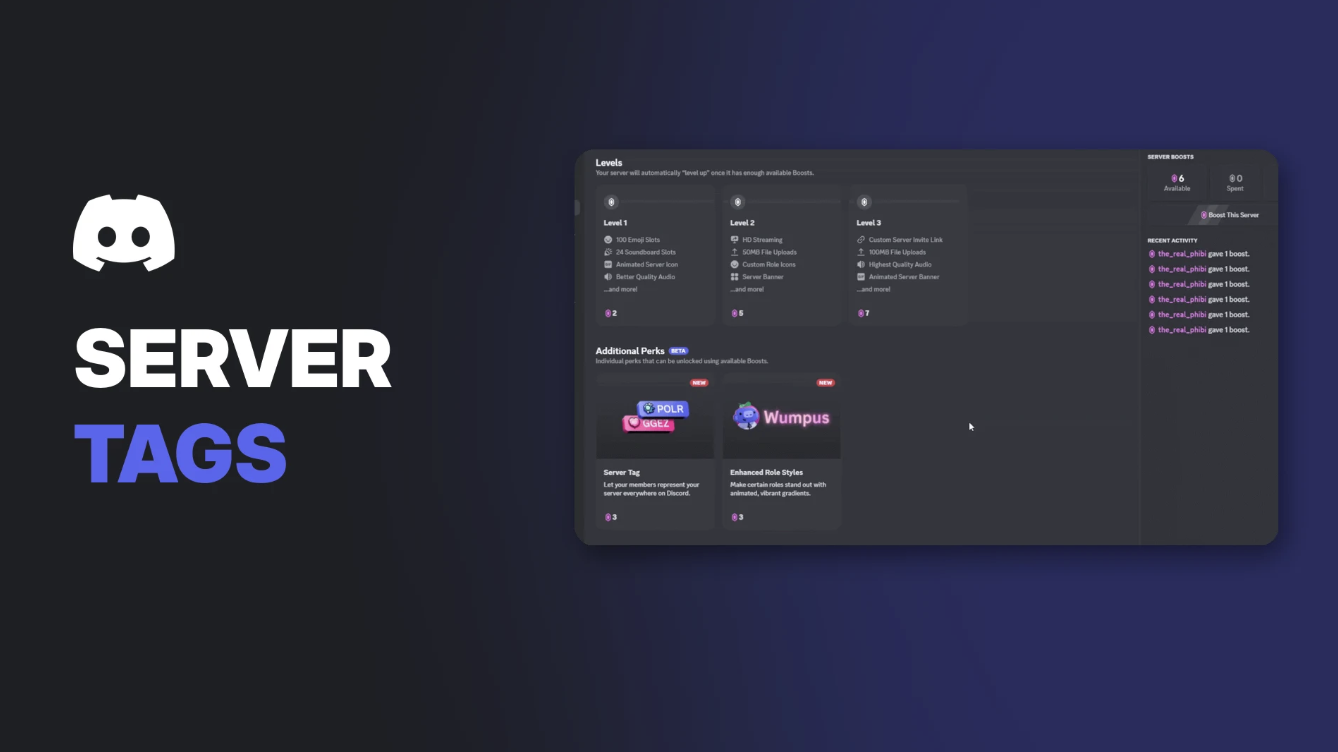

Discord Server Tags are short, 4-character labels with a small badge that server members can show next to their name everywhere on Discord. Discord describes them as a way for members "to represent that server everywhere on Discord!"
They're a fast way to build community identity, like a clan tag in a game. This page explains how admins unlock and customise a Server Tag, how members wear one, Badge Packs, and common problems.
Key Information
| Detail | Summary |
|---|---|
| What it is | A 4-character label plus a badge icon, shown next to a member's name |
| Cost to unlock | 3 Server Boosts |
| Boost Level needed | None, it's a separate "Additional Perk" |
| Who sets it up | Server owner or admins |
| Where it shows | In chat, member lists, DM lists and profiles |
| Tags per member | One at a time |
| Unique? | No, different servers can use the same tag |
How Discord Server Tags Work
A Server Tag combines:
- A name of up to 4 characters: letters, numbers and certain special characters
- A badge, a small icon chosen by the admin
- A colour, set by the admin for everyone
When a member applies the tag, it appears next to their name everywhere on Discord, including in chat, member lists and Direct Messages lists.
A Server Tag next to a member's name. Image: Discord.
Anyone who clicks a tag sees that server's Server Profile and can select Join Server. That makes tags a free advert for your community every time a member chats. For more growth ideas, see our 20 ways to grow your Discord server.
How to Unlock Server Tags (Admins)
Server Tags are an Additional Perk, separate from your Boost Level. They cost 3 Server Boosts.
- Select your server, then open the Server Boosts tab in the top-left. Only owners and admins can see it.
- Check how many Boosts are available in the top-right.
- Hover over Server Tag and select Enable Perk.
- Configure your new tag in the window that appears.
Server Tags under Additional Perks in the Server Boosts tab. Image: Discord.
Important: Boosts used for perks don't count toward your Boost Level, and Level Boosts can't be used for perks. If you want to keep your current level, you'll need 3 extra Boosts. To understand Boost Levels, see our Discord Boost guide.
Additional Perks can only be bought and set up on desktop.
How to Customise Your Server Tag (Admins)
- Select your server's name in the top-left and open Server Settings.
- Select Server Tag.
- Edit the tag name (up to 4 characters), badge and colour.
Keep in mind:
- Changing the tag makes members reapply it. Their old tag isn't updated automatically.
- There's a rate limit on how often you can change the tag.
- Each server has one tag at a time.
- Emoji and spaces aren't supported.
How to Wear a Server Tag (Members)
On desktop or browser
- Open User Settings (the cog next to your username).
- Select Profiles, or Edit User Profile.
- Scroll to Server Tag and press Select.
- Pick a tag. It saves automatically.
Choosing a Server Tag in your profile settings. Image: Discord.
To remove it, press the X next to your current tag.
On mobile
- Tap your avatar in the bottom-right.
- Tap Edit Profile.
- Scroll to Server Tags and pick one. It applies automatically.
You can only wear one Server Tag at a time, even if you're in several servers that have them.
Server Tag Badge Packs
Admins can unlock extra badge designs with more Boosts, after unlocking Server Tags first.
| Badge Pack | Cost |
|---|---|
| Creepy Crawlies Badge Pack | 2 Server Boosts |
| Pet Badge Pack | 3 Server Boosts |
| Plant Badge Pack | 3 Server Boosts |
| Flex Badge Pack | 5 Server Boosts |
The four Server Tag Badge Packs. Image: Discord.
To buy one, open the Server Boosts tab, select View Packs and choose a pack. Only one badge can be used on your tag at a time.
Troubleshooting
| Problem | Likely cause and fix |
|---|---|
| Can't unlock Server Tags | Your Boosts are allocated to your Boost Level. You need 3 unallocated Boosts, and admin permissions |
| Tag disappeared from members' profiles | The server dropped below the Boosts needed, so the perk turned off |
| Members still show the old tag | Members must reapply the tag after an admin changes it |
| Can't change the tag again | You've hit the rate limit. Wait and try later |
| Can't set it up on your phone | Additional Perks are desktop only |
| Want to stop some members using the tag | Not possible. Any member can wear it |
Frequently Asked Questions
What are Discord Server Tags?
4-character labels with a badge that members can display next to their name across Discord, to show which server they represent.
How much do Discord Server Tags cost?
3 Server Boosts, which are separate from the Boosts that count toward your Boost Level.
Can members change the colour of a Server Tag?
No. The colour is set by the server's admins and is the same for everyone.
Do Discord Server Tags have to be unique?
No. Different servers can use the same 4 characters. The badge and colour help tell them apart.
Can people join my server from a Server Tag?
Yes. Clicking a tag opens your Server Profile, where they can join or apply.
Summary
Discord Server Tags let members wear your server's name on every message they send. Admins unlock them for 3 Boosts on desktop, then pick a 4-character name, badge and colour. Members apply one tag at a time from their profile settings. Keep the Boosts allocated, or the tag vanishes from everyone's profile.
Want more ways to grow your community? See our guide to making your Discord server stand out on directories.
Comments
Sign in to join the conversation
Sign inNo comments yet
Be the first to share your thoughts!