
Melting GPUs Again: Why ASRock’s NTC Sensor Is Failing on the RTX PRO 6000
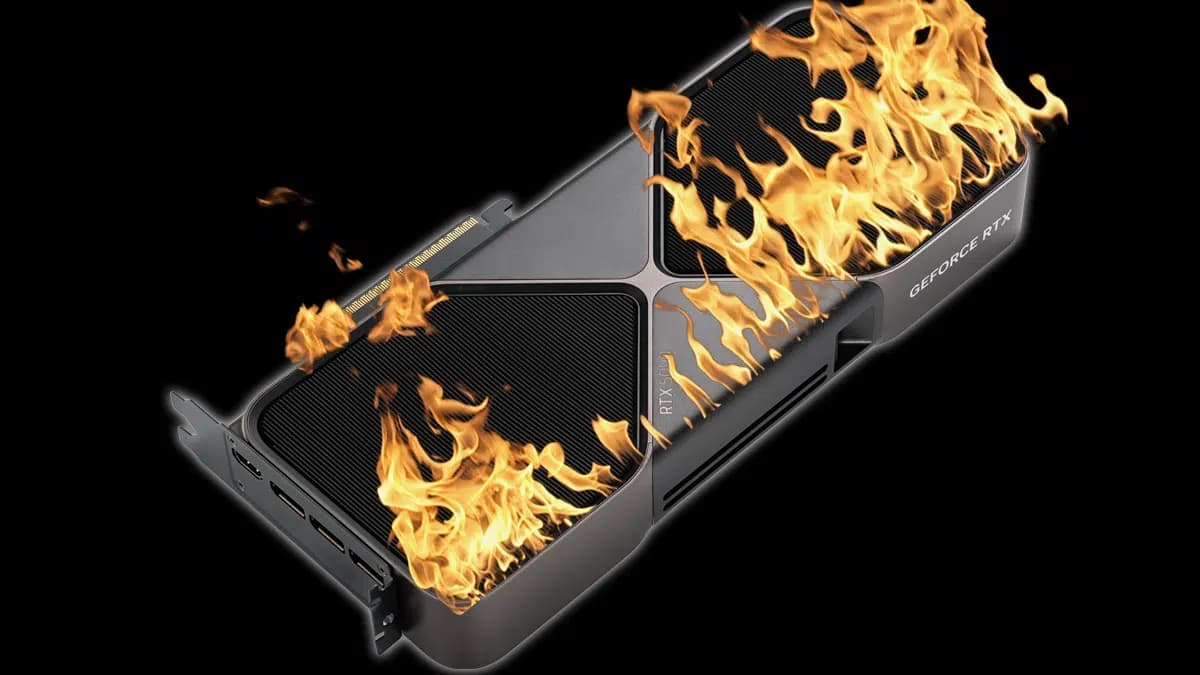
The 16-pin GPU power connector problem is back in the spotlight, and this time the hardware involved is not an ordinary gaming graphics card.
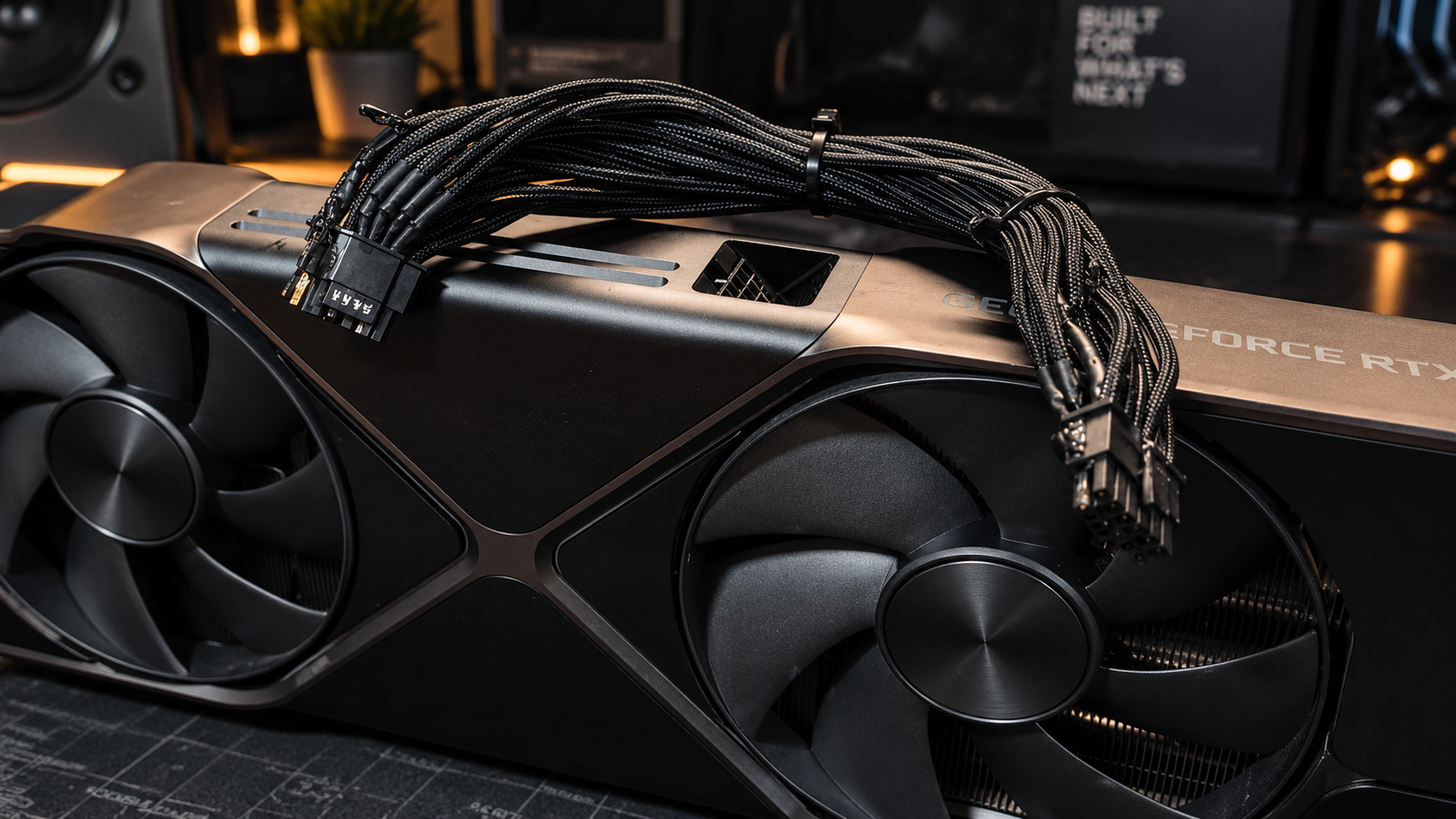
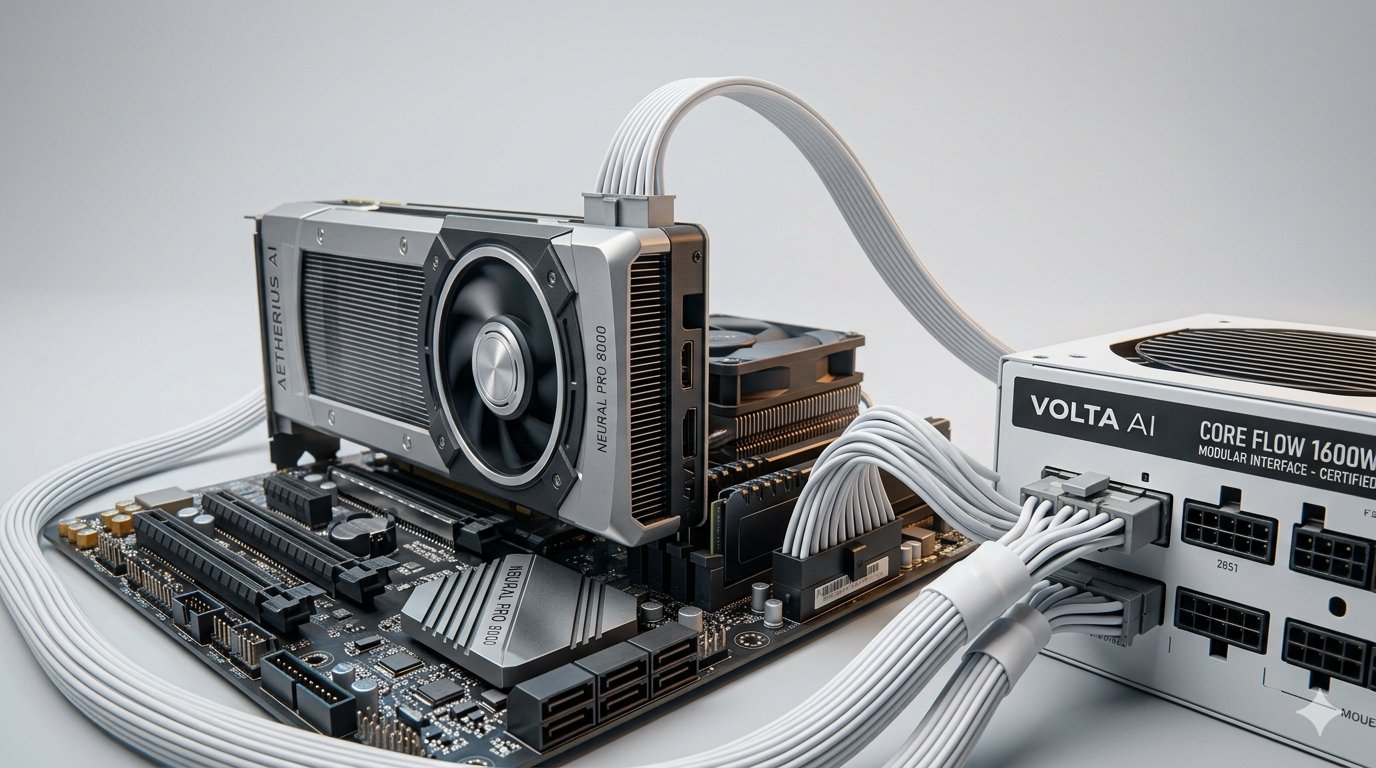
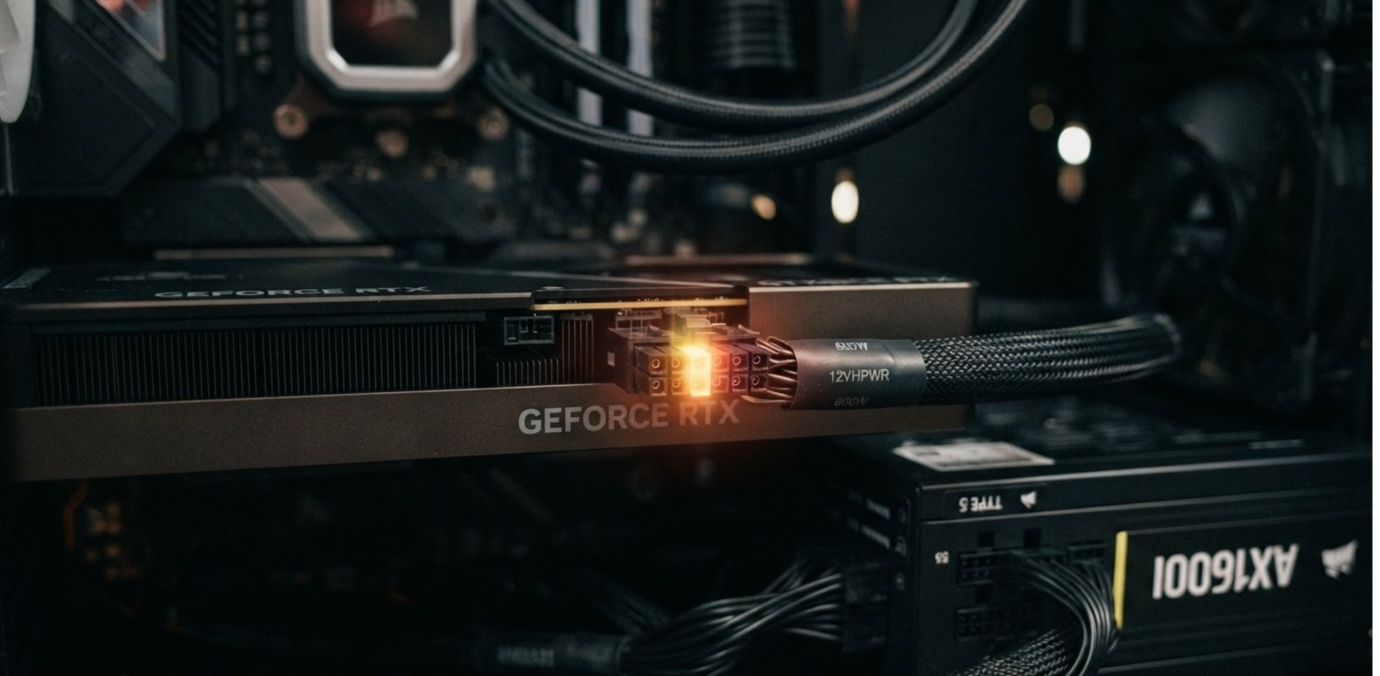
A user has reported that the 12V-2x6 power connector on an ASRock Taichi TC-1650T power supply melted while powering NVIDIA’s RTX PRO 6000 Blackwell workstation GPU. The incident is especially concerning because the power supply and cable were equipped with ASRock’s TempGuard protection system, which uses an NTC temperature sensor to detect dangerous heat.
The reported failure occurred at the power supply side of the cable rather than directly at the graphics card. The user also claimed that both ends of the connector were fully inserted.
That detail is important because incomplete insertion has been associated with earlier 12VHPWR and 12V-2x6 overheating incidents. If the latest report is accurate, it raises a different question:
Can a temperature sensor protect a high-current connector if it is monitoring the wrong end of the cable?
The answer is not yet proven. The incident is based on a user report, and neither ASRock nor NVIDIA has publicly confirmed a general design defect based on this single case. However, the failure is serious enough to expose a weakness in how high-power GPU protection systems are understood.
────────────────────────────────────────
────────────────────────────────────────
What Happened to the RTX PRO 6000 System?
According to reports published on September 13, 2026, a user experienced a melted 12V-2x6 cable connection while running an NVIDIA RTX PRO 6000 Blackwell workstation GPU with an ASRock Taichi TC-1650T power supply. The cable reportedly fused into the PSU’s modular socket.
The reported system used:
Component | Reported Hardware |
|---|---|
Graphics card | NVIDIA RTX PRO 6000 Blackwell |
GPU power rating | Up to 600W |
Power supply | ASRock Taichi TC-1650T |
PSU capacity | 1,650W |
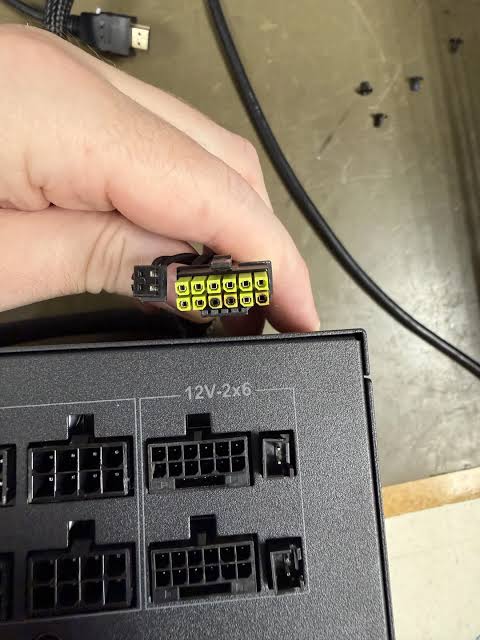
Cable standard | 12V-2x6 |
Protection system | ASRock TempGuard |
Failure location | PSU-side modular connector |
Reported GPU condition | The graphics card reportedly survived |
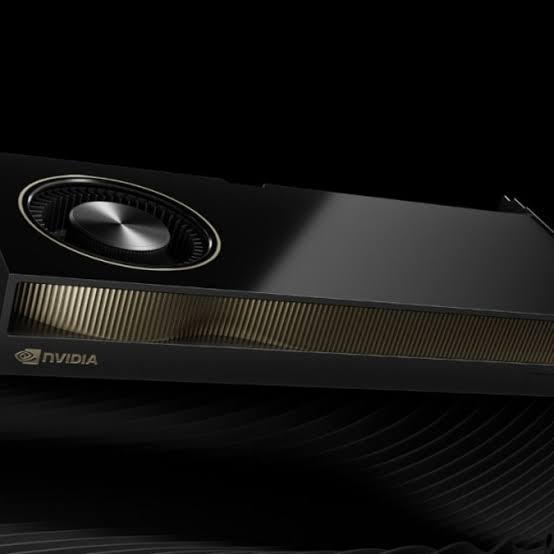
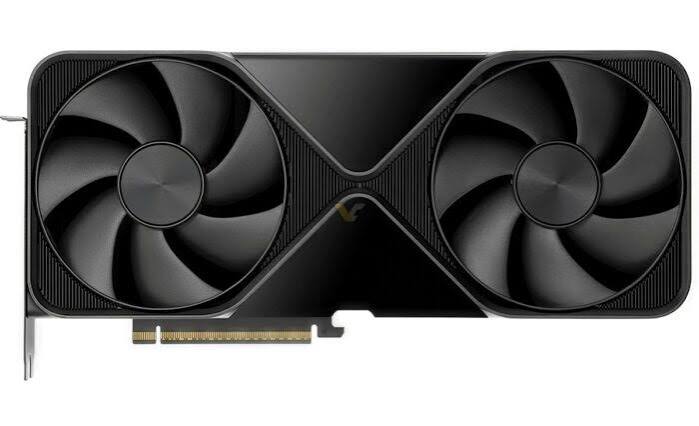
The RTX PRO 6000 is a professional workstation card designed for demanding graphics, simulation, engineering, AI, and content-production workloads. Its reported 600W power level places it among the most demanding single-GPU products available to workstation builders.
The fact that the GPU reportedly survived is good news for the owner, but it does not make the incident harmless. A melted connector can damage a power supply, destroy cabling, create downtime, and potentially become a fire hazard if the system continues operating.
────────────────────────────────────────
What Is ASRock TempGuard Supposed to Do?
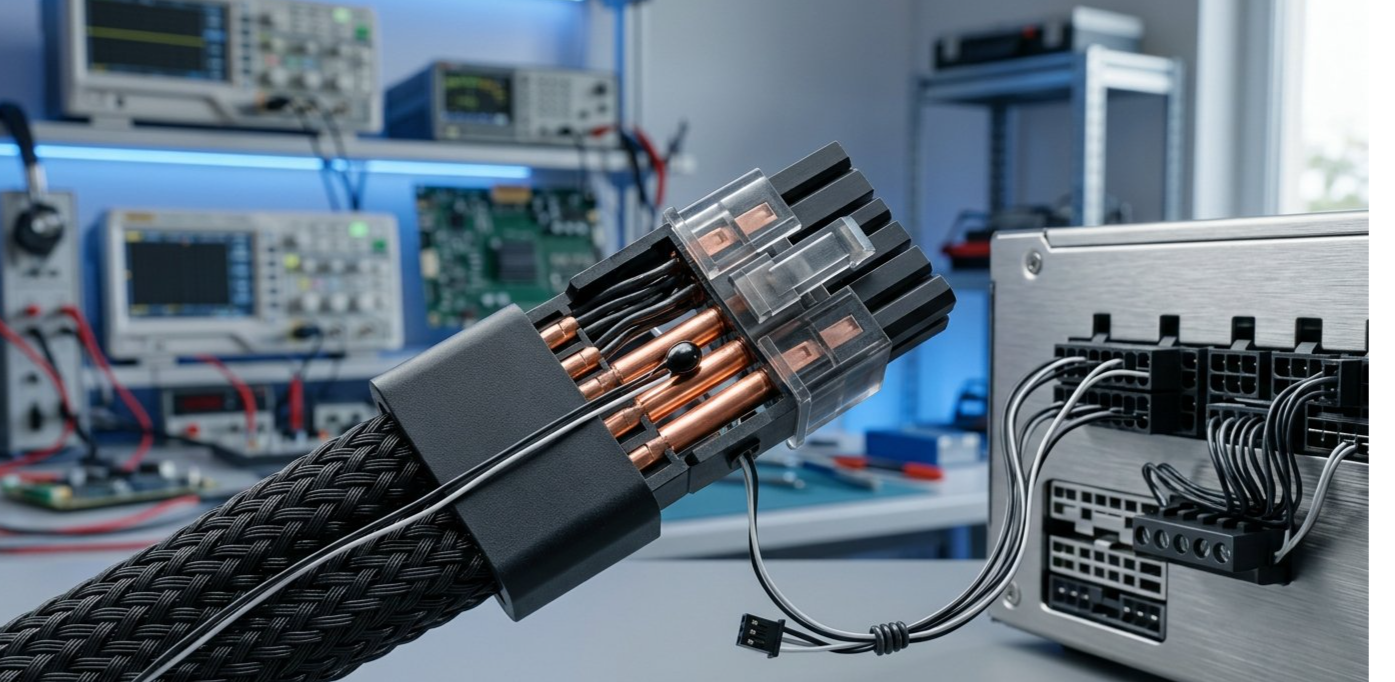
ASRock’s TempGuard system is designed to monitor the temperature of the high-power GPU connector through an NTC thermistor.
NTC stands for negative temperature coefficient. An NTC thermistor changes its electrical resistance as its temperature changes. In a protection system, that information can be used to detect overheating and trigger a shutdown before the connector reaches a dangerous temperature.
ASRock’s approach places the temperature-sensing component in the GPU-side connector. Compatible power supplies can receive the temperature information through an additional connection and respond if the measured temperature becomes too high.
The concept is sensible.
If a connector begins to overheat because of excessive resistance, poor contact, uneven current distribution, or a damaged terminal, a sensor may detect the temperature rise and shut down the system.
But a sensor can only respond to the location where it is measuring.
That is the central issue raised by this incident.
────────────────────────────────────────
────────────────────────────────────────
Why Sensor Placement Could Be the Problem
A 12V-2x6 cable connects the graphics card to the power supply through multiple high-current contacts. Electricity does not travel through one single solid metal path. It is distributed across several terminals and conductors.
That means heat can develop in different places.
A connector may become hot:
- At the GPU-side plug
- At the PSU-side plug
- Around an individual contact
- Inside the modular socket
- Along a damaged or high-resistance terminal
- Where the cable bends sharply
- At a connection with uneven contact pressure
If the NTC sensor is positioned at the GPU end, it may detect heat developing there. But a problem at the opposite end could potentially remain below the sensor’s measured temperature until the damage is already severe.
This is the technical concern raised by the reported failure. Igor’sLAB noted that the current incident reportedly involved heating at the PSU-side socket, while ASRock’s sensor is described as being located on the GPU-side connector.
That does not automatically prove the sensor was installed incorrectly. It does suggest that monitoring one end of a high-current cable may not provide a complete picture of the thermal conditions at both ends.
────────────────────────────────────────
The Difference Between a Cable Problem and a Sensor Problem
It is important not to jump straight from “the connector melted” to “the sensor design is defective.”
Several factors can produce excessive heat in a high-power connector.
Contact resistance
Even a small increase in electrical resistance can generate significant heat when hundreds of watts pass through a connection. A weak contact, damaged terminal, contamination, or uneven pressure can increase resistance.
Uneven current distribution
The 12V-2x6 design uses multiple power contacts. If current is not distributed evenly, one terminal may become much hotter than the others.
Cable stress
A sharply bent cable can place mechanical pressure on the connector. That pressure may affect contact alignment or reduce the stability of the connection.
Modular PSU socket design
The cable may be fully inserted into the power supply while the internal socket or terminal still experiences a local problem. This is particularly relevant when the reported damage occurs on the PSU side.
Sensor location
Even if the sensor works exactly as designed, it may not detect a thermal event happening far away from its position.
The available evidence does not yet establish which of these factors caused the reported incident. A proper investigation would require electrical measurements, thermal imaging, connector inspection, and testing of the affected PSU and cable.
────────────────────────────────────────
────────────────────────────────────────
Why the RTX PRO 6000 Makes This Incident More Serious
The RTX PRO 6000 is not a typical consumer graphics card.
It is designed for professional workloads where reliability matters as much as performance. Workstation users may depend on the system for 3D rendering, engineering simulations, scientific computing, AI development, video production, or business-critical tasks.
A failure can therefore cost more than the price of a replacement cable.
Potential consequences include:
- Lost production time
- Damaged power-supply hardware
- Expensive service calls
- Delayed project deadlines
- Data-loss risk if the system shuts down unexpectedly
- Replacement costs for professional components
- Questions about workstation certification and support
The GPU reportedly survived in this case, but the system still experienced a serious hardware failure. A workstation costing many thousands of dollars should not be judged only by whether the graphics card itself remains functional.
The complete power-delivery system matters just as much.
────────────────────────────────────────
The 12VHPWR and 12V-2x6 Problem Has Not Disappeared
The 12VHPWR connector became controversial after reports of melting and overheating on high-end GPUs. The later 12V-2x6 revision introduced changes intended to improve connection safety, including shorter sense pins designed to prevent power delivery when the connector is not properly seated.
Those changes reduced some known risks, but they did not make overheating physically impossible.
A connector carrying up to 600W still depends on:
- Correct insertion
- Proper contact pressure
- Suitable cable routing
- Correct power-supply compatibility
- Reliable terminals
- Adequate thermal design
- Consistent manufacturing quality
The latest report is therefore a reminder that a revised connector standard can improve safety without eliminating every possible failure mode.
The issue is not necessarily that 12V-2x6 is fundamentally unusable. It is that high-power electrical connections require very little additional resistance before heat becomes a serious concern.
────────────────────────────────────────
Could Monitoring Both Ends Solve the Problem?
Monitoring both the GPU side and the PSU side would be a logical engineering approach, but it is not a confirmed solution to this specific incident.
A dual-sensor design could provide more information about where heat is developing. If the PSU-side connector becomes dangerously hot while the GPU-side sensor remains within normal limits, the system could potentially shut down earlier.
However, adding another sensor would create its own design requirements:
- Additional wiring
- More complex connector construction
- New failure points
- More complicated firmware
- Greater manufacturing cost
- Calibration requirements
- Compatibility limitations
A sensor also cannot compensate for every electrical problem. If a contact heats extremely quickly, or if the sensor is physically separated from the hottest point, the shutdown response may still come too late.
The better solution may involve a combination of thermal monitoring, current-balancing checks, improved terminal design, stronger mechanical retention, and more comprehensive protection at both ends of the cable.
────────────────────────────────────────
What Workstation Builders Should Do Now
Anyone using a high-power GPU should inspect the entire power-delivery path rather than looking only at the graphics card socket.
Users should check for:
- Discolouration around the connector
- Brown or black marks
- Melted or softened plastic
- A burning smell
- Unusual cable heat
- Loose connector movement
- Visible gaps between the plug and socket
- Sharp cable bends near the connector
- Damage to the PSU modular port
If any sign of melting, scorching, or overheating appears, the system should be powered down and inspected by a qualified technician. Users should not continue running a high-power GPU through a visibly damaged connector.
It is also important to use the correct native cable supplied or approved for the specific power supply. Mixing modular PSU cables from different brands or models can create serious electrical risks, even when the connectors appear physically compatible.
────────────────────────────────────────
What Needs to Be Investigated Next?
The current report raises several questions that only laboratory testing can answer.
1. Where did the heat begin?
Thermal imaging and inspection of the connector contacts could help determine whether the failure started at the PSU socket, cable terminal, or another point.
2. Was current distributed evenly?
Measuring current across individual conductors could reveal whether one contact carried more load than the others.
3. Did the NTC sensor report the correct temperature?
The sensor’s electrical output should be compared with independent temperature measurements.
4. Was the shutdown system configured correctly?
The PSU firmware, protection threshold, response time, and monitoring connection should all be checked.
5. Was the modular socket itself damaged?
The cable may have been fully inserted while the PSU-side terminal still suffered from a manufacturing or contact problem.
6. Can the failure be reproduced?
A single user report is not enough to establish a broad product defect. Repeated, controlled testing would be necessary to determine whether the issue is systemic.
Until those questions are answered, the claim that the NTC sensor is definitively installed on the “wrong side” remains an allegation rather than a proven conclusion.
────────────────────────────────────────
Final Verdict
The reported RTX PRO 6000 connector failure is worrying because it involved a very expensive workstation GPU and a power supply specifically equipped with temperature protection.
The most important detail is that the reported melting occurred at the PSU side of the 12V-2x6 connection, while the protection system appears to monitor temperature from the GPU-side connector.
That creates a legitimate engineering question: can a single sensor accurately protect both ends of a high-current cable?
The current evidence does not prove that ASRock’s TempGuard design is universally defective, and it does not establish that every RTX PRO 6000 or ASRock power supply is at risk. The incident remains a user report requiring further investigation.
But it does show why connector safety cannot depend on one feature alone.
For high-end GPUs, reliable power delivery requires correct insertion, sound terminals, balanced current distribution, robust cable design, effective thermal monitoring, and protection that responds to failures wherever they occur.
Until more evidence becomes available, workstation owners should treat any sign of connector damage seriously and avoid assuming that a built-in temperature sensor makes overheating impossible.
────────────────────────────────────────
Internal Links
The 2026 GPU Arms Race: Why Your Graphics Card Might Not Matter as Much Anymore
PCIe 5 and DirectStorage: Will They Finally Fix Open-World Stutter?
────────────────────────────────────────
External Links
NVIDIA RTX PRO Professional Graphics

Comments
Sign in to join the conversation
Sign inNo comments yet
Be the first to share your thoughts!