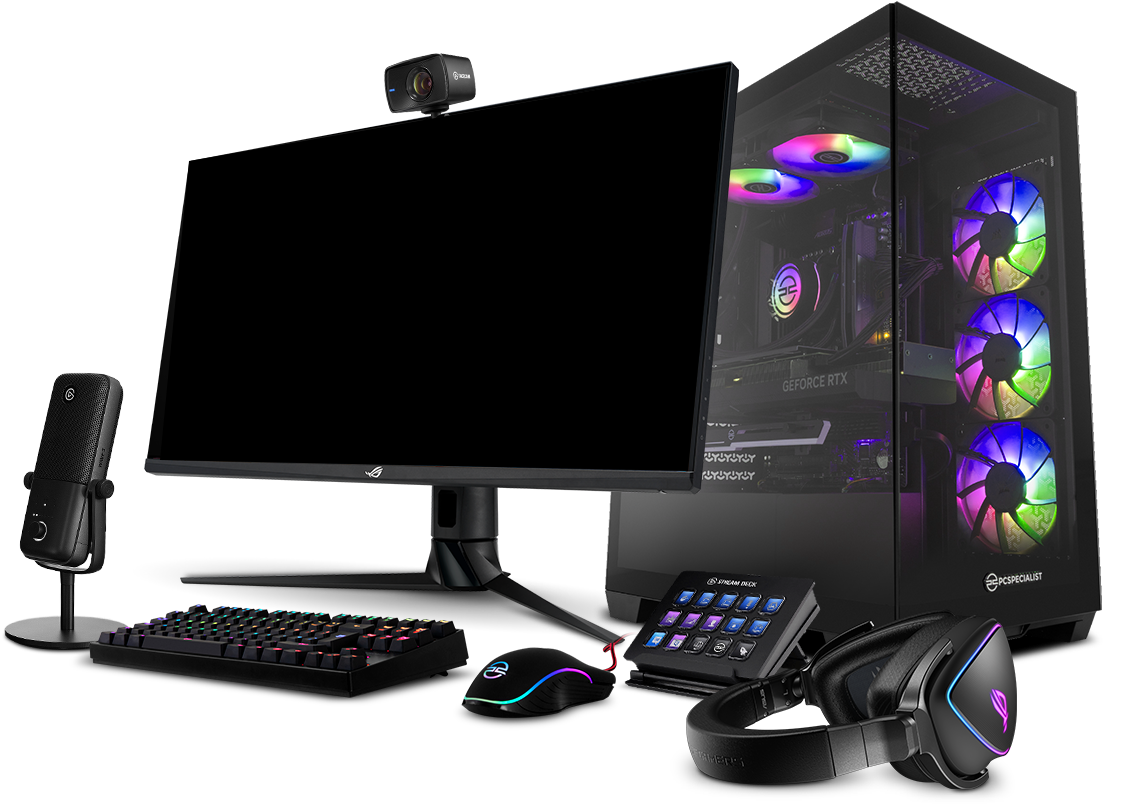

A beginner PC build is one of the best ways to learn about computer hardware while creating a system that fits your needs and budget. Whether you're building a gaming PC, a workstation for content creation, or an everyday desktop, assembling your own computer gives you better performance, easier upgrades, and greater value than many pre-built options. While the process may seem intimidating at first, modern PC components are designed to be user-friendly. In this beginner PC build guide, we'll explain how to choose compatible parts, assemble your computer step by step, install Windows, and avoid common mistakes so you can build your first PC with confidence.
Why Build Your Own PC?
A custom-built PC gives you complete control over performance, appearance, and budget. Unlike pre-built computers, you aren't paying for unnecessary features or limited upgrade options.
Some advantages include:
- Better value for money
- Easier future upgrades
- Higher-quality components
- Better cooling performance
- Custom RGB and aesthetics
Although the first build may take a few hours, the experience makes future upgrades much easier.
Decide Your Budget
Before buying parts, determine how much you're willing to spend.
A rough breakdown looks like this:
| Budget | Ideal For |
|---|---|
| $500–700 | Office work, casual gaming |
| $700–1000 | 1080p gaming |
| $1000–1500 | 1440p gaming, streaming |
| $1500+ | High-end gaming and content creation |
Your budget will determine which CPU, GPU, and other components you can afford.
Choose the Right CPU
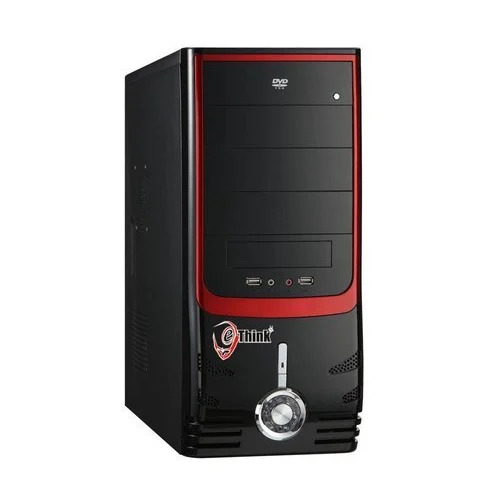
The processor is the brain of your PC.
For beginners, two manufacturers dominate the market:
- AMD Ryzen processors
- Intel Core processors
If you're mainly gaming, a mid-range processor is usually enough. If you edit videos, stream, or run heavy software, investing in a stronger CPU makes sense.
Remember that not every processor includes a stock cooler, so check before purchasing.
Pick a Compatible Motherboard
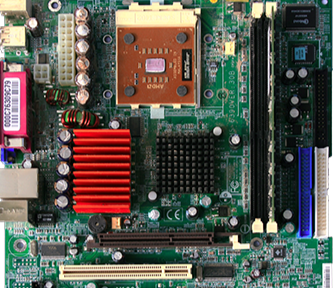
The motherboard connects every component together.
Before buying one, make sure it supports:
- Your processor socket
- Your RAM generation (DDR4 or DDR5)
- Enough M.2 SSD slots
- Wi-Fi if needed
- USB ports for your setup
Compatibility is one of the most important things to verify before purchasing parts.
Select the Right Graphics Card
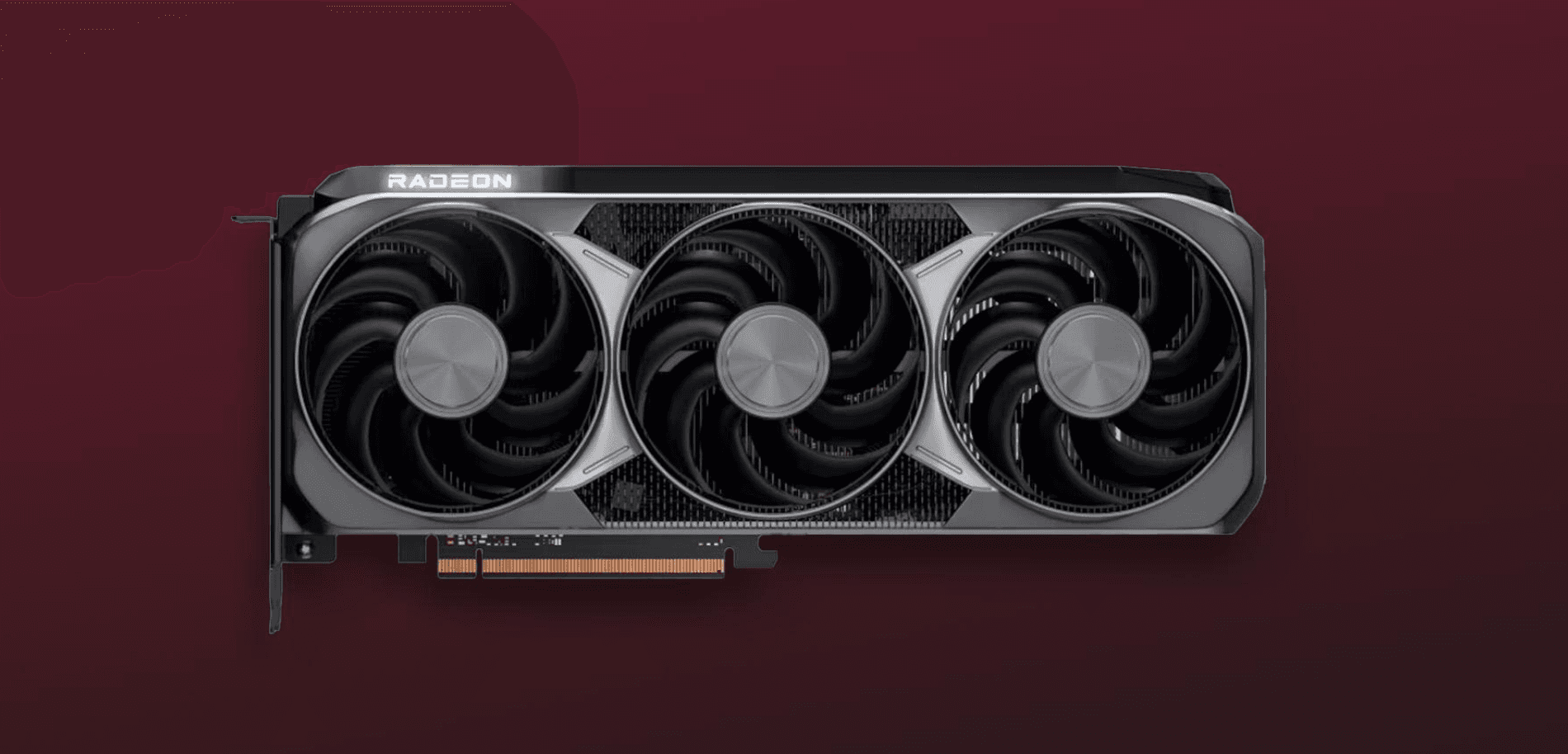
For gaming, the graphics card has the biggest impact on performance.
Choose a GPU based on your monitor resolution.
- 1080p gaming requires less powerful GPUs.
- 1440p gaming benefits from stronger graphics cards.
- 4K gaming requires high-end GPUs.
If you don't play games, many modern processors include integrated graphics that are sufficient for everyday tasks.
Install Enough RAM
RAM affects multitasking and overall responsiveness.
Current recommendations are:
- 16GB for most users
- 32GB for gaming plus streaming or video editing
- 64GB only for professional workloads
Installing RAM in dual-channel mode (two matching sticks) usually offers better performance than a single stick.
Choose Fast Storage
Solid State Drives (SSDs) are significantly faster than traditional hard drives.
For a beginner build:
- 500GB SSD for basic use
- 1TB SSD for gaming
- 2TB if you install many large games
NVMe SSDs provide faster boot times, quicker game loading, and smoother file transfers than SATA drives.
Don't Ignore the Power Supply
The power supply (PSU) powers your entire computer.
A poor-quality PSU can cause instability or even damage components.
Look for:
- 80 Plus Bronze, Gold, or higher certification
- Reliable brands
- Enough wattage for future upgrades
- Modular or semi-modular cables for easier cable management
Never choose the cheapest PSU just to save money.
Pick a PC Case
A good case improves airflow and makes building easier.
When selecting one, consider:
- GPU clearance
- CPU cooler height
- Cable management space
- Front mesh airflow
- Number of included fans
A larger case is often easier for beginners to build in.
Cooling Matters
Keeping temperatures low improves performance and extends hardware lifespan.
Many beginner PCs work perfectly with:
- Stock CPU cooler
- Two front intake fans
- One rear exhaust fan
Liquid cooling isn't necessary for most first-time builders unless you're using high-end hardware or overclocking.
Assemble Your PC Step-by-Step
Once all parts arrive, assembly becomes straightforward.
Follow these steps:
- Install the CPU onto the motherboard.
- Apply thermal paste if needed.
- Install the CPU cooler.
- Insert the RAM.
- Install the SSD.
- Mount the motherboard inside the case.
- Install the power supply.
- Install the graphics card.
- Connect all power cables.
- Connect front-panel cables.
- Install case fans if required.
- Double-check every connection before powering on.
Taking your time reduces the chances of mistakes.
Install Windows and Drivers
Once your PC powers on successfully:
- Install Windows using a bootable USB drive.
- Install motherboard drivers.
- Install graphics card drivers.
- Update Windows completely.
- Enable XMP or EXPO in the BIOS for full RAM speed.
Keeping drivers updated ensures better stability and performance.
Common Mistakes Beginners Make
Avoid these common errors:
- Forgetting to remove plastic from the CPU cooler.
- Connecting the monitor to the motherboard instead of the graphics card.
- Buying incompatible parts.
- Forgetting motherboard standoffs.
- Using too much thermal paste.
- Ignoring BIOS updates.
- Choosing an underpowered PSU.
Checking compatibility before ordering components can prevent most problems.
Final Thoughts
Building your first PC is one of the most rewarding experiences for any tech enthusiast. While it may seem overwhelming at first, every component has a specific place, and modern hardware is designed to make installation straightforward.
By choosing compatible parts, following the assembly steps carefully, and avoiding common beginner mistakes, you'll end up with a system that performs better, lasts longer, and can be upgraded whenever your needs change. Once you've built your first PC, future upgrades will feel much simpler, making your custom computer a long-term investment.
Frequently Asked Questions
Is building a PC difficult for beginners?
No. With the right components and a step-by-step guide, most beginners can build a PC within a few hours.
How much RAM do I need for gaming?
For most modern games, 16GB is sufficient. If you also stream or edit videos, 32GB is recommended.
Do I need a graphics card?
Only if you plan to game, edit videos, or perform GPU-intensive tasks. Many processors include integrated graphics for basic computing.
How long does it take to build a PC?
Most first-time builders complete a build in 2–4 hours, including cable management and software installation.
Can I upgrade my PC later?
Yes. One of the biggest advantages of building your own PC is the ability to upgrade components such as the GPU, RAM, storage, and cooling over time.
Comments
Sign in to join the conversation
Sign inNo comments yet
Be the first to share your thoughts!