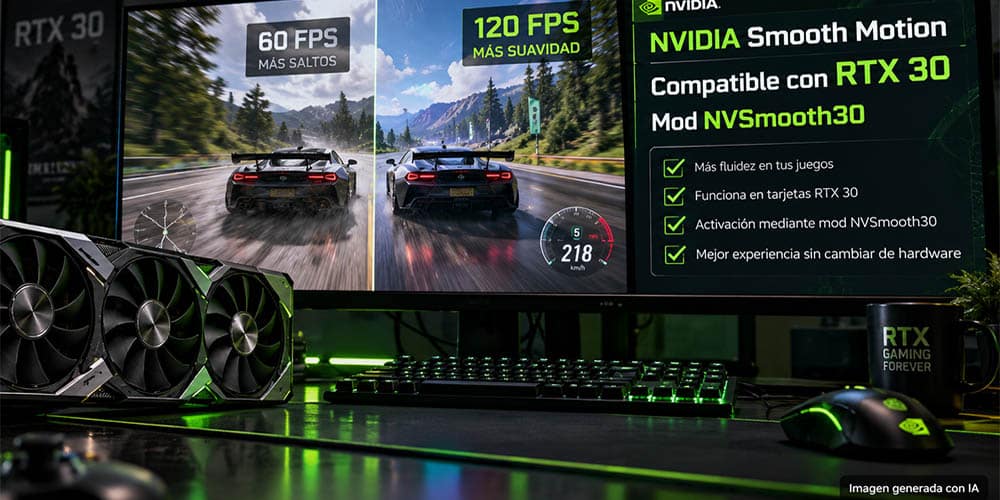

NVSmooth30 is an experimental mod that enables NVIDIA Smooth Motion on RTX 30-series GPUs that NVIDIA does not officially expose the feature to. It targets Ampere's SM86 architecture and works by adapting the driver-level Smooth Motion presentation path rather than adding traditional game-specific frame generation.
The project is particularly interesting for RTX 30 owners because it can potentially bring a newer NVIDIA frame-interpolation feature to hardware that otherwise doesn't have an official Smooth Motion toggle.
Community testing has included desktop RTX 30 cards and the RTX 3050 Laptop GPU, although compatibility remains experimental and depends on the game, driver and system configuration.
This wiki covers what NVSmooth30 does, how it works, how to install it, and the precautions users should take.
Story / Overview / Main Topic
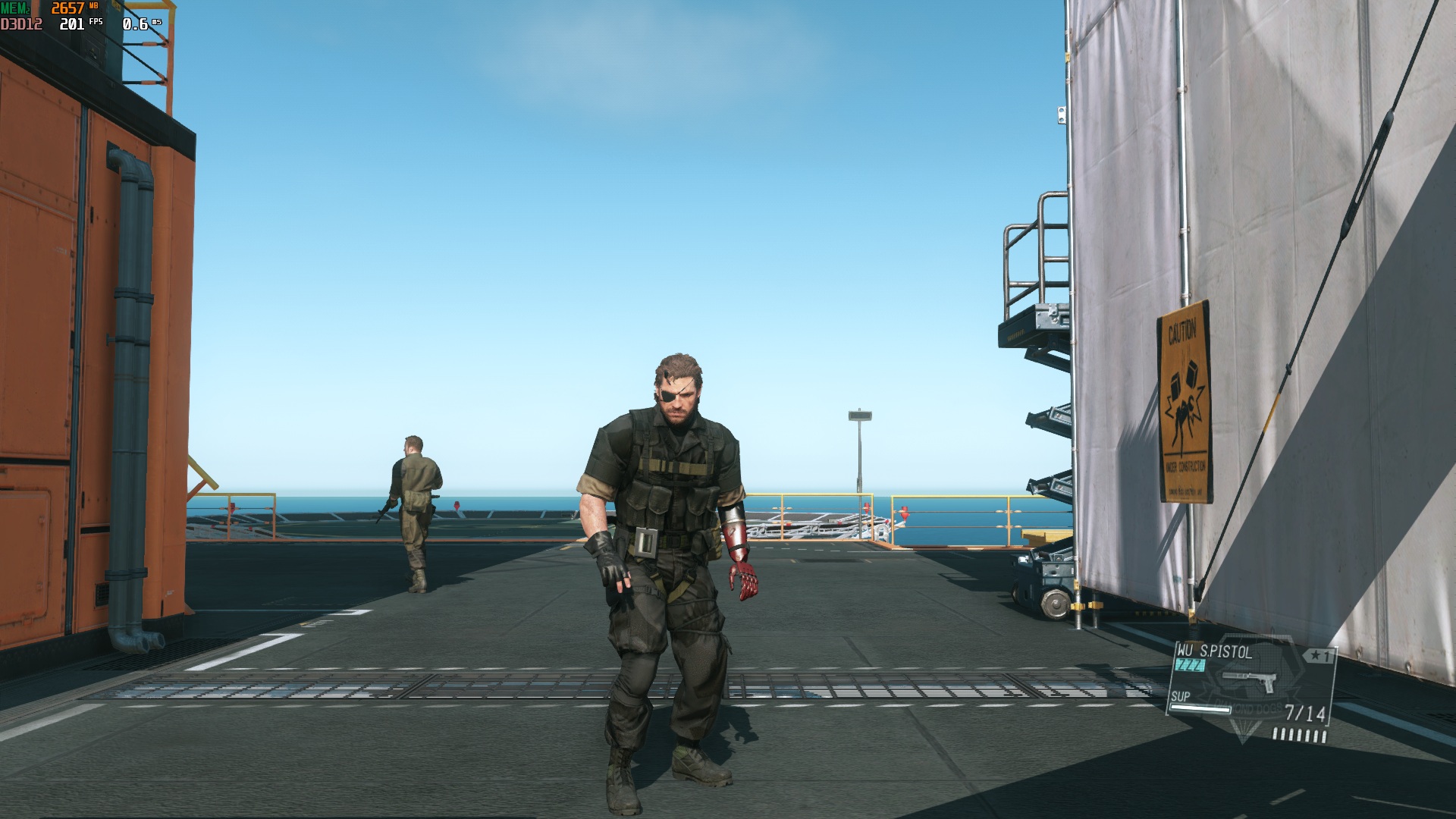
NVIDIA Smooth Motion is a driver-level frame-interpolation technology. Rather than requiring a game to integrate NVIDIA's traditional DLSS Frame Generation system, Smooth Motion operates through NVIDIA's presentation layer.
That distinction is important.
A compatible game can potentially receive interpolated frames without having native DLSS Frame Generation support built into its engine.
NVIDIA officially limits availability according to supported GPU architectures and software configurations. NVSmooth30 attempts to bridge that gap for RTX 30-series / Ampere SM86 hardware.
The project is described as a clean-room, source-available compatibility experiment. It does not distribute NVIDIA's proprietary driver binaries.
Instead, NVSmooth30 interacts with the installed NVIDIA driver and adapts the relevant compatibility checks and execution path.
Setting / Background
The RTX 30 series is based on NVIDIA's Ampere architecture, with the relevant GPUs using the SM86 compute architecture.
Examples include:
RTX 3050
RTX 3060
RTX 3070
RTX 3080
RTX 3090
NVIDIA Smooth Motion arrived as a newer driver-level frame-generation technology, but RTX 30 GPUs were not originally given the same official exposure.
That created an obvious target for modders.
Instead of waiting for an official implementation, community developers investigated how NVIDIA's presentation layer determines whether Smooth Motion can initialize.
NVSmooth30 focuses on those checks and on getting the required GPU code to execute on SM86 hardware.
The project remains experimental, so RTX 30 compatibility should not be interpreted as universal or guaranteed.
Key People / Projects
ItsAdeline and NVSmooth30
The NVSmooth30 project was created by ItsAdeline and is designed around a clean-room compatibility approach.
Its implementation dynamically locates relevant structures instead of relying exclusively on fixed addresses from one driver version. It also performs conservative compatibility handling rather than attempting to function as a general-purpose GPU instruction translator.
Smooth Motion SM86
A separate community project, Smooth Motion SM86, takes a different approach by providing a one-click Windows utility for enabling Smooth Motion on RTX 30-series hardware.
Both projects target the same broad goal but use different implementation and distribution methods.
Gameplay / Features / Major Details
Driver-Level Smooth Motion: The mod targets NVIDIA's presentation-level Smooth Motion path rather than requiring a game's native DLSS Frame Generation integration.
RTX 30 / SM86 Support: NVSmooth30 is designed for Ampere SM86 hardware, covering the RTX 30 generation.
RTX 3050 Laptop Support: Community testing has demonstrated NVSmooth30 working on an RTX 3050 Laptop GPU, making it particularly interesting for gaming laptops that cannot use NVIDIA's officially exposed Smooth Motion feature.
D3D11 and D3D12: Current NVSmooth30 documentation identifies DirectX 11 and DirectX 12 compatibility as the primary targets.
Experimental Status: The project can break after NVIDIA driver changes because it depends on the behavior and structure of the installed NVIDIA presentation runtime.
Profile-Based Activation: NVIDIA Profile Inspector can be used to enable Smooth Motion for individual games.
Anti-Cheat Warning: The project should not be used with competitive or anti-cheat-protected games.
Technology / Development
The most interesting part of NVSmooth30 is what happens underneath the mod.
NVIDIA's Smooth Motion path relies on components within the driver stack, including NvPresent64.dll and GPU-side code intended for supported architectures.
NVSmooth30 attempts to make that pathway usable on SM86 hardware.
The project's approach includes dynamically locating the relevant capability and compatibility structures and adapting the execution path where necessary.
One particularly important technical detail is its handling of GPU kernels.
The project documentation describes its CUDA-related modification as conservative metadata retargeting, rather than a general SASS instruction translator. That means the technique relies on the relevant kernels containing instructions that remain valid on SM86.
This is one reason driver compatibility matters so much.
A new NVIDIA driver can change:
Internal layouts
Capability checks
Kernel formats
Presentation behavior
Driver-side validation
If those changes aren't compatible with the mod, Smooth Motion may stop working until NVSmooth30 is updated.
How to Install NVSmooth30
The basic installation is relatively straightforward, but users should make backups before modifying a game's directory.
Step 1: Download the Mod
Obtain the current NVSmooth30 release from its official project distribution.
The mod provides a version.dll proxy that is placed alongside the game's executable.
Step 2: Locate the Game Executable
Open the installation directory for the game you want to test.
The important location is the folder containing the game's main .exe.
Place the NVSmooth30 version.dll in that directory.
If another mod already uses a version.dll, compatibility can become an issue. NVSmooth30 also provides an alternative approach using an ASI loader when appropriate.
Step 3: Install NVIDIA Profile Inspector
Download and open NVIDIA Profile Inspector.
Find the profile for the game you want to modify.
If the game doesn't have a profile, create or add one using its executable.
Step 4: Enable Smooth Motion
Within the NVIDIA profile, locate the Smooth Motion setting.
Enable it and select Apply Changes.
The setting may need to be enabled again after a future NVIDIA driver update.
Step 5: Launch the Game
Start the game normally.
If the configuration is compatible, NVSmooth30 should allow the Smooth Motion path to initialize.
For troubleshooting, compare the game with Smooth Motion enabled and disabled while keeping the same graphics settings and scene.
RTX 3050 Laptop Installation
The RTX 3050 Laptop GPU is especially notable because community testing has demonstrated the mod working on this hardware.
The installation process is essentially the same:
Confirm that the laptop uses an RTX 3050 Laptop GPU.
Install a compatible NVIDIA driver.
Download NVSmooth30.
Copy
version.dllbeside the game's executable.Open NVIDIA Profile Inspector.
Select the game's profile.
Enable Smooth Motion.
Apply the profile.
Launch the game.
Compare performance and frame pacing with Smooth Motion disabled.
Laptop configurations can be more complicated than desktop PCs because of hybrid graphics, Optimus and multiple GPUs.
For that reason, successful testing on one RTX 3050 Laptop does not guarantee that every RTX 3050 Laptop configuration will behave identically.
Compatibility and Safety
NVSmooth30 should be treated as alpha/experimental software.
Before installing:
Back up modified game files.
Keep a copy of any existing
version.dll.Avoid anti-cheat-protected multiplayer games.
Don't assume every RTX 30 GPU or driver is compatible.
Expect NVIDIA driver updates to potentially break compatibility.
Remove the mod if a game develops crashes, black screens or rendering corruption.
If something goes wrong, the basic rollback is to remove the injected DLL from the game directory and disable Smooth Motion in the game's NVIDIA profile.
The project's fail-closed behavior is also important: when an unknown driver structure is encountered, the implementation is designed to avoid patching rather than blindly modifying an incompatible runtime.
Platforms and Availability
NVSmooth30 is intended for:
Windows 10
Windows 11
64-bit NVIDIA RTX 30-series GPUs
Ampere SM86 hardware
D3D11 games
D3D12 games
Vulkan support is more limited and should be considered experimental where provided by related community implementations.
The project is not an official NVIDIA product and is not part of the standard GeForce driver package.
Why It Matters
NVSmooth30 is significant because it demonstrates how much functionality can sometimes be unlocked when enthusiasts investigate the software layers surrounding modern GPUs.
The RTX 30 generation is still capable gaming hardware, but newer NVIDIA features aren't always exposed equally across generations.
Instead of replacing the GPU, projects such as NVSmooth30 explore whether existing hardware can execute technology that was previously unavailable to it.
The RTX 3050 Laptop example is particularly interesting.
Gaming laptops can be difficult to upgrade because their GPUs are generally soldered to the motherboard. A software modification that adds a newer rendering feature therefore has considerably more practical value than it might on an easily upgradeable desktop.
At the same time, NVSmooth30 should not be confused with official NVIDIA support.
Its compatibility depends on reverse engineering, driver behavior and community testing. That makes it an intriguing technical experiment, but also one that requires caution.
What to Know at a Glance
| Detail | Information |
|---|---|
| Project | NVSmooth30 |
| Purpose | Enable NVIDIA Smooth Motion on RTX 30 GPUs |
| Target Architecture | NVIDIA Ampere / SM86 |
| Developer | ItsAdeline |
| Operating System | Windows 10/11 |
| Primary APIs | D3D11, D3D12 |
| RTX 3050 Laptop | Community-tested |
| NVIDIA Official Support | Not an official NVIDIA feature for RTX 30 |
| Status | Experimental / Alpha |
| Main Tool | NVSmooth30 + NVIDIA Profile Inspector |
🎮 The Bottom Line
NVSmooth30 is an experimental bridge between NVIDIA's newer Smooth Motion technology and legacy RTX 30-series hardware.
Its most interesting achievement is demonstrating that Ampere GPUs—including the RTX 3050 Laptop in community testing—can potentially access a driver-level frame-interpolation pathway that NVIDIA does not officially expose to the generation.
The installation itself is relatively simple: place the compatibility DLL beside the game's executable, enable Smooth Motion through NVIDIA Profile Inspector, and launch the game.
But the simplicity of the installation hides the complexity underneath.
This is still a mod, not an official NVIDIA feature. Driver updates, individual games, hybrid laptop configurations and anti-cheat systems can all affect compatibility.
For RTX 30 owners willing to experiment, however, NVSmooth30 offers a fascinating look at what their hardware may still be capable of.