
Discord Nitro vs Nitro Basic is the choice every Discord user faces once the free tier starts to feel tight. Both are paid subscriptions, both unlock custom emoji everywhere, and both come in monthly and yearly plans. The gap between them is still large.
This wiki lays out the two plans side by side using the perk lists Discord publishes in its help centre. It also covers prices, switching between tiers, gifting, trials and which plan suits which kind of user.
Where Discord's own pages disagree with each other, this guide says so instead of picking one figure.
At a glance - Nitro Basic: custom emoji and stickers anywhere, unlimited Super Reactions, 50MB uploads, custom video backgrounds, a badge and custom app icons. - Nitro: everything in Basic plus 1GB uploads, HD streaming, 2 Server Boosts, profile customisation, 4,000 character messages, 200 servers and more. - US price on Discord's Nitro page: $2.99 a month for Basic, $9.99 a month for Nitro. Prices vary by country. - Switching: you can upgrade Basic to Nitro at any time. Downgrading waits until your current plan ends.
📋 Discord Nitro vs Nitro Basic: Side-by-Side Perks
The table below follows Discord's "What are Nitro & Nitro Basic?" help article. "No" means the perk is not in Discord's Nitro Basic list.
| Perk | Nitro Basic | Nitro |
|---|---|---|
| Custom and animated emoji from any server | Yes | Yes |
| Custom stickers from any server | Yes | Yes |
| Super Reactions | Unlimited | Unlimited |
| File upload limit | 50MB | Up to 1GB |
| Custom video backgrounds | Yes | Yes |
| Subscriber badge | Nitro Basic badge | Nitro badge |
| App icon customisation | Yes | Yes |
| HD streaming and screen share | No | Yes |
| Server Boosts | None | 2 included, plus 30% off extra Boosts |
| Profile customisation (animated avatar, banner, profile theme) | No | Yes |
| Per-server profiles | No | Yes |
| Server limit | No change | Up to 200 servers |
| Message length | No change | Up to 4,000 characters |
| Colour themes and custom themes | No | Yes |
| Soundboard sounds from any server | No | Yes |
| Shop perks (special pricing, exclusive items) | No | Yes |
| Extended Quest rewards | No | Yes |
| Display name styles | No | Yes |
| Nitro Rewards (third-party partner perks) | Not eligible | Yes, varies by region |
Discord's Account Caps page puts the free tier at 100 servers and 2,000 characters per message, so those two rows are where Nitro doubles the free limits.
Where Discord's pages disagree on upload limits
Upload limits are the messiest part of this comparison:
- The main Nitro help article lists 1GB for Nitro and 50MB for Basic. Discord's blog post of 22 October 2026 announced the 1GB Nitro limit.
- The Account Caps help article still lists 500MB for Nitro, 50MB for Basic and 10MB for free accounts.
- The File Attachments FAQ says the free limit is 20MB and notes Discord is testing different limits with some users.
The Basic figure of 50MB is consistent everywhere. For Nitro, 1GB is the newest published number.
💰 How Much Nitro and Nitro Basic Cost
Discord's official Nitro page lists $2.99 per month for Nitro Basic and $9.99 per month for Nitro, in US dollars. The same page says cost varies by country and plan, and that you can check your own price under User Settings > Nitro.
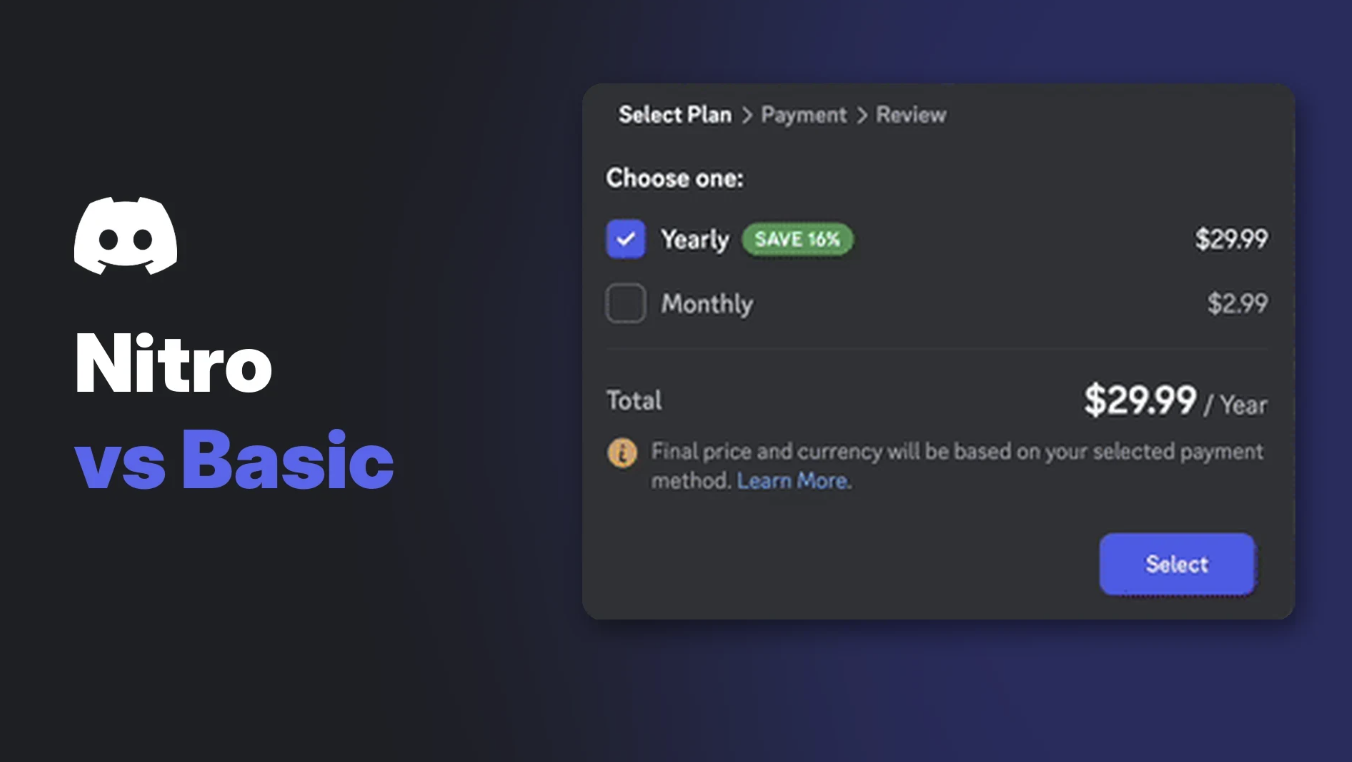
The yearly prices are not printed on that page. Discord's help-centre screenshots of the plan picker show $29.99 a year for Basic and $99.99 a year for Nitro, each tagged "Save 16%". Those images also carry a note that the final price and currency depend on your payment method, so treat them as examples and confirm in the app.
Subscribing to Nitro Basic from the Nitro tab on desktop. Image: Discord.
A few pricing rules from Discord's localized pricing article are worth knowing:
- Local currency pricing exists in a list of countries that includes Brazil, Turkey, Poland, Australia, Japan, Mexico, Korea and others.
- Great Britain and Canada moved to local currencies in April 2026.
- To get a local price, your payment method has to come from an eligible country. Otherwise you are charged in USD.
- Discord says it may test different prices and will notify you before your price changes.
🛒 How to Subscribe to Nitro or Nitro Basic
Both plans are sold monthly or yearly. You are billed once per period and can cancel at any time, keeping your perks until the period ends.
On desktop or browser:
- Open User Settings with the cogwheel at the bottom left.
- Select the Nitro tab.
- Press Subscribe on the Nitro banner, the Nitro card or the Nitro Basic card.
- Pick monthly or yearly in the Select Plan window and finish checkout.
You can also reach the same cards from the Nitro tab in your Direct Messages list.
On mobile:
- Tap your avatar at the bottom right, then the cogwheel.
- Tap Get Nitro.
- Tap Get Nitro for the full plan or Get Basic for Nitro Basic.
One rule catches people out. Discord says you must cancel or switch plans on the same type of device you bought on. A plan bought through the App Store or Google Play is managed there.
🔄 Upgrading, Downgrading and What Happens to Your Perks
Discord's upgrade article is clear about the direction you can move:
- Basic to Nitro: allowed at any time while your subscription is active.
- Monthly to yearly: allowed for both Basic and Nitro.
- Nitro to Basic: not possible mid-plan. You wait for your current subscription to end, then pick the lower tier.
On desktop, go to User Settings > Subscriptions and press Switch Plans. On mobile, go to Settings > Manage Nitro, tap the cogwheel and choose Switch plans.
Switching a monthly Nitro plan to yearly. Image: Discord.
When you upgrade, Discord says:
- New perks start straight away and you keep everything you already had.
- Unused time on your old plan is prorated and applied as credit.
- Your billing date stays the same.
- Very small payments (under 50 cents) may not be prorated. A new billing period starts with a discount instead.
- The upgrade uses the same payment method as your subscription.
When a Nitro plan ends, the two included Server Boosts go with it. Discord's Nitro page says those Boosts only last while the subscription is active. If you want to keep a server's perks, our Discord Boost guide explains how Boost levels and paid Boosts work.
🎁 Gifting Nitro and Nitro Basic
Discord lets you gift monthly and yearly Nitro and Nitro Basic. On desktop, you press the gift icon next to the message box in a DM, group chat or server channel. DM gifts can be customised with a card design, a note, a soundboard effect and emoji confetti.
Choosing a Nitro gift inside a DM on desktop. Image: Discord.
The gifting article has a couple of quirks:
- On desktop, Nitro Basic gifts are not sold in DMs, group chats or channels. You buy them from the Nitro page instead. The mobile section of the same article says you can customise both Nitro and Nitro Basic gifts in DMs, group chats and channels.
- Amazon gift cards cover Nitro only (1, 3, 6 or 12 months) and are limited to the US and EU.
- A gift posted in a group chat or channel can be claimed by anyone. Send it in a DM if it is for one person.
- Once a gift is claimed it cannot be moved or refunded.
Discord gift card balance can also pay for either plan.
🧪 Free Trials and Friend Passes
Discord runs Nitro trials as time-limited promotions, so there is no permanent free trial to point to. Its trial FAQ says you can cancel before a trial ends and will not be charged, and that you cannot change plans during the first 30 days of a free trial. Its most recent 2-week trial promotion ended on 29 January 2026.
Nitro members (not Basic) can also share up to three friend passes, each a 2-week Nitro trial, according to Discord's Share Nitro article.
Discord's trial FAQ warns that staff never DM you free Nitro offers. Our guide to spotting fake giveaways in creator Discord servers covers the scams that copy these offers.
✨ Recent Changes Worth Knowing
The biggest recent change, 1GB Nitro uploads from 22 October 2026, is covered in the upload section above. Two other perks are worth a note.
Nitro Emoji Packs (experiment)
Discord's help centre describes Nitro Emoji Packs as five packs of 25 animated emoji (125 in total): Cattos, Lil Guys, Mochi, Toebi and Skelly. They are an experiment for select Nitro subscribers, including some on trials. During the test you can send them on desktop only; on mobile they are view only. The article ties them to Nitro and does not mention Nitro Basic.
Nitro Emoji Packs inside the emoji picker. Image: Discord.
Super Reactions
Super Reactions add an animation to an emoji reaction. Discord says Nitro, Nitro Basic and legacy Nitro Classic subscribers all get unlimited Super Reactions, and everyone can see them.
🧠 Which Plan Should You Choose?
| If you mainly... | Better fit | Why |
|---|---|---|
| Want custom emoji and stickers everywhere | Nitro Basic | Both plans include them |
| Share short clips and screenshots | Nitro Basic | 50MB covers most small files |
| Share long videos or big files | Nitro | Up to 1GB per upload |
| Stream games or screen share to friends | Nitro | HD streaming is Nitro only |
| Want to support a server | Nitro | 2 Boosts plus 30% off more |
| Care about profile looks | Nitro | Banners, themes, per-server profiles |
| Are in more than 100 servers | Nitro | Raises the cap to 200 |
If you stream often, our Discord streaming guide is a useful next read.
❓ Frequently Asked Questions
What is the main difference in Discord Nitro vs Nitro Basic?
Basic is mostly about expression: emoji, stickers, Super Reactions and 50MB uploads. Nitro adds HD streaming, 1GB uploads, two Server Boosts, profile customisation and higher account limits.
Does Nitro Basic include Server Boosts?
No. Discord's Server Boosting FAQ says Basic subscribers get no Boosts and no Boost discount.
Can I go from Nitro back to Nitro Basic?
Not mid-plan. Discord says you wait until your current subscription ends, then subscribe to the lower tier.
Why is my Nitro price different from a friend's?
Discord sets prices by location, local market conditions, exchange rates and costs, and also tests pricing. Your payment method's country decides whether you see local pricing.
Can I still buy Nitro Classic?
No. Existing Classic subscribers can keep it, but it cannot be bought, and cancelling or upgrading means you cannot return to it.
Is the Discord Nitro vs Nitro Basic upload gap 50MB vs 1GB?
Yes, according to the main help article. The Account Caps page still shows 500MB for Nitro.
Summary
In the Discord Nitro vs Nitro Basic comparison, Basic is the low-cost option for custom emoji, stickers, Super Reactions and 50MB uploads. Nitro adds HD streaming, up to 1GB uploads, two Server Boosts, full profile customisation, 200 servers and 4,000 character messages. Discord's Nitro page lists $2.99 and $9.99 a month in USD, with prices varying by country. You can upgrade at any time, but a downgrade waits until your plan ends.
Sources
- What are Nitro & Nitro Basic? (Discord Help Center)
- Discord Nitro (Discord, US pricing page)
- Discord update: October 22, 2026 (Discord Blog)
- How to Upgrade Your Nitro Subscription (Discord Help Center)
- Discord Account Caps, Server Caps, and More (Discord Help Center)
- File Attachments FAQ (Discord Help Center)
- Localized Pricing on Discord (Discord Help Center)
- Nitro Gifting (Discord Help Center)
- Nitro: Free Trial Offer FAQ (Discord Help Center)
- Nitro 2-Week Trial Offer (Discord Help Center)
- Share Nitro (Discord Help Center)
- How to Use Nitro Emoji Packs (Discord Help Center)
- Reactions and Super Reactions FAQ (Discord Help Center)
- Server Boosting FAQ (Discord Help Center)
- Nitro Rewards (Discord Help Center)
- How to Cancel your Nitro Subscription (Discord Help Center)
Comments
Sign in to join the conversation
Sign inNo comments yet
Be the first to share your thoughts!