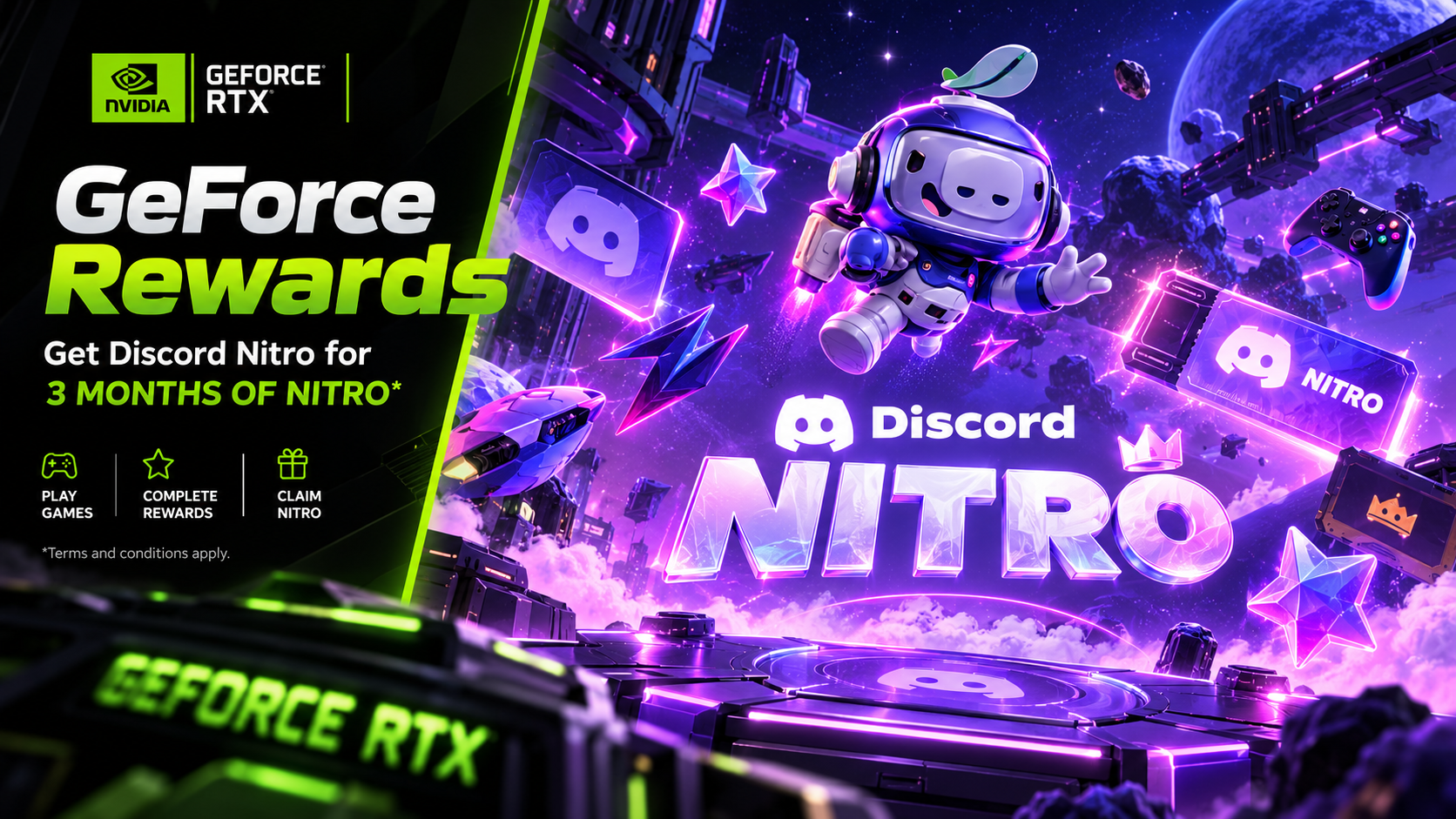

The Complete Wiki to NVIDIA GeForce x Discord Nitro: How the Promo Works
The NVIDIA GeForce x Discord Nitro promotion offered eligible GeForce users three months of Discord Nitro through NVIDIA's rewards system. The offer connected NVIDIA's gaming ecosystem with Discord's premium subscription, giving qualifying users access to Nitro benefits without paying the regular subscription price during the promotional trial.
The process involved two separate steps: claiming the reward through the NVIDIA App and redeeming the resulting offer on a Discord account. Meeting NVIDIA's requirements alone did not guarantee that Discord would accept the redemption. Discord also applied its own subscription-history, regional, and account eligibility rules.
Important status update: The 2026 promotion is no longer active. According to Discord's official promotion FAQ, the claim period ended on August 24, 2026, and the deadline to redeem an already-claimed offer was September 24, 2026. This guide explains how the offer worked and how to understand its requirements, but it is not a currently available free Nitro offer.
Official source: NVIDIA GeForce x Discord Nitro Promotion FAQ.
Quick Facts
| Detail | Information |
|---|---|
| Promotion | NVIDIA GeForce x Discord Nitro |
| Reward | Three months of Discord Nitro |
| Promotion year | 2026 |
| Claim platform | NVIDIA App |
| Discord redemption | Browser-based promotional link |
| NVIDIA hardware eligibility | GeForce GTX 10 Series or newer, subject to the offer terms |
| Nitro eligibility | Generally excluded users with an active Nitro subscription or Nitro trial in the previous 12 months |
| Claim deadline | August 24, 2026 |
| Final redemption deadline | September 24, 2026 |
| Current status | Expired |
| Official NVIDIA rewards page | GeForce Rewards |
| Official Discord FAQ | Promotion details |
What Was the NVIDIA GeForce x Discord Nitro Promotion?
The promotion was a limited-time partnership between NVIDIA GeForce and Discord. Eligible NVIDIA users could claim a code or promotional link for a three-month Discord Nitro trial.
Discord Nitro is a paid subscription that offers benefits such as:
Larger file uploads for sharing files.
HD streaming for supported activities.
Custom emoji access across eligible servers.
Profile customization, including avatar decorations and other cosmetic options.
Server Boosts included with the standard Nitro subscription.
Additional personalization and communication features.
The exact benefits depend on the Nitro plan and its current terms.
The promotion did not mean that every NVIDIA account automatically received Nitro. NVIDIA distributed rewards through its app, and availability was subject to eligibility and limited reward inventory.
Official references: Discord's promotion FAQ and NVIDIA GeForce Rewards.
How the Promotion Worked
The process had two main stages.
Stage 1: Claim the reward through NVIDIA
Eligible users needed an NVIDIA account and the NVIDIA App. After signing in, they could open the rewards area and check whether the Discord Nitro reward was available.
Claiming the reward generated the promotional redemption information needed for the next stage.
Stage 2: Activate Nitro through Discord
The user then opened the promotional link in a browser, signed in to Discord, checked the account that would receive Nitro, and accepted the offer.
Discord checked the account's eligibility before activating the subscription. A reward claimed through NVIDIA could still fail at this stage if the Discord account did not satisfy the offer's terms.
This distinction is important: claiming a reward and redeeming a reward were separate actions.
Step-by-Step Guide: How Users Claimed the Offer
The following instructions describe the original promotion workflow. Because the 2026 offer has expired, these steps cannot be used to obtain a new reward from that campaign.
Step 1: Create an NVIDIA account
Users first needed an NVIDIA account to access the GeForce rewards system.
Anyone who already had an account could sign in instead of creating another one.
Step 2: Install the NVIDIA App
The promotion's reward was distributed through the NVIDIA App rather than through a standalone download page.
Users needed to download, install, and open the app on a supported Windows computer.
Step 3: Sign in to NVIDIA
After installing the app, users signed in with their NVIDIA account.
The account needed to meet the offer's requirements, and rewards were not guaranteed to every user who met the basic criteria.
Step 4: Open the Redeem section
Users opened the profile menu and selected Redeem to check for available rewards.
If the Discord Nitro promotion appeared, they could open its details and claim it while the campaign was active.
Step 5: Claim the Discord Nitro reward
The user selected the available reward inside the NVIDIA App.
After claiming it, the app provided the promotional redemption information. The user then needed to complete Discord's separate activation process before the deadline.
Step 6: Open the redemption link
The user opened the promotional link in a browser.
If the browser was not already signed in to Discord, Discord prompted the user to log in or create an account.
Step 7: Confirm the correct Discord account
Before accepting the offer, the user needed to check the Discord account displayed on the redemption page.
This was particularly important for people who managed multiple accounts. Redeeming the offer on the wrong account could not simply be undone to obtain another promotional reward.
Step 8: Add payment information if requested
Discord required a valid payment method for the subscription activation flow.
Although the promotional trial was free during its three-month period, the subscription was scheduled to renew as a paid monthly Nitro subscription unless cancelled before renewal.
Step 9: Accept the gift
After reviewing the account and payment details, the user selected Accept Gift to activate the offer.
Discord then redirected the user to the Subscriptions section in User Settings, where the Nitro subscription could be checked.
Eligibility Requirements Explained
The promotion had requirements on both the NVIDIA and Discord sides.
NVIDIA account and hardware
According to NVIDIA's GeForce Rewards information, users needed an NVIDIA account and a supported system. The rewards page listed GeForce GTX 10 Series and newer as the hardware threshold for GeForce rewards.
The NVIDIA App was required to access and claim the promotion. Rewards were distributed on a first-come, first-served basis, so satisfying the hardware requirement did not guarantee that a reward would be available.
Check the official information at NVIDIA GeForce Rewards.
Discord subscription history
Discord applied additional restrictions to the Nitro trial.
Under the 2026 promotion's terms, users who had an active Nitro subscription or Nitro trial within the previous 12 months were ineligible. The FAQ also specified restrictions involving prior Nitro subscriptions and recent Nitro Basic or Nitro Classic subscriptions.
The precise subscription history mattered, so users needed to review the promotion's own terms rather than assume that every former subscriber qualified.
Existing Nitro Basic or Nitro Classic subscriptions
Some users with an active Nitro Basic, Nitro Classic, or Server Boosting subscription could redeem the promotion if they had never had a Discord Nitro subscription and met the other requirements.
However, activating the three-month Nitro offer would replace the qualifying existing subscription. Discord warned that users would lose the remaining value of that subscription without a refund.
Regional restrictions
The official 2026 promotion FAQ excluded the following regions:
Brazil
Belarus
China
Cuba
Iran
North Korea
Russia
Sudan
Syria
Turkey
Ukraine
Venezuela
The FAQ also noted that restrictions could change and that an Unknown Gift Code error could indicate that the account was not eligible.
Users needed to follow the actual promotion terms applicable to their region.
What Happened After the Three-Month Trial?
The promotion offered three months of Nitro, not a permanently free subscription.
After the trial ended, the subscription was scheduled to convert into a monthly recurring Nitro subscription. Discord would then charge the payment method associated with the account at the applicable subscription price.
Users who did not want to continue paying needed to cancel before the trial ended.
How to cancel an active Nitro subscription
For users with an active Nitro subscription, the general cancellation process is:
Open Discord.
Go to User Settings.
Select Subscriptions.
Locate the active Nitro subscription.
Follow the cancellation instructions displayed there.
Check the subscription status and renewal information to confirm the cancellation.
The expired NVIDIA offer cannot be newly activated, but users who redeemed it before the deadline should check their own subscription status rather than assume that the subscription has ended automatically.
Official reference: Discord Nitro promotion FAQ.
Common Redemption Errors and What They Meant
The original promotion FAQ documented several errors users could encounter during activation.
“Oh no! It looks like you have Nitro already”
This message indicated that the Discord account already had a Nitro subscription and did not qualify for the promotion.
Users should verify that they are signed in to the correct account and review the subscription-history requirements.
“Sorry, looks like you've already had a Nitro sub!”
This indicated that the account's previous Nitro history made it ineligible under the offer's rules.
Discord advised users who believed the result was incorrect to contact support.
“Looks like this gift has already been claimed”
This meant that the promotional gift had already been used. The code could not be reused to activate another subscription.
“Wait a Second...Looks like this code didn't work”
The promotion code was not accepted. Possible causes included an invalid or unusable code.
Because the campaign has expired, an unredeemed offer cannot now be activated after its deadline.
“Sorry, This Payment Source Cannot Be Used for Redemption”
Discord could not use the selected payment method for the redemption flow. The promotion FAQ noted that some prepaid payment methods were not supported for the required payment validation.
“Looks like your email isn't verified”
The Discord account needed a verified email address before completing the redemption process.
NVIDIA App reward not appearing
If a reward was not visible in the NVIDIA App while the campaign was active, NVIDIA recommended checking account and rewards settings. Users could also consult the official NVIDIA support page.
Support links:
Can You Still Get the NVIDIA GeForce x Discord Nitro Offer?
No. The specific 2026 three-month promotion has expired.
Discord's official FAQ lists August 24, 2026, as the final date to claim the reward through NVIDIA and September 24, 2026, as the final date to redeem it on Discord. As of October 18, 2026, both deadlines have passed.
If you are looking for a different Nitro promotion, check the official NVIDIA GeForce Rewards page and Discord's promotions section. Other offers may have different dates, hardware requirements, regional availability, and subscription-history restrictions.
Be cautious of websites or social posts offering expired codes. Do not share your Discord password, account recovery codes, or payment information with third-party sellers.
Frequently Asked Questions
Was the NVIDIA GeForce x Discord Nitro promotion free?
The offer provided three months of Nitro as a promotional trial. Users still had to satisfy the eligibility rules and provide payment information when required. A recurring paid subscription would begin after the trial unless cancelled.
How long did the promotion last?
The claim period ran from July 28 to August 24, 2026. The final date to redeem an already-claimed reward was September 24, 2026.
Did users need an NVIDIA graphics card?
NVIDIA's GeForce Rewards information listed GeForce GTX 10 Series and newer hardware for rewards access. Users also needed an NVIDIA account and the NVIDIA App. Availability was limited and not guaranteed.
Could existing Nitro subscribers redeem the offer?
Eligibility depended on subscription history. Users with an active Nitro subscription or Nitro trial within the previous 12 months were excluded under the offer's terms. Certain users with Nitro Basic, Nitro Classic, or Server Boosting subscriptions had additional conditions.
Did the offer automatically activate Nitro after claiming it in the NVIDIA App?
No. Claiming the reward through NVIDIA and redeeming it through Discord were separate steps. The user needed to open the redemption link, sign in to the correct Discord account, and accept the offer.
Would Nitro renew automatically after the trial?
Yes. The offer was set to convert to a monthly recurring Nitro subscription after three months unless the user cancelled before renewal.
Can I redeem the offer now?
No. The 2026 promotion's redemption deadline was September 24, 2026. Check official rewards pages for other available promotions.
Where can I find official updates about future offers?
Check NVIDIA GeForce Rewards and the Discord Promotions Help Center.
Final Verdict
The NVIDIA GeForce x Discord Nitro promotion offered eligible users three months of Discord Nitro through NVIDIA's rewards system. The process required users to claim the reward inside the NVIDIA App, then redeem it on the correct Discord account before the deadline.
The most important details were the separate redemption steps, restrictions based on subscription history and region, limited reward availability, and automatic paid renewal after the trial.
The 2026 offer is now expired. Anyone interested in a future promotion should verify its current dates and terms on official NVIDIA and Discord pages before attempting to redeem a code.
Comments
Sign in to join the conversation
Sign inNo comments yet
Be the first to share your thoughts!