

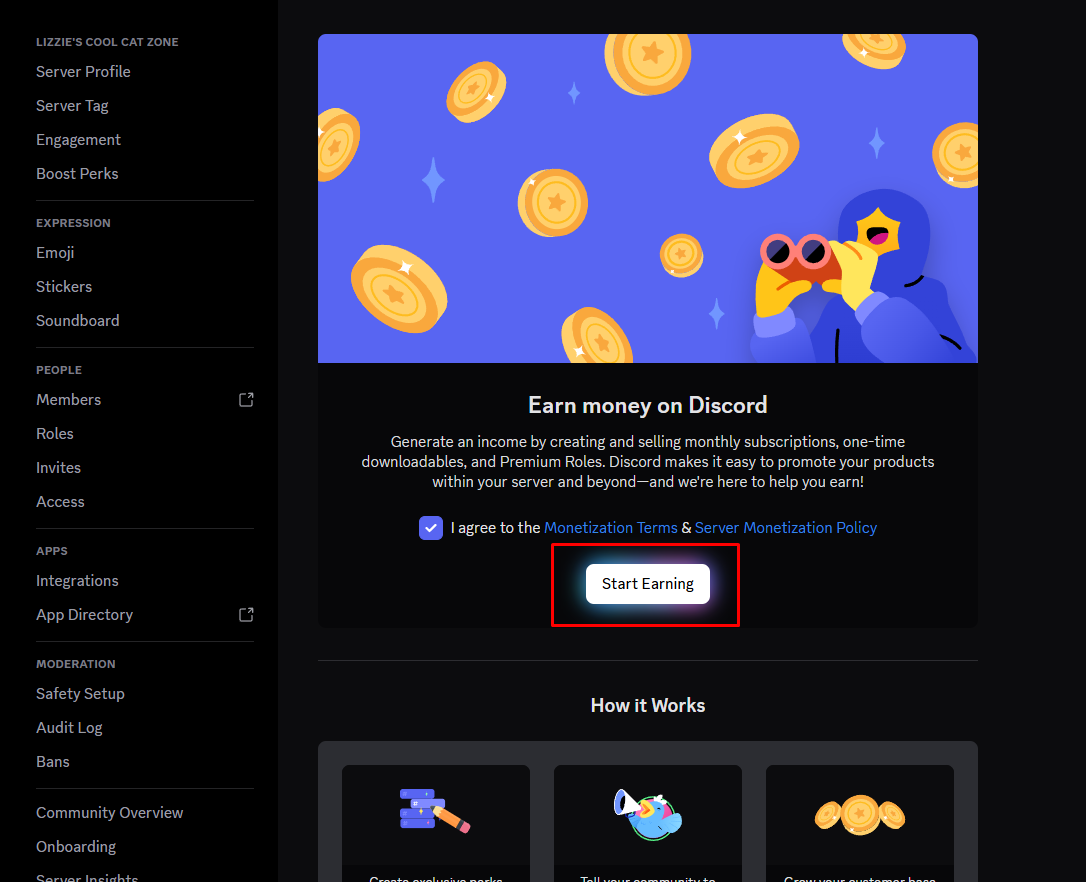
Running a paid Discord community involves more than simply creating a Premium role and asking members to pay. Once money enters the picture, payments, subscriptions, access control, renewals, cancellations, and member roles all need to work together.
This is where Discord monetization tools become useful.
Payment gateways can process transactions, subscription platforms can handle recurring billing, and automated Discord bots can connect payments to the member experience by assigning or removing roles automatically.
The goal is simple: a member pays, receives access, and keeps that access while their subscription remains active.
What Are Discord Monetization Tools?
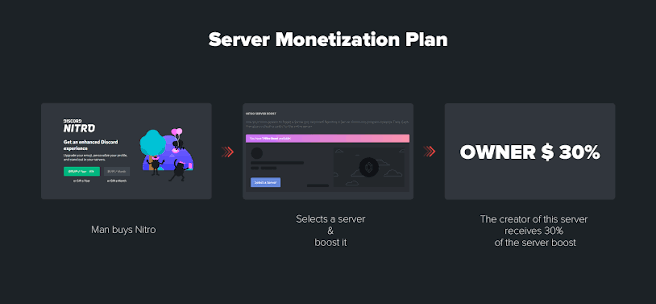
Discord monetization tools are services and systems that help server owners turn a community into a paid membership platform.
They can include:
- Payment gateways
- Subscription platforms
- Membership services
- Automated Discord bots
- Role-management systems
- Webhooks
- Checkout pages
- Customer portals
- Analytics tools
Some communities use Discord's native monetization features, while others use external services to gain additional flexibility over pricing, payment methods, membership management, and automation.
The right setup depends on how much control the server owner needs and how complicated the membership system is.
Payment Gateways
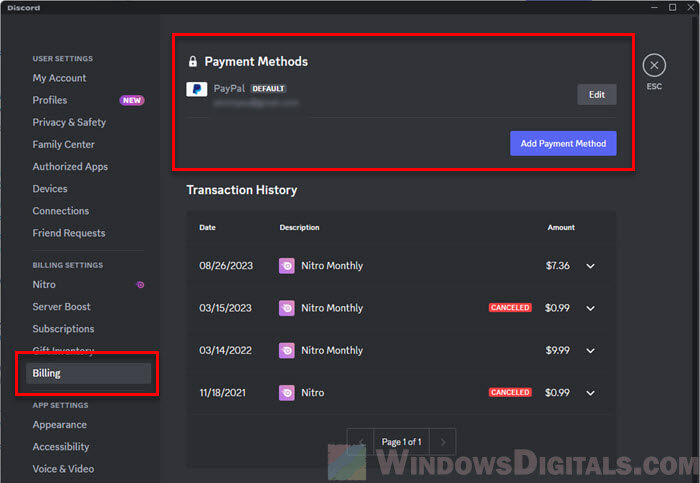
A payment gateway is the part of the system responsible for processing a customer's payment.
Instead of manually checking whether someone has paid, a gateway can process the transaction and provide information that another service can use.
A typical flow looks like this:
Member → Checkout → Payment Gateway → Subscription System → Discord Bot → Premium Role
For example, a member could purchase a monthly membership through an external checkout page. Once the payment is confirmed, the membership system can notify a Discord bot, which then gives the member the appropriate role.
Payment gateways can also handle recurring billing, failed payments, refunds, and other parts of the transaction process depending on the service being used.
Subscription Management
Selling a subscription once is easy.
Managing it over several months is the difficult part.
A proper subscription system needs to understand when a member:
- Starts a subscription
- Renews successfully
- Cancels
- Has a failed payment
- Receives a refund
- Changes their subscription tier
- Lets their subscription expire
This is why subscription management should be separated from simply assigning a Discord role.
For example, imagine someone subscribes to a $10 Premium membership.
Their system could work like this:
Payment confirmed → Premium role assigned
One month later:
Payment renewed → Premium role remains active
If the payment fails and the subscription eventually expires:
Subscription inactive → Premium role removed
Automation prevents the server owner from having to manually monitor hundreds of members.
Connecting Payments to Discord Roles
The most useful part of a monetization system is connecting a financial event to a Discord permission.
A paid membership can correspond to a specific Discord role.
For example:
| Membership | Discord Role | Access |
|---|---|---|
| Free | @Member | Public channels |
| Basic | @Supporter | Supporter channels |
| Premium | @Premium | Premium channels |
| VIP | @VIP | Premium + VIP channels |
Once these roles are connected to channel permissions, the payment system becomes an access-control system.
A member doesn't simply receive a role because an administrator manually added it.
Instead, the role represents their current membership status.
Automated Discord Bots
Bots can handle many of the repetitive tasks involved in running a paid community.
Depending on the service and integration, a monetization bot may be able to:
- Assign paid roles
- Remove expired roles
- Verify membership
- Send payment confirmations
- Welcome new subscribers
- Notify members about renewals
- Handle subscription changes
- Provide membership commands
- Connect external payment systems with Discord
The biggest advantage is automation.
If 500 people subscribe to a community, manually assigning 500 roles would be impractical. A properly configured bot can handle these changes automatically.
Webhooks and Automation
Webhooks are another important piece of the puzzle.
A webhook can allow one service to notify another service when something happens.
For example:
Payment Successful
↓
Subscription Platform Sends Event
↓
Automation System Receives Event
↓
Discord Bot Assigns Premium Role
The same system can work in reverse when a subscription ends.
Subscription Cancelled
↓
Membership Status Updated
↓
Automation Triggered
↓
Premium Role Removed
This type of automation is particularly useful for communities with multiple membership tiers.
Managing Multiple Subscription Tiers
Monetization tools become even more useful when a server has multiple paid levels.
A simple structure could be:
$5 Supporter
Access to:
- Supporter chat
- Supporter announcements
$10 Premium
Everything in Supporter, plus:
- Premium discussion
- Exclusive resources
- Premium events
$25 VIP
Everything in Premium, plus:
- VIP lounge
- Private events
- Additional community benefits
Each subscription can be connected to a different Discord role.
This creates a straightforward relationship:
Payment → Subscription → Role → Permissions → Content
The important part is making sure members receive exactly what their subscription promises.
Discord-Native vs. External Monetization
Discord itself offers monetization features that can simplify the process because the membership experience happens directly inside the platform.
External systems can provide another approach.
Discord-Native
Advantages:
- Integrated Discord experience
- Less external setup
- Native membership functionality
- Roles and premium access can work together
External Platforms
Advantages:
- Potentially more payment flexibility
- Greater control over subscription management
- Additional billing features
- More automation possibilities
- Ability to manage memberships outside Discord
The best choice depends on the community.
A small server may prefer a simple native solution, while a larger creator business may need a more sophisticated external payment and automation stack.
Handling Cancellations and Failed Payments
This is one of the most important parts of monetization automation.
A member who cancels a subscription should not necessarily lose access immediately if their subscription remains active until the end of the billing period.
Similarly, a temporary payment failure does not always mean the membership should instantly disappear.
A good system should distinguish between:
Payment failed
and
Subscription ended
That distinction helps prevent accidental removal of legitimate members.
The automation should follow the actual membership status rather than reacting blindly to every payment event.
Security and Permission Management
Payment automation also introduces security considerations.
Never give a monetization bot more Discord permissions than it needs.
If a bot only needs to manage Premium and VIP roles, it should not require unnecessary administrative access.
Role hierarchy is especially important.
The bot must be positioned appropriately in the server's role hierarchy if it is expected to assign or remove specific roles.
Similarly, external payment systems should be configured carefully because they may process sensitive financial information.
The safest setup is usually one where:
Payment information stays with the payment provider
while Discord only receives the information necessary to manage membership access.
Testing the Monetization System
Before launching a paid community, test the entire process.
Create a test membership and verify:
1. Payment
Does checkout work correctly?
2. Subscription
Is the membership recorded properly?
3. Discord Connection
Does the system identify the correct Discord account?
4. Role Assignment
Is the correct role added?
5. Channel Access
Can the member access exactly what they paid for?
6. Cancellation
Does cancelling the subscription update the membership correctly?
7. Expiration
Is the premium role eventually removed when access ends?
Testing the complete journey is much better than testing only the initial payment.
Common Discord Monetization Mistakes
Manual role management
Manually adding and removing hundreds of premium roles quickly becomes unmanageable.
Giving bots excessive permissions
Automation does not require giving every bot Administrator access.
Poor tier design
If multiple tiers provide almost identical benefits, members may not understand why they should upgrade.
Ignoring failed payments
A payment failure and an expired subscription are not always the same thing.
No cancellation workflow
Members should have a clear way to manage their subscription.
Not testing role access
A member could successfully pay while accidentally receiving access to the wrong channels.
What to Know at a Glance
| Feature | Purpose |
|---|---|
| Payment Gateway | Processes customer payments |
| Subscription Platform | Tracks recurring memberships |
| Discord Bot | Automates membership-related Discord actions |
| Webhook | Sends events between connected services |
| Premium Role | Represents a member's Discord access level |
| Channel Permissions | Controls what each membership can access |
| Automation | Reduces manual membership management |
| Subscription Status | Determines whether access should remain active |
Why Discord Monetization Tools Matter
The biggest advantage of monetization automation is consistency.
A human administrator might forget to remove an expired role, assign the wrong tier, or miss a failed payment.
An automated system can apply the same rules to every member.
More importantly, it allows a Discord server to function like a real membership platform.
The payment system handles the transaction.
The subscription system handles membership status.
The bot handles Discord access.
The role system determines what members can see and do.
Together, these components create a scalable monetization structure.
🎮 The Bottom Line
Discord monetization tools are most powerful when they connect payments directly to access.
A payment gateway can process the transaction, a subscription platform can track the membership, and an automated Discord bot can turn that membership status into the correct role.
The result is a system where members can subscribe, receive their benefits, renew, upgrade, cancel, or expire without requiring constant manual intervention.
For smaller communities, a simple setup may be enough. For larger servers, combining payment gateways, subscription management, webhooks, bots, roles, and channel permissions can create a much more scalable operation.
The key is not simply getting people to pay.
It's making sure the entire journey from payment to premium access works reliably
Comments
Sign in to join the conversation
Sign inNo comments yet
Be the first to share your thoughts!