
Modern technology is packed with features designed to make everyday tasks easier, faster, and more convenient. However, many users only explore the basic functions of their devices and ignore several hidden tools that can significantly improve productivity and user experience.
From smartphones and laptops to browsers and apps, these underrated features can save time, improve security, and make your digital life much smoother. Here are some tech features you probably have but rarely use and why you should start using them.
Voice Assistants
Voice assistants like those built into smartphones and smart devices can do much more than answer simple questions. Many people use them only for checking the weather or setting alarms, but they can handle several everyday tasks.
You can use voice commands to:
- Send messages without typing
- Create reminders
- Set timers
- Control smart home devices
- Search information quickly
Voice assistants are especially useful when your hands are busy or when you need to complete tasks quickly.
Password Managers
Many people still reuse the same passwords across multiple accounts, which creates a major security risk. Password managers offer a safer and easier solution.
They can:
- Generate strong passwords
- Store login details securely
- Automatically fill passwords
- Protect accounts from unauthorized access
Instead of remembering dozens of passwords, you only need to remember one master password.
Clipboard History

- Copying and pasting is something everyone uses, but many people don't know about clipboard history.
- This feature allows you to access previously copied text, links, or images instead of losing them after copying something new. It is extremely useful when working on documents, researching topics, or managing multiple pieces of information.
Screen Recording
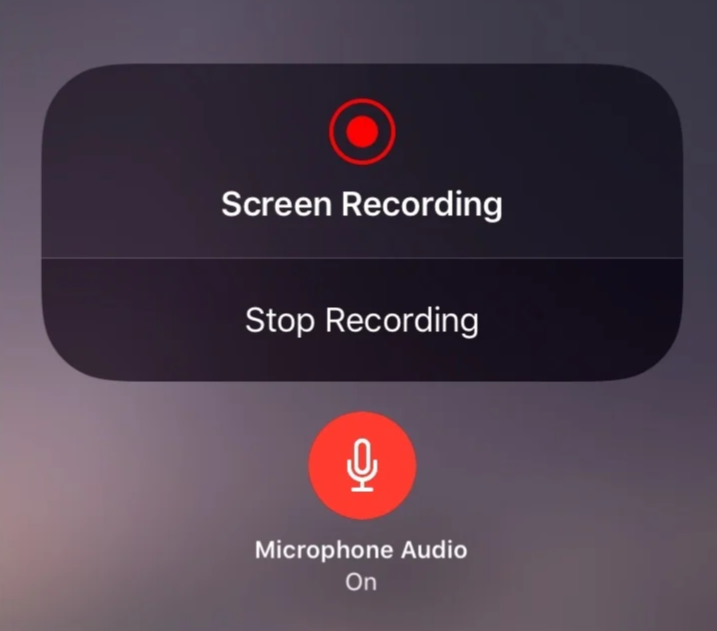
Most modern devices include built-in screen recording, yet many users rarely use it.
Screen recording can help you:
- Create tutorials
- Record important online meetings
- Save gameplay moments
- Explain technical problems
- Capture important information
It eliminates the need for third-party apps in many situations.
Dark Mode

Dark mode is available on almost every major operating system and application today. While many users enable it for aesthetic reasons, it also provides practical benefits.
It can:
- Reduce eye strain in low-light environments
- Make screens more comfortable at night
- Improve battery life on OLED displays
Switching to dark mode can create a more comfortable viewing experience, especially during extended screen time.
Two-Factor Authentication
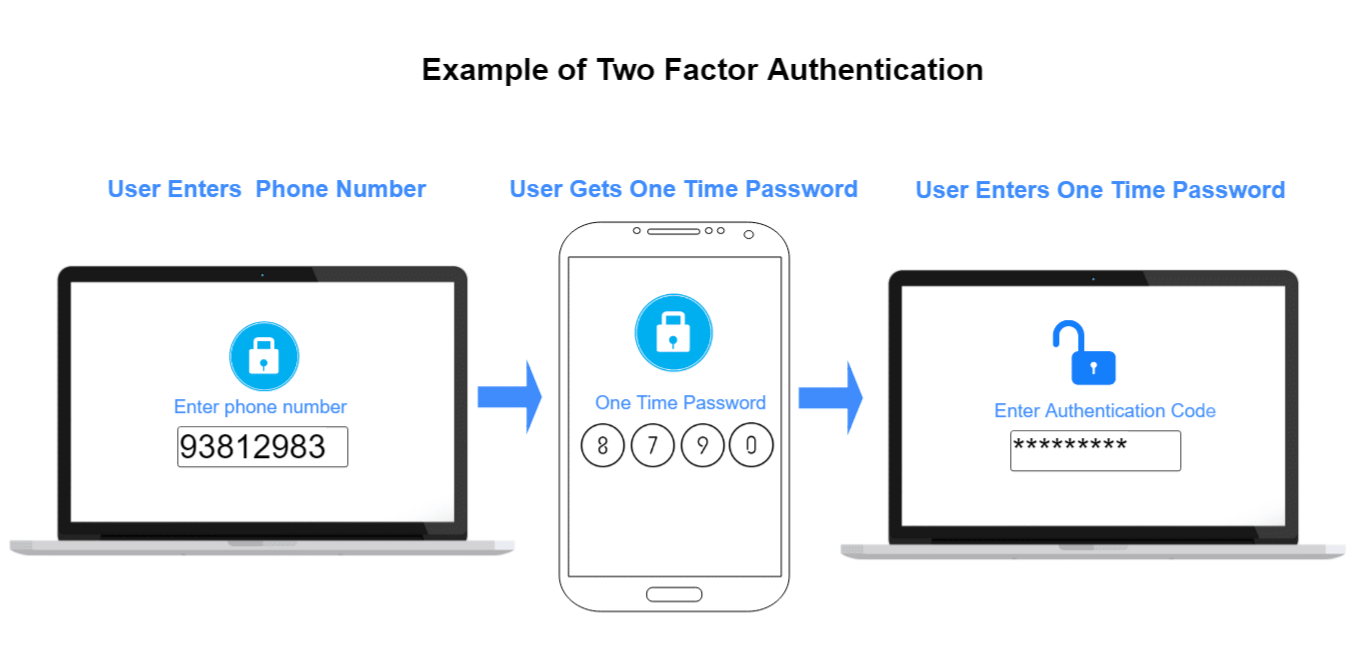
Two-factor authentication (2FA) is one of the simplest ways to improve online security.
Instead of relying only on a password, it adds an additional verification step, such as:
- A code sent to your phone
- An authentication app
- A security key
Even if someone discovers your password, they are much less likely to access your account.
Automation Tools
Automation features can handle repetitive tasks and save significant time.
Examples include:
- Automatically organizing emails
- Creating shortcuts for common actions
- Scheduling messages
- Syncing files between devices
Small automations can improve efficiency without requiring advanced technical knowledge.
Cloud Storage
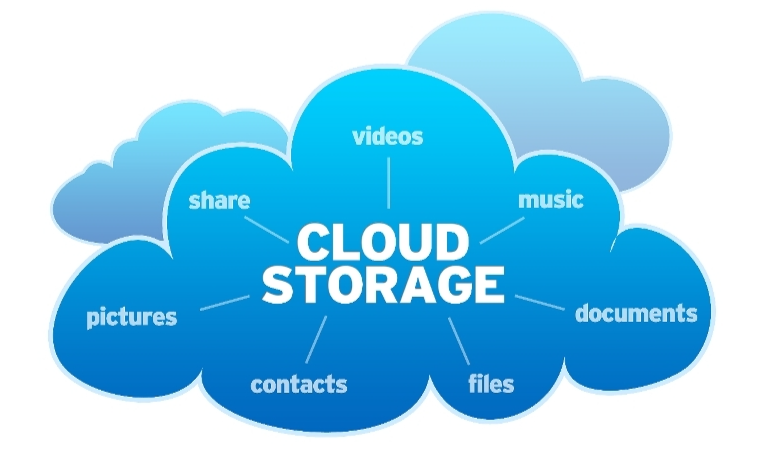
Many users store files only on their devices and forget about cloud storage options.
Cloud services allow you to:
- Access files from anywhere
- Backup important documents
- Share files easily
- Sync data across devices
It provides extra protection against losing important files due to device damage or accidental deletion.
Nearby Sharing
- Sharing files between devices doesn't always require cables or messaging apps.
- Features like nearby sharing allow users to quickly transfer photos, documents, and links between compatible devices. It is faster and more convenient than traditional methods.
App Permissions Control
Many apps request access to your camera, microphone, location, and contacts without users checking what they allow.
Reviewing app permissions helps you:
- Protect privacy
- Reduce unnecessary tracking
- Control what information apps can access
Taking a few minutes to adjust permissions can make your device more secure.
Keyboard Shortcuts
Keyboard shortcuts are among the simplest ways to improve productivity, but many users ignore them.
Common shortcuts can help you:
- Navigate faster
- Switch between apps
- Copy and paste efficiently
- Complete tasks without repeatedly using a mouse
Learning even a few shortcuts can save hours over time.
Find My Device Features
Losing a phone or laptop can be stressful, but built-in tracking features can help locate missing devices.
These tools allow you to:
- Find device locations
- Play sounds
- Lock devices remotely
- Erase data if necessary
Enabling these features before a device goes missing can make recovery much easier. Technology is designed to simplify our lives, but many useful features remain hidden because people rarely explore their devices beyond basic functions. By using tools like password managers, automation, cloud storage, screen recording, security features, and productivity shortcuts, you can get much more value from the technology you already own. Sometimes the biggest upgrades don't come from buying new devices, they come from discovering the powerful features you already have.
Comments
Sign in to join the conversation
Sign inNo comments yet
Be the first to share your thoughts!