
Keeping a Discord server active can be difficult. Many server owners use @everyone or @here to grab attention. It may work for a short time, but constant mass pings can quickly annoy members.
Too many notifications can lead to muted servers, lower engagement, and even member loss.
The better approach is to create organic reasons for people to return. With regular activities, personalized notifications, and member-focused conversations, you can keep your Discord server active without relying on mass mentions.
1. Use Opt-In Notification Roles
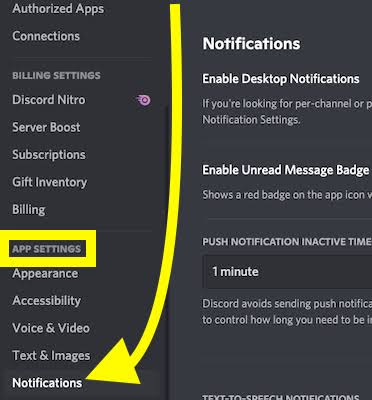
Not every member wants the same notifications.
Some people may care about gaming events. Others may prefer community updates, giveaways, or watch parties.
Create opt-in roles that let members choose what they want to hear about.
For example, you could offer roles such as:
- 🎮 Gaming Events
- 🎬 Watch Parties
- 💻 Tech Discussions
- 🎨 Creator Events
- 🏆 Community Competitions
This lets you send targeted notifications instead of pinging everyone.
Tip
Ask members to choose their interests when they join. Discord's onboarding tools can make this process easier.
2. Create Weekly Community Events
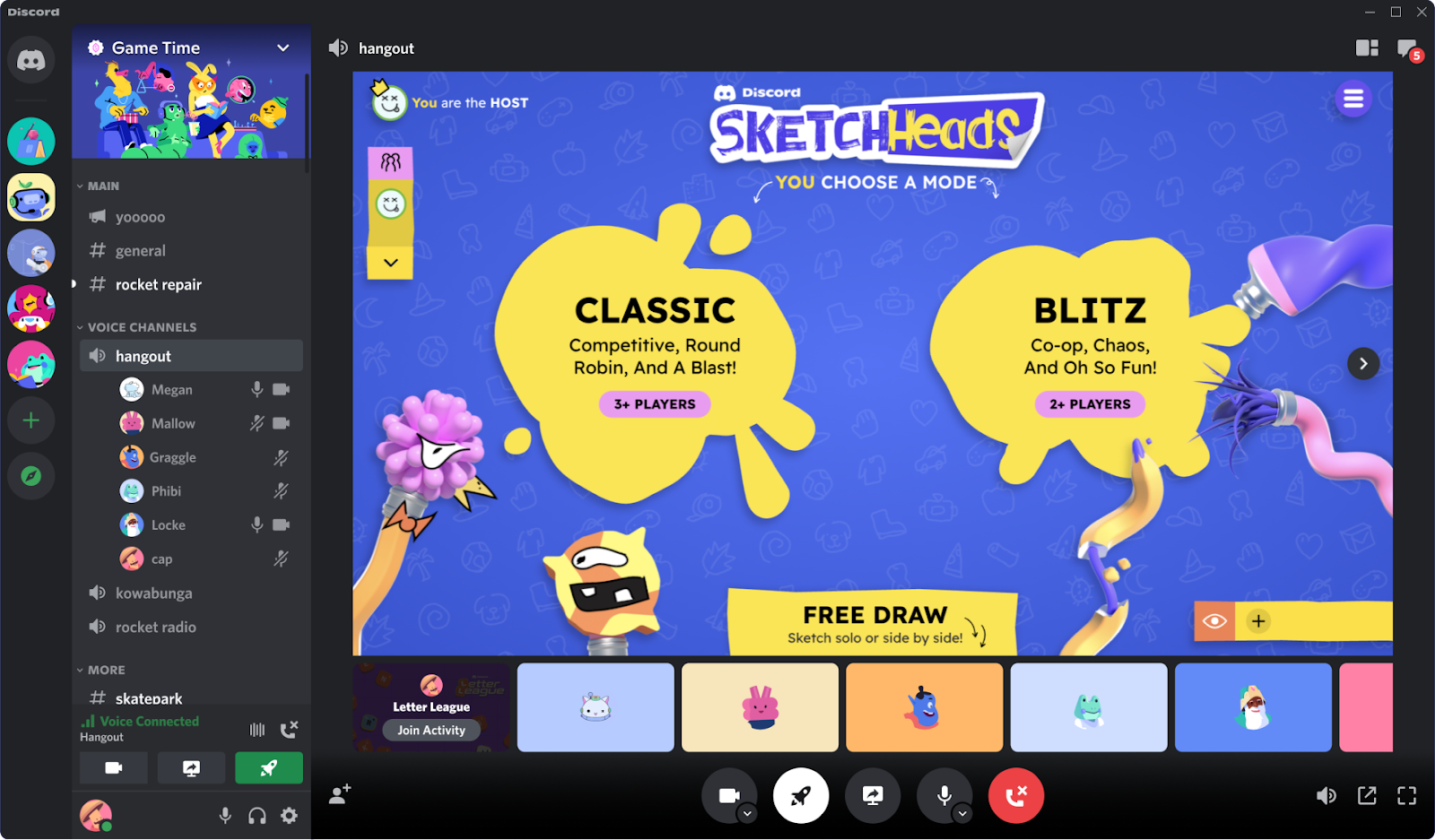
People are more likely to participate when they know what to expect.
Create recurring events on specific days. Keep them simple and consistent.
For example:
| Day | Activity |
|---|---|
| Monday | Community Goals |
| Tuesday | Tips & Discussions |
| Thursday | Member Showcase |
| Friday | Gaming or Voice Hangout |
| Sunday | Weekly Community Recap |
You do not need to announce every event with @everyone.
Once members become familiar with the schedule, they can visit the server on their own.
3. Gamify Member Participation
A little competition can make conversations more fun.
You can use leveling systems to reward active members. Members can earn experience from chatting or participating in community activities.
Rewards can include special roles, custom colors, private channels, or early access to events.
You can also create monthly challenges.
For example, members could compete for the most helpful answer, best artwork, or funniest meme.
4. Keep Your Server Structure Simple
A server with too many empty channels can feel inactive.
You do not need dozens of channels when starting out.
Focus on a few important spaces, such as:
#general#announcements#media#community-chat#bot-commands
Add new channels only when your community actually needs them.
You can also use temporary event channels instead of keeping inactive channels open all year.
5. Ask Better Questions
A simple announcement may not create a conversation.
Instead of posting:
"Our new blog is live!"
Try asking:
"What's the biggest mistake you've made while growing a Discord server?"
Questions give members a reason to respond.
You can also highlight member achievements, share interesting replies, and ask follow-up questions.
This makes the conversation feel personal.
6. Track Your Server's Engagement
Growing a community is easier when you know what is working.
Pay attention to metrics such as:
- Number of active members
- New member retention
- Daily messages
- Voice activity
- Participation in events
- Most active channels
If one type of event consistently gets more participation, consider making it a regular part of your schedule.
Final Thoughts
Keeping a Discord server active does not require constant @everyone notifications.
The best communities give members a reason to return.
Use opt-in roles, recurring events, simple channel structures, rewards, and interesting questions to encourage participation.
Mass pings should be reserved for important announcements.
When members choose to participate instead of being repeatedly notified, your server can become more active, comfortable, and sustainable.
Frequently Asked Questions
How often should I use @everyone?
Use it sparingly. Save mass mentions for important announcements, major events, or urgent updates.
How can I increase Discord engagement?
Create recurring activities, ask questions, reward participation, and give members opportunities to share their own content.
How many channels should a Discord server have?
There is no fixed number. Start with a small set of useful channels and add more as your community grows.