
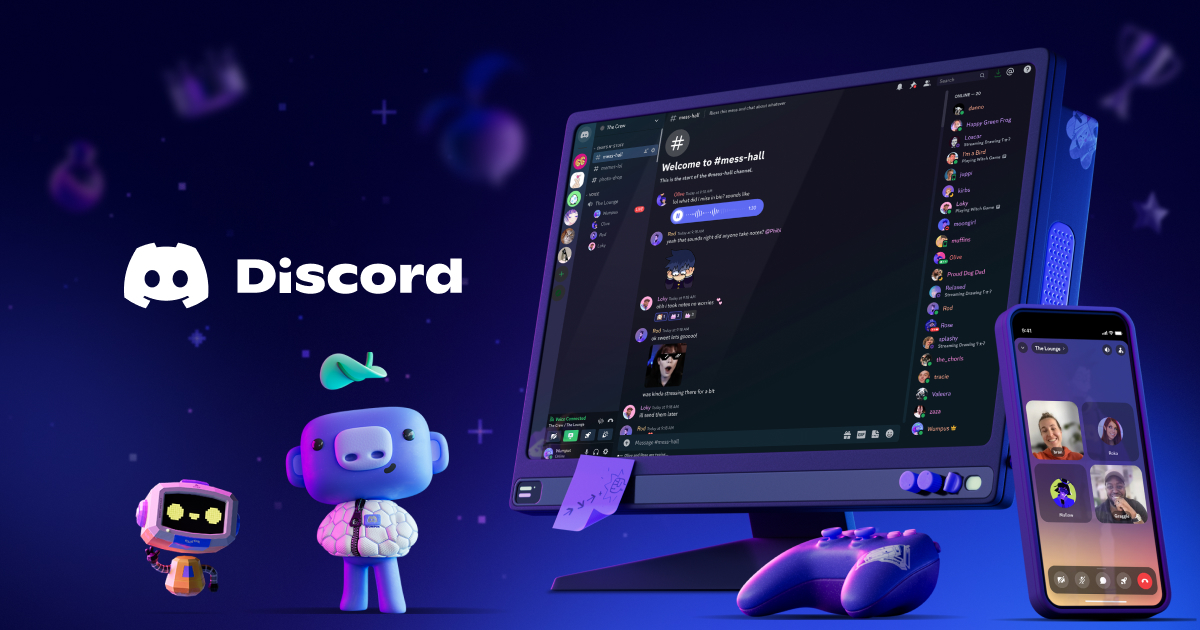
A strong Discord server needs more than active members and useful channels. Discord server branding helps give your community a recognizable identity and makes it easier for members to remember and engage with it. From your server name and icon to colors, emojis, banners, and channel organization, small branding choices can create a more professional and welcoming experience.
Whether you run a gaming community, creator server, study group, or social community, this Discord Server Branding Guide explains how to build a consistent identity that makes your server stand out.
Tip
Keep your branding simple and consistent. Using too many colors, fonts, or visual styles can make your server feel cluttered.
1. Choose a Memorable Server Name
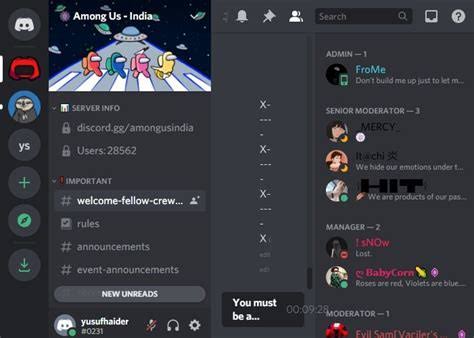
Your server name is one of the first things potential members notice. Choose something that is easy to remember and connected to your community's purpose.
Avoid unnecessarily long names or random combinations of numbers and symbols. A short, distinctive name is usually easier to recognize and share.
If your server is connected to a creator or brand, consider using the same name across your social media platforms.
2. Create a Recognizable Server Icon
Your server icon appears throughout Discord, so it should be easy to identify even when displayed at a small size.
Use a simple logo, symbol, letter, or recognizable graphic. Avoid designs containing too much text because details can become difficult to see at smaller sizes.
Your icon should also match the overall style of your community.
3. Pick a Consistent Color Palette
Colors can make your server feel more cohesive.
Choose two or three main colors and use them consistently across your server graphics, banners, announcement images, and other visual elements.
For example, a gaming community might use bold contrasting colors, while a study community could choose softer, minimal tones.
Warning
Don't use a different color scheme for every channel or graphic. Inconsistent visuals can make your community look less organized.
4. Organize Your Channels Around Your Brand
Branding isn't only about visuals. Your channel structure also contributes to your server's identity.
Create clear categories and use descriptive channel names. You can also use emojis consistently to make important sections easier to recognize.
For example:
- 📢 Announcements
- 💬 General Chat
- 🎮 Gaming
- 🎨 Showcase
- 🎉 Events
- 🆘 Support
Keep the structure intuitive so new members can understand where everything belongs.
5. Use Custom Emojis and Stickers
Custom emojis can give your community a personality that standard Discord emojis can't provide.
Consider creating emojis based on your logo, inside jokes, community phrases, or recurring reactions.
The goal isn't to fill your server with dozens of emojis. A smaller collection of recognizable custom emojis can have a stronger branding effect.
6. Make Your Welcome Experience Match
Your branding should continue when a new member joins.
Create a clear welcome channel with your server's visual style, rules, and basic information. You can also use a branded welcome message to explain what members can do and where they should start.
A consistent onboarding experience makes your server feel more intentional from the beginning.
7. Keep Your Branding Consistent
Consistency is one of the most important parts of effective Discord server branding.
Your server icon, banner, colors, emojis, channel naming style, and promotional graphics should feel like they belong to the same community.
If you promote your Discord server on Instagram, YouTube, TikTok, Reddit, or other platforms, try to maintain the same visual identity there as well.
Frequently Asked Questions
What is Discord server branding?
Discord server branding is the process of creating a recognizable visual and community identity using elements such as names, icons, colors, banners, emojis, and channel organization.
How can I make my Discord server look professional?
Use a memorable name, clean icon, consistent color palette, organized channels, custom emojis, and a clear welcome experience.
How many colors should a Discord server use?
Two or three primary colors are usually enough to create a recognizable visual identity without making the server look cluttered.
Are custom emojis important for Discord branding?
They aren't essential, but custom emojis can give your community a unique personality and reinforce its identity.
Conclusion
Good Discord server branding can turn an ordinary community into a recognizable online space. Start with a memorable name and icon, establish a simple color palette, organize your channels clearly, and add custom visual elements such as emojis and banners.
Most importantly, stay consistent. When your Discord server's visuals, channel structure, and community experience all work together, members are more likely to recognize your brand and feel connected to the community.