
Taking a break from Discord, or leaving for good? Before you look up how to delete Discord account settings, it helps to know exactly what deleting does. It's permanent, it takes 15 days, and there's one step that stops most people mid-way.
This guide shows how to delete your Discord account on desktop and mobile, what you lose, how to cancel if you change your mind, and why disabling might suit you better.
At a glance - Where: User Settings > My Account > Delete Account - Before you can delete: transfer or delete every server you own - Waiting period: 15 days, then deletion is permanent - Changed your mind? Log back in within 15 days and select Restore Account - Want a break instead? Disable your account
🗑️ How to Delete Discord Account on Desktop
- Select the cog icon (User Settings) in the bottom-left corner.
- Stay on the My Account tab.
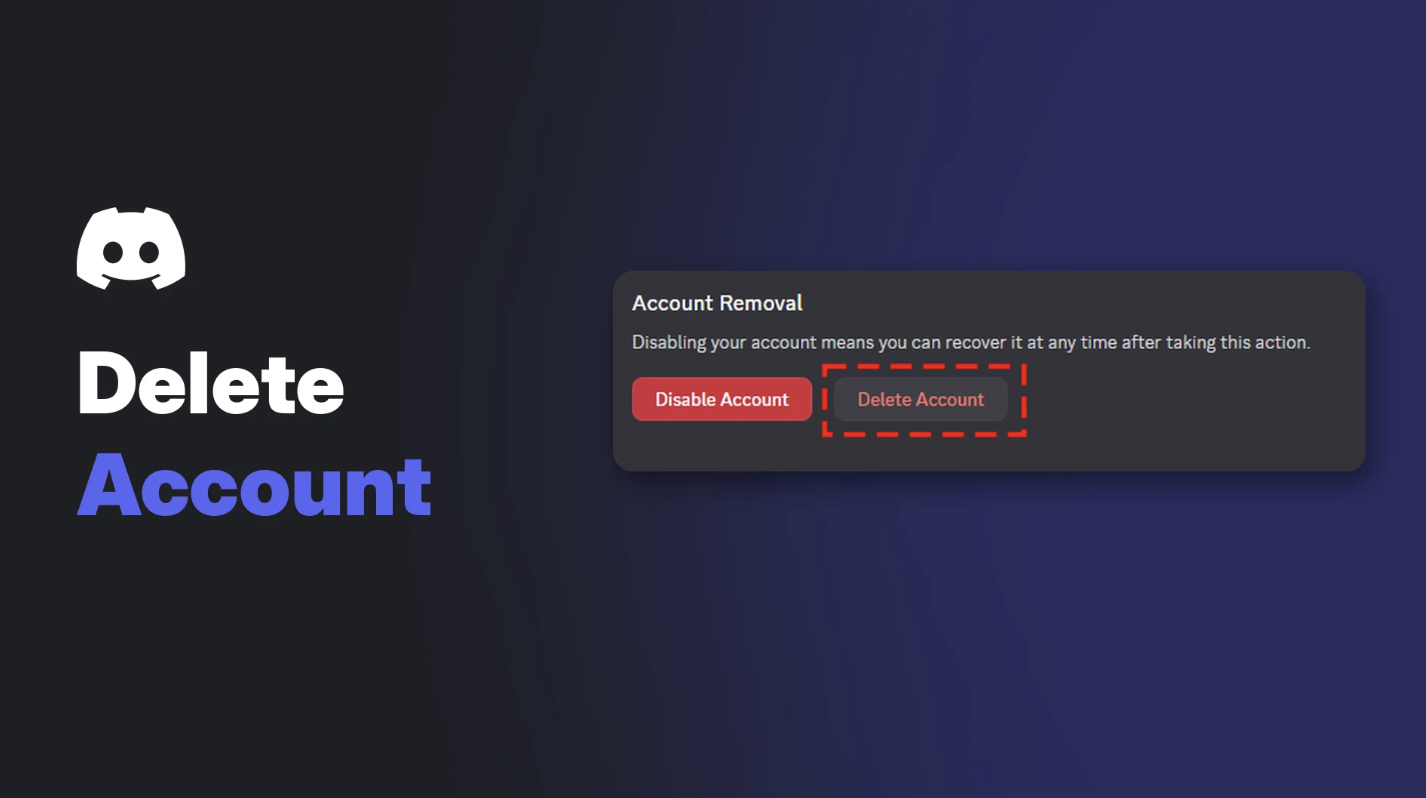
- Scroll down and select Delete Account.
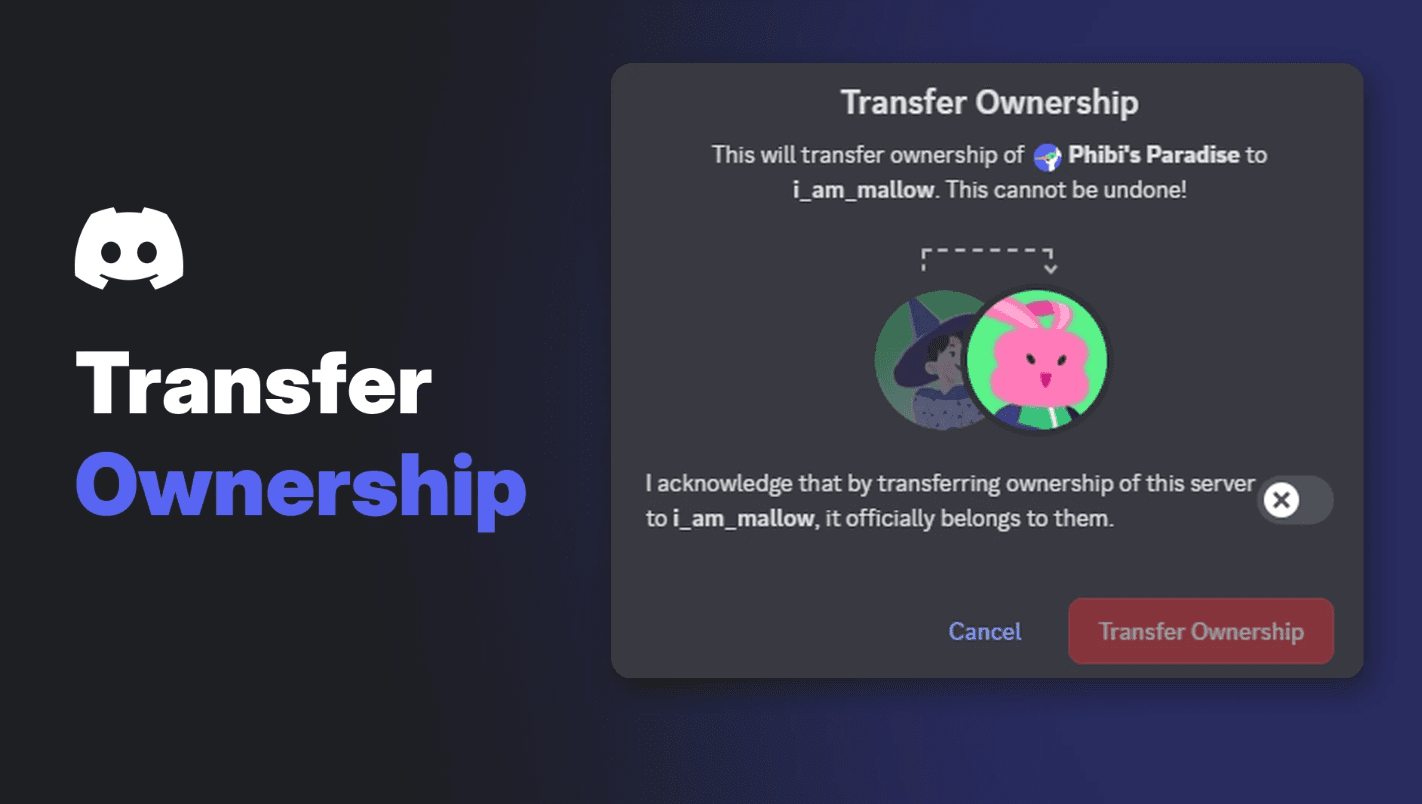
- If you own any servers, transfer or delete them first. Discord won't let you continue until you do.
- Enter your password, plus your two-factor code if you use one.
- Select Delete Account to confirm.
Discord asks for your password before deleting. Image: Discord.
📱 How to Delete Your Discord Account on Mobile
- Tap your profile avatar in the bottom right.
- Tap your avatar again, or the gear icon, to open Settings.
- Tap Account.
- Scroll down and tap Delete Account.
- Transfer or delete any servers you own if prompted.
- Enter your password (and two-factor code), then tap Okay.
👑 "You Own Servers": The Step That Stops Most People
If you own servers, Discord shows a message and blocks deletion until each one has a new owner or is deleted.
You'll see this if you still own servers. Image: Discord.
Hand your server to someone you trust rather than deleting it. Your members keep their community, and you keep your conscience clear.
⏳ What Happens After You Delete Your Account
According to Discord:
- You're logged out immediately.
- Your account is "pending deletion" for 15 days.
- After 15 days, deletion is permanent and irreversible.
- You lose access to servers, DMs, group chats and purchases.
- Nitro and Server Boosts are cancelled.
- Servers you owned continue under the new owner you chose.
- Your account is anonymised across servers and messages.
Discord's support team can't speed up the 15 days.
↩️ How to Cancel a Deletion
Changed your mind? Within 15 days:
- Log in on desktop, browser or mobile.
- Discord tells you the account is pending deletion.
- Select Restore Account.
Forgot your password? Reset it first, then log in. Once the 15 days have passed, the account can't be restored. Our Discord account recovery guide covers lost passwords and locked accounts.
⚖️ Delete vs Disable: Which Should You Choose?
| Disable | Delete | |
|---|---|---|
| Permanent? | No, it's on hold | Yes, after 15 days |
| Come back later? | Log in and select Restore Account | Only within 15 days |
| Notifications | No @notifications by email | None |
| Friend requests | Saved for when you return | Not received |
| Subscriptions | Keep charging unless you cancel them | Cancelled |
Disable Account sits right next to Delete Account. Image: Discord.
Two catches with disabling: you still need to transfer servers you own, and Discord says disabled accounts inactive for 2 years or more may be deleted anyway. Cancel Nitro separately if you don't want to keep paying.
🛡️ Before You Go: A Quick Checklist
- Transfer your servers to trusted members.
- Cancel Nitro or boosts if you're disabling rather than deleting.
- Save anything important, like links, files and contacts.
- Tell your friends where else to find you.
- Locked out or hacked? Contact Discord support instead of trying to delete.
For a lighter option, our Discord privacy settings guide shows how to limit who can contact you without leaving.
Frequently Asked Questions
How long does it take to delete a Discord account?
15 days. Your account is pending deletion during that time and is permanently deleted after.
Can I recover a deleted Discord account?
Only within 15 days. Log in and select Restore Account. After that, it's gone for good.
Why can't I delete my Discord account?
You probably still own a server. Transfer ownership or delete the server, then try again.
Does deleting Discord cancel Nitro?
Yes. Deleting cancels Nitro and Server Boosts. Disabling does not.
Will my messages be deleted?
Discord says your account is anonymised across servers and messages.
🎮 The Bottom Line
Knowing how to delete your Discord account is easy. Deciding is harder. Deletion is permanent after 15 days, so if you just need a break, disabling is the safer move. Either way, sort out your servers and subscriptions first.
Are you leaving for good, or just taking a break?
Sources
- Discord Help Center: How to Delete your Discord Account, updated 24 October 2026
- Discord Help Center: How Do I Disable My Account?, updated 24 October 2026
- Discord Help Center: How to Restore Your Deleted Discord Account, updated 24 October 2026
Comments
Sign in to join the conversation
Sign inNo comments yet
Be the first to share your thoughts!