

The Complete Wiki to Discord AutoMod Regex Rules
What Are Discord AutoMod Regex Rules?
Discord AutoMod supports regular expressions (regex) for advanced message filtering.
Instead of blocking only an exact word or phrase, a regex rule can look for patterns inside a message. This makes it useful when users deliberately change characters, add symbols, or disguise links to bypass normal filters.
For example, a server could use regex to detect suspicious Discord invite links or specific URL patterns.
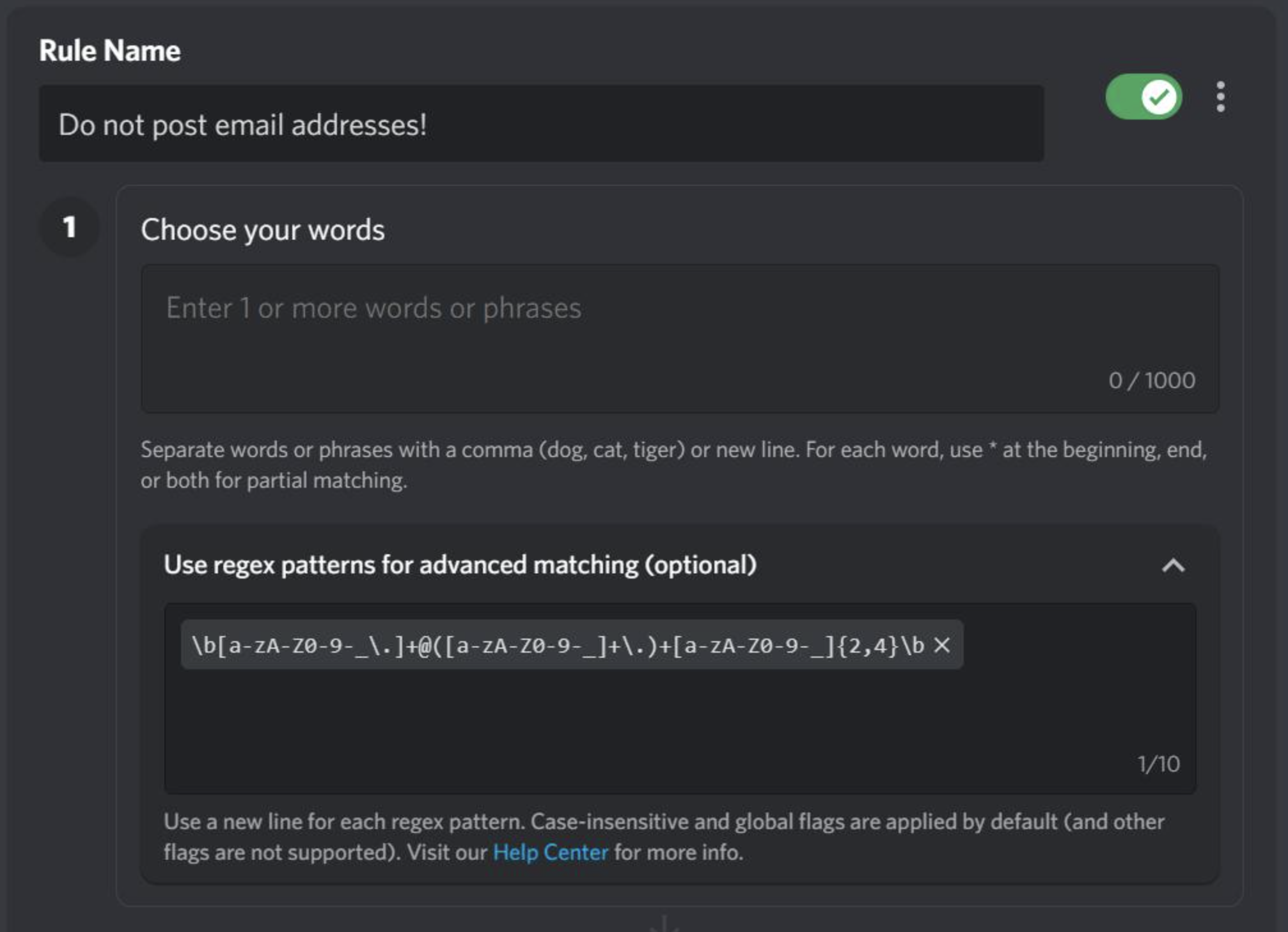
Where Do You Create Regex Rules?
Regex rules are configured through your server's Server Settings → AutoMod.
You can create a custom rule and select the Regular Expression option, then enter the pattern you want AutoMod to detect.
Depending on the rule, AutoMod can be configured to:
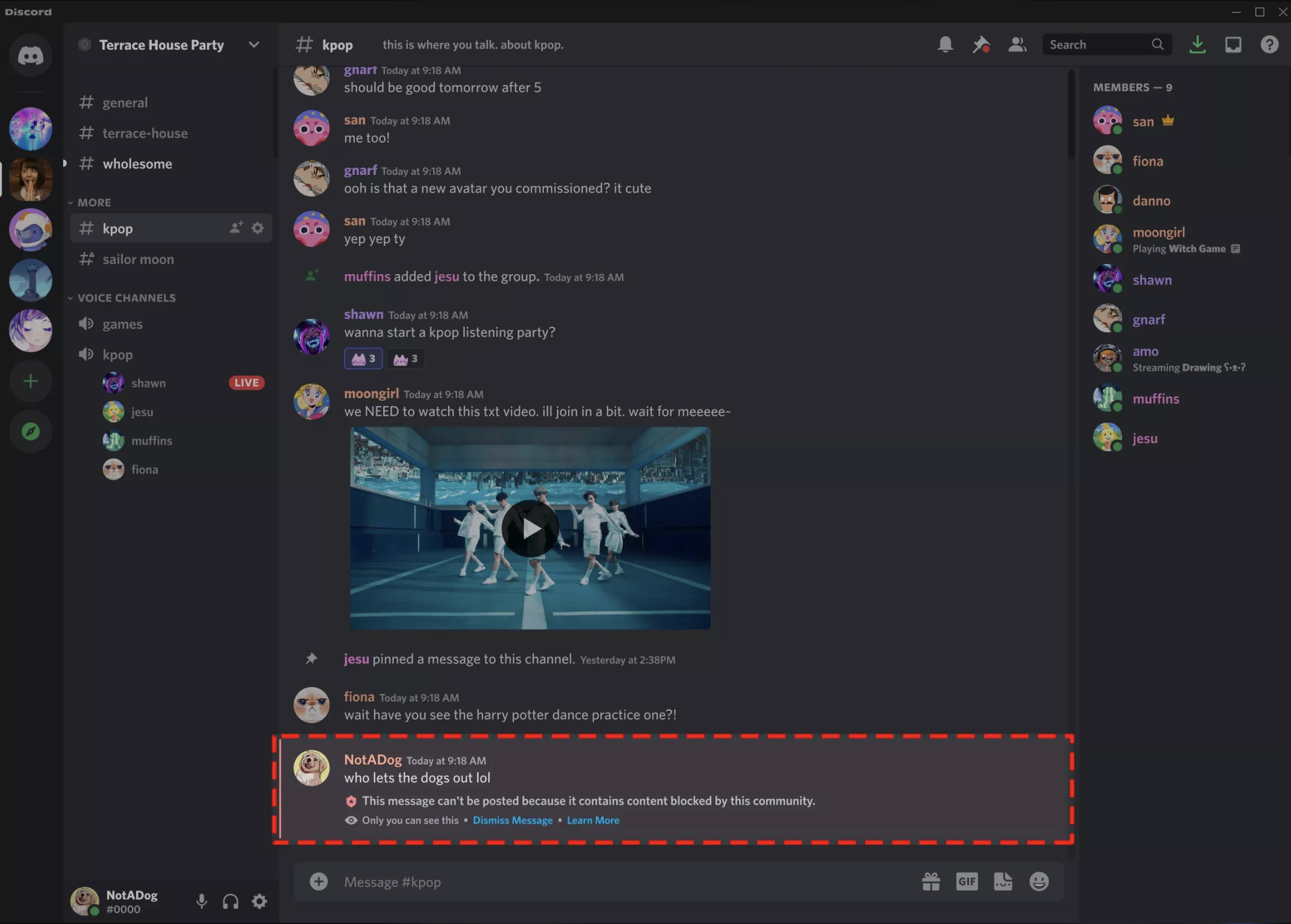
- Block a matching message
- Send an alert
- Apply other available moderation actions
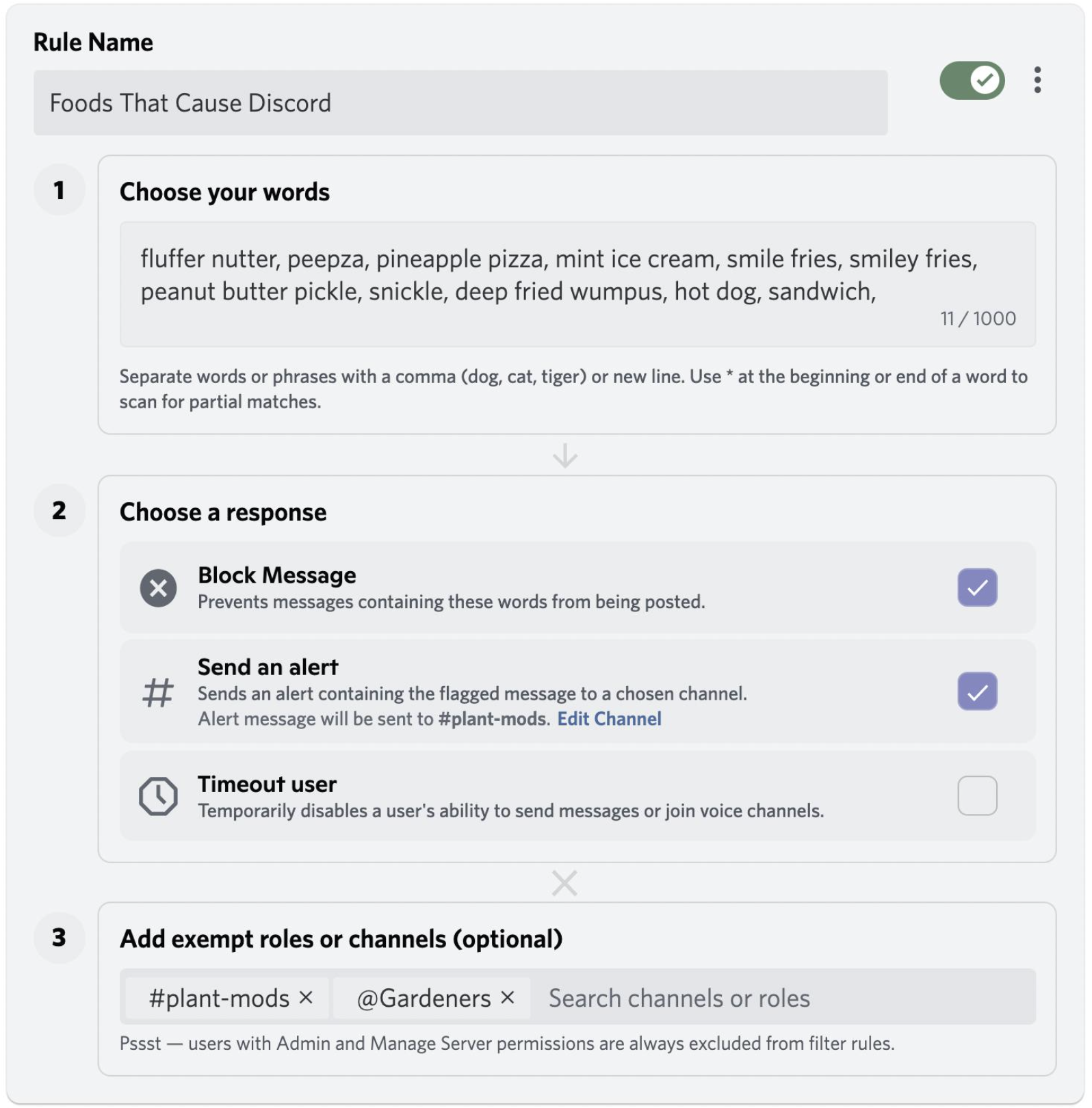
Catching Evasive Spam
Regex becomes useful when spammers intentionally change the appearance of words.
For example, a basic keyword rule might detect:
free nitro
But users could attempt variations such as:
free-nitrofree_nitrofree.nitro
A carefully designed regex can account for these separators instead of requiring one exact spelling.
Tip: Don't make one giant regex trying to catch every possible variation. Smaller, focused rules are easier to test and maintain.
Detecting Character Substitution Bypasses
Users may replace characters to make filtered words harder to detect.
Common examples include replacing letters with numbers or visually similar characters.
Regex can help identify known substitution patterns, but it should be used carefully. The more aggressive the pattern, the greater the chance of blocking legitimate messages.
For larger communities, combine regex with normal AutoMod keyword rules rather than relying entirely on one complicated expression.
Blocking Unauthorized Server Links
Regex is particularly useful for identifying Discord invite links.
A pattern can be designed to detect formats such as:
discord.gg/example
or:
discord.com/invite/example
This can help communities prevent members from advertising unauthorized servers when the server's rules prohibit external invites.
You can also create more specific patterns for particular domains or URL structures.
Unicode and Invisible Characters
Another bypass technique involves inserting unusual or invisible Unicode characters into text.
Discord's regex system supports Unicode, making it possible to create patterns that target certain Unicode character categories.
For example, the Unicode Cf category covers format characters, which can include invisible characters sometimes used to disguise text.
A regex targeting this category can help moderators investigate messages containing suspicious invisible characters.
Regex Rules vs Normal AutoMod Filters
Regex isn't designed to replace every AutoMod rule.
| Rule Type | Best For |
|---|---|
| Keyword filter | Common banned words and phrases |
| Regex | Complex patterns and variations |
| Mention spam protection | Excessive mentions |
| Spam protection | Repeated or unwanted messages |
| Suspicious link protection | Potentially dangerous links |
The strongest setup usually combines several of these protections.
Important Regex Limitations
Discord's AutoMod regex implementation has limitations, so complicated expressions should be tested before being enabled on a busy server.
Discord currently documents limits including:
- Up to 10 regex expressions per AutoMod rule
- Each expression can contain up to 75 characters
- Discord uses the Rust regex implementation
- Backreferences aren't supported
These restrictions make simple, targeted expressions preferable to extremely complicated patterns.
Test Before You Block
A regex that is too broad can create false positives.
For example, a pattern intended to catch suspicious URLs could accidentally match a legitimate website.
A safer approach is:
- Create the regex.
- Test it against legitimate messages.
- Test common bypass variations.
- Start with alerts where appropriate.
- Switch to blocking once you're confident.
This is especially important for large communities where legitimate conversations happen constantly.
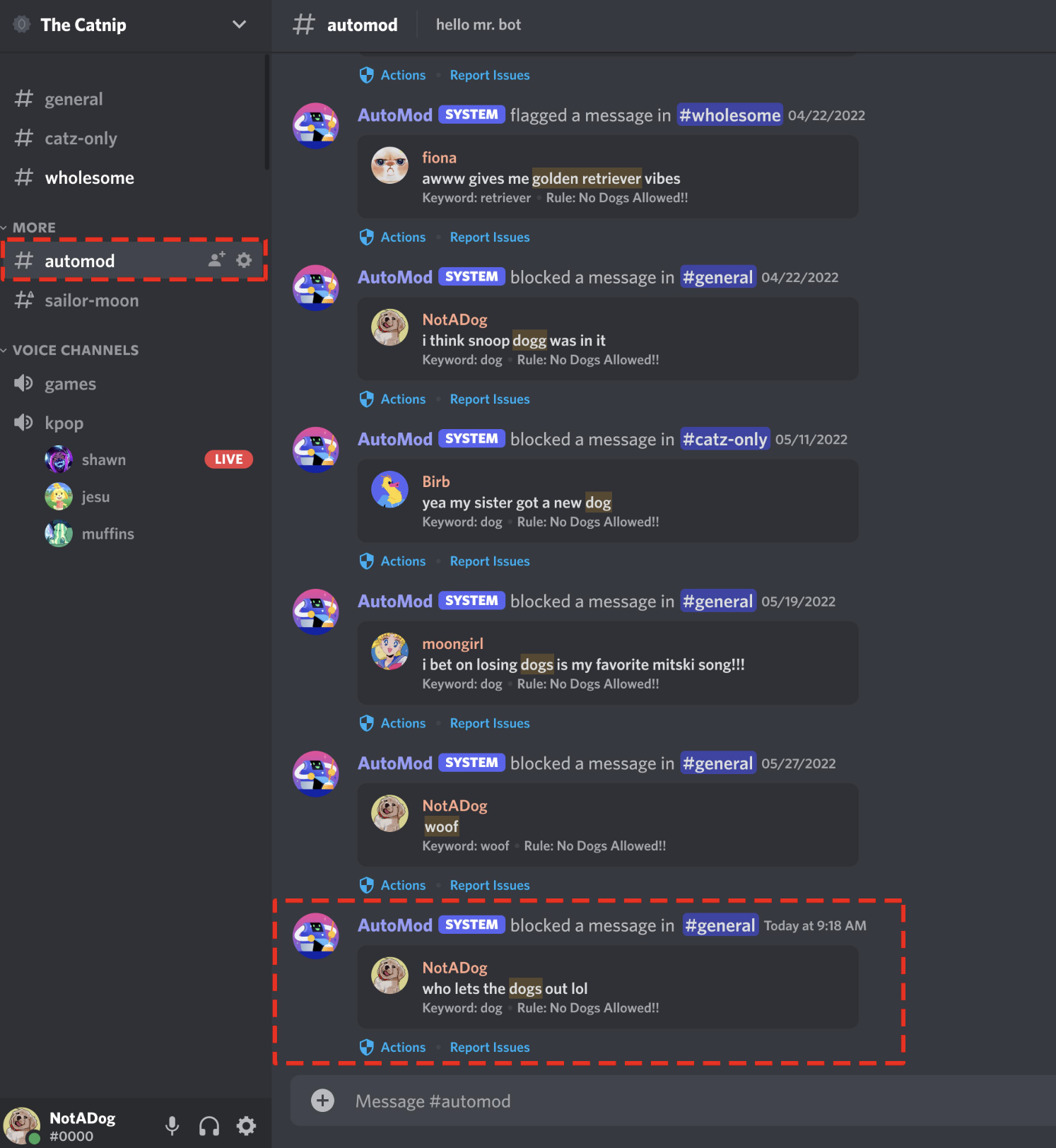
Why Discord AutoMod Regex Rules Matter
Keyword filters are effective when users follow predictable patterns. Regex becomes valuable when people deliberately try to get around those filters.
For server owners, it provides another layer of control over:
- Evasive spam
- Obfuscated words
- Suspicious URLs
- Unauthorized Discord invites
- Character substitution
- Invisible Unicode characters
The goal isn't to block everything. It's to make common moderation bypasses harder while keeping legitimate conversations untouched.
🎮 The Bottom Line
Discord AutoMod Regex Rules are an advanced tool for servers that need more precise message filtering.
Start with simple patterns, test them against real-world variations, and combine regex with Discord's existing AutoMod protections. A few focused rules are usually more useful than one enormous expression trying to catch everything.
Comments
Sign in to join the conversation
Sign inNo comments yet
Be the first to share your thoughts!