
⚙️ Intel Binary Optimization: The Complete Insider's Wiki
Intel usually ships performance gains through new silicon. The Binary Optimization Tool is different. It's a software layer, and Intel is calling it a first of its kind.🧩 What It Actually Is
The Intel Binary Optimization Tool, often abbreviated as IBOT or BOT, is a binary translation and optimization layer.
It analyzes existing compiled program code and restructures it to run more efficiently on Intel's current architecture, without the original developer touching anything.
Intel describes it as leveraging the company's 40 year history in workload optimization to increase instructions per cycle and user performance, even when a workload was originally optimized for a different x86 processor, a game console, or an older architecture entirely.
That last part is the key detail. This isn't limited to old Intel chips. It targets code tuned for AMD hardware, console architectures, or simply older compiler assumptions.
🔬 How the Translation Layer Works
At a technical level, IBOT works by studying how a game's compiled binary actually flows through the CPU.
🧠 1. Profile → Analyze how compiled code executes on the CPU
      ↓
🔍 2. Identify → Find where the processor's front end sits idle waiting
      ↓
🔧 3. Restructure → Modify the binary at runtime for Intel's architecture
      ↓
⚡ 4. Execute → CPU spends more cycles doing real work, fewer stalling
Intel has drawn a specific comparison to Microsoft's Prism and Apple's Rosetta, two well known translation layers used for cross architecture compatibility. The difference is that IBOT isn't porting between instruction set architectures. It's optimizing x86 code to run better on more modern x86 hardware, all after compilation and without requiring a developer patch.
Intel has also been explicit that this is genuine instruction level restructuring, not AI generated frames or skipped rendering steps, distinguishing it clearly from frame generation technologies like DLSS or FSR.
🎮 Performance Boosts for Older PC Titles
The practical pitch is straightforward: older games, or games originally built with a different CPU architecture in mind, can gain real performance without any developer involvement.
This matters specifically for titles that were compiled years ago, or ones originally optimized primarily for console hardware before being ported to PC, since those builds often carry inefficiencies that a modern Intel chip could otherwise work around automatically.
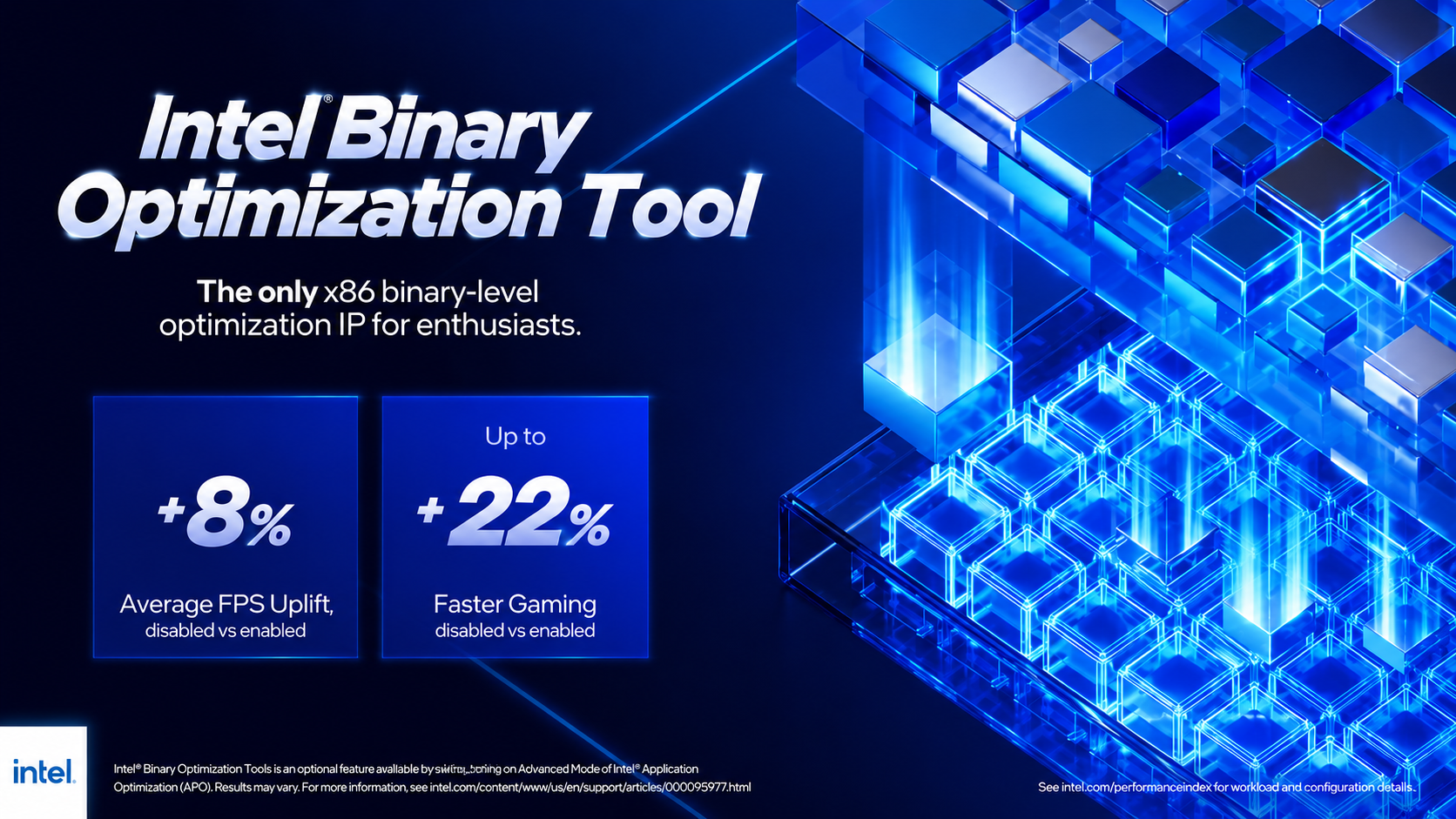
Intel's benchmark claims back this framing. On the Core Ultra 200S Plus desktop lineup, testing showed gains as high as 62% faster gaming compared to 12th generation Core i9-12900HX, measured across dozens of titles at 1080p, with IBOT enabled where supported.
🖥️ Integration Into the Core Ultra 200 Series
IBOT isn't a universal feature available on every Intel chip. It's tied specifically to the newest members of the Core Ultra 200 family.
- Core Ultra 200S Plus (desktop): Includes the Core Ultra 7 270K Plus and Core Ultra 5 250K/KF Plus, launched with IBOT support alongside a 900MHz die to die frequency boost
- Core Ultra 200HX Plus (mobile): Includes the Core Ultra 9 290HX Plus and Core Ultra 7 270HX Plus, aimed at high wattage gaming laptops and mobile workstations
On both platforms, IBOT sits as an optional feature layered on top of Intel's existing Application Optimization system, itself a policy within the broader Dynamic Tuning Technology framework, rather than a completely separate standalone tool.
⚠️ Important Caveats
IBOT isn't a blanket performance boost applied everywhere automatically.
- It only activates on select, specifically supported games and configurations
- It requires the newer Core Ultra 200 Plus tier chips, not older Core Ultra processors
- It needs to be switched on through Advanced Mode within Intel's Application Optimization settings
This makes IBOT closer to a curated, game by game optimization system than a universal performance patch that applies to every piece of software running on the chip.
❓ Does the Intel Binary Optimization Tool require a developer patch to work?
No. That's the core selling point. IBOT modifies the compiled binary at runtime, meaning it can improve performance on existing, unmodified game builds without the original developer releasing any kind of update.
For deeper technical breakdowns, see Igor's Lab's coverage of the Core Ultra 200S Plus launch and Back2Gaming's hands on review of the Core Ultra 7 270K Plus.
Comments
Sign in to join the conversation
Sign inNo comments yet
Be the first to share your thoughts!