
Region-Locked Discord Quests: Can You Use a VPN?
You open Discord, head to Quests, and find a gaming reward that everyone seems to be talking about. You check your own account, but the Quest is nowhere to be found. Then you discover that the promotion may only be available in certain countries.
This is where VPNs enter the conversation.
A Virtual Private Network, or VPN, routes your internet traffic through a server in another location. Connecting to a server in a country such as the United States or Germany can change the public IP address Discord sees for your connection. In some circumstances, that may affect which region-specific Quest promotions appear in the interface.
But there is an important distinction between making a Quest visible and being eligible to complete or claim it. Discord can apply promotion-specific conditions, and a VPN connection does not guarantee that a restricted Quest will become available to your account.
This guide explains how region-locked Discord Quests work, why a VPN might affect what you see in User Settings or the Quest interface, and what to understand before attempting to participate.
1. What Are Region-Locked Discord Quests?
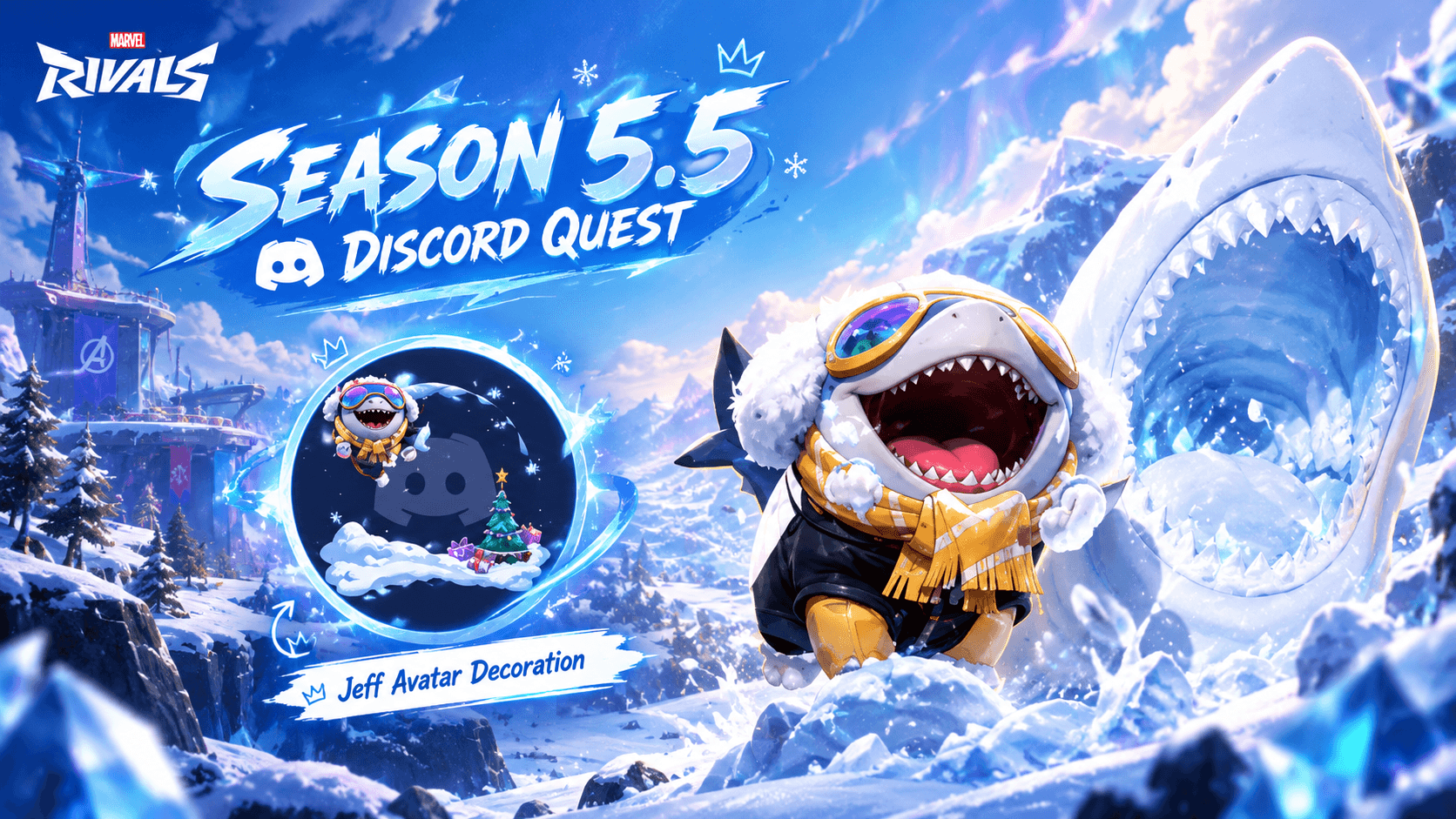
Discord Quests are promotional activities that let users earn rewards by engaging with selected games or content. Depending on the campaign, a Quest might ask you to play a game for a specified time, stream gameplay to a friend, watch a video, or complete a particular in-game action.
Rewards vary. Some campaigns provide in-game items or codes, while others offer Discord-specific cosmetics or Orbs.
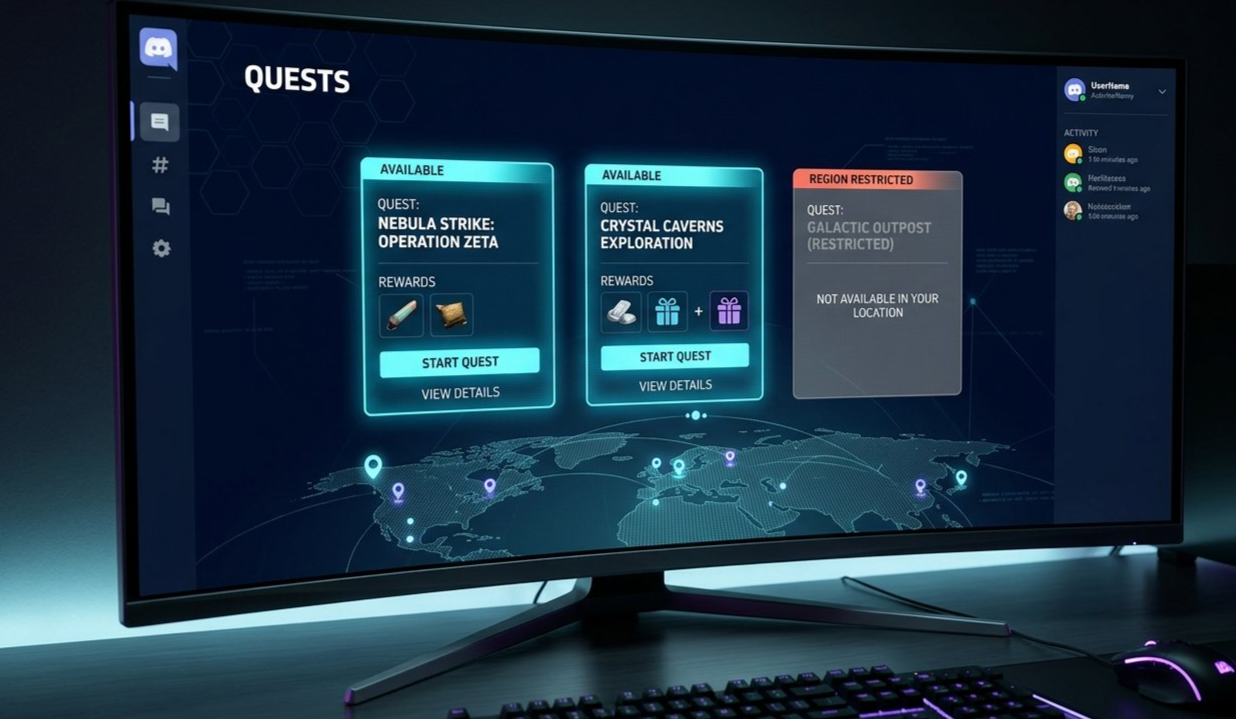
Not every Quest is available to every Discord user. Discord explains in its official Quests FAQ that some promotions are unavailable in certain regions. Individual Quest terms also specify the applicable requirements and completion window.
This means two users can open Discord and see different promotional cards. One person might have access to a Quest that another person cannot see.
A region restriction can be especially noticeable when a game promotion is being offered in selected markets. Users may share screenshots of a Quest on social media, only for others to discover that the same promotion is missing from their accounts.
Before trying to access a particular Quest, check whether it is currently active and whether its official terms identify any location restrictions.
Official source: Discord Quests FAQ
2. Why Are Some Quests Restricted by Region?
Promotional campaigns do not always launch worldwide at the same time. A game publisher might run a campaign in selected markets, or an offer may have country-specific terms.
There are several reasons a Quest may not be available to every account.
Campaign restrictions
The advertiser or game publisher may limit the promotion to certain countries or territories. The Quest's official terms determine where participation is allowed.
Local availability
A game, product, or promotional reward may have different availability depending on the market. This can affect which users are eligible for a campaign.
Account and promotion eligibility
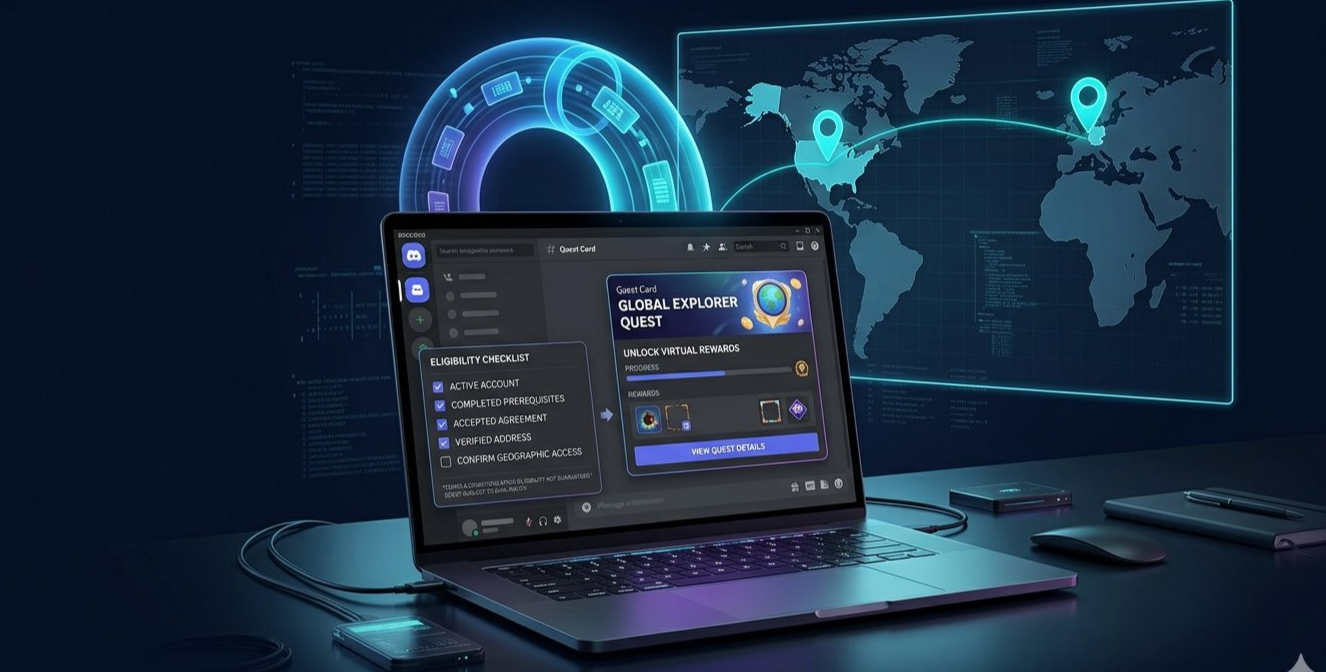
Location is not necessarily the only factor. A Quest may have additional requirements, such as an acceptance deadline, supported platform, age requirement, or a specific account condition.
Limited campaign windows
Quests are generally available only for a defined period. If a campaign ends, the Quest may disappear from the interface regardless of the user's location.
These factors help explain why switching internet locations does not necessarily unlock every missing Quest. A different public IP address can change one signal, but it does not rewrite all of the promotion's conditions.
The most reliable source is always the Quest's own information page and the official instructions provided by Discord.
3. Can a VPN Make a Quest Appear?
Potentially, yes. A VPN can route your internet connection through a server in another country, changing the public IP address associated with that connection.
For example, connecting through a US or German VPN server may cause a service to detect a different apparent network location. In some cases, users report that region-restricted Quest promotions become visible after changing their apparent location.
However, this behaviour is not guaranteed, and Discord does not promise that connecting to a VPN server in an eligible country will unlock a particular Quest.
It is useful to separate three different outcomes:
| Outcome | What it means |
|---|---|
| Quest becomes visible | The promotion appears in the interface, but eligibility may still need to be checked. |
| Quest can be accepted | Discord allows the account to begin the promotion, subject to its terms. |
| Reward can be claimed | The completion and claim checks have been satisfied, and the reward is successfully issued. |
These outcomes are not interchangeable.
A Quest may appear in the interface but fail to accept participation, track progress, or issue its reward. A campaign can also apply conditions beyond the network location, and a VPN does not override those conditions.
What about the United States or Germany?
The United States and Germany are examples of countries users may discuss when talking about region-specific promotions. They should not be treated as universal unlock locations.
There is no guarantee that a US or German server will display a particular Quest. Availability depends on the specific campaign, its current terms, and the account's eligibility.
Do not assume that a location is eligible simply because a Quest appeared there for another user.
Can a Quest appear in User Settings?
Discord's Quest interface can vary by platform and app version. Its official documentation describes the Quest Home on desktop through Discover > Quests, and Quest access may also be available through other interface elements.
If a Quest appears after a network-location change, verify its details in the official Discord interface. Visibility alone does not confirm that the account meets the campaign's requirements.
Official source: Discord Quests FAQ
4. How to Check Quest Availability
If you are looking for a particular promotion, start by checking Discord's official Quest interface.
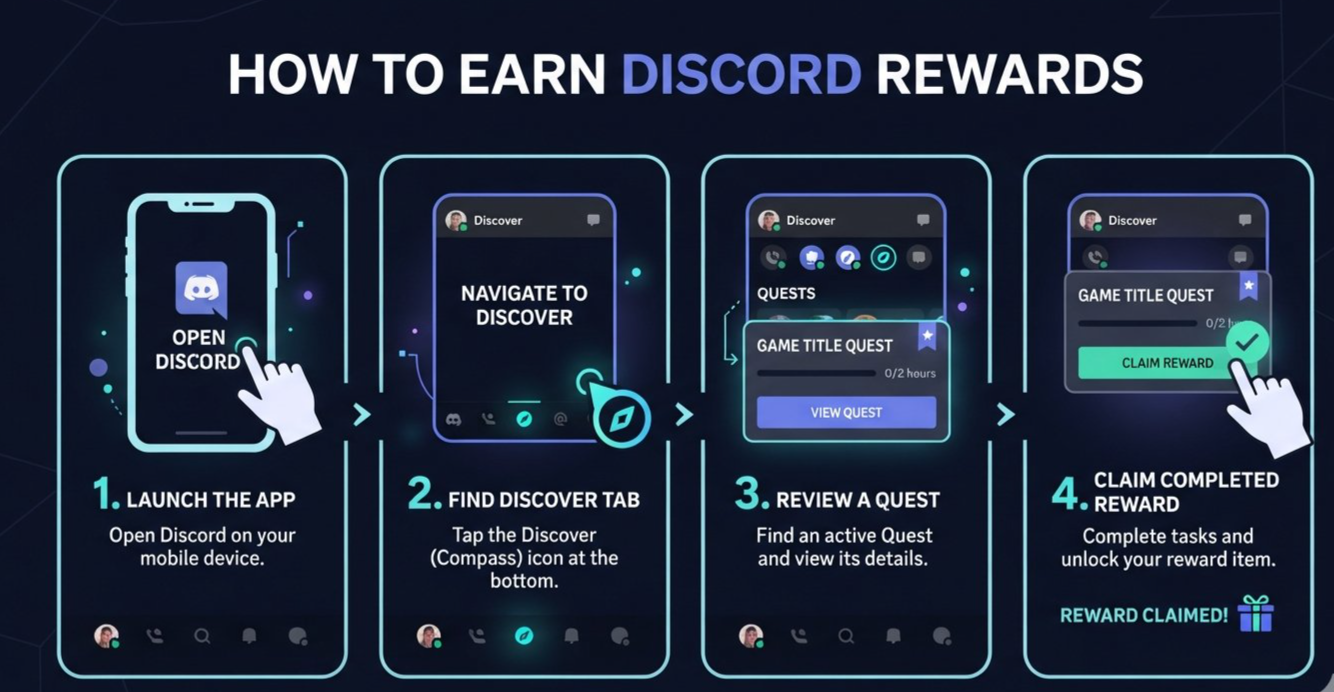
Step 1: Open Discord
Launch the official Discord desktop app or browser client and sign in to your account.
Step 2: Open Quest Home
On desktop, select Discover and open the Quests tab. You may also see a Quest bar or promotional notification within the app.
Step 3: Find the specific campaign
Look for the game or reward you are interested in. Check the Quest title, reward details, eligibility requirements, and campaign deadline.
Step 4: Read the promotion terms
Before accepting, confirm the supported platform, required activity, completion period, and any region or age restrictions shown by the campaign.
Step 5: Follow the official instructions
If the Quest is available and you meet its requirements, accept it through Discord and complete the listed activity. Do not rely on a screenshot or a third-party list as proof that the offer is currently active.
Step 6: Confirm the claim
When the Quest is complete, return to the Quest interface and select Claim Reward if that option is provided. For Discord-specific rewards, the item is generally added to your account after a successful claim. Other rewards may require a separate redemption process.
Discord's official FAQ provides current instructions for accepting Quests and claiming rewards.
5. Why Seeing a Quest Does Not Guarantee a Reward
This is the most important point for anyone researching region-restricted promotions.
A Quest appearing on screen does not necessarily mean every requirement has been satisfied. The promotion may still check eligibility, completion progress, or other conditions before it allows the reward to be claimed.
The promotion may have additional restrictions
The Quest might have requirements beyond apparent location. Always read the actual terms rather than assuming the country displayed by a VPN is the only eligibility check.
The campaign may have expired
An old promotion can remain visible in screenshots, videos, and community discussions long after its completion window has ended. If the official Quest is no longer active, changing your connection will not restore an expired campaign.
The account may not qualify
The offer may be limited to selected users or subject to other eligibility conditions. A VPN does not guarantee that the account qualifies.
Progress may not register correctly
Discord's Quest tracking can occasionally take time to update. The official FAQ recommends restarting Discord and checking for updates if the progress bar is not refreshing.
Claiming can be a separate step
Completing the required activity may not automatically apply the reward. Return to Quest Home and look for the Claim Reward option.
If a claim fails, review the official instructions and contact Discord Support if necessary. Avoid repeatedly changing network locations in the hope of forcing a reward through.
6. Common Problems and Troubleshooting
The Quest is still missing
Open Discover > Quests and look for the promotion there, rather than relying only on a pop-up notification. Confirm that the campaign is active and that the Quest is available to your account.
The Quest appears but cannot be accepted
Read the displayed terms carefully. The promotion may have an eligibility condition, an expired acceptance window, or another restriction that prevents participation.
The progress bar does not update
Restart Discord, check for app updates, and open the Quest panel again. Confirm that the required activity was completed using the supported platform and method.
The Quest completed but the reward is missing
Return to the Quest Home and check whether a Claim Reward button is available. If you already claimed the reward, check the relevant account inventory or profile settings.
The reward claim fails while using a VPN
A VPN connection may be one factor affecting a service's security or eligibility checks, but the cause cannot be determined from the error alone. The Quest may have expired, the account may not qualify, or another issue may be involved.
Follow Discord's official troubleshooting instructions. If the promotion requires a particular region, use the service in a way that complies with its stated eligibility requirements rather than attempting to bypass them.
The Quest disappears after changing networks
Quest visibility can change when the apparent network location changes, but this does not establish that the campaign is valid for your account. Recheck the official promotion details and any location restrictions.
7. VPN Safety and Discord Account Considerations
VPNs are commonly used for privacy on public Wi-Fi, network security, and other legitimate purposes. However, using one to appear eligible for a promotion intended for another region is a different issue.
Before using a VPN in connection with a Discord Quest, consider the following.
Review the official terms
Discord says that Quests are subject to specific promotion terms and that some regions are excluded. Read the relevant Quest conditions rather than assuming that changing your IP address makes you eligible.
Do not falsify account or billing details
A VPN does not change your real residence, billing address, or eligibility status. Discord's separate country and region setting for purchases has its own requirements, including location and payment-method matching. Do not enter inaccurate information to try to claim a reward.
Avoid suspicious VPN software
Use reputable software from an official source. Be cautious of browser extensions or applications that ask for unnecessary account permissions, Discord login details, or your account token.
Never share your account credentials
A website promising to unlock every region-locked Quest may be trying to steal your account. Do not give third parties your password, authentication code, session token, or QR-code login approval.
Understand the uncertainty
Discord's public Quest FAQ does not promise that VPN use will unlock region-restricted promotions. It also does not provide a universal guarantee that a Quest discovered through a changed network location can be completed and claimed.
The safest approach is to participate only when your account meets the campaign's stated eligibility requirements.
Official resources:
8. Frequently Asked Questions
Can a VPN make region-locked Discord Quests appear?
It may affect which promotions are visible by changing the public IP address associated with your connection. However, Discord does not guarantee that a VPN will make a particular Quest appear or make your account eligible.
Should I connect to a US or German VPN server?
Those are examples of locations users discuss, not universal solutions. A Quest may have different country restrictions, and its terms determine where participation is allowed.
Where should I look if a Quest becomes visible?
Check Discord's official Quest Home. On desktop, navigate to Discover > Quests and open the promotion to read its requirements.
If the Quest appears in User Settings, can I claim it?
Not necessarily. Visibility does not guarantee that you can accept the Quest, complete its requirements, or claim the reward. Check the campaign terms and follow Discord's official process.
Can a VPN unlock expired Quests?
No reliable method can restore an expired campaign. Quests have defined acceptance and completion windows, and you should check whether the promotion is still active.
Can using a VPN cause Quest progress or claiming problems?
It can be difficult to diagnose a problem from the VPN connection alone. Region eligibility, campaign deadlines, account conditions, and tracking issues may all be relevant. Follow the official troubleshooting guidance instead of assuming that a different server will fix the problem.
Does changing my VPN change my Discord account region?
No. A VPN changes the apparent network location of your connection. Discord's separate country/region setting for purchases follows its own rules and may depend on location and payment details.
What is the safest way to get a Discord Quest reward?
Find an active promotion in Discord, read its official terms, meet the requirements, and claim the reward through the official interface. Never share account credentials with a third-party unlock service.
Final Thoughts
Region-locked Discord Quests can be confusing when a reward appears in someone else's account but not your own. A VPN may change the apparent location of your internet connection, and users sometimes report that this affects which Quest promotions they see.
However, a visible Quest is not the same as an eligible reward. The campaign may have additional requirements, the account may not qualify, or the promotion may have expired. Discord's official documentation does not guarantee that connecting through the United States, Germany, or another country will unlock a restricted Quest.
If you want to explore a promotion, start with Discover > Quests, check the actual terms, and use Discord's official claim process. That is the most reliable way to understand what is available to your account without relying on misleading promises from third-party guides.
Comments
Sign in to join the conversation
Sign inNo comments yet
Be the first to share your thoughts!