

Mastering AutoMod Wildcards: Catching Spammers Without Silencing Your Community
What Are AutoMod Wildcards?
Discord AutoMod lets moderators create keyword rules that automatically detect and block unwanted messages.
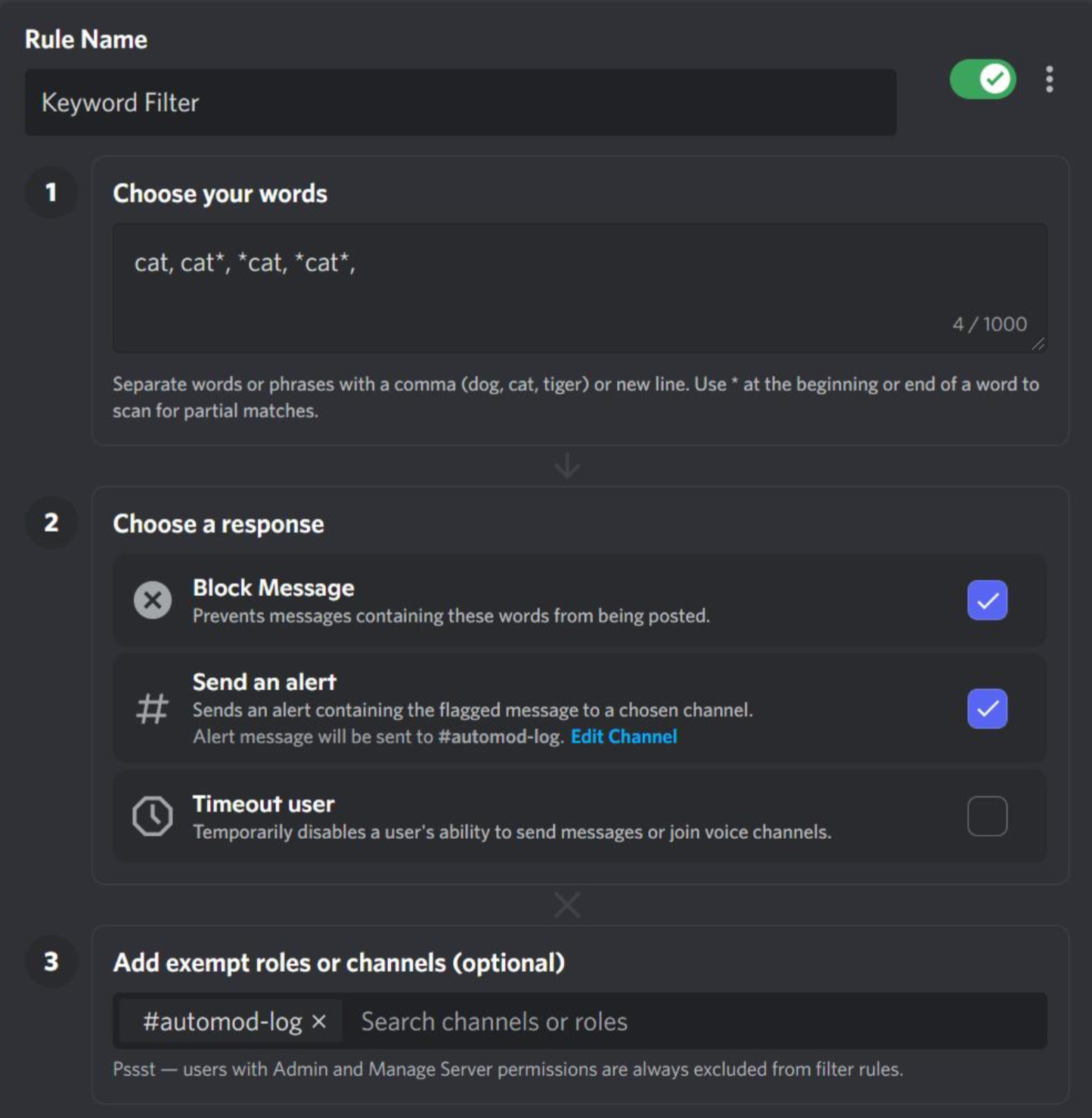
One useful option is the asterisk (*) wildcard. Instead of matching only one exact word, a wildcard can help a rule account for variations around a keyword.
For example, a rule targeting a suspicious term can be designed to catch related variations without requiring moderators to manually add every spelling.
How the * Wildcard Works
The asterisk represents a variable portion of text within a keyword pattern.
A simple example:
free*
Depending on how the rule is configured, this can help catch variations beginning with the targeted text, such as:
freefreegiftfreecoinsfree-nitro
The important idea is that you are creating a pattern, rather than maintaining dozens of individual keywords.
Discord's AutoMod keyword filtering also supports regular expressions for more advanced matching, which is useful when simple wildcard matching isn't enough.
Why Wildcards Are Useful for Spam
Spammers rarely use exactly the same text every time.
They may change:
- Word endings
- Numbers
- Symbols
- Separators
- Promotional phrases
- Slightly modified spellings
A carefully designed wildcard can catch several of these variations with a single rule.
This is especially useful for recurring scam phrases, fake giveaways, suspicious promotions, or unwanted links.
The Biggest Risk: False Positives
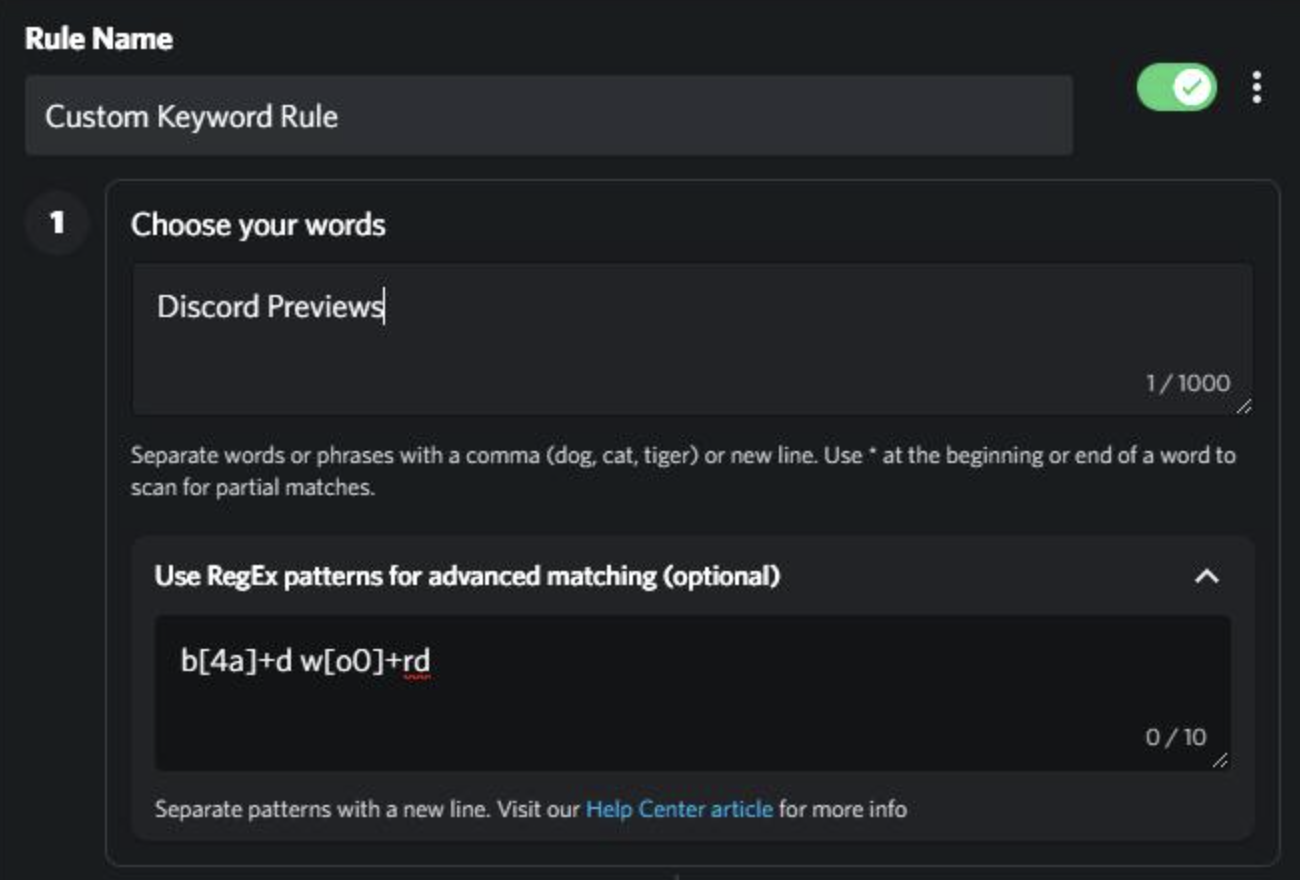
Wildcards can become dangerous when the starting keyword is too broad.
For example, imagine creating a rule around a common word that appears inside many legitimate words.
A pattern like:
art*
could potentially affect perfectly normal words that begin with those characters.
That's why moderators should test a wildcard against normal community vocabulary before enabling automatic blocking.
Start Narrow, Then Expand
A good AutoMod rule should solve a specific moderation problem rather than attempt to catch everything.
Instead of immediately creating a huge wildcard rule:
- Identify the exact spam pattern.
- Find common variations used by spammers.
- Create the narrowest useful wildcard.
- Test it against legitimate messages.
- Monitor AutoMod alerts.
- Expand the rule only if necessary.
This keeps moderation effective without making normal conversations frustrating.
Wildcards vs Regex
Wildcards are useful for relatively simple variations.
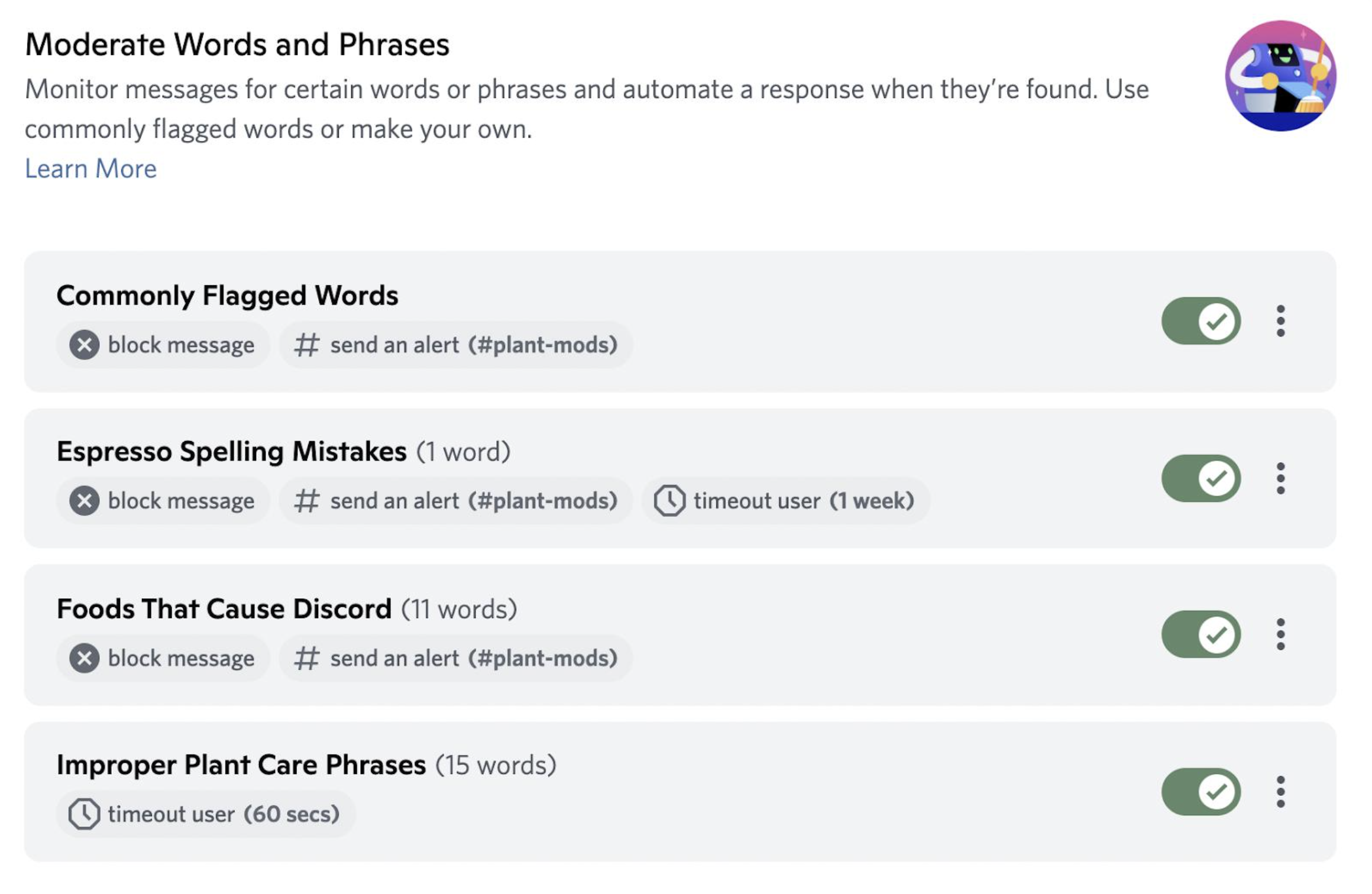
Regex is better when you need more control over the structure of the text, such as detecting multiple character substitutions or more complicated patterns.
Discord's AutoMod regex system uses the Rust regex engine and supports Unicode, but it also has limitations such as expression-length limits and no backreferences.
So don't reach for regex when a simple keyword or wildcard rule can solve the problem.
A Better Moderation Strategy
Don't rely on one massive AutoMod rule.
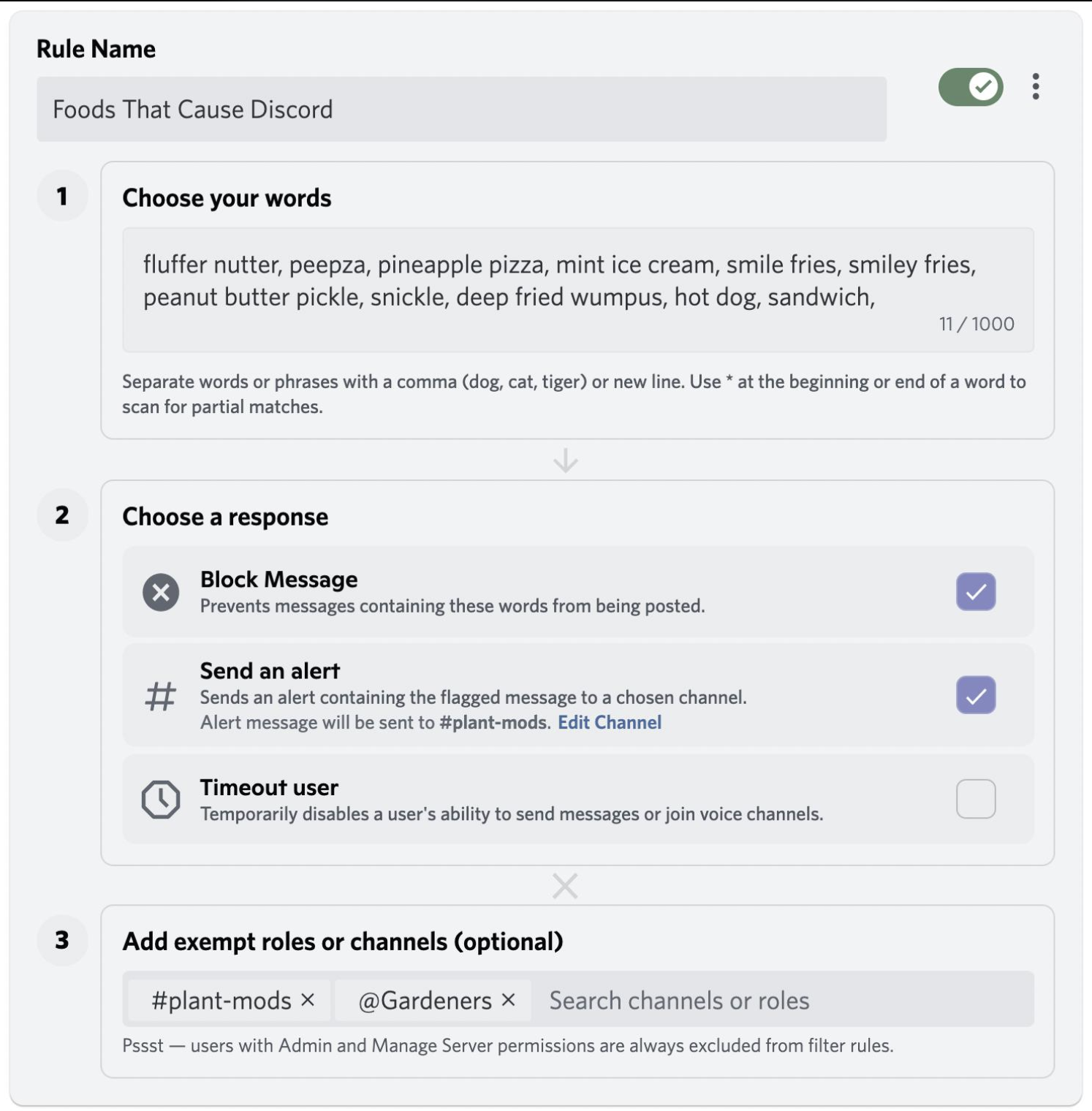
A healthier setup can combine:
- Exact keywords for obvious violations
- Wildcards for predictable variations
- Regex for sophisticated evasions
- Link filtering for suspicious domains
- AutoMod alerts for moderator review
- Manual moderation for context-dependent cases
This gives AutoMod clear jobs while leaving humans responsible for situations where context matters.
Quick Checklist
Before activating a wildcard rule:
- Is the target phrase actually common in spam?
- Could the wildcard match normal words?
- Have you tested legitimate sentences?
- Can an exact keyword work instead?
- Would regex provide better precision?
- Are AutoMod alerts being reviewed regularly?
🎮 The Bottom Line
AutoMod wildcards can save moderators from maintaining huge keyword lists, but broader matching isn't automatically better moderation.
Start narrow, test against normal conversations, and expand only when the spam pattern is clear. The goal isn't to catch the maximum number of messages. It's to catch the right messages without silencing your community.
What is the worst AutoMod false positive you've seen in a Discord server?

Comments
Sign in to join the conversation
Sign inNo comments yet
Be the first to share your thoughts!