
Closing the Mobile Block Loophole: Why Trolls Can No Longer Hide from Moderators
When Blocking the Moderator Stopped Moderation
Blocking someone on Discord is supposed to give users more control over unwanted interactions. But there was a strange problem on mobile: if a server member blocked a moderator's personal account, that block could interfere with certain moderation actions.
That meant a moderator could have the correct server permissions and still be unable to manage a rule-breaking member directly from their profile.
Discord has now fixed that.
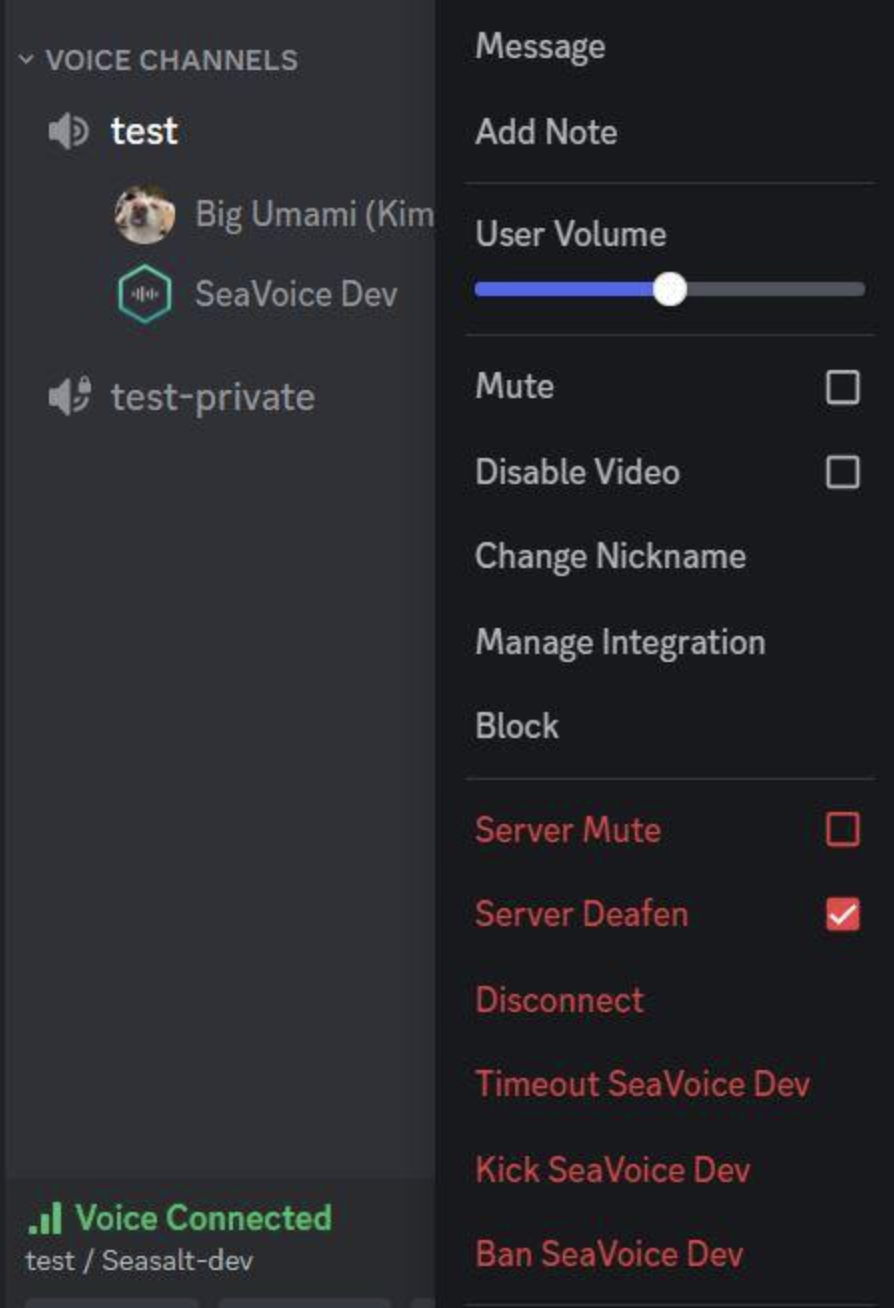
In its October 6, 2026 Patch Notes, Discord confirmed that iOS and Android moderators can once again Server Mute, Server Deafen, Disconnect, or Move a member from their profile even when that member has blocked the moderator. Discord
What Was the Problem?
The issue was specifically tied to the interaction between personal blocking and server moderation.
Imagine a moderator named Alex is dealing with a disruptive member:
- The member breaks a server rule.
- Alex opens the member's profile.
- The member has previously blocked Alex.
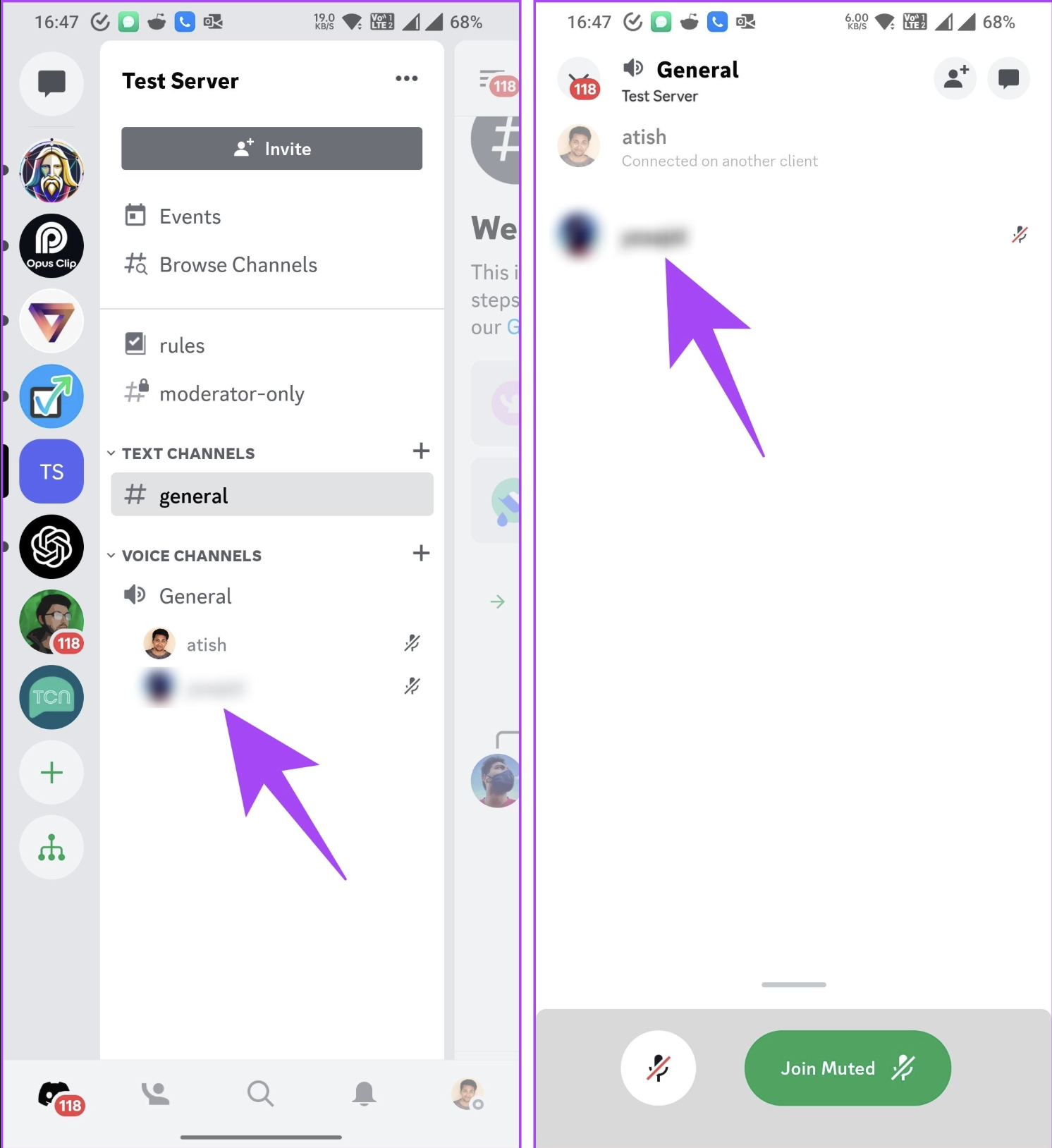
- On mobile, certain moderation controls were unavailable.
- Alex couldn't perform actions such as Server Mute or Disconnect from that profile.
The desktop experience already handled this differently. Discord's patch notes describe the mobile fix as bringing iOS and Android in line with desktop. Discord
What Can Moderators Do Now?
The fix covers four important server-management actions:
| Action | What it does |
|---|---|
| Server Mute | Stops the member from transmitting audio in the server |
| Server Deafen | Prevents the member from hearing server audio |
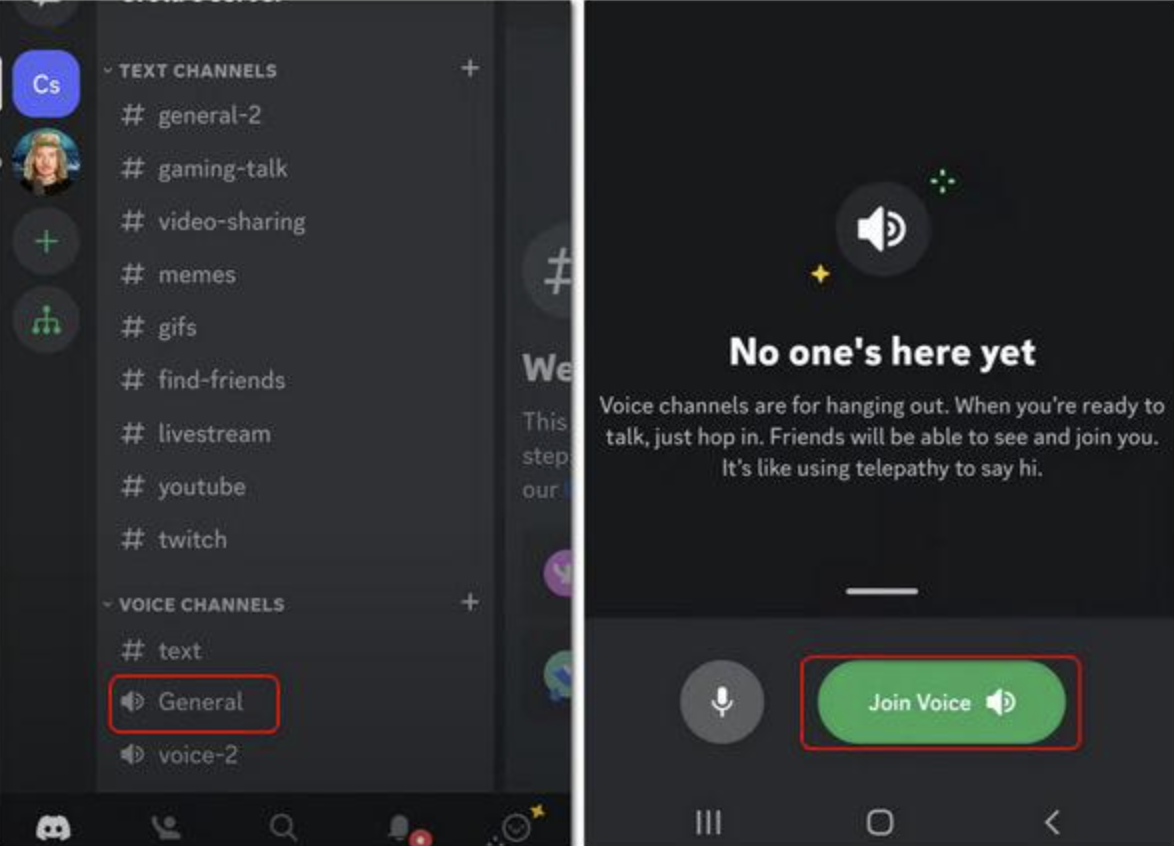
| Disconnect | Removes the member from the current voice connection |
| Move | Moves the member between eligible voice channels |
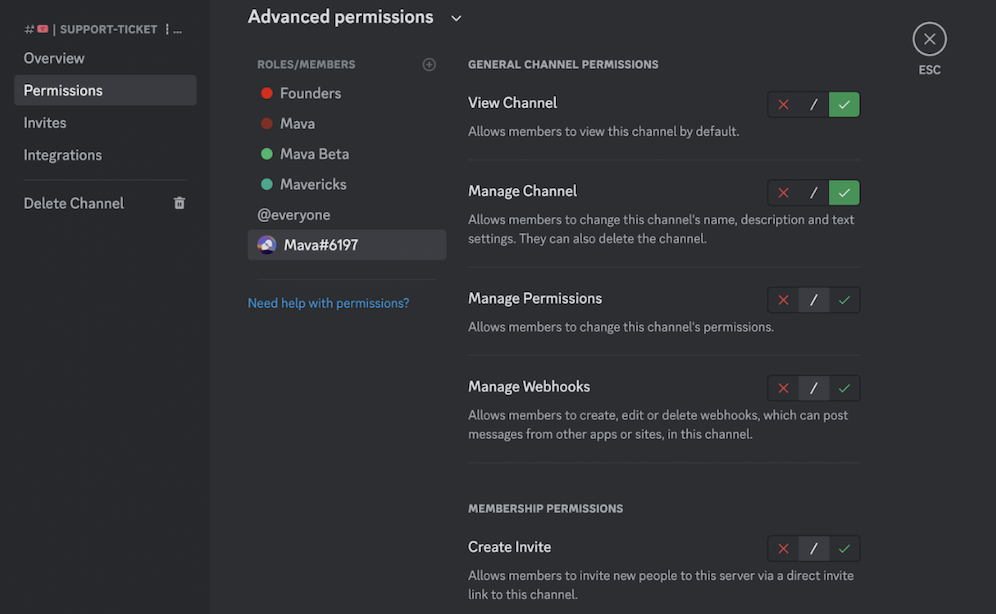
The important part is that these controls are based on the moderator's server permissions, rather than whether the member has blocked the moderator personally.
Why This Matters for Moderators
Blocking is a personal privacy feature. Server moderation is a server-level responsibility.
Those two things shouldn't cancel each other out.
A member should be able to block a moderator to control their personal interactions without gaining an unintended way to interfere with legitimate server moderation.
The October patch closes that gap on mobile.
Why Mobile Was the Bigger Problem
Discord servers are often moderated from phones, especially when moderators aren't sitting at their computers.
That makes profile-based moderation particularly important.
A moderator might be:
- Away from their desktop
- Monitoring a voice channel from their phone
- Responding to a sudden disruption
- Handling a member who is breaking voice-channel rules
- Managing a server during an event
If a moderation control disappears simply because the member blocked the moderator, the moderator has to find another route or wait until they can use another client.
The fix removes that unnecessary dependency.
This Doesn't Override Discord's Blocking System
The change doesn't mean moderators can suddenly interact with people who have blocked them.
The personal block still exists.
Instead, Discord has separated personal interaction controls from server moderation controls more appropriately.
That's the important distinction.
A blocked member can still prevent unwanted personal communication while the moderator retains the server-level permissions needed to enforce the server's rules.
A Small Fix With a Big Moderation Impact
This isn't one of Discord's flashy feature launches.
There's no new social system or major interface redesign here.
But fixes like this matter because moderation tools need to work precisely when they're needed.
A server moderator shouldn't have to ask:
“Did this person block me?”
before deciding whether they can enforce a server rule.
With the October 6 mobile fix, that particular limitation is gone. Discord
What Happens Next?
For moderators, the practical takeaway is simple: update Discord on iOS or Android and use the normal member-profile moderation controls.
If you're building or managing a large community, it's also worth checking your moderation team across both desktop and mobile. Discord continues to ship fixes that bring moderation experiences closer together across platforms.
The October patch included several other server-administration fixes as well, including improvements to Mod View, Server Discovery, AutoMod and server settings. Discord
🎮 The Bottom Line
Discord has finally removed an awkward mobile moderation limitation where a member's personal block could interfere with a moderator's server actions.
Blocking a moderator can still block personal interaction. It should not block legitimate server moderation.
With the latest iOS and Android fix, moderators can once again Server Mute, Server Deafen, Disconnect, or Move members from their profiles even when those members have blocked them.
It's a small patch, but for active Discord communities, it's exactly the kind of fix that makes moderation more reliable.
Have you ever encountered a Discord moderation action that worked on desktop but not on mobile?

Comments
Sign in to join the conversation
Sign inNo comments yet
Be the first to share your thoughts!