
The Shop UI Fix: Why Desktop Users Can Finally Browse Server Shops Properly
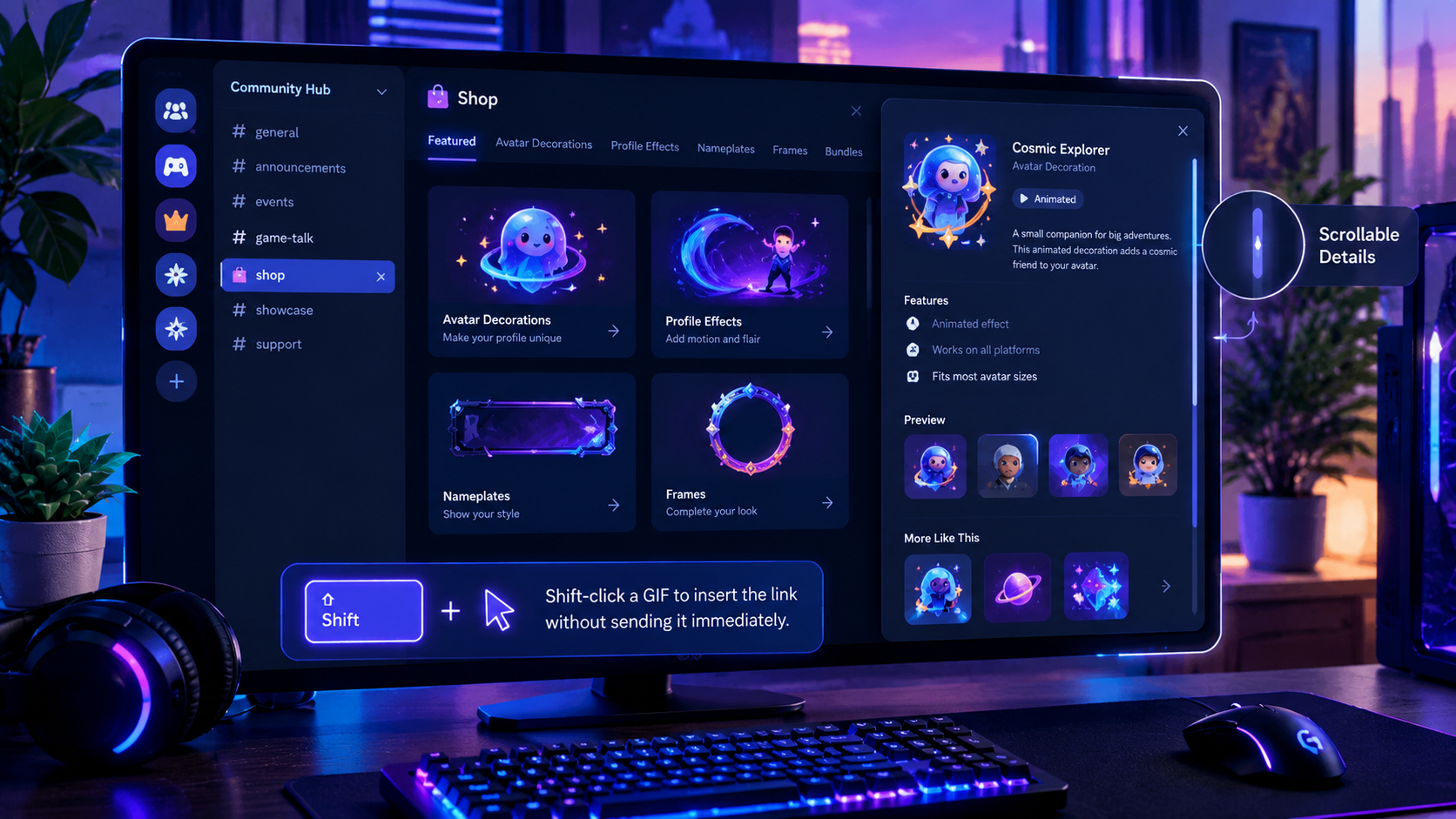
A small interface bug can make a surprisingly big difference to the way an app feels. Discord users browsing the desktop Shop could encounter a frustrating problem: the item details window sometimes became cut off at certain window sizes, leaving parts of the content hidden.
Discord has now addressed that issue. In its October 6, 2026 patch notes, the company confirmed that the desktop Shop item details window is now scrollable when it would otherwise be cut off. The change means users can access content that previously disappeared beyond the visible area of the window. Read the official Discord patch notes.
It is not a major redesign, and it does not introduce a new shopping system. Instead, it fixes an everyday usability problem that could make browsing profile cosmetics unnecessarily awkward.
For users exploring avatar decorations, profile effects, nameplates, and other customization items, the improvement is simple: less hidden content and a more usable details window.
What Was Wrong With the Discord Shop?
Discord's Shop lets users explore cosmetic items for personalizing their profiles. Depending on availability and eligibility, the selection can include avatar decorations, profile effects, nameplates, profile frames, bundles, and other customization options.
When browsing an item, users need to be able to inspect its details before deciding whether it suits their profile or is worth purchasing.
The desktop bug made that process less reliable. At certain window sizes, the item details window could be cut off. If content extended beyond the visible area without an effective way to scroll through it, users could struggle to inspect everything presented in the panel.
Discord's October 6 patch notes describe the fix directly: the item details window is now scrollable in cases where it would otherwise be cut off, so content is no longer hidden by this particular issue.
The important distinction is that Discord fixed the layout behavior rather than announcing a new set of Shop features.
Before and after the fix
| Before | After |
|---|---|
| The item details window could be cut off at certain desktop window sizes. | The window becomes scrollable in the affected situation. |
| Some content could remain outside the visible area. | Users can scroll to access the content. |
| Browsing could become awkward when the layout did not fit. | The details panel is more usable when space is limited. |
Why a Scrollable Details Window Matters
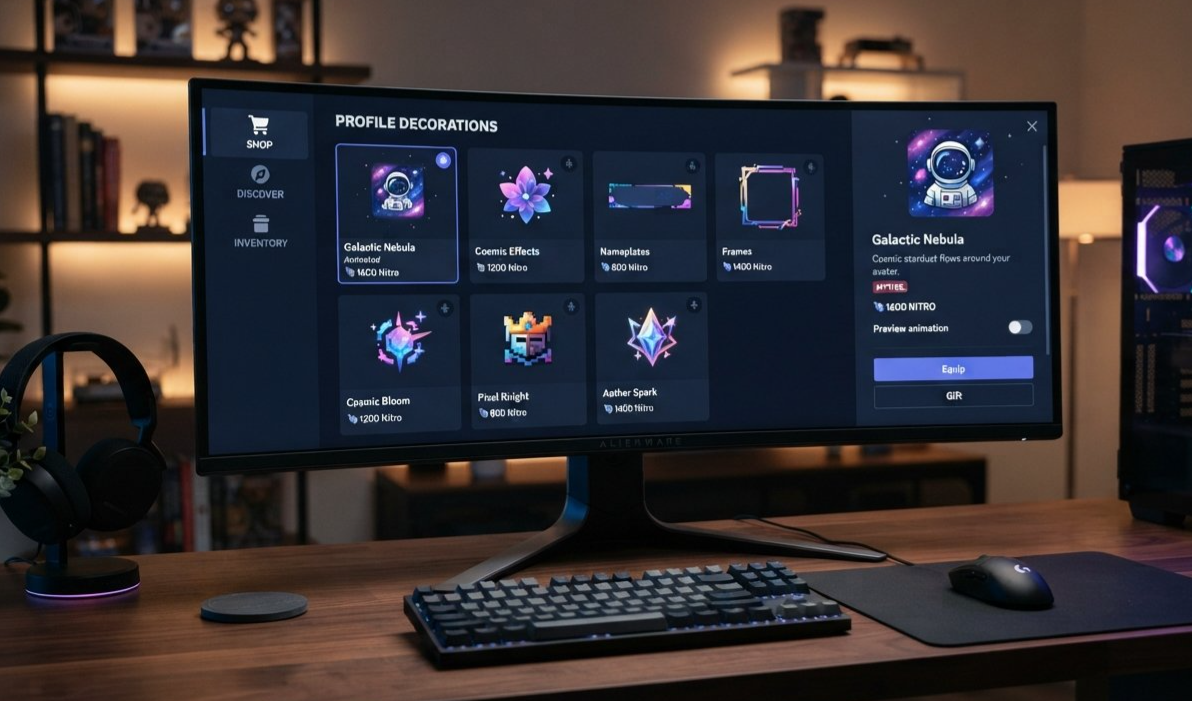
Scrolling may sound like a basic interface behavior, but it is essential when content cannot reliably fit inside a fixed space.
Desktop users do not all use the same window dimensions. Some keep Discord maximized on a large monitor, while others use a smaller laptop display, split-screen layouts, or a compact window beside a game or browser.
A panel that works perfectly on a large screen can become awkward when less vertical space is available. If the interface does not adapt, users may lose access to information simply because their window is smaller.
1. More reliable item browsing
The first benefit is straightforward: users can inspect the item details without relying on the panel fitting perfectly within the available space.
When a details window is scrollable, its content does not need to remain entirely visible at once. Users can move through the panel to reach information further down.
2. A better experience on smaller displays
Not every desktop user has a large monitor. Laptop screens, compact displays, and split-screen layouts can leave less room for application panels.
The fix addresses the specific case where the Shop details window was cut off at certain window sizes. It does not guarantee that every interface element will fit identically on every device, but it removes one known obstacle to browsing.
3. Less friction when comparing cosmetics
Profile customization is visual by nature. Users may want to open several items, compare their appearance, and inspect the available details before making a decision.
When the interface hides part of the information, the browsing process becomes more frustrating than it needs to be. A scrollable panel makes it easier to access the content the Shop is designed to present.
4. A more polished desktop experience
Good interface design is not only about attractive graphics or smooth animations. It is also about making sure the controls work when the layout changes.
A scrolling fix is not glamorous, but it can make the Shop feel more dependable. Users can focus on the item they are browsing instead of working around a panel that does not fit.
How to Browse Discord's Shop on Desktop
Discord's official Shop FAQ explains how to access the Shop and browse available profile customization items. The exact interface can change as Discord updates its client.
Step 1: Open Discord on desktop
Launch the Discord desktop application and sign in to your account.
Step 2: Open the Shop
Use the Shop entry point in Discord's interface. The Shop allows users to explore available customization items, with availability and purchasing options depending on the item and account.
Step 3: Browse the available items
Explore the available categories and item previews. Depending on the current Shop interface, you may also have access to browsing tools such as search, sorting, and filters.
Step 4: Open an item's details
Select an item to view its details. This is where the desktop layout fix becomes relevant.
If the details panel extends beyond the visible space at your current window size, you should now be able to scroll through the window rather than having its content cut off by the previously reported issue.
Step 5: Review the item before deciding
Inspect the available information and preview the item where supported. Check the displayed price, eligibility, and other relevant details before making a purchase.
You do not need to change your display settings simply to work around the specific clipping bug Discord addressed.
What You Can Find in Discord's Shop
The scrolling fix is a usability improvement, but it matters because the Shop contains items users may want to inspect before customizing their profiles.
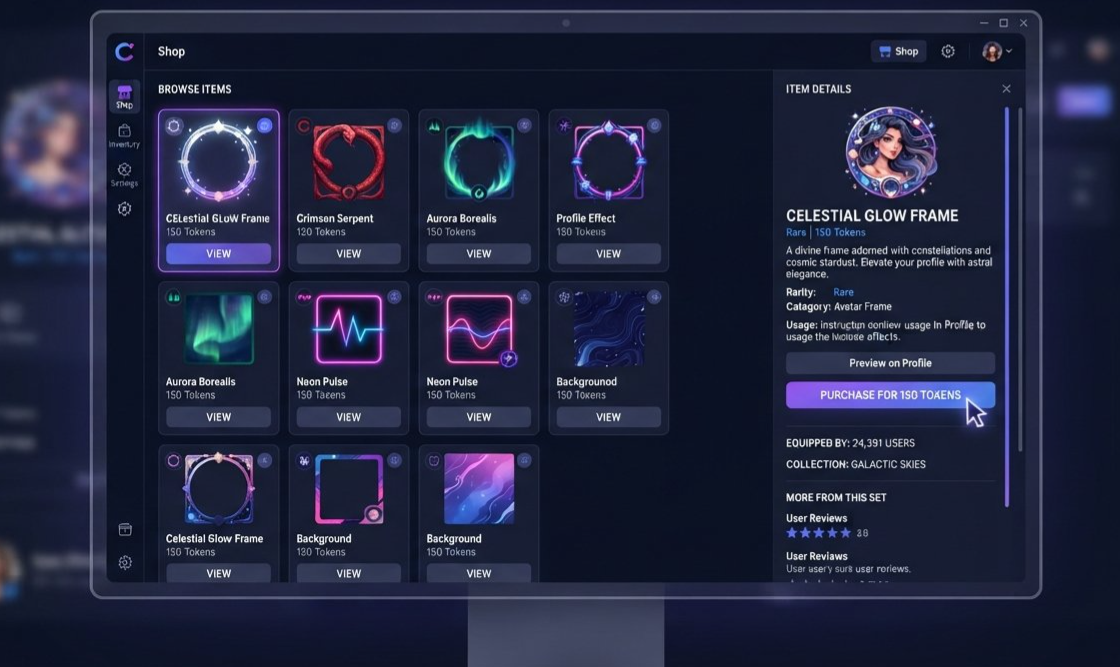
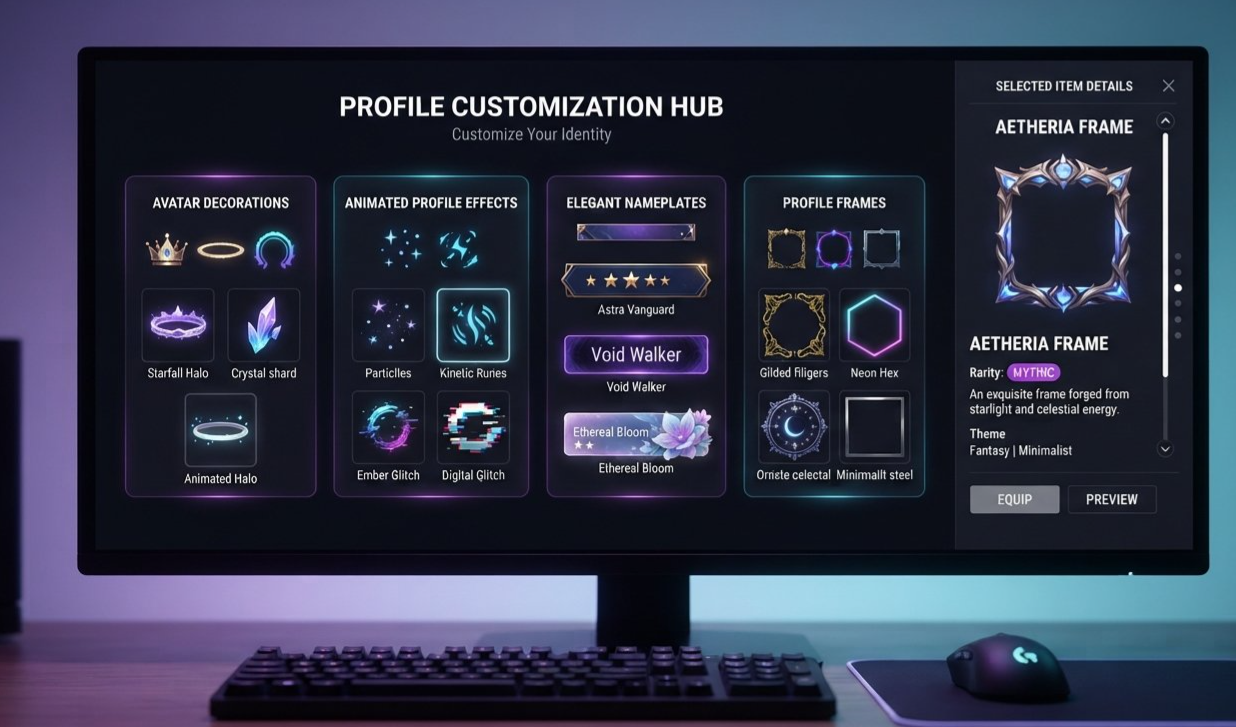
Discord's official Shop FAQ describes several types of items available through its profile customization Shop.
Avatar decorations
Avatar decorations add visual elements around a user's profile avatar. They let people personalize how their profile looks in places where the decoration is displayed.
Profile effects
Profile effects add animated or visual treatments to supported profile presentations. The available selection may vary over time.
Nameplates and profile frames
Nameplates and profile frames provide additional ways to customize the appearance of a profile. They can help users create a look that reflects their interests or personal style.
Bundles and special items
The Shop may also feature bundles, limited-time selections, and other item collections. Availability can change, so users should rely on the current Shop display for the latest options.
The scrolling fix does not change which items are offered, their prices, or who can access them. It makes the item details window more usable in the specific desktop layout situation Discord identified.
Why Window Size Can Affect Interface Layouts
Desktop applications must accommodate a wide range of display sizes and window arrangements.
A details panel might have a fixed or minimum height, while its content can vary depending on the item being displayed. If the panel does not handle overflow correctly, part of its content can extend beyond the visible area.
A robust interface generally needs to account for this in at least two ways:
Responsive layout: The interface adjusts its dimensions and arrangement to the available space.
Scrollable content: When the content cannot fit within the available space, users can scroll to reach the rest of it.
Discord's patch note specifically confirms the second behavior for the affected Shop item details window. It does not describe the underlying technical implementation, so it would be inaccurate to claim that Discord rebuilt the entire Shop layout or introduced a new responsive design system.
Still, the result is meaningful for users. A window that can scroll is less likely to hide information just because it is being viewed at a particular size.
Is This a Major Discord Shop Redesign?
No. It is best understood as a targeted desktop bug fix.
The October 6 patch notes do not announce a new Shop layout, a new purchasing system, or a new collection of cosmetics as part of this change. They describe a specific problem with the item details window and confirm that it is now scrollable when necessary.
That distinction matters because not every patch-note improvement needs to be a headline-grabbing feature.
A large redesign can add new options, but a small usability fix can make an existing feature work more reliably. In this case, the benefit is that the Shop's item information is no longer hidden by the particular clipping issue Discord fixed.
The change also does not imply that every Discord panel is now scrollable or that all layout problems have been resolved. It addresses the Shop item details window specifically.
What Desktop Users Should Do
For most users, there is no complicated setup process associated with this fix. Discord lists it as a desktop bug fix in its October 6, 2026 patch notes.
If you previously encountered a cut-off Shop details window, try opening the Shop again and checking the panel at your usual window size. The fix may still be rolling out to individual platforms, as Discord notes in its patch notes that listed fixes can take time to reach every platform.
If the issue persists, update or restart the desktop client when appropriate and check Discord's official support resources. Avoid assuming that changing your screen resolution is necessary to use the Shop.
Frequently Asked Questions
What did Discord fix in the desktop Shop?
Discord fixed a bug where the Shop item details window could be cut off at certain window sizes. The window is now scrollable in that situation, allowing users to access content that would otherwise be hidden.
When was the fix announced?
Discord included the fix in its official patch notes dated October 6, 2026.
Does the update add new Shop items?
No new items are announced as part of this specific fix. The update addresses the way the existing item details window handles content when it cannot fit within the available space.
Does the fix work on mobile too?
The patch note specifically describes the Shop item details window issue on desktop. It should not be interpreted as a mobile Shop interface update.
Do I need to change my screen resolution?
The fix is intended to make the details window scrollable when the available space is insufficient. You should not need to change your screen resolution solely to work around this particular bug, although other display or client issues may have separate causes.
What types of items are available in Discord's Shop?
Discord's Shop FAQ describes profile customization items such as avatar decorations, profile effects, nameplates, profile frames, bundles, and other available selections. The current catalog may change over time.
Where can I find official information about the Shop?
Read Discord's Shop FAQ for information about accessing and browsing the Shop. The desktop fix is listed in the October 6, 2026 patch notes.
Final Verdict: A Small Fix That Makes Browsing Less Frustrating
Discord's desktop Shop scrolling fix is not a flashy new feature, but it solves a real usability problem. When an item details window is cut off, users should not have to fight the interface just to inspect the content.
By making the affected window scrollable, Discord has improved access to item information at the window sizes that previously caused trouble. That makes browsing profile decorations, effects, and other cosmetics more straightforward.
For anyone who regularly customizes their Discord profile, the improvement is simple: the details panel works more sensibly when space is limited.
It is a reminder that a good desktop experience depends as much on reliable layout behavior as it does on new features.
Official sources


Comments
Sign in to join the conversation
Sign inNo comments yet
Be the first to share your thoughts!