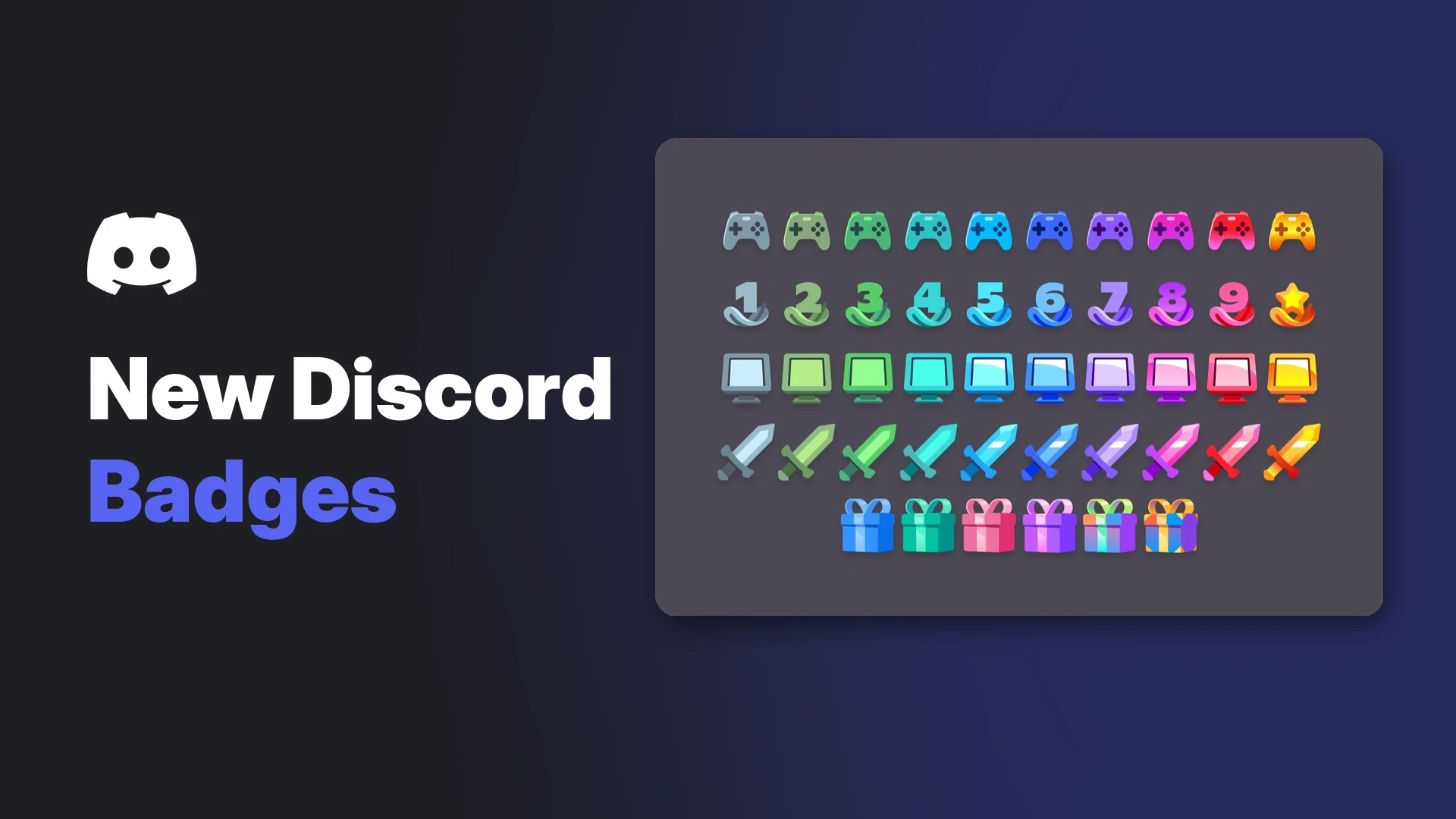

Badges are the little icons next to your name on Discord, and they've never been more interesting. A new set of badges levels up from grey to gold as you play games, stream and keep your account for years. If you've been wondering how to get Discord badges, there are more ways now than ever.
Some are easy, like finishing a single Quest. Some take real time, like the 10+ year Account Age badge. And a few are gone forever.
This guide covers every badge you can still earn in 2026, the exact requirements for the new ones, and the settings you need switched on so you don't miss progress.
At a glance - Easiest badge: Discord Quests (finish one Quest) - New badges: Account Age, Game Time, Game Variety and Streaming, with 10 tiers each - Status of the new badges: still an experiment for some desktop users, per Discord's help centre - Rollout: a feature-tracking account reported on 20 October that a wider rollout is coming - Settings needed: analytics and game activity detection for the activity badges - Gone for good: Last Meadow Online, Active Developer, Early Supporter and more
🏅 How to Get Discord Badges: Every One You Can Still Earn
| Badge | How to get it | Evolves? |
|---|---|---|
| Discord Quests | Complete one Quest | No |
| Orbs | Buy it from the Orbs shop | No |
| Discord Nitro | Subscribe to Nitro | Yes, with time subscribed |
| Server Booster | Boost a server | Yes, with months boosting |
| Account Age (new) | Have an account older than 1 year | Yes, up to 10+ years |
| Game Time (new) | Play detectable games on desktop | Yes, 10 tiers |
| Game Variety (new) | Play different detectable games | Yes, 10 tiers |
| Streaming (new) | Screen share to people in calls | Yes, 10 tiers |
| Gifting (new) | Gift Nitro or Shop items | Yes, 6 tiers |
The five marked new are experiments, so you may not see them yet even if you qualify.
🆕 How to Get the New Discord Badges
Discord's Profile Badges 101 article says the Account Age, Streaming, Game Time and Game Variety badges "are currently an experiment and are only available to a small number of desktop users at this time."
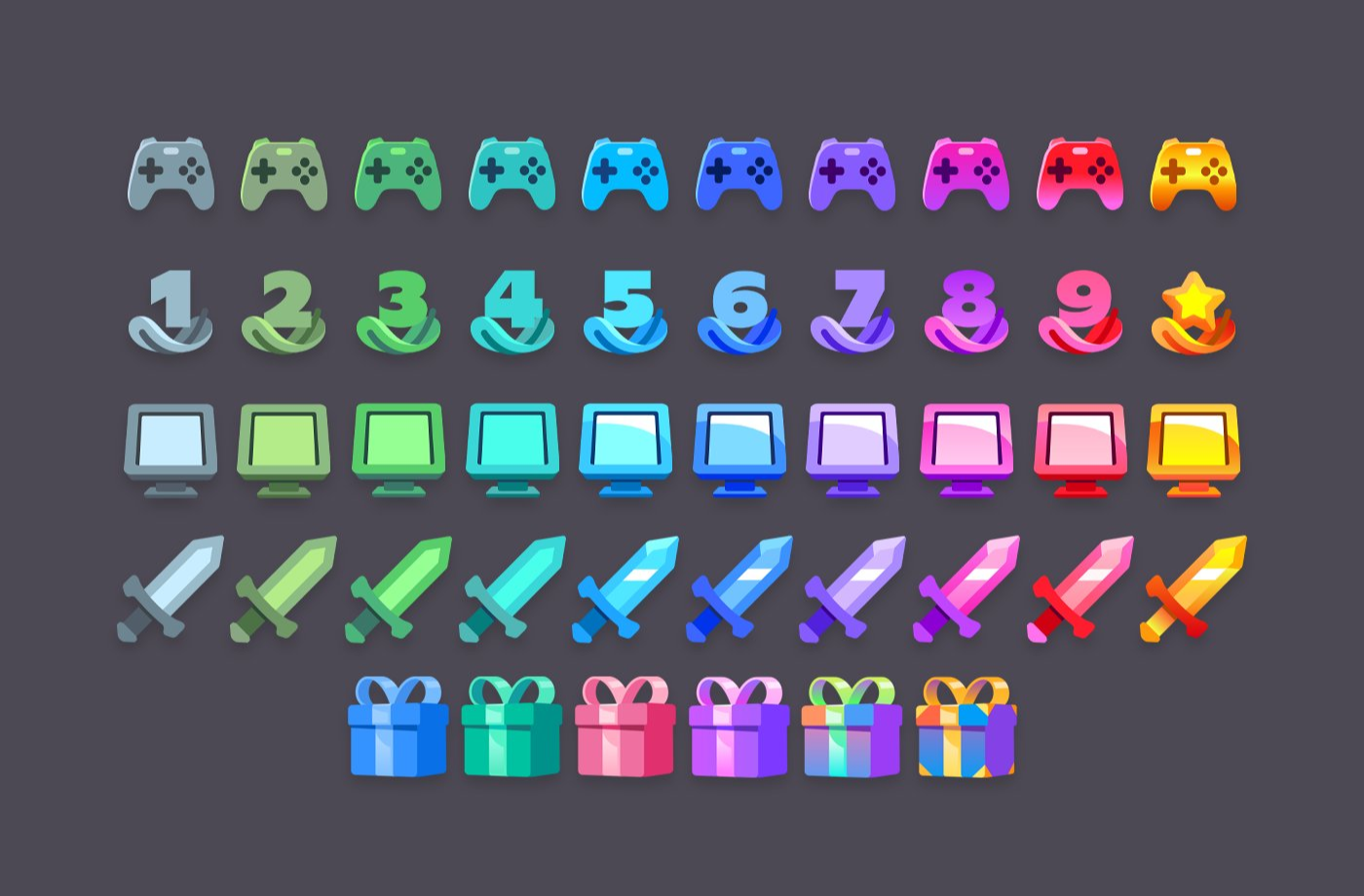
Every tier of the new badges, from grey to gold. Image: Discord.
The requirements below come from community tracker TwilightZebby's badge list, which follows Discord's app code. Discord hasn't published official thresholds.
Account Age badge
- How to get it: automatic once your account is older than 1 year.
- Tiers: one per year, up to 10+ years, shown as a star.
- Tip: there's nothing to do but wait. Old accounts get the best version.
Game Time badge
- How to get it: play at least 1 hour of a detectable game on desktop (Windows, Mac or Linux) with Discord open.
- Tiers: 10, with the top tier at 5,000 hours.
- Needs: analytics and game activity detection turned on.
Game Variety badge
- How to get it: play at least 2 different detectable games with Discord open.
- Tiers: 10, with the top tier at 100 unique games.
- Needs: analytics and game activity detection turned on.
Streaming badge
- How to get it: screen share for at least 1 hour in total, in a call or voice channel, with someone watching. Sessions add up.
- Tiers: 10, with the top tier at 5,000 hours.
- Needs: analytics turned on.
Badge art for the experimental activity badges. Image: Discord.
Gifting badge
Discord says the Gifting badge is "an experiment available to select users," and that "every gift you've ever sent counts toward your badge."
The Gifting badge's six tiers. Image: Discord.
| Tier | Gifts sent |
|---|---|
| Patron | 1 |
| Champion | 2 |
| Luminary | 3 |
| Icon | 6 |
| Hero | 10 |
| Legend | 20 |
For more on the four activity badges, see our post on Discord's Game Time and Account Age badges.
⚙️ Settings to Turn On So Progress Counts
The activity badges rely on two privacy settings:
- User Settings > Data & Privacy: keep the analytics setting on (for Game Time, Game Variety and Streaming).
- User Settings > Activity Privacy: keep game activity detection on (for Game Time and Game Variety).
Also use the desktop app while you play. Mobile and console playtime reportedly don't count. Dataminers also reported that past activity counts, so your history may already be partly tracked.
🎮 How to Get the Easy Badges
Discord Quests badge
Complete any Discord Quest. Discord says the badge is added "upon completing a quest," and that it can't currently be removed.
The Discord Quests badge on a profile. Image: Discord.
Our guide to Discord Quests and free Orbs explains how to find and finish one.
Orbs badge
Buy it from the Orbs shop with Orbs you earn from Quests. Discord warns that "once purchased with Orbs, the Orbs badge cannot be removed."
The Orbs badge, bought with Orbs. Image: Discord.
Discord Nitro badge
Anyone subscribed to Nitro, Nitro Classic or Nitro Basic gets it. Hover over it to see how long someone has subscribed. The community tracker notes that Nitro from Quests or free trials doesn't grant it.
Server Booster badge
Boost any server. It levels up with each month you keep boosting, but Discord warns that if you stop, "your boosting streak and badge will reset to the first level!"
Hover over the booster badge to see the boosting streak. Image: Discord.
🔒 Badges You Can't Get Anymore
- Last Meadow Online: only available during Discord's April Fools game, 1 to 7 April 2026.
- Active Developer: removed on 5 December 2025. See what happened to the Active Developer badge.
- Legacy Username: only for people who kept their old username with a discriminator.
- Early Supporter, HypeSquad Events, Bug Hunter, Discord Staff and more: closed programs or staff only.
Our list of the rarest Discord badges you can never get again covers their history.
🙈 Can You Hide Badges?
Not yet. Discord said in September that it's working on "an experiment to allow badge hiding," but it hasn't rolled out. The community tracker also warns that client mods or scripts that force experiments don't count.
Frequently Asked Questions
How do I get Discord badges for free?
Complete a Discord Quest for the Quests badge. If you're in the experiment, the Account Age, Game Time, Game Variety and Streaming badges are free too.
How do I get the new Discord badges?
They unlock automatically if your account is in the experiment. Play on desktop, stream with friends watching, and keep analytics and game activity detection on.
Why don't I have the new Discord badges?
They're still an experiment for some desktop users. A feature-tracking account reported a wider rollout on 20 October, but Discord hasn't confirmed a date.
What's the highest Account Age badge?
10+ years, shown as a star.
Can I lose a Discord badge?
Yes. The Nitro badge disappears if you cancel, and the Server Booster badge resets if you stop boosting.
🎮 The Bottom Line
Learning how to get Discord badges in 2026 comes down to three things: finish a Quest, keep boosting or subscribing, and let the new activity badges track your playtime, streams and account age.
The new badges are still rolling out, so if yours haven't appeared, keep your settings on and keep playing on desktop. Your progress may already be counting.
Which badge are you going for first?
Sources
- Discord Help Center: Profile Badges 101, updated 31 July 2026
- TwilightZebby: Obtainability of Discord Badges, updated 5 September 2026
- Discord: Adding the Discord Updates YOU Want to See, 16 September 2026
- Discord-Features on X: wider badge rollout, 20 October 2026
- Discord Previews on X: badge rollout and Badge Discovery, 30 July 2026
Comments
Sign in to join the conversation
Sign inNo comments yet
Be the first to share your thoughts!