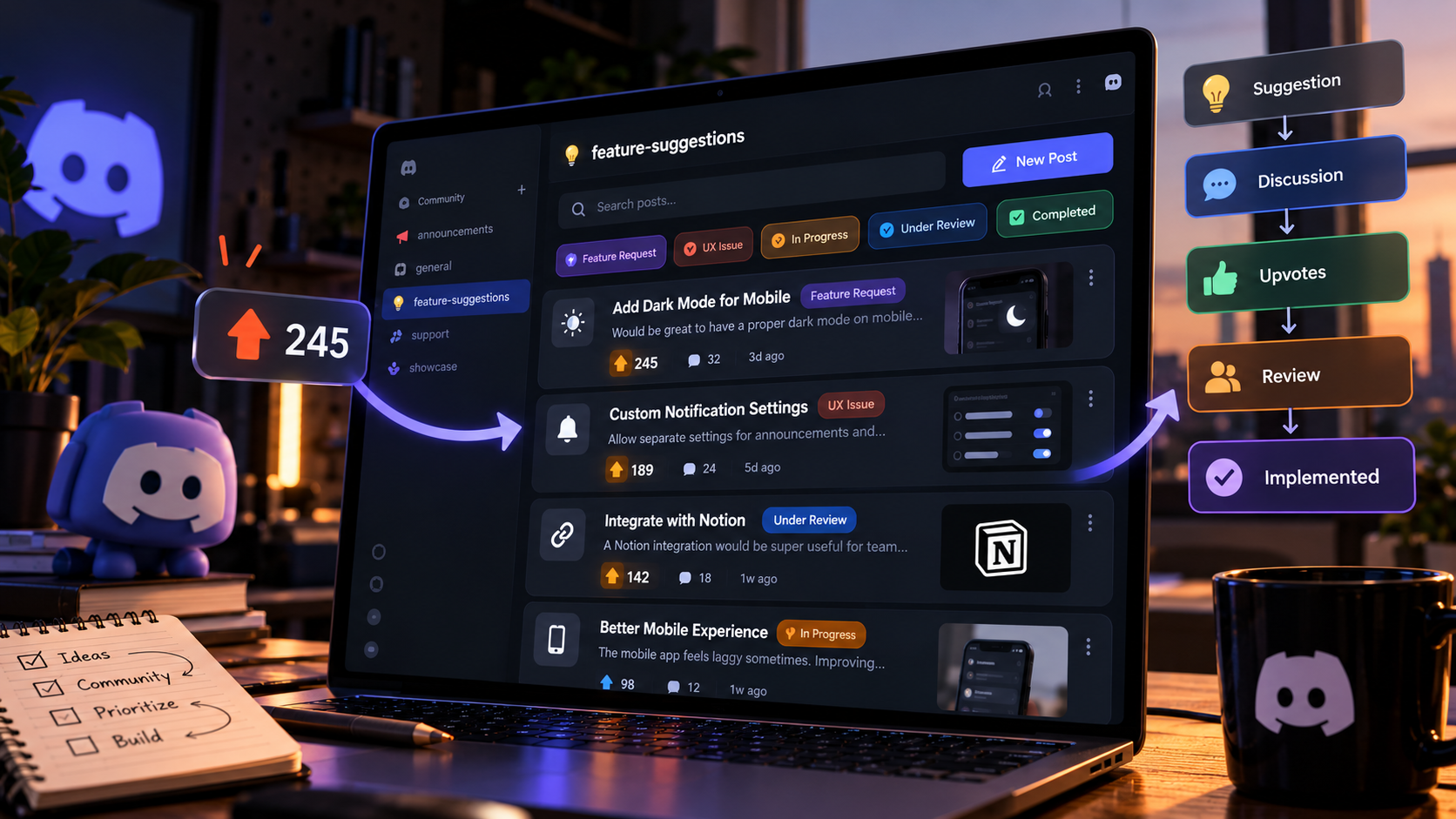

🔥 Your Community Is Already Telling You What to Build
Every active Discord server has ideas hiding in plain sight.
Someone suggests a new feature. Another member reports a frustrating experience. A longtime user explains how a small change could make the product better.
Then the conversation moves on, the messages disappear into the channel history, and nobody remembers which idea received the most support.
For developers, that is a missed opportunity.
Your community can provide valuable insight into product problems, missing features, confusing workflows, and improvements that users genuinely want. But collecting feedback is only half the job. You also need a system to organize it, evaluate it, and communicate what happens next.
That is where a dedicated #feedback and suggestions hub becomes useful.
Instead of allowing ideas to get buried in a busy text channel, you can use a Discord Forum channel to give every suggestion its own discussion, status, and voting activity.
Discord's official Forum Channels guide explains how posts, tags, search, and focused discussions help communities keep conversations organized.

🧠 Why a Forum Channel Works Better Than a Regular Chat
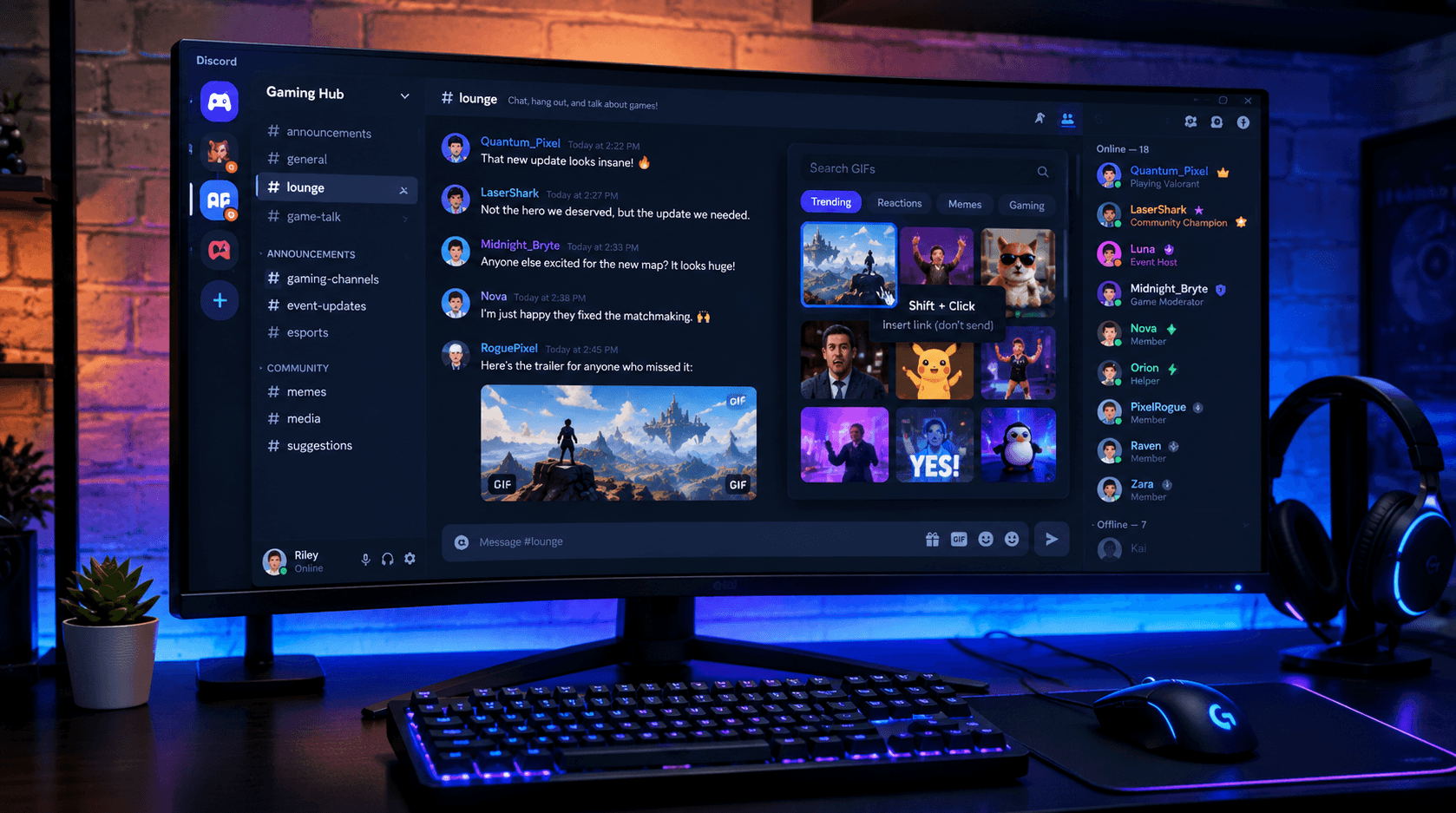
A normal text channel is great for quick conversations. It is less effective when dozens of feature requests compete for attention.
Imagine a community suggesting dark mode, better notifications, new integrations, and an improved mobile experience in the same channel. Members reply to different messages, ideas overlap, and developers have to search through conversations to understand the original request.
A Forum channel gives every idea its own post.
Members can open a suggestion, discuss its benefits, explain problems, and add reactions without mixing the conversation with unrelated requests.
The structure becomes simple:
Submit an Idea → Discuss It → Vote on It → Review It → Share Its Status
Forum channels also support tags and dedicated search, making it easier to find similar requests and filter discussions by topic. They require Community to be enabled on the Discord server. (Discord Forum Channels FAQ)
⚙️ How to Set Up Your Suggestions Hub
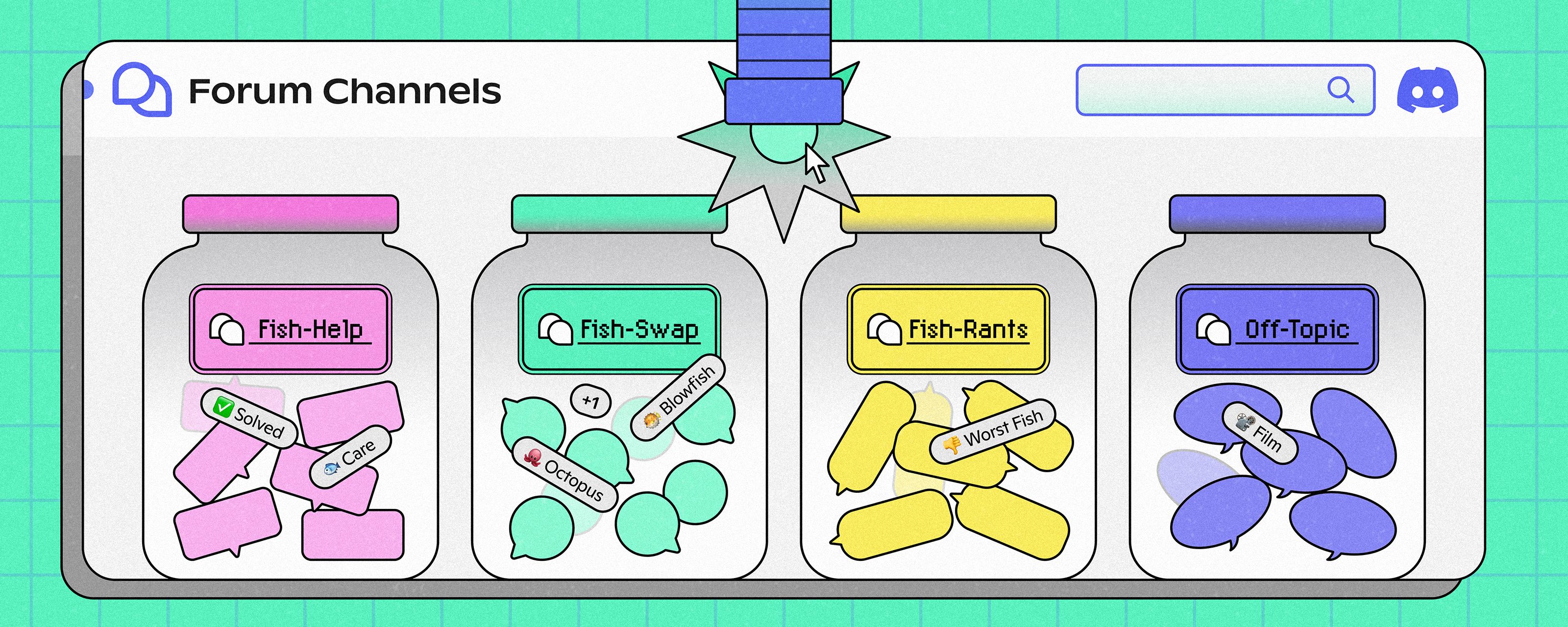
1. Create a Dedicated Forum Channel
Start with a clear name such as #feedback-and-suggestions or #feature-requests.
In your server settings, make sure Community is enabled. Create a new channel and select Forum as its channel type.
Give members permission to submit ideas if open community feedback is your goal. Keep moderation permissions restricted to the appropriate team.
2. Write Clear Submission Guidelines
Members should know what makes a useful suggestion before they create a post.
Ask them to include three things:
The problem: What is frustrating, missing, or difficult?
The proposed improvement: What change would help?
The benefit: How would the change improve the experience for other users?
For example, instead of submitting “Improve notifications,” a member could explain that they need separate notification settings for important announcements and routine updates.
That gives developers a specific problem to evaluate rather than a vague request.
3. Add Useful Forum Tags
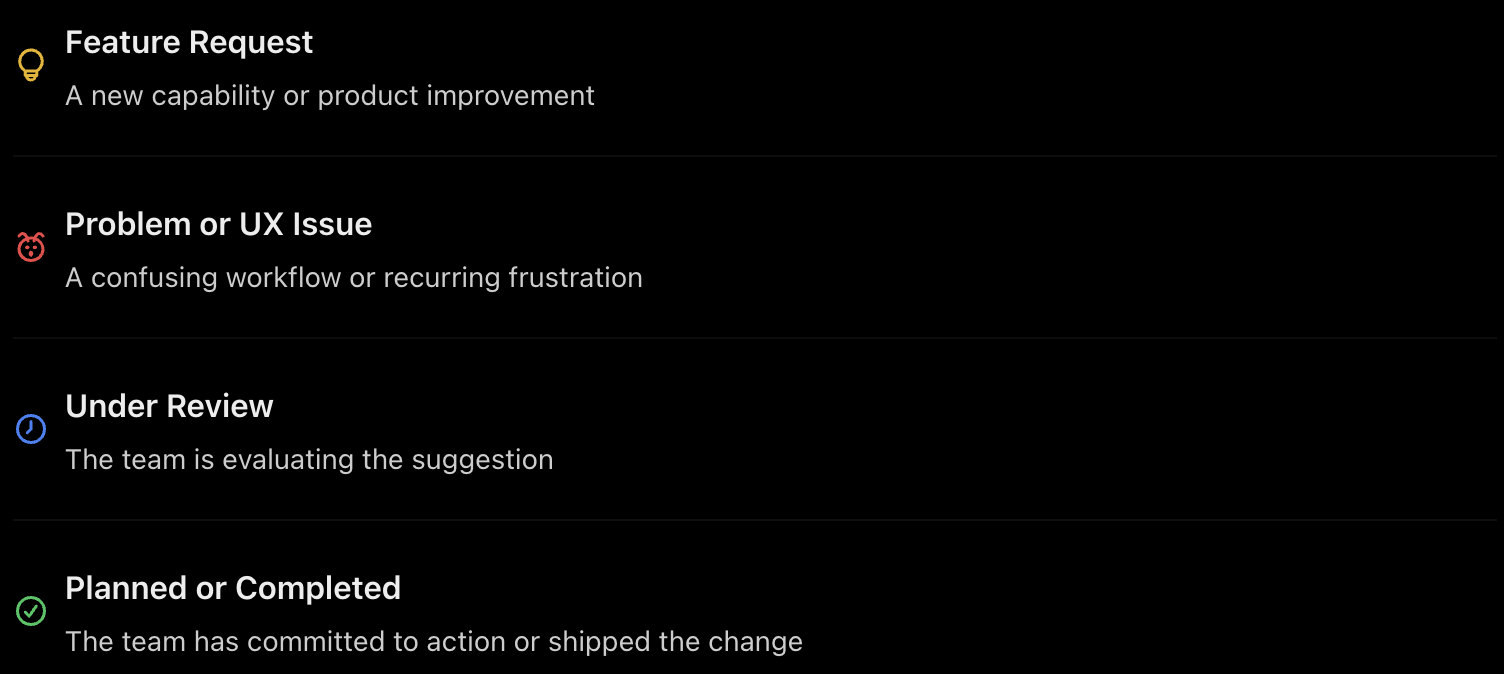
Tags make a large suggestions hub easier to manage.
Feature Request
A new capability or product improvement
Problem or UX Issue
A confusing workflow or recurring frustration
Under Review
The team is evaluating the suggestion
Planned or Completed
The team has committed to action or shipped the change
You can also introduce tags such as In Progress, Declined, or Needs More Information.
Keep the system manageable. Too many tags can make posting confusing, especially for new members.
👍 Turn Votes Into a Useful Signal
Voting helps developers understand which ideas attract community interest.
You can configure a default reaction for new Forum posts and encourage members to use it to support suggestions. For example, a 👍 reaction can represent support for an idea.
Discord Forum channels also offer sorting options that help members navigate posts. However, reactions are not the same as a dedicated product voting system. Native reactions can include unrelated emojis, and they do not automatically provide a complete feature prioritization workflow.
For a simple setup, establish a community rule: one idea per post, one clear voting reaction, and discussion in the original post.
If you need stricter voting rules, duplicate detection, or automated vote tracking, consider a compatible bot or external feedback platform.
The goal is not to let the most popular suggestion win automatically. Votes help reveal demand, but developers still need to consider feasibility, security, development cost, and the product's long term direction.
📊 Give Developers a Clear Review Process
Collecting hundreds of suggestions is useless if nobody reviews them.
Assign a team member to check the forum regularly, merge duplicate ideas where appropriate, and update the status of requests.
A practical review cycle looks like this:
New Suggestion → Duplicate Check → Community Feedback → Developer Review → Decision → Status Update
During review, consider four questions:
How many users experience this problem?
How much would the improvement help them?
What resources would implementation require?
Does the idea fit the product's direction?
A small improvement that solves a widespread problem may be more valuable than a highly requested feature that requires months of work.
The important thing is to apply consistent criteria instead of making decisions based only on reaction counts.
📣 Close the Feedback Loop
This is where many communities lose trust.
Members submit ideas, vote on them, and wait. Weeks pass without an update. Eventually, they stop contributing because they assume nobody is listening.
Avoid that by communicating decisions.
When an idea enters review, update its tag. When development begins, explain what is happening. If a suggestion is declined, provide a brief reason when possible.
You do not need to promise that every request will be implemented. You need to show that submissions are being considered.
Discord itself distinguishes between collecting feedback and guaranteeing implementation in its official feedback guidance. The same principle applies to your own community: acknowledging feedback is valuable, even when the answer is no.
🚀 Turn Community Feedback Into Product Intelligence
A well organized suggestions channel does more than collect ideas. It creates a searchable record of what your community needs, what problems keep appearing, and which improvements generate the strongest interest.
Start with a Forum channel, a few useful tags, clear posting guidelines, and a consistent review schedule. Add automation only when the volume of suggestions makes manual tracking difficult.
Community Ideas → Organized Suggestions → Meaningful Votes → Developer Decisions → Transparent Updates
That is how your Discord feedback channel becomes a practical part of product development rather than another place where messages disappear.
Your community is already sharing ideas. Give those ideas a structure, give members a reason to participate, and show them what happens after they click that upvote.
The best feedback system is not the one that collects the most suggestions. It is the one that helps the team understand them and turns the right ideas into better experiences.
🔗 Official Sources
Covers Forum setup, tags, search, permissions, and post management.
2. Forum Channels: A Space for Organized Conversations
Explains how Forum channels support focused community discussions.
Comments
Sign in to join the conversation
Sign inNo comments yet
Be the first to share your thoughts!