
How to Claim Free Discord Nitro Trials in 2026
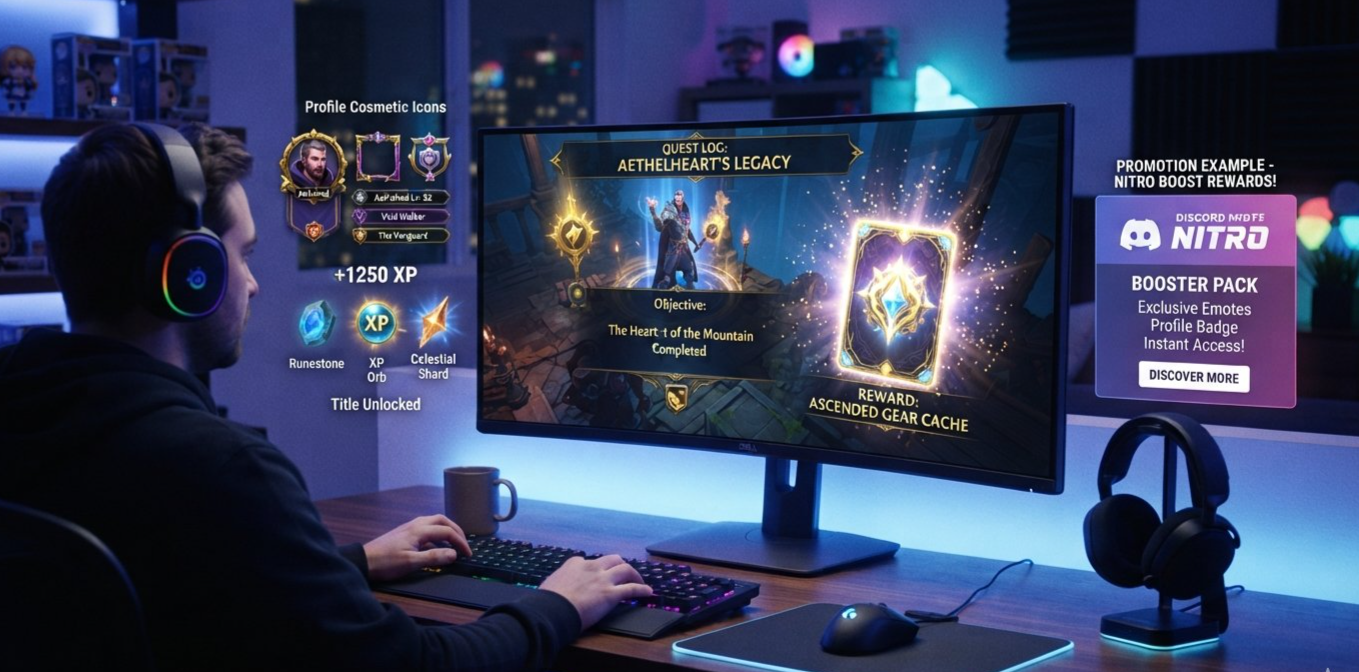
Discord Nitro can unlock premium features such as larger file uploads, HD streaming, custom profile options, animated avatars, and additional ways to personalize your account. For users who want to try those perks without immediately paying for a subscription, limited-time promotions and Quest-related rewards are worth watching.
Discord has experimented with rewards that let users earn digital items through Quests, including Orbs that can be redeemed for eligible Shop rewards. Nitro-related promotions have also included limited trial offers for selected users. However, the rewards available are not identical for everyone, and a short Nitro reward is not necessarily the same thing as a standard free trial.
In 2026, the smartest way to look for a free Discord Nitro offer is to check the official Nitro tab, review available Quests and Orbs rewards, and read the redemption terms before activating anything.
This guide explains where to look, how to claim an eligible offer, what to know about 3-day and 7-day rewards, and how to avoid scams or unexpected subscription charges.
1. What Are Free Discord Nitro Trials?
Discord Nitro is Discord's premium subscription, designed to expand the features available to members. Depending on the plan, benefits include larger uploads, improved streaming quality, custom emoji access, profile customization, and other perks.
A promotional Nitro trial allows an eligible user to experience certain Nitro benefits for a limited time under the offer's terms. Discord has provided trials through different promotional programs, including selected campaigns and trial-sharing features.
It is important to distinguish between three types of rewards.
A standard Nitro trial: A limited period of Nitro access offered to eligible users. Depending on the promotion, activating it may require a payment method and may lead to a paid subscription unless cancelled before renewal.
A Quest-related reward: A reward granted after completing an eligible Discord Quest. The exact reward depends on the promotion and may be a digital item, Orbs, or another specified benefit.
Nitro credits or Orbs Shop rewards: Certain digital rewards may provide Nitro-related benefits under their own redemption rules. These should not automatically be treated as equivalent to a conventional subscription trial.
Discord's official documentation confirms that Quest rewards and promotional Nitro offers can have specific eligibility and redemption requirements.
Official resources:
2. Can Discord Quests Reward Nitro in 2026?
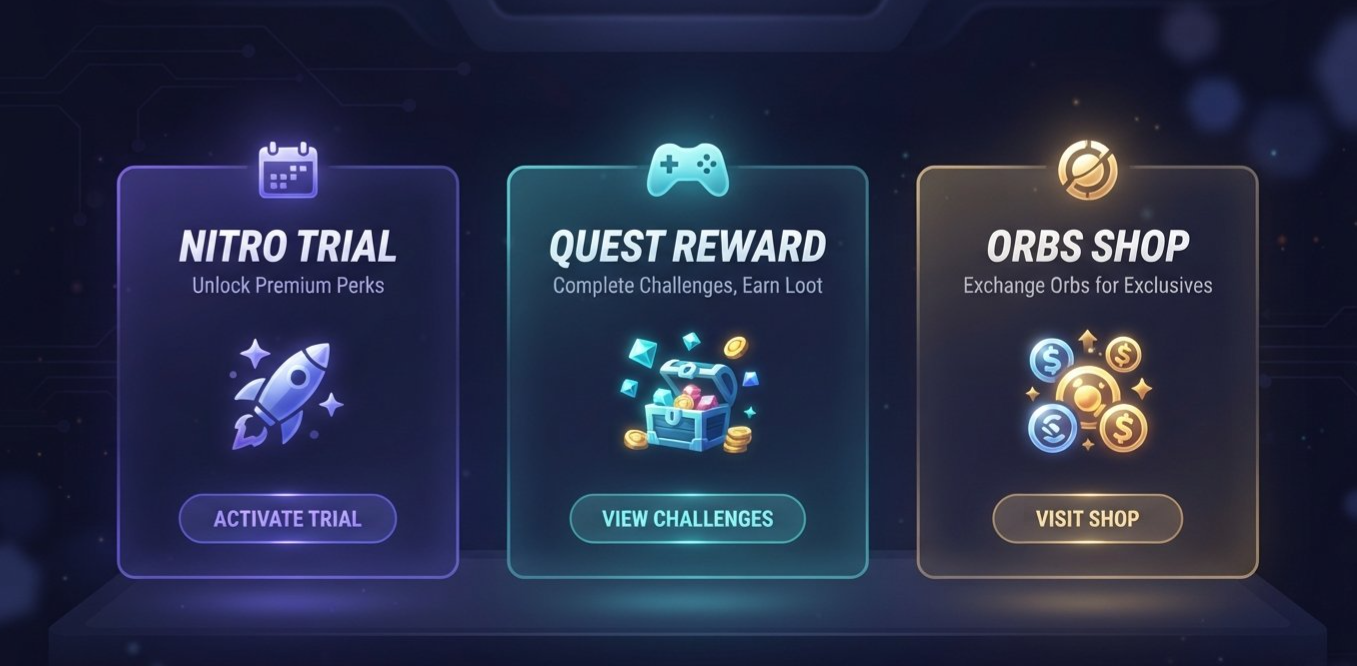
Yes, Discord has used its Quests and Orbs systems to provide users with promotional rewards, including Nitro-related benefits in certain offers. Discord announced Orbs in May 2025 as a virtual reward earned through Quests and redeemable for eligible items in the Discord Shop, including Nitro credits and profile cosmetics.
The important detail is that not every Quest awards Nitro, and not every user will see the same rewards. Some Quests may offer Orbs, avatar decorations, or items connected to a game instead.
A Quest might ask you to play a supported game, watch promotional content, or complete another specified activity. The requirement and reward should be visible in the offer details before you begin.
What about 3-day or 7-day Nitro rewards?
Short-duration Nitro-related rewards have appeared in Discord's promotional ecosystem, but you should not assume that every Quest currently provides a 3-day or 7-day trial. The available offer can change by campaign, account eligibility, region, and redemption conditions.
If a promotion advertises a short Nitro reward, read the offer itself to determine whether it provides a trial, Nitro credit, or another reward. Check whether it activates automatically or requires a separate redemption step.
For background, see Discord's official announcement:
Checkpoint 3: Leveling Up Discord Quests with Orbs and Advanced Measurement
3. How to Check for Nitro Offers
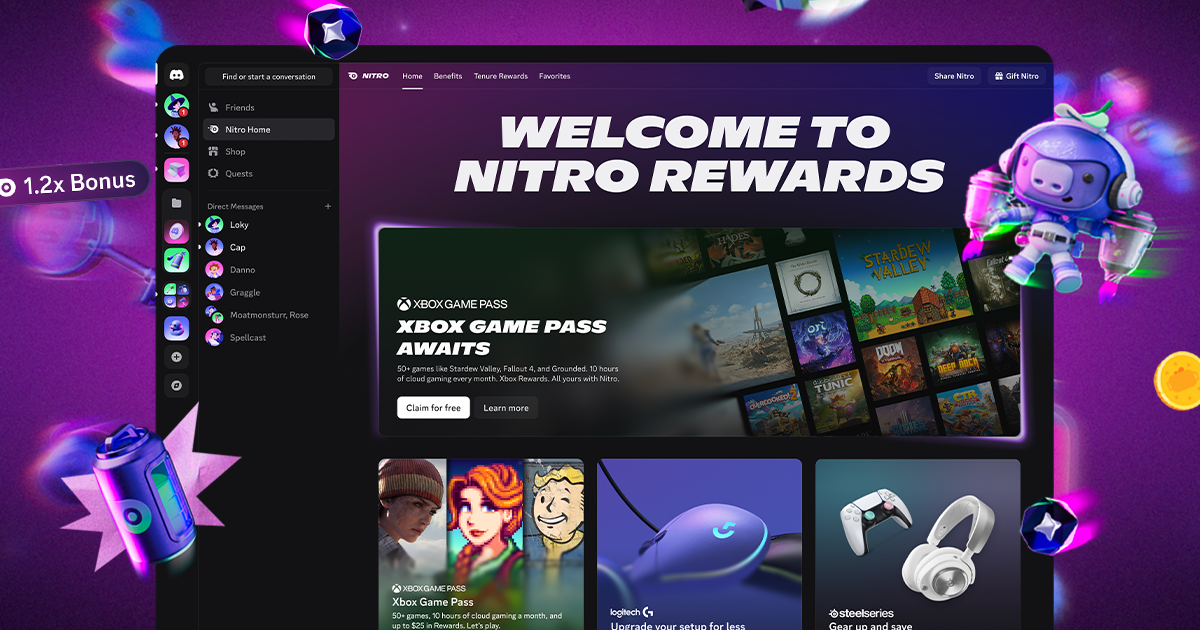
The most reliable starting point is Discord itself. Rather than trusting a random giveaway post or an unfamiliar website, check the official Nitro area in your account.
On desktop or in a browser
Open the official Discord desktop app or visit Discord.
Sign in to the account you want to use.
Open the Direct Messages area and select the Nitro tab, or navigate to User Settings and choose Nitro.
Look for an offer banner, trial notification, or promotional message.
Open the offer and read the eligibility rules, duration, and redemption conditions.
Discord's current Nitro offers guide says that many offers are available through the desktop app or browser unless the specific promotion says otherwise.
Check Quests and Orbs separately
If you are looking for a reward through gameplay, open the Quests area and review the available promotions. If your account has Orbs, check the Shop for eligible Orbs-exclusive rewards.
A Quest that awards Orbs does not necessarily provide a Nitro trial directly. You may need to redeem the earned Orbs for an eligible Shop item, and the available selection may differ over time.
Why checking the official interface matters
Promotional links shared on social media may refer to expired offers, campaigns limited to certain users, or fake giveaways. If an offer is genuine and available to your account, follow the redemption instructions shown by Discord.
Official eligibility guide:
Discord Nitro Offers and Promotions Eligibility Guide
4. How to Claim an Eligible Nitro Reward
The exact process depends on the type of promotion. Use the steps below as a general guide, then follow the instructions on the offer you actually receive.
Method A: Claim a Nitro offer from the Nitro tab
Open Discord on desktop or in your browser.
Go to the Nitro tab through Direct Messages or User Settings.
Find a promotional offer displayed for your account.
Select the offer and read its full terms.
Follow the on-screen instructions to redeem it.
Check your subscription or account status to confirm that the reward has been applied.
Some offers require you to provide payment information. If that applies, check the renewal terms before confirming.
Method B: Complete an eligible Quest
Open Discord's Quest section.
Select an available promotion and read the requirements.
Accept the Quest if required.
Complete the specified activity using the eligible game, platform, or method.
Return to the Quest interface and check your progress.
Claim the reward if the Quest provides a claim option.
Read the reward details to determine whether it grants Orbs, a cosmetic item, Nitro credit, or another benefit.
Do not assume that completing any game Quest will unlock Nitro. The reward shown on the individual Quest is what matters.
Method C: Redeem an eligible Orbs reward
Open the Discord Shop.
Browse the available Orbs-exclusive items.
Look for a Nitro-related reward if one is currently listed.
Review the redemption requirements and the benefit provided.
Confirm the redemption and check your account for the resulting reward.
A Shop reward may have different terms from a standard Nitro trial, so check the description carefully.
5. Understanding 3-Day and 7-Day Rewards
Short-duration rewards can be attractive because they let users experience some Nitro benefits without committing to a long subscription immediately. However, the phrase “free Nitro trial” can refer to different kinds of promotions.
Before relying on a 3-day or 7-day reward, check these details:
| What to check | Why it matters |
|---|---|
| Exact reward duration | The promotion may offer a different period from another campaign. |
| Reward type | A Nitro credit, a trial, and a subscription offer may work differently. |
| Payment requirement | Some trials require payment information before activation. |
| Renewal terms | A trial may convert to a paid subscription unless cancelled in time. |
| Eligibility | Previous subscriptions or trials may make an account ineligible. |
| Expiration date | Some promotional offers must be claimed before a deadline. |
| Platform | A promotion may only be redeemable through desktop, browser, or a specified device. |
Discord's official Nitro trial documentation explains that trial offers may automatically renew as a paid plan at the end of the trial period unless cancelled beforehand. The exact terms depend on the offer.
If a reward is described as a Nitro credit rather than a trial, do not assume it follows the same billing process. Check the official explanation attached to that reward.
Official reference:
Discord Nitro 2-Week Trial Offer
6. What to Check Before Activating a Trial
A free trial can be useful, but a few quick checks can prevent confusion later.
Confirm whether a payment method is required
Some trial offers require a payment method at redemption even though the initial trial period is free. Read the confirmation screen carefully before proceeding.
Check the renewal date
If the offer renews into a paid subscription, note the date when billing begins. Set a reminder if you do not want to continue with a paid plan.
Review eligibility rules
Discord's offers may depend on factors such as region, recent subscription history, previous trials, and the type of subscription used. Receiving an offer from a friend or seeing a screenshot online does not guarantee that your account qualifies.
Redeem on the correct account
Promotional benefits are generally tied to the eligible Discord account. Make sure you are signed in to the account where you want to use the reward.
Do not confuse Nitro with Nitro Basic
Discord offers different subscription types, and they do not include identical features. Check which plan the promotion provides rather than assuming every trial unlocks the full Nitro package.
Cancel through the appropriate subscription settings
If you activate a trial that automatically renews, check Discord's cancellation instructions and manage it through the relevant platform. Some purchases must be managed on the same platform where they were started.
The goal is to enjoy the trial without accidentally paying for a subscription you did not intend to keep.
7. Why You Might Not See a Free Nitro Offer
If a friend can claim a promotion but you cannot, it does not necessarily mean something is wrong with your account.
The offer is limited
Discord promotions may be available only to selected users or a specific group of accounts.
You have used Nitro recently
Some promotions exclude accounts that had an active Nitro subscription or trial within a specified period. The exact restriction varies by offer.
Your region is not eligible
Not every promotion is available worldwide. Some offers have country-specific restrictions.
The campaign has ended
Promotions can expire, reach a limit, or be removed before every user has an opportunity to claim them.
You are checking the wrong place
Many Nitro offers appear in the Nitro tab on desktop or browser. Certain promotions may use another official surface, so check the instructions provided by the campaign.
The offer is no longer available to your account
Discord says eligibility can change while an offer is running. If an offer is missing, support generally cannot manually add it or override the eligibility rules.
The best approach is to keep Discord updated and check the official Nitro tab periodically. Avoid websites claiming that they can force-enable an offer on your account.
8. How to Avoid Fake Nitro Giveaways
Free Nitro is a popular theme in gaming communities, which also makes it attractive to scammers. Fake giveaways can imitate Discord's branding, use countdown timers, or promise unlimited Nitro codes to pressure users into acting quickly.
Follow these safety rules:
Claim offers through Discord's official app or website whenever possible.
Never share your password or account token to receive a reward.
Do not scan a suspicious QR code or download an unknown program to claim Nitro.
Be cautious of websites that ask you to complete unrelated surveys or provide sensitive information.
Do not assume that a Discord message is legitimate just because it appears in a server or direct message.
Check that any offer from a friend appears in Discord's official trial-sharing interface.
Discord's Share Nitro documentation specifically warns users about suspicious external links, files, and QR codes. Legitimate shared trials are redeemed within Discord's own interface rather than through an unknown download.
Official reference:
A real promotion should have clear terms and an identifiable redemption process. If a giveaway demands your login details, treat it as unsafe.
9. Frequently Asked Questions
Can I get free Discord Nitro in 2026?
Possibly. Discord has offered promotional Nitro trials and Quest-related rewards, but availability depends on the current campaign and your account eligibility. Check the official Nitro tab and available Quest rewards.
Can a Discord Quest give me a 3-day or 7-day Nitro trial?
A promotion may offer a short-duration Nitro-related reward, but 3-day and 7-day trials are not guaranteed for every user or Quest. Check the exact reward description and terms displayed by Discord.
Do I need Nitro to complete Discord Quests?
Not generally. Eligible users can participate in supported Quests without already having Nitro, although individual promotions can have additional requirements.
Can I earn Nitro using Discord Orbs?
Discord has described Nitro-related rewards among the items available through its Orbs system. Availability and redemption terms can change, so check the current Shop listing.
Why does my friend have a Nitro offer but I do not?
Offers can be limited by region, subscription history, campaign eligibility, or other criteria. Discord does not guarantee that every user will see the same promotion.
Will a free Nitro trial charge me automatically?
Some trials automatically renew as paid subscriptions unless cancelled before the trial ends. Check the exact terms before activating the offer, especially if you provide a payment method.
Can I claim a trial from my phone?
It depends on the promotion. Discord's general Nitro offer guide says many offers are available on desktop or in a browser unless otherwise specified. Follow the platform requirements shown by the specific offer.
What should I do if a Quest reward does not appear?
Check that you completed all requirements, claimed the reward if required, and used the correct account. Review the Quest or promotion's official instructions if the reward is still missing.
Final Thoughts
Free Discord Nitro offers can be worth checking if you want to try premium features without immediately committing to a paid subscription. Quests, Orbs, and limited-time promotions provide different ways to access rewards, but they do not all work the same way.
Start with Discord's official Nitro tab, inspect any eligible Quests, and check the Shop if you have Orbs to redeem. Before claiming a trial, confirm the duration, payment requirements, eligibility rules, and renewal date.
Most importantly, treat 3-day and 7-day Nitro rewards as offer-specific possibilities rather than guaranteed benefits. The promotion displayed in your own account is the best source for what you can actually claim in 2026.
Comments
Sign in to join the conversation
Sign inNo comments yet
Be the first to share your thoughts!