

250 Discord Role Ideas for Gaming, AI, Study & More (2026 Guide)
One of the easiest ways to make your Discord server look professional is by creating well-organized roles.
Roles do much more than change a member's color. They help organize your community, manage permissions, recognize active members, and create a stronger sense of belonging.
Whether you're building a gaming server, an AI community, a study group, or a startup network, choosing the right role names can make your server more engaging and easier to manage.
In this guide, you'll find over 250 Discord role ideas for every type of community.
Why Are Discord Roles Important?
Discord roles help members quickly understand who does what inside your server.
A good role system helps you:
Organize permissions
Reward active members
Highlight moderators
Create community identity
Improve server appearance
Reduce confusion
The best servers keep their role structure simple while still giving members something to work toward.
Essential Staff Roles
Every server should start with these roles.
👑 Owner
🛡️ Admin
⚔️ Moderator
🧹 Helper
🎫 Support Team
🤖 Bot Manager
📢 Event Manager
🎨 Designer
📝 Content Manager
🔧 Developer
These roles help keep your server organized and running smoothly.
Community Roles
These roles work well in almost every server.
🌟 VIP
💎 Premium
🎉 Member
👋 New Member
🏅 Active Member
💬 Regular
❤️ Supporter
🎖️ Veteran
🚀 Early Supporter
⭐ Booster
Rewarding active members gives them a reason to stay engaged.
Gaming Role Ideas
Perfect for gaming communities.
🎮 Gamer
🏆 Champion
🎯 Sniper
⚔️ Warrior
🧙 Mage
🛡️ Tank
🏹 Archer
💥 Raider
🎲 Casual Player
👑 Guild Leader
🎮 Squad Leader
🔥 MVP
💀 Hardcore
🌍 Explorer
🎖️ Ranked Player
🚀 Speedrunner
🧩 Puzzle Master
🎲 Party Leader
🕹️ Retro Gamer
🎮 Streamer
Different games can also have game-specific roles.
AI Community Roles
For AI builders and enthusiasts.
🤖 AI Builder
💡 Prompt Engineer
🧠 Researcher
⚡ Automation Expert
💻 AI Developer
🎨 AI Artist
🎙️ AI Creator
🚀 Founder
📚 Learner
🔬 Experimenter
🔥 Power User
🧪 Beta Tester
📈 Growth Hacker
🛠️ Tool Builder
💬 Community Helper
These roles encourage members to identify with their interests and expertise.
Coding Role Ideas
Programming communities benefit from language-based roles.
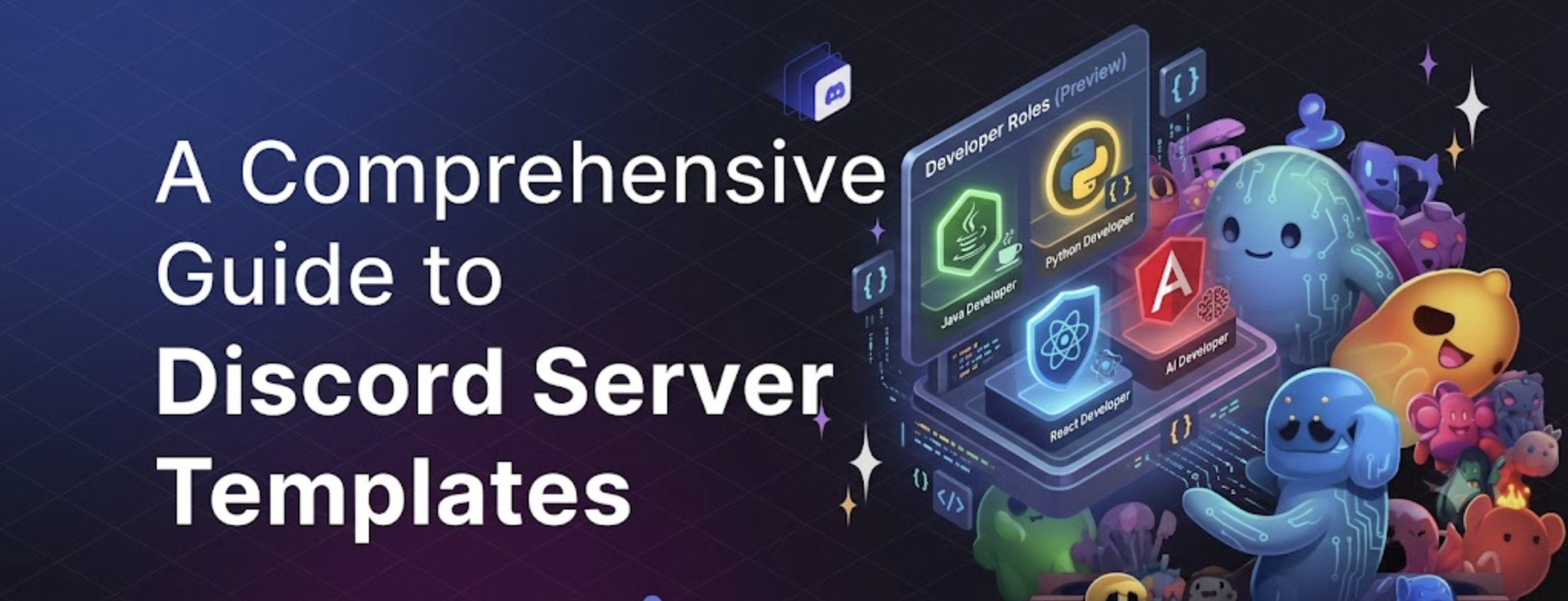
☕ Java Developer
🐍 Python Developer
⚛️ React Developer
🌐 Frontend Developer
⚙️ Backend Developer
📱 Mobile Developer
🗄️ Database Expert
🚀 Full Stack Developer
🛠️ DevOps
🔒 Security Engineer
🤖 Machine Learning
💻 Open Source Contributor
🎯 Code Reviewer
🧪 Tester
📦 Package Maintainer
Members can quickly find others working with the same technologies.
Study Community Roles
Keep study servers simple.
📚 Student
🎓 Graduate
👨🏫 Mentor
📝 Tutor
🎯 Goal Crusher
📖 Bookworm
☕ Study Buddy
🌍 Language Learner
🧪 Science Club
💡 Top Performer
Startup Role Ideas
Perfect for founders and entrepreneurs.
🚀 Founder
💼 Co-Founder
📈 Marketer
💻 Developer
🎨 Designer
💰 Investor
📊 Growth
🤝 Partnerships
📢 Community Manager
💡 Advisor
Fun Discord Role Ideas
Want to make your server more entertaining?
Try these.
👑 Meme King
😂 Meme Queen
🌙 Night Owl
☀️ Early Bird
🍕 Pizza Lover
☕ Coffee Addict
🎧 Music Lover
🐱 Cat Person
🐶 Dog Lover
🎮 AFK Legend
🔥 Touch Grass Later
🚀 Professional Lurker
👀 Silent Observer
💀 Chaos Creator
🎉 Party Starter
Fun roles help members express their personalities.
Color Roles
Many communities let members choose their own name color.
Examples:
❤️ Red
💙 Blue
💚 Green
💜 Purple
🩷 Pink
🖤 Black
🤍 White
💛 Gold
🧡 Orange
🤎 Brown
Reaction roles make color selection quick and easy.
Tips for Organizing Roles
Keep these best practices in mind:
Don't create unnecessary roles.
Group staff roles together.
Use consistent emojis.
Limit admin permissions.
Create reaction roles.
Archive unused roles.
Keep role names easy to understand.
Simple role systems are usually the easiest to manage.
Common Mistakes to Avoid
Avoid:
Giving everyone admin permissions.
Creating dozens of unused roles.
Using confusing names.
Giving bots unnecessary permissions.
Forgetting role hierarchy.
Overcomplicating your server.
A clean role structure makes moderation much easier.
Frequently Asked Questions
How many roles should a Discord server have?
Most communities work well with 10-30 active roles. Larger communities may need more depending on their size.
Can members choose their own roles?
Yes. Reaction role bots allow members to select roles themselves.
What are color roles?
Color roles let members customize the color of their username without affecting permissions.
Should every Discord server use reaction roles?
They're highly recommended because they simplify onboarding and reduce moderator workload.
How do I organize Discord roles?
Keep staff roles at the top, followed by special members, community roles, and optional color roles.
Resources
Discord Role Permissions - https://support.discord.com/
Discord Community Guidelines - https://discord.com/guidelines
Discord Safety Center - https://discord.com/safety
Discords.ai - https://www.discords.ai/
Final Thoughts
Discord roles are more than colorful labels. They help organize your community, reward participation, and make your server feel more welcoming.
Start with the essential roles, add community-specific roles as you grow, and keep your hierarchy simple.
Once your server is ready, list it on Discords.ai to help more people discover your community and start growing your member base.


Comments
Sign in to join the conversation
Sign inNo comments yet
Be the first to share your thoughts!