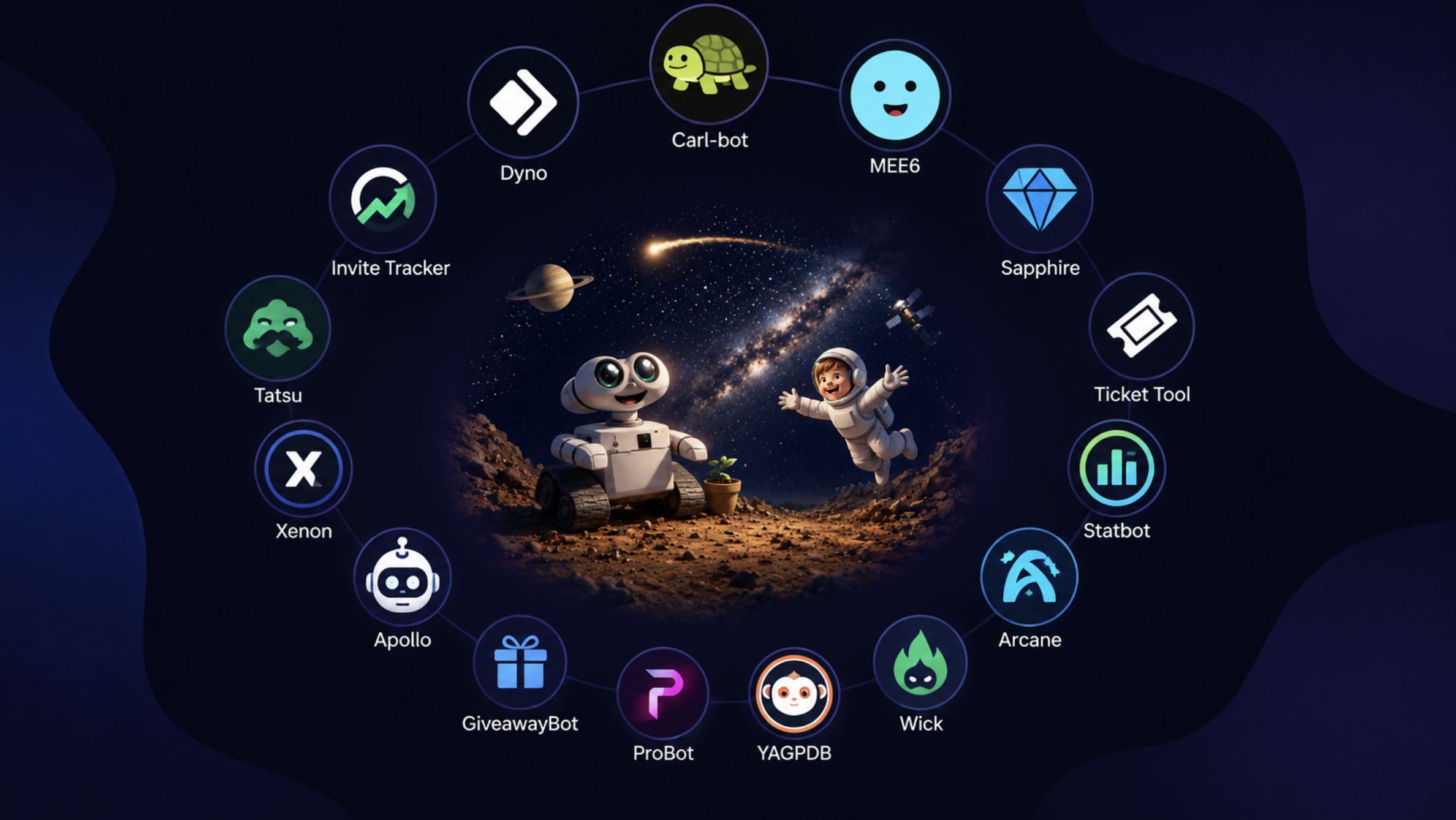

25 Best Discord Bots Every Server Needs in 2026
Creating a Discord server is only the first step. Keeping it organized, secure, and engaging is what turns a small group into a thriving community.
That's where Discord bots come in.
The right bots can welcome new members, moderate chats, automate repetitive tasks, host giveaways, schedule events, collect feedback, and even provide detailed server analytics.
But with hundreds of Discord bots available, it can be difficult to know which ones are actually worth adding.
To make things easier, we've rounded up 25 of the best Discord bots every server owner should consider in 2026.
Why Use Discord Bots?
Discord bots save time while making your community more enjoyable.
Some bots focus on moderation, while others help with music, giveaways, events, statistics, reaction roles, or server management.
A few well-chosen bots can improve the experience for both moderators and members.
1. Carl-bot
One of the most popular moderation bots available.
Features:
- Reaction roles
- Auto moderation
- Logging
- Welcome messages
- Custom commands
Perfect for almost every Discord server.
2. Dyno
Dyno remains one of the easiest moderation bots to configure.
Features:
- Auto moderation
- Anti-spam
- Custom commands
- Role management
- Moderation logs
Great for growing communities.
3. Discords.ai Bump Bot ⭐ Recommended
Building a great Discord server is only half the job. People also need to discover it.
The Discords.ai Bump Bot helps increase your server's visibility by allowing you to bump your server regularly on Discords.ai. Instead of waiting for new members to find your community, regular bumps help keep your server visible to people actively looking for Discord communities.
Features:
- Easy server bumping
- Improved server visibility
- Supports community growth
- Simple setup
- Works with your Discords.ai listing
Whether you're running a gaming server, AI community, startup hub, or study group, it's a simple way to help more people discover your server.
4. Sapphire
Sapphire combines moderation with community management tools.
Features:
- Welcome system
- Auto moderation
- Leveling
- Logging
- Utility commands
Ideal for medium and large communities.
5. MEE6
One of Discord's most recognized bots.
Features:
- Leveling
- Welcome messages
- Moderation
- Music
- Custom commands
Simple enough for beginners while offering advanced options for larger servers.
6. Ticket Tool
Perfect for support communities.
Features:
- Support tickets
- Private conversations
- Staff management
- Easy ticket organization
Excellent for businesses and gaming communities.
7. Arcane
Arcane focuses on member engagement.
Features:
- XP system
- Level rewards
- Voice activity tracking
- Leaderboards
A great choice for active communities.
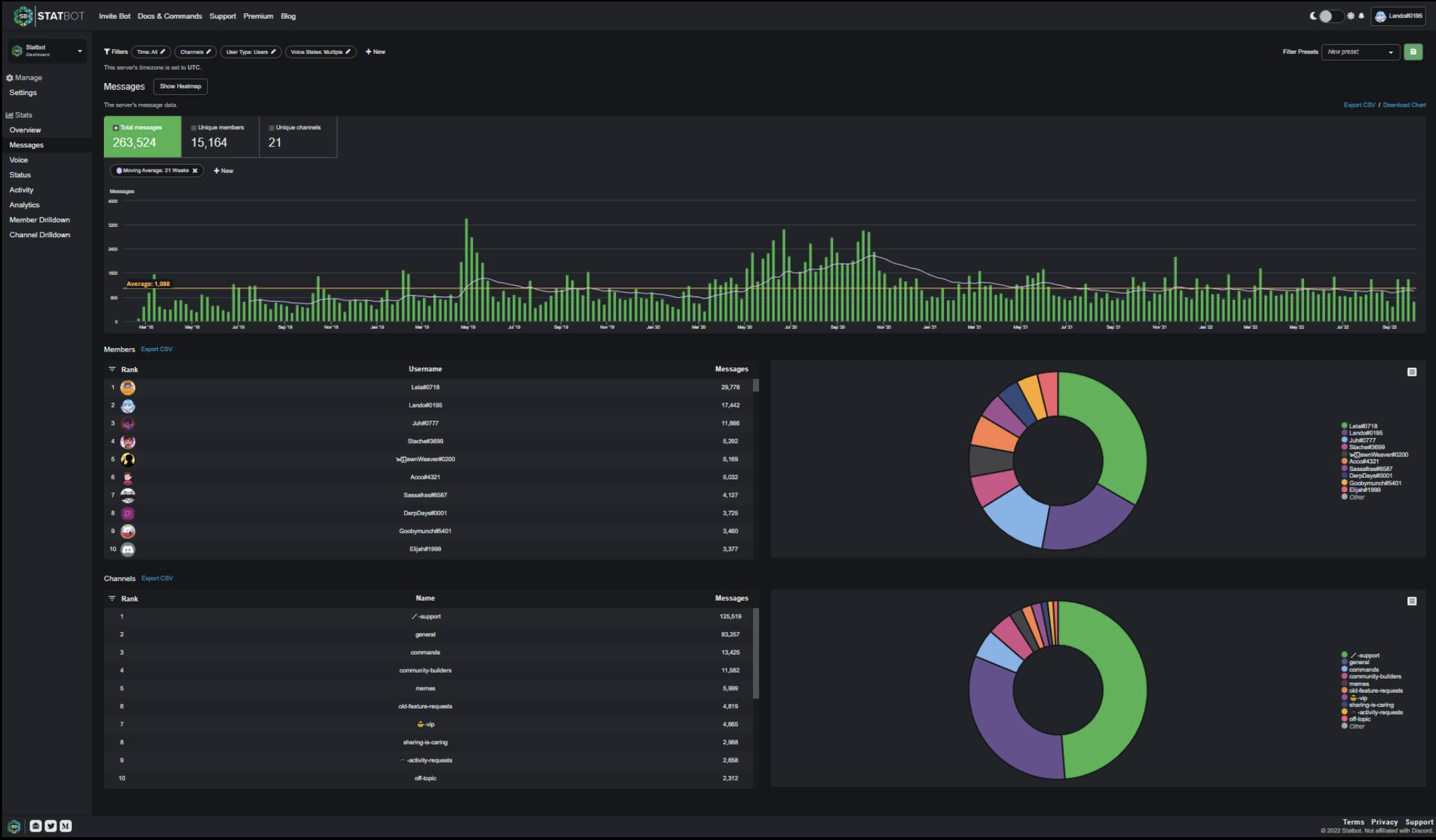
8. Statbot
Want to understand your community?
Statbot provides detailed analytics, including:
- Member activity
- Popular channels
- Growth statistics
- Engagement reports
Perfect for server owners looking to improve their community.
9. Sesh
Planning community events?
Sesh makes scheduling simple.
Features:
- Event calendars
- RSVP system
- Time zone support
- Automatic reminders
Ideal for study groups, gaming events, and startup communities.
10. GiveawayBot
Hosting giveaways is one of the easiest ways to increase engagement.
GiveawayBot helps automate:
- Prize draws
- Entry management
- Winner selection
- Multiple giveaways
11. Apollo
Apollo is built around events and reminders.
Perfect for:
- Clubs
- Communities
- Study servers
- Business teams
12. ProBot
A popular all-in-one Discord bot.
Features include:
- Welcome images
- Moderation
- Auto responses
- Logging
- Music
13. Xenon
Backing up your server is often overlooked.
Xenon lets you:
- Create backups
- Restore channels
- Restore roles
- Recover server settings
A lifesaver if something goes wrong.
14. YAGPDB
Short for "Yet Another General Purpose Discord Bot."
Known for:
- Powerful moderation
- Custom commands
- Reaction roles
- Advanced automation
15. Double Counter
Protect your community from alternate accounts.
Features:
- Alt detection
- Anti-spam
- Raid protection
16. Wick
One of the strongest security bots available.
Great for:
- Anti-raid protection
- Verification
- Auto moderation
- Server security
17. Tatsu
Designed for community engagement.
Features:
- Economy
- Reputation
- Profiles
- Leveling
18. ServerStats
Displays useful information like:
- Member count
- Online users
- Boost level
- Server statistics
19. Disboard Bot
Helps members bump your server on Disboard.
Regular bumps improve discoverability and bring more visitors to your server.
20. Poll Bot
Quickly collect community feedback.
Perfect for:
- Feature requests
- Community votes
- Event planning
21. Helper.gg
Designed for support communities.
Features:
- Ticket system
- Staff workflow
- Private support
22. Birthday Bot
Never miss a member's birthday again.
Birthday celebrations help make your community feel more welcoming.
23. ModMail
Allows moderators to receive private support messages.
Very useful for large communities.
24. Logger Bot
Keeps track of:
- Deleted messages
- Edited messages
- Role changes
- Member actions
25. Invite Tracker
Track who invited new members.
Useful for:
- Referral rewards
- Community events
- Invite competitions
How Many Bots Should You Install?
One common mistake is installing too many bots.
Instead, choose bots that solve specific problems.
For most servers, 5 to 8 well-configured bots are more than enough.
Too many bots can clutter your server and confuse members.
Recommended Discord Bot Stack
You don't need every bot on this list. For most communities, this setup works really well.
| Purpose | Recommended Bot |
|---|---|
| Moderation | Carl-bot |
| Auto Moderation | Dyno |
| Server Growth | Discords.ai Bump Bot |
| Analytics | Statbot |
| Events | Sesh |
| Support | Ticket Tool |
| Security | Wick |
This combination gives you moderation, analytics, automation, and community growth without making your server overly complicated.
Common Mistakes to Avoid
Avoid these when setting up bots:
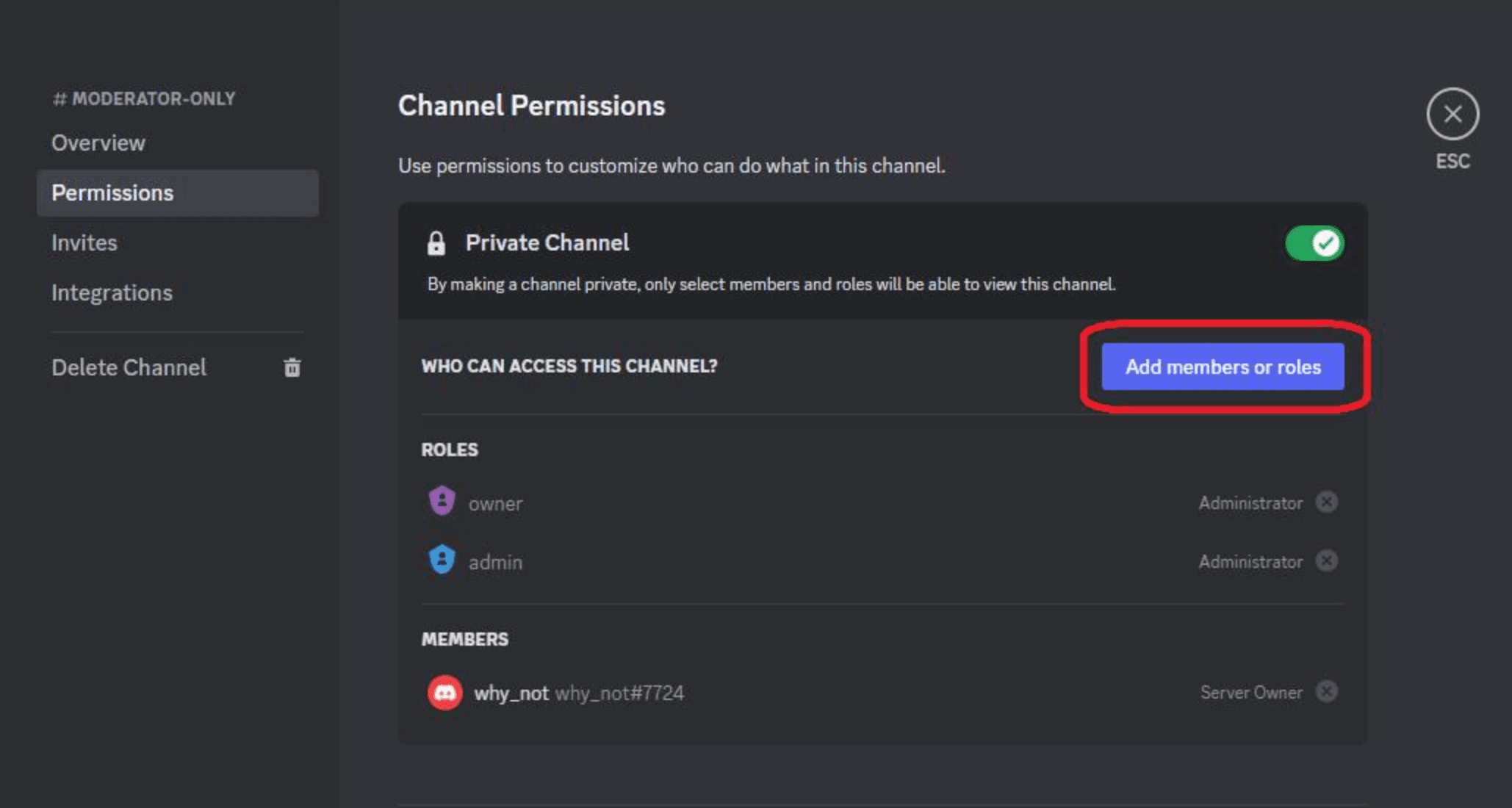
- Giving every bot administrator permissions.
- Installing multiple bots with similar features.
- Ignoring bot updates.
- Forgetting to configure moderation rules.
- Adding unnecessary bots your community won't use.
Keep your server simple, organized, and secure.
Frequently Asked Questions
Are Discord bots free?
Many Discord bots offer free plans with optional premium features.
Which Discord bot is best?
Carl-bot and Dyno are excellent moderation bots, while Statbot is great for analytics. If you're looking to grow your server, the Discords.ai Bump Bot is a useful addition.
Can bots slow down my Discord server?
No. Bots run on external servers, but using too many can make your server feel cluttered.
Do I need a moderation bot?
Yes. Even small communities benefit from automatic moderation and spam protection.
Can I use multiple bots together?
Absolutely. Just avoid installing bots that perform the same tasks.
Resources
- Carl-bot - https://carl.gg/
- Dyno - https://dyno.gg/
- MEE6 - https://mee6.xyz/
- Ticket Tool - https://tickettool.xyz/
- Discord Developer Portal - https://discord.com/developers
- Discord Safety Center - https://discord.com/safety
- Discords.ai Bump Bot - https://www.discords.ai/
Final Thoughts
Discord bots make running a community much easier. They help automate moderation, improve engagement, organize events, and create a better experience for your members.
Start with a few essential bots, then add more as your community grows. There's no need to install everything at once.
If you're looking to grow your community, don't just focus on moderation. Make it easier for new members to discover your server too. The Discords.ai Bump Bot helps keep your server visible to users actively searching for Discord communities, making it a simple addition for anyone looking to grow consistently.
With the right combination of bots and an active community, you'll be well on your way to building a Discord server that people enjoy joining and coming back to.
Comments
Sign in to join the conversation
Sign inNo comments yet
Be the first to share your thoughts!