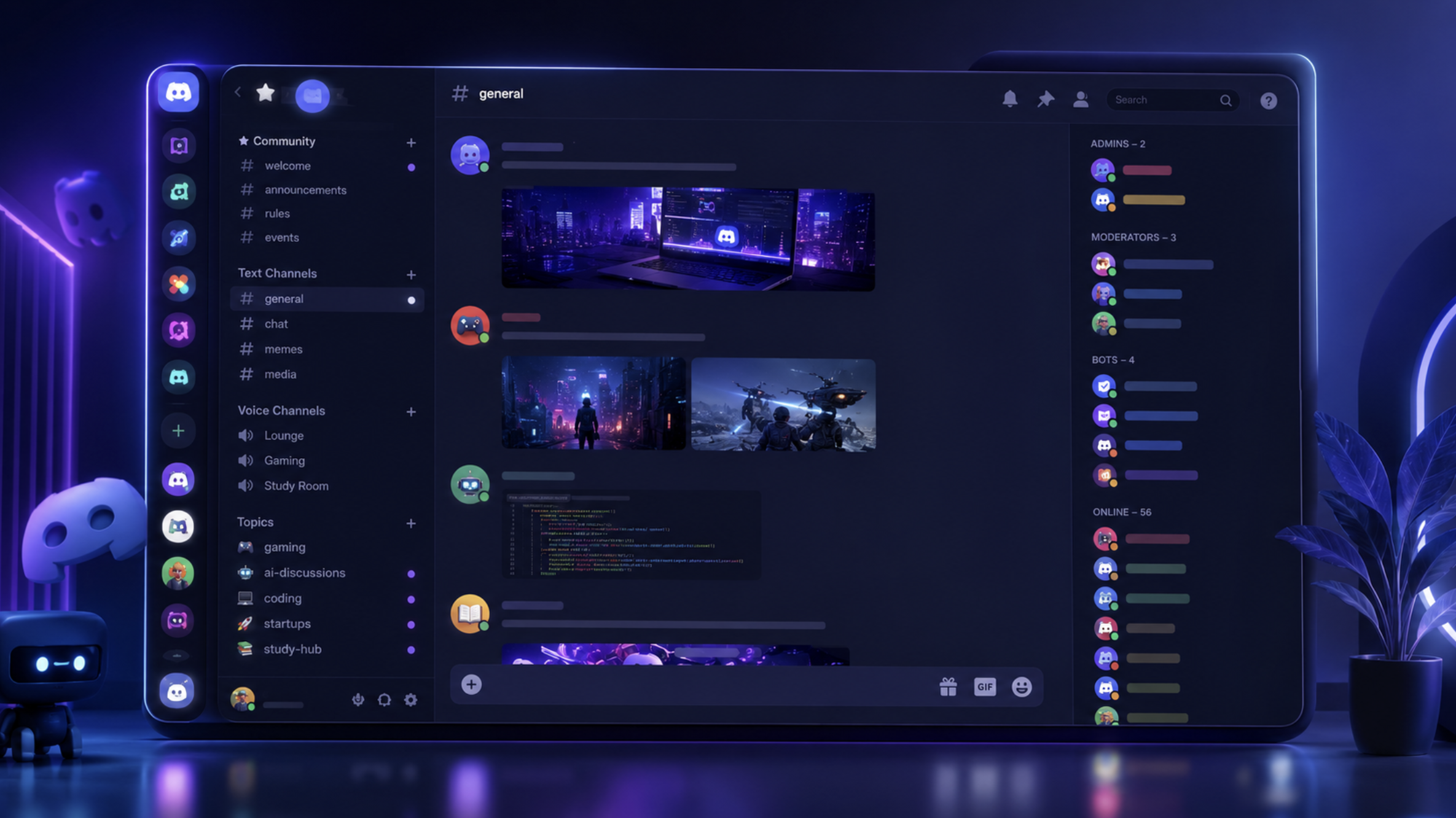

100 Discord Channel Ideas for Every Community (2026 Guide)
Setting up a new Discord server is exciting, but one question comes up almost immediately:
What channels should I create?
It's tempting to add dozens of channels on day one, but that often leaves your server looking cluttered and inactive. On the other hand, creating too few channels can make conversations feel disorganized.
The best Discord servers find the right balance. They have enough channels to keep discussions organized without overwhelming new members.
Whether you're building a gaming community, an AI hub, a study group, or a startup network, this guide shares 100 Discord channel ideas you can mix and match to build the perfect server.
How Many Channels Should a Discord Server Have?
There isn't a perfect number.
A small community can run smoothly with 10-15 channels, while larger communities may have 50 or more.
Instead of creating every possible channel, start with the essentials and expand as your community grows.
Quality is always better than quantity.
Essential Channels
Every Discord server should start with these.
👋 welcome
📜 rules
📢 announcements
📖 server-guide
🎭 roles
👥 introductions
❓ faq
📅 events
📊 polls
📩 support
These channels help new members understand your community from the moment they join.
General Community Channels
These channels encourage members to interact every day.
💬 general-chat
☕ random
😂 memes
📸 media
🎉 celebrations
🎂 birthdays
🎵 music
🎬 movies
📺 tv-shows
🐾 pets
Communities grow when members have casual places to chat outside the main topic.
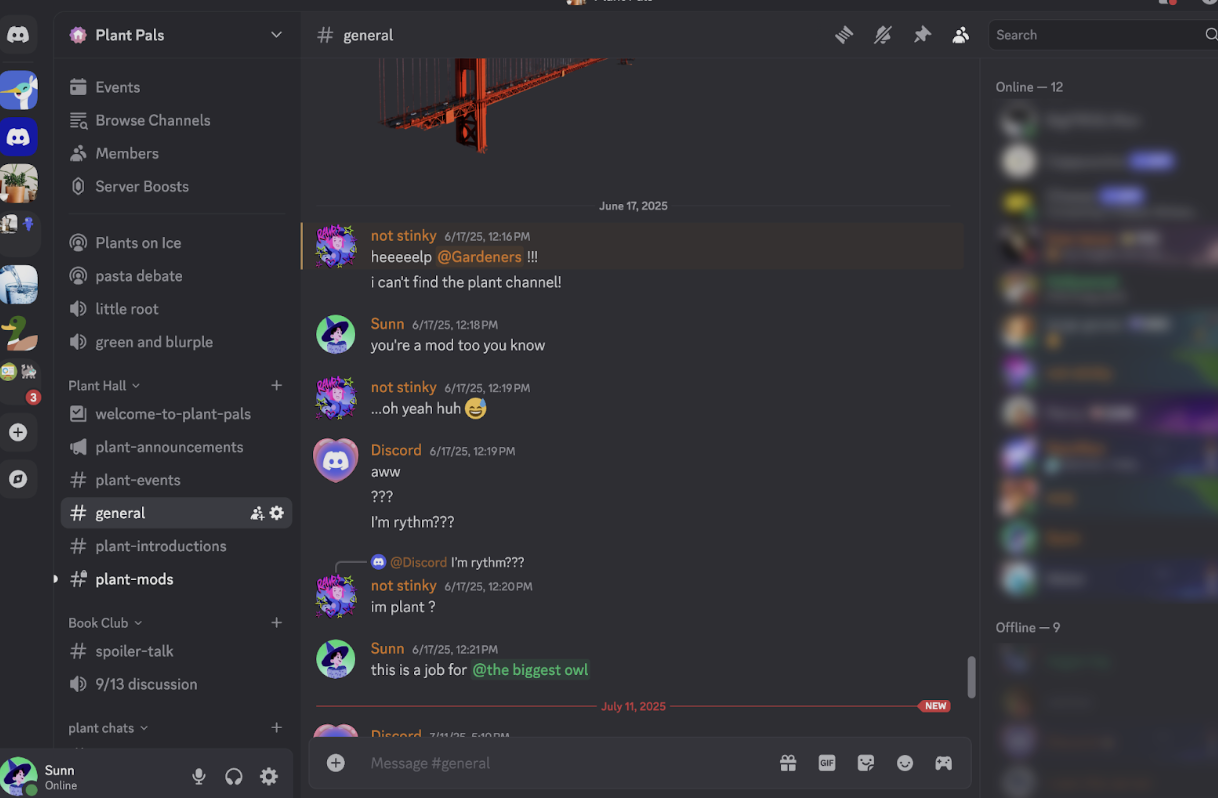
Gaming Channel Ideas
Perfect for gaming communities.
🎮 looking-for-group
🏆 tournaments
🎥 clips
📸 screenshots
🎯 achievements
🎙️ voice-chat
📰 game-news
⚔️ guild-recruitment
🎲 party-games
💡 gaming-tips
These channels make it easier for players to find teammates and share their best moments.
AI Community Channels
For AI enthusiasts, builders, and developers.
🤖 ai-news
💡 prompt-sharing
🧠 chatgpt
🎨 image-generation
🎥 ai-video
🎙️ ai-voice
💻 ai-coding
🛠️ tools
🚀 projects
📚 resources
AI communities thrive when members can easily discover new tools and ideas.
Coding Channel Ideas
Ideal for programming communities.
💻 programming
☕ java
🐍 python
⚛️ react
🌐 web-development
📱 mobile-development
🗄️ databases
🧪 code-review
🚀 showcase
❓ help-desk
Organizing discussions by programming language keeps conversations focused.
📷 Image Suggestion
Image: A Discord server with coding channels for Java, Python, React, and web development.
Alt Text: Programming Discord server with organized coding channels.
Study Server Channels
Perfect for schools, colleges, and learning communities.
📚 study-room
📝 notes
❓ homework-help
📅 study-planner
🎯 daily-goals
📖 book-club
🧪 exam-prep
🌍 language-learning
☕ break-room
🎤 silent-study
Simple layouts help students stay productive without distractions.
Startup & Business Channels
For founders and entrepreneurs.
🚀 startup-showcase
💼 networking
💰 funding
📈 marketing
🤝 partnerships
💡 ideas
🎯 feedback
📢 launches
📊 growth
🎤 founder-lounge
Networking communities benefit from dedicated spaces for collaboration.
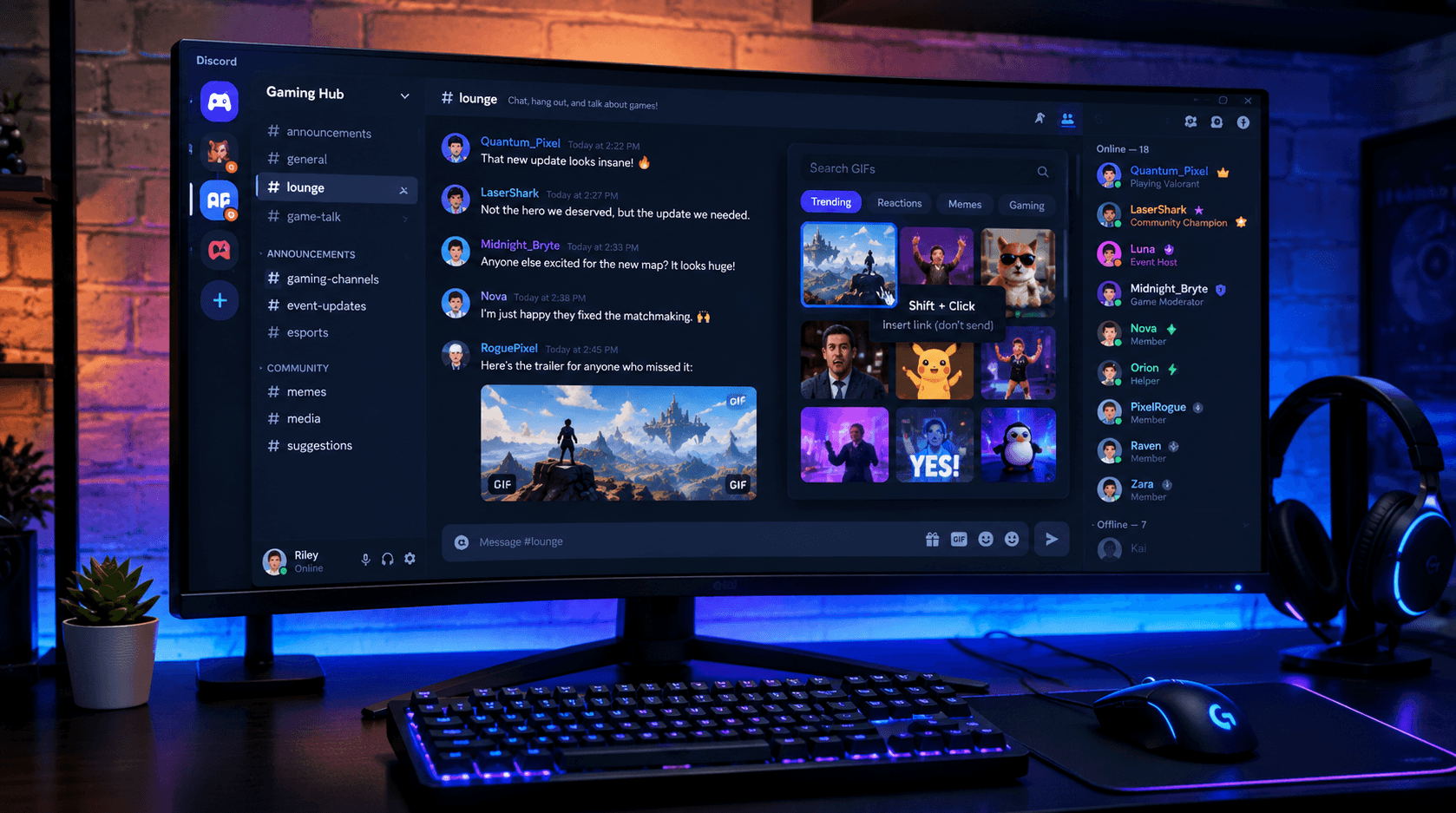
Creator Channels
Great for YouTubers, streamers, designers, and content creators.
🎥 youtube
📸 instagram
🎵 tiktok
🎨 design
✂️ editing
📹 livestreams
📢 collaborations
💼 commissions
🌟 portfolio
🎤 creator-chat
These channels encourage members to share their work and receive constructive feedback.
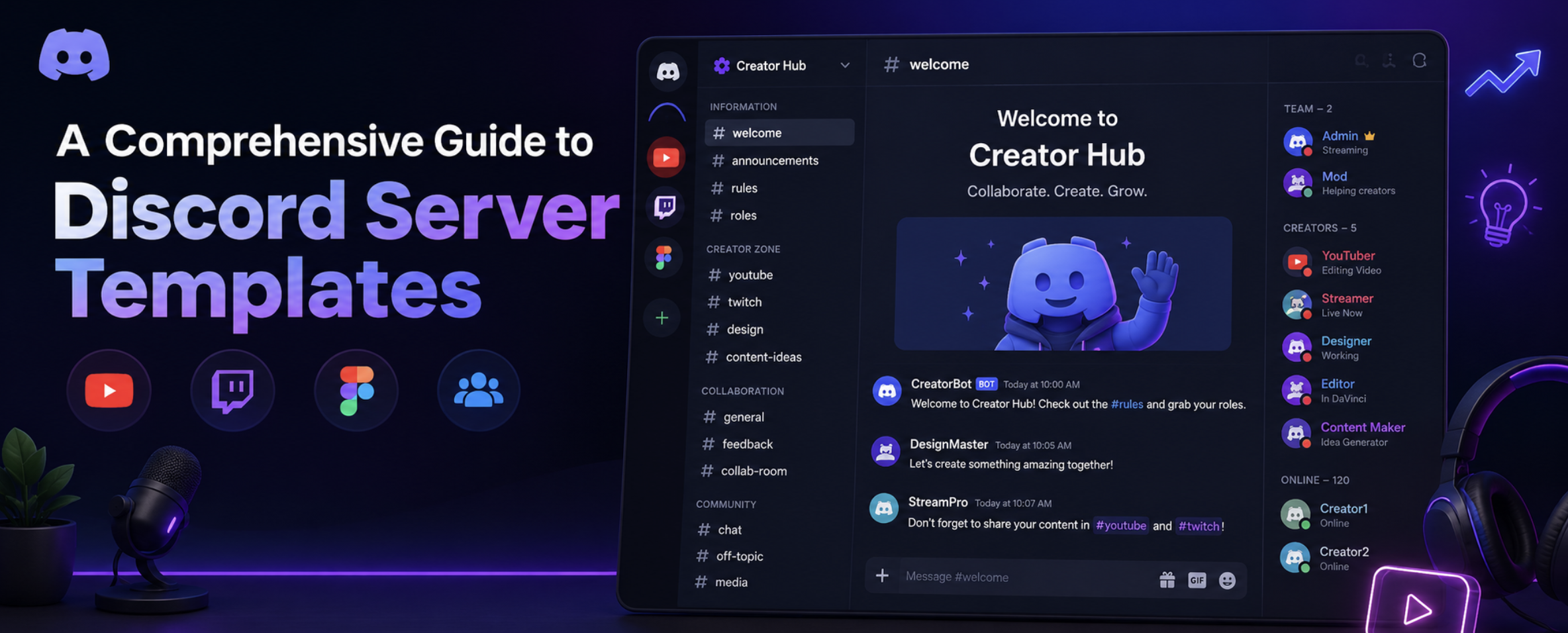
Anime & Entertainment Channels
Popular for fandom communities.
🌸 anime-chat
📖 manga
🎬 recommendations
🎭 cosplay
🎨 fan-art
🎵 anime-music
🎮 anime-games
😂 memes
📺 watch-party
🏆 character-polls
These channels help keep discussions organized while giving fans dedicated spaces for different interests.
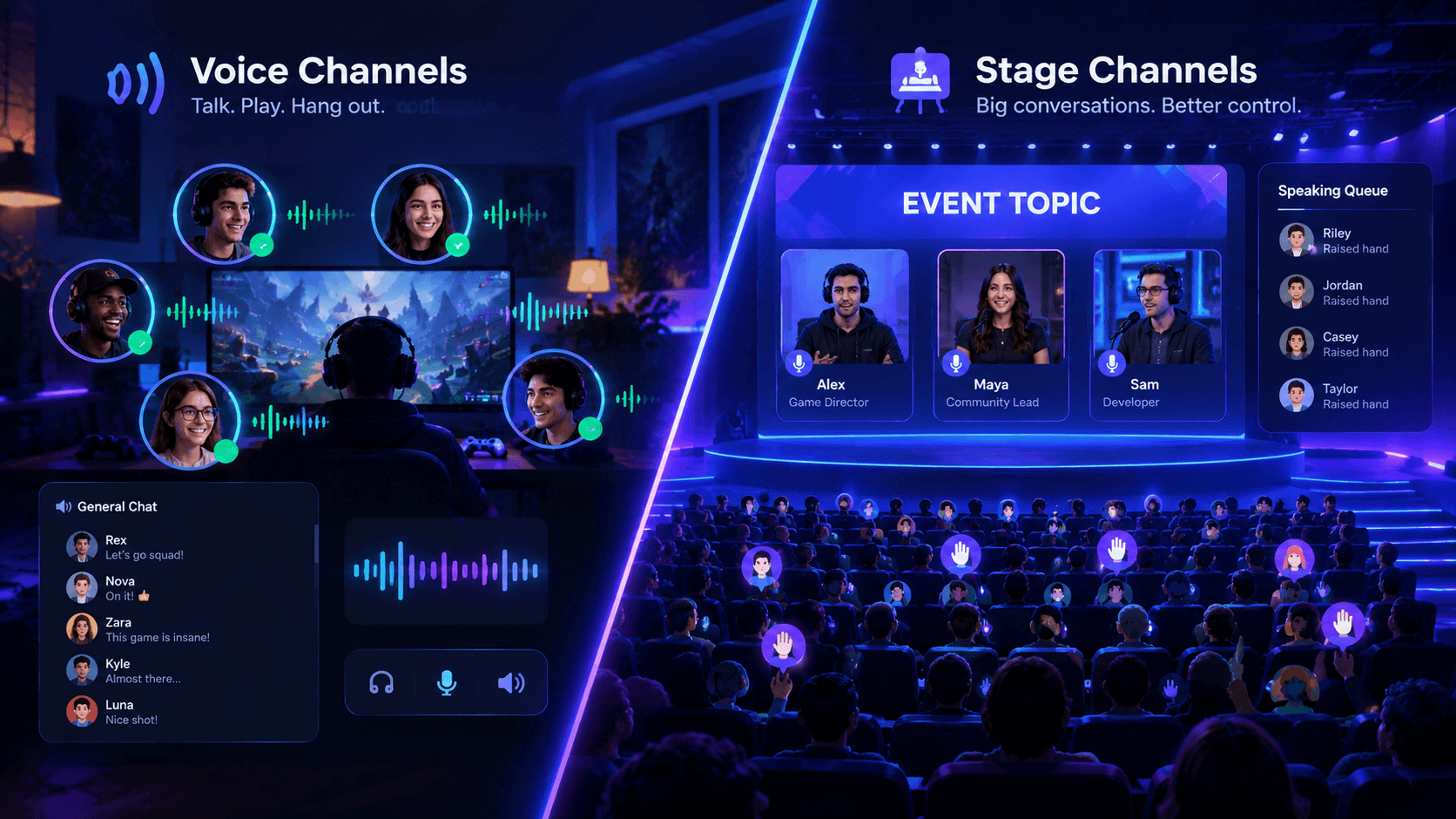
Voice Channel Ideas
Don't forget voice channels.
Here are a few useful ones:
🎤 General Voice
🎮 Gaming Voice
☕ Chill Lounge
📚 Study Room
🎵 Music Lounge
🎙️ Podcast Room
🚀 Team Meeting
🎬 Movie Night
🎧 Listening Party
🔒 Private Voice
Voice channels help members build stronger connections than text alone.
Tips for Organizing Your Channels
A good server isn't about having the most channels. It's about making them easy to use.
Keep these tips in mind:
Group similar channels into categories.
Use clear and simple channel names.
Archive channels that are no longer active.
Limit announcement channels to important updates.
Keep support channels easy to find.
Don't create channels that nobody will use.
A clean layout makes your server feel welcoming.
Common Mistakes to Avoid
Many server owners make the same mistakes when setting up their communities.
Avoid:
Creating 100 channels on day one.
Using confusing channel names.
Mixing unrelated topics together.
Creating duplicate channels.
Ignoring voice channels.
Hiding important information.
Adding channels before there's demand.
It's better to grow your channel list alongside your community.
Frequently Asked Questions
How many channels should a Discord server have?
Most communities work well with 10-30 channels when starting out. Add more only as your server grows.
What are the most important Discord channels?
Welcome, rules, announcements, general chat, support, and voice channels should be your priority.
Can I rename channels later?
Yes. Discord allows you to rename, move, and reorganize channels whenever needed.
Should every server have voice channels?
Not necessarily, but voice channels can increase engagement, especially for gaming, study, and social communities.
How do I make my Discord server look more professional?
Use organized categories, clear channel names, consistent emojis, proper permissions, and avoid unnecessary clutter.
Resources
Discord Server Templates - https://discord.new
Discord Community Guidelines - https://discord.com/guidelines
Discord Safety Center - https://discord.com/safety
Discords.ai - https://www.discords.ai/
Final Thoughts
The best Discord servers aren't the ones with the most channels. They're the ones that make it easy for members to find conversations, participate, and feel welcome.
Start with the essentials, expand as your community grows, and don't be afraid to remove channels that no longer add value.
Once your server is organized, list it on Discords.ai to help more people discover your community and connect with members who share the same interests.
Comments
Sign in to join the conversation
Sign inNo comments yet
Be the first to share your thoughts!