
The Complete Wiki to Discord Server Analytics
What Is Discord Server Analytics?
Server Analytics is Discord's built-in analytics dashboard for eligible communities.
It gives server owners and authorized staff a way to understand community activity without relying entirely on third-party bots or manually counting members.
The dashboard can provide insights into areas such as:
- Member growth
- New-member activation
- Retention
- Engagement
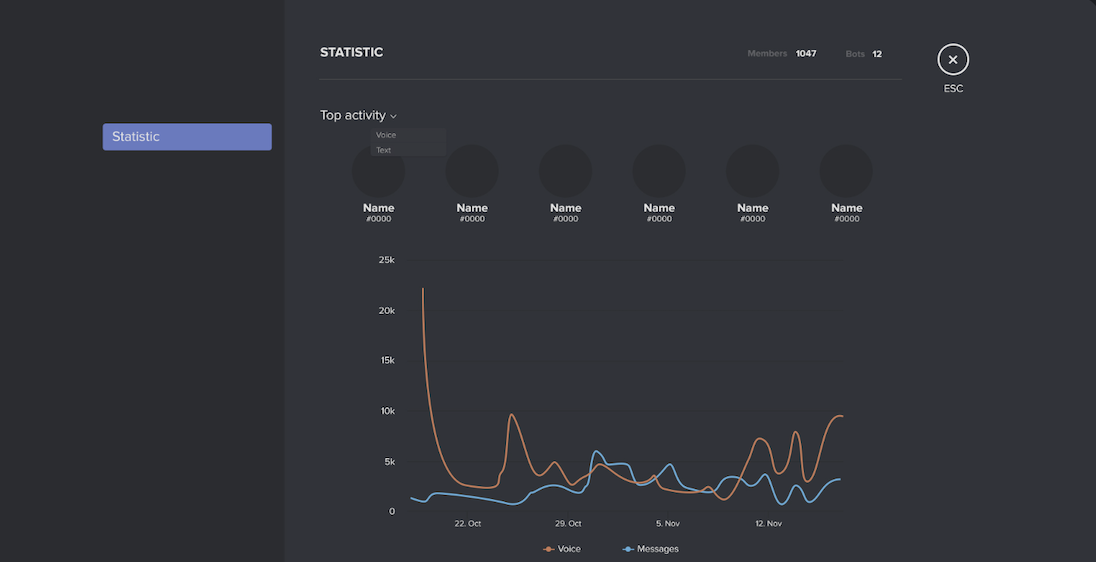
- Voice activity
- Server performance over time
Where to Find Server Analytics
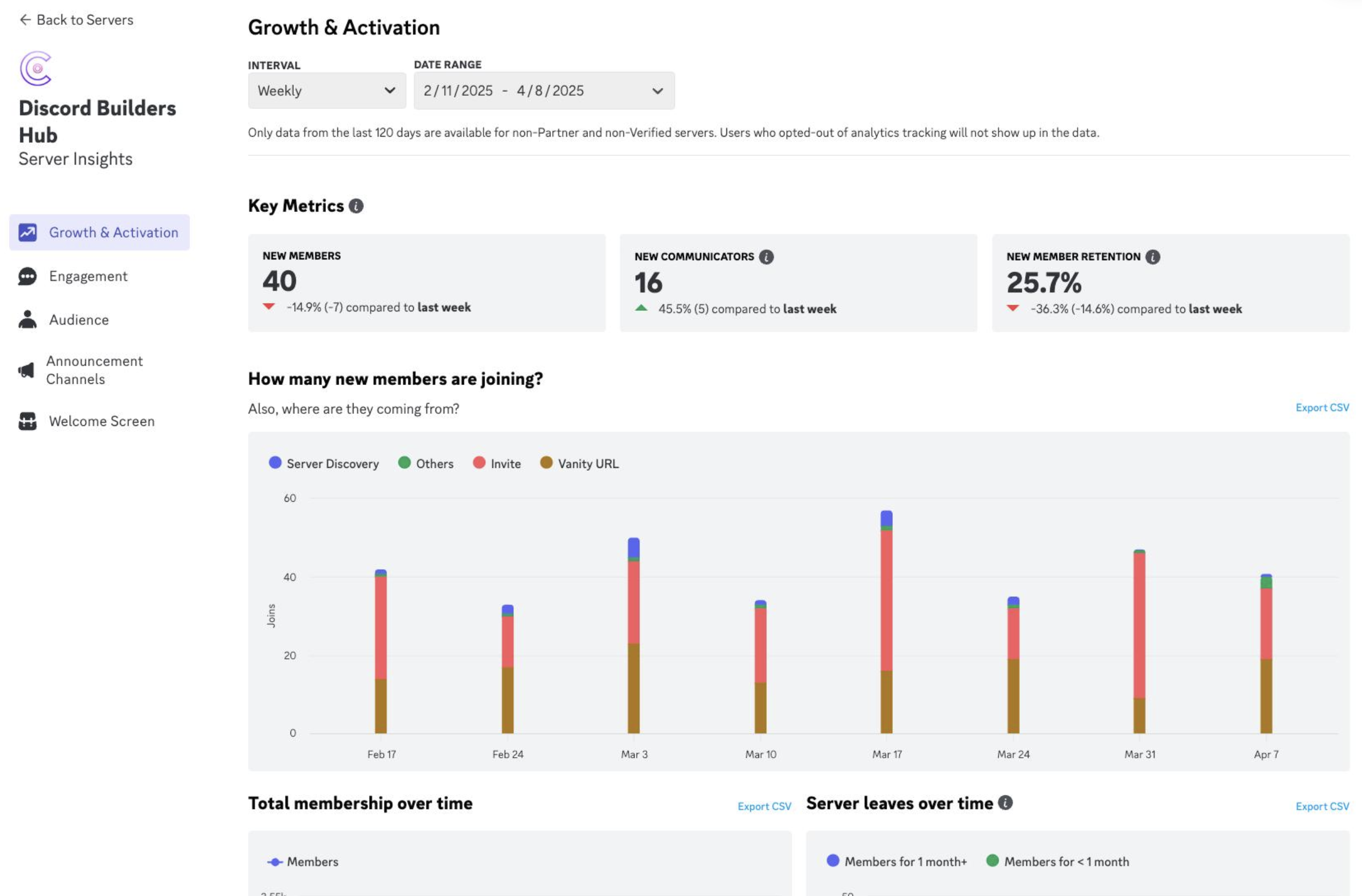
Server Analytics is available through the server's Community dashboard for eligible servers.
The exact metrics available can depend on the server and Discord's current analytics rollout.
For staff managing a growing community, the dashboard is most useful when viewed regularly rather than as a one-time report.
Understanding Retention Graphs
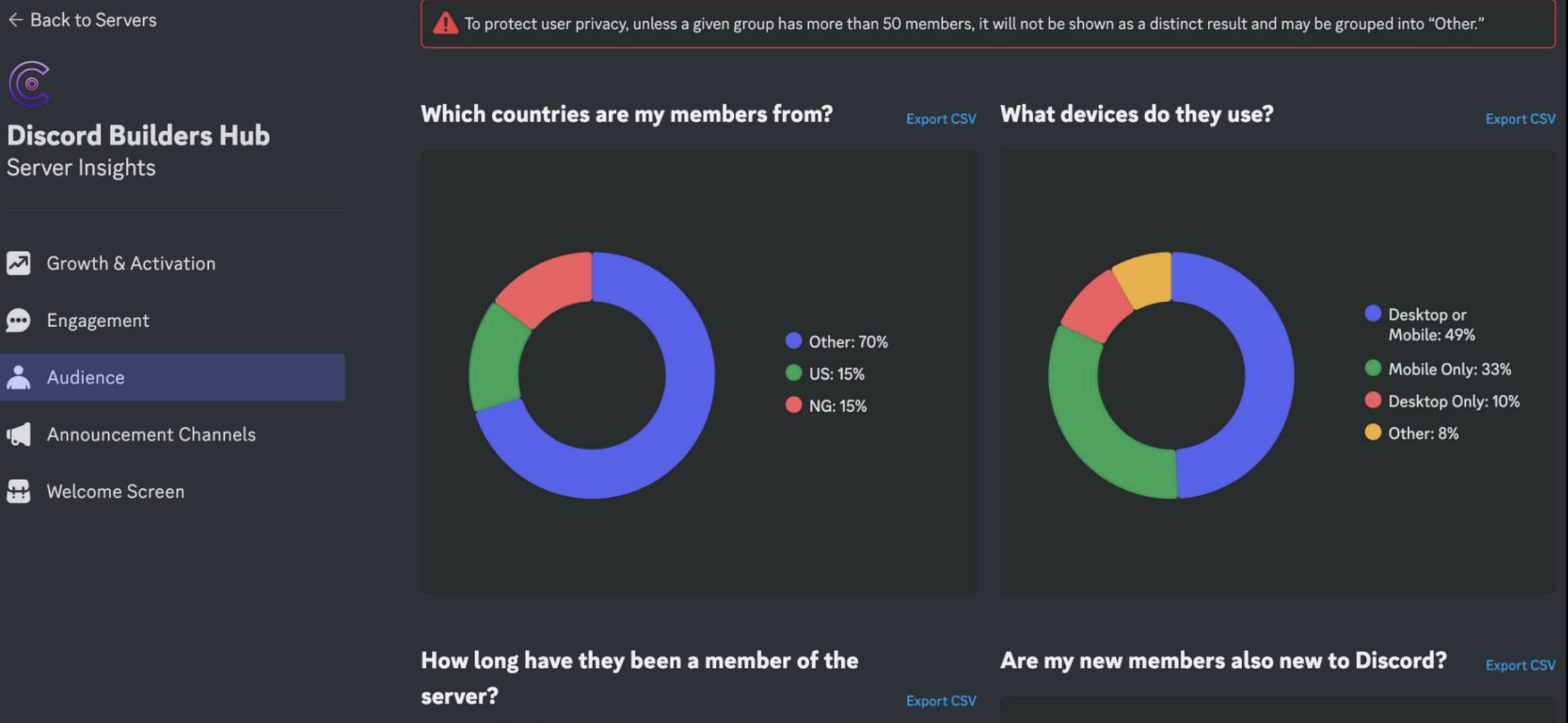
Retention measures how many members continue returning to or engaging with a server after joining.
A retention graph can help answer questions such as:
- Are new members coming back?
- When do members typically stop participating?
- Did a recent server change improve retention?
- Are certain acquisition periods producing more active members?
A high number of joins doesn't necessarily mean the community is healthy.
If thousands of people join but very few return, the server may have a discovery problem rather than a retention success.
Reading New-Member Activation
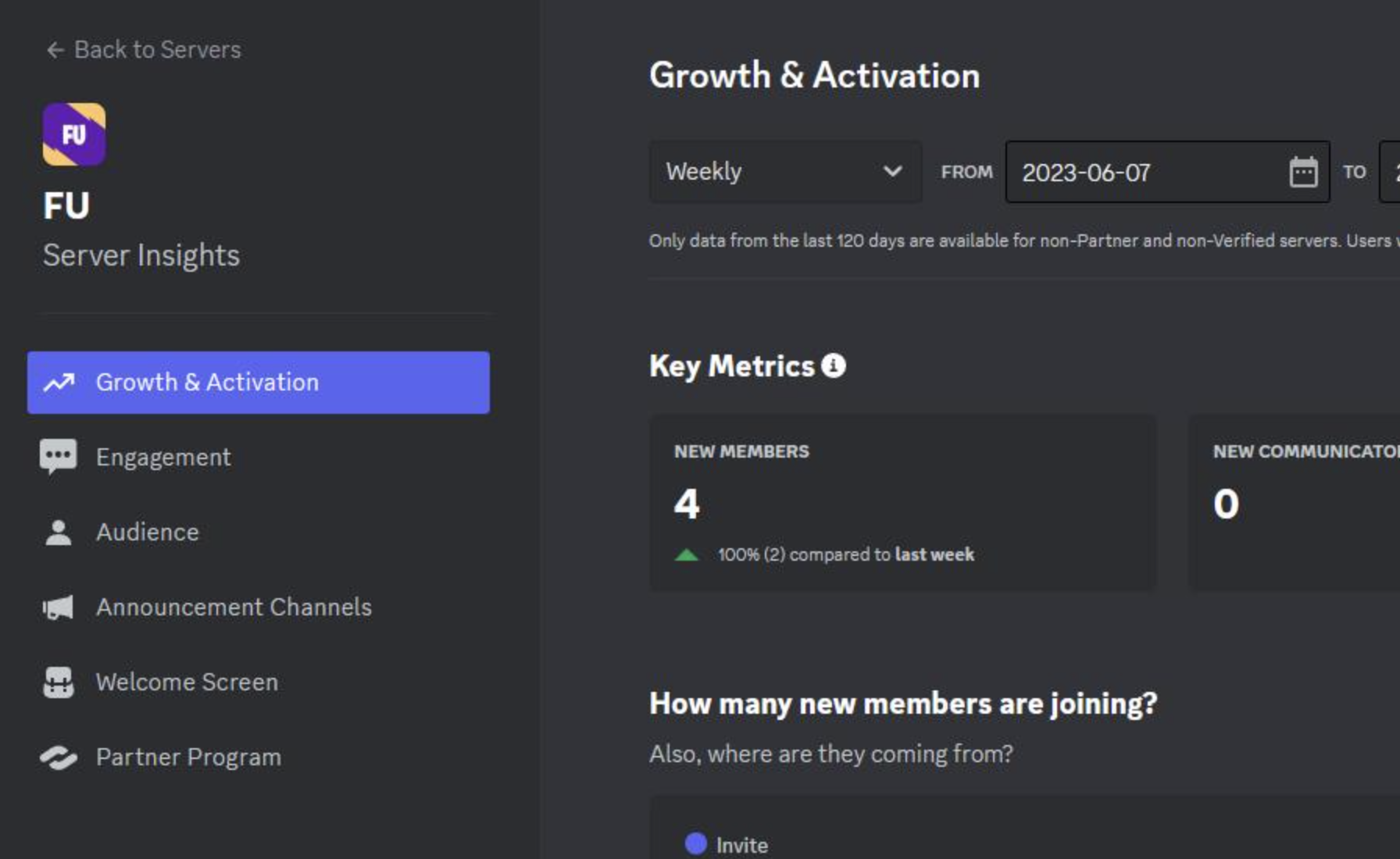
Activation is about whether new members actually start participating after joining.
Depending on Discord's current analytics definitions, activation can involve members reaching meaningful engagement milestones rather than simply entering the server.
For example, a community can compare:
New joins → Activated members → Returning members
This gives moderators a better picture of the journey from joining to becoming an active participant.
Why Activation Rate Matters
Imagine two servers both receive 1,000 new members.
Server A: 700 become active
Server B: 120 become active
Both servers grew by the same number of members, but their onboarding experiences are very different.
A low activation rate can indicate that newcomers aren't finding:
- Useful channels
- Clear server rules
- Community conversations
- Events
- Roles
- Helpful onboarding information
Analytics can help identify that problem before staff assume the server simply needs more members.
Auditing Voice Channel Hours
Server Analytics can also help communities understand voice-channel activity.
Voice metrics can be useful for servers centered around:
- Gaming
- Study groups
- Music
- Social communities
- Events
- Live discussions
Instead of only looking at how many people joined a voice channel, staff can examine overall voice engagement and compare activity across different periods.
For example, a gaming community could compare voice activity before and after introducing a weekly community event.
Looking for Trends Instead of Single Numbers
Analytics become more useful when you compare periods.
Instead of asking:
“How many members did we get?”
Ask:
“Did our new members become more active this month?”
Instead of:
“How many voice hours did we have?”
Ask:
“Did voice activity increase after our new weekly event?”
This turns analytics from a collection of numbers into a decision-making tool.
Using Analytics to Improve Onboarding
If activation is consistently low, review the first few minutes of a new member's experience.
Check whether:
- Rules are easy to understand
- Important channels are easy to find
- Server onboarding is configured properly
- New members know where to talk
- Roles aren't unnecessarily confusing
- The community has an obvious first activity
A server doesn't need to make onboarding complicated. The goal is to make the first useful action obvious.
Using Retention to Evaluate Changes
Retention data can also help evaluate major server changes.
For example, after changing:
- Onboarding
- Channel structure
- Community events
- Rules
- Moderation policies
- Welcome experience
Staff can watch subsequent analytics to see whether member behavior changes.
Analytics won't automatically tell you why something happened, but it can show you where to investigate.
Who Should Use Server Analytics?
Server Analytics is particularly useful for:
- Server owners
- Community managers
- Administrators
- Social/community teams
- Large moderation teams
Smaller private servers may not need to analyze every metric. For larger communities, however, analytics can provide useful evidence when deciding what to change.
🎮 The Bottom Line
Discord Server Analytics helps turn community management into a data-informed process.
Retention shows whether members keep coming back, activation helps reveal whether new joins become meaningful participants, and voice metrics show how strongly the community uses real-time conversation.
The key is to look for patterns over time, not obsess over a single number.
Comments
Sign in to join the conversation
Sign inNo comments yet
Be the first to share your thoughts!