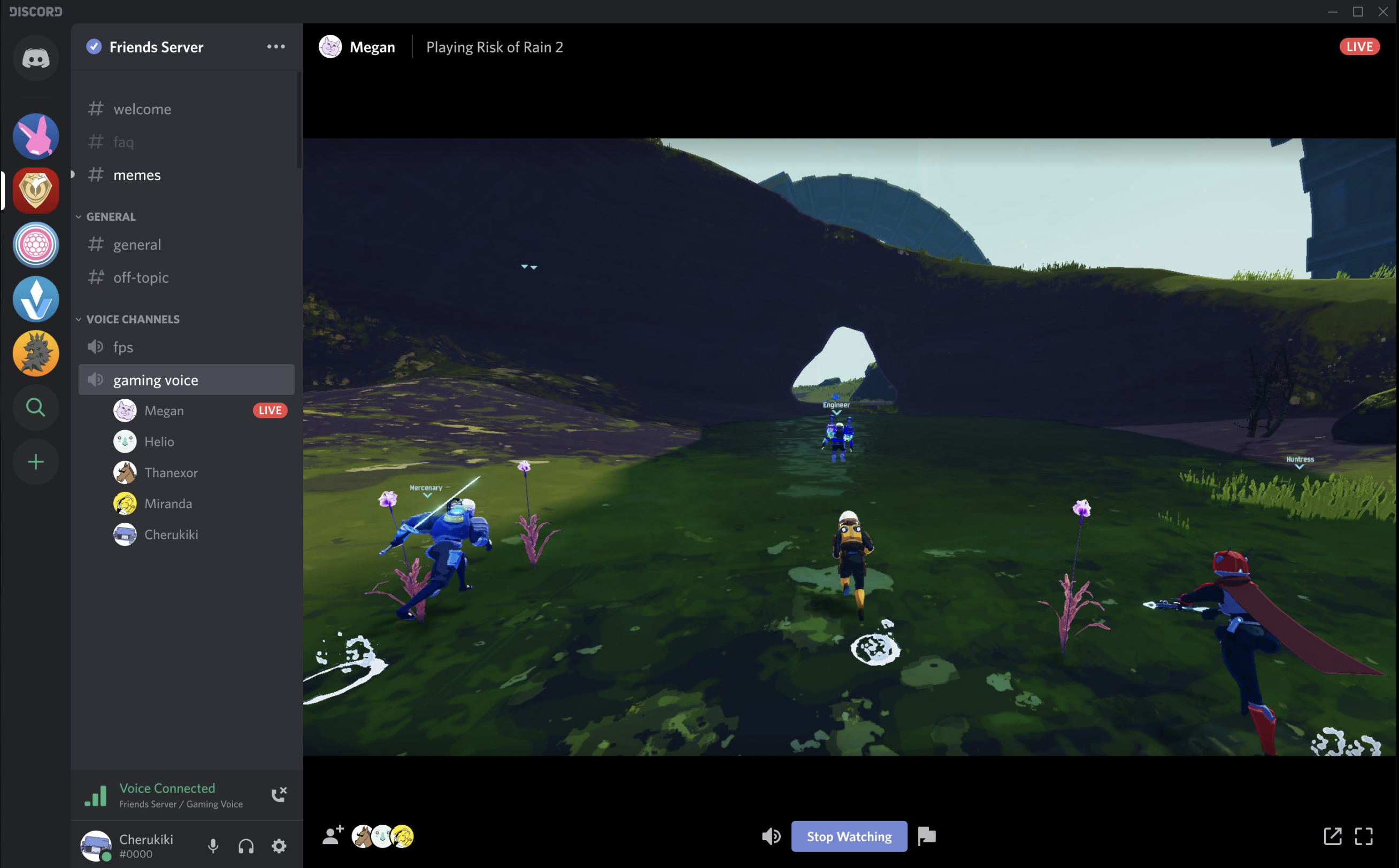

The Complete Wiki to Discord Request to Stream Embeds
What Was the Bug?
Discord's Request to Stream feature lets users ask someone in a voice channel to start streaming their game.
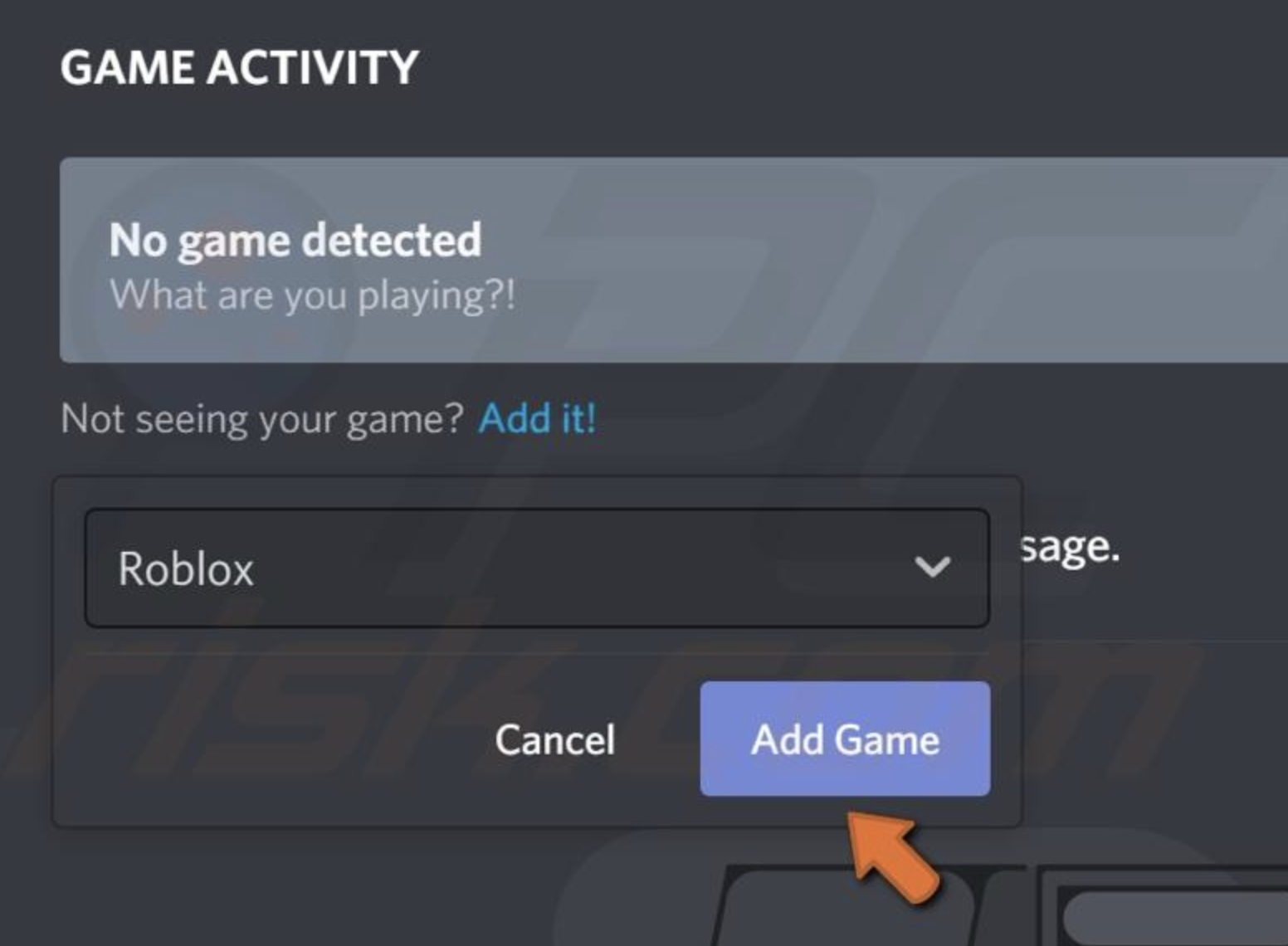
On desktop, an issue could cause the Request to Stream embed to fail to recognize that the user was currently playing a game. This could make the stream request appear incorrectly or prevent the expected game information from being detected.
What Did Discord Fix?
Discord fixed the desktop detection issue so the Request to Stream embed can correctly identify an active game.
This makes the feature more reliable when users are gaming together in voice channels.
Why It Matters
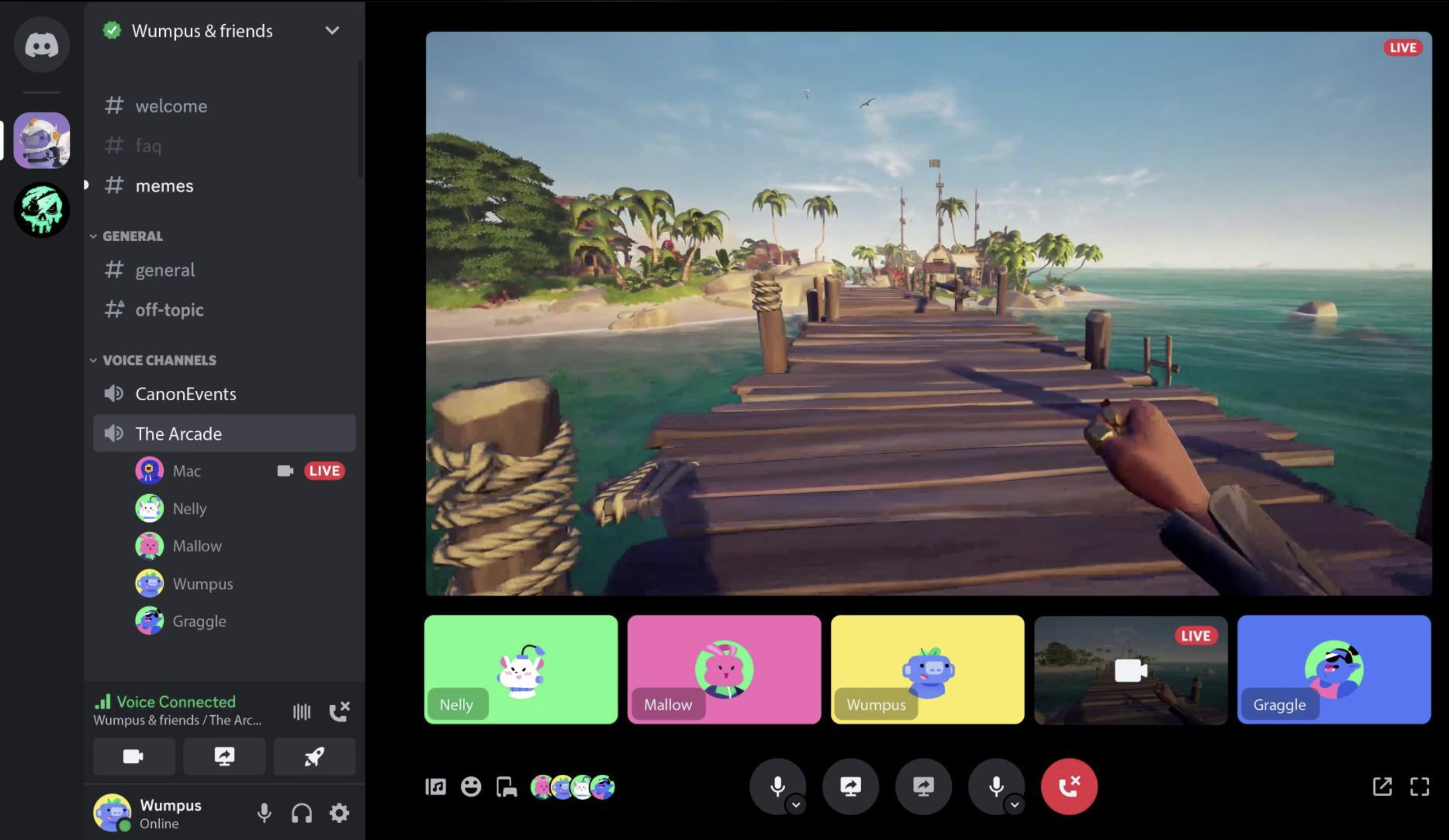
The game being detected correctly is important because Discord can use that information when presenting streaming options and requests.
The fix mainly improves the connection between:
Game Detection → Voice Channel → Request to Stream → Stream Embed
What Users Should Do
If Request to Stream still behaves incorrectly:
- Update Discord to the latest desktop version.
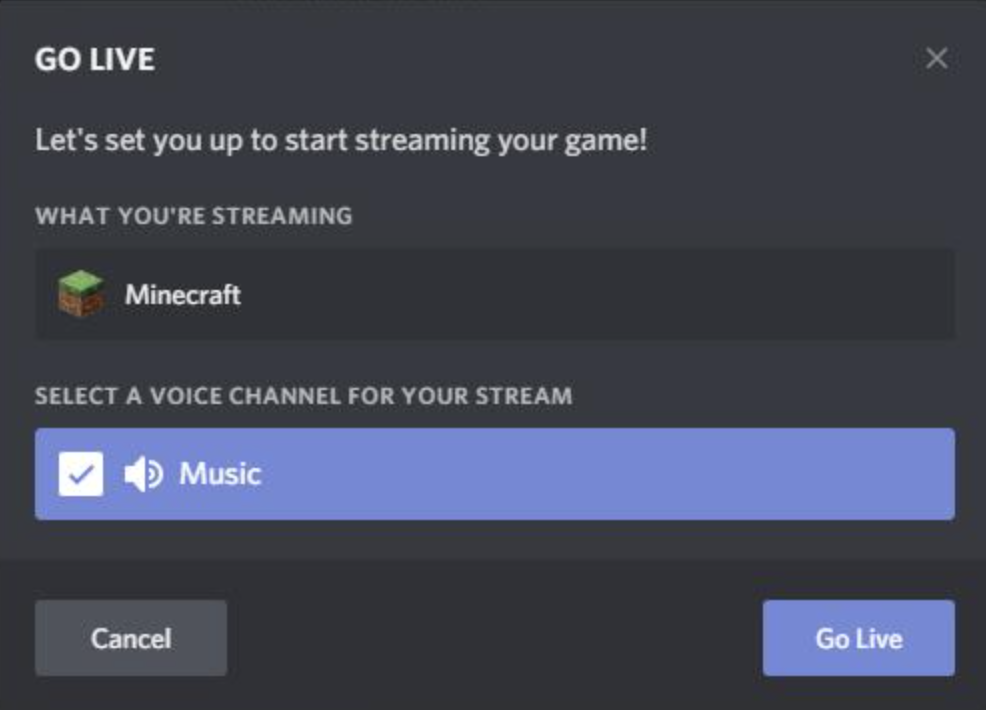
- Make sure the game is running and detected by Discord.
- Check Registered Games in Discord's settings.
- Rejoin the voice channel if necessary.
- Restart Discord if the embed still shows incorrect information.
🎮 The Bottom Line
This was a small desktop-side fix, but it makes Request to Stream embeds more reliable at detecting games that are actually being played.
Comments
Sign in to join the conversation
Sign inNo comments yet
Be the first to share your thoughts!