
Discord Notification Settings

Discord notification settings determine how and when users receive alerts about conversations, server activity, messages, and friends coming online. Whether you use Discord for gaming, community management, or everyday conversations, understanding these settings can help you stay informed without being distracted by every update.
Discord offers several ways to manage notifications, including device-level preferences, server-specific controls, direct-message settings, and online-status options. However, receiving a notification about someone else's activity is different from controlling whether others receive notifications about yours.
This wiki covers the major notification controls, how incoming and outgoing presence alerts differ, and what users should know when adjusting their preferences.
Overview: How Discord Notifications Work
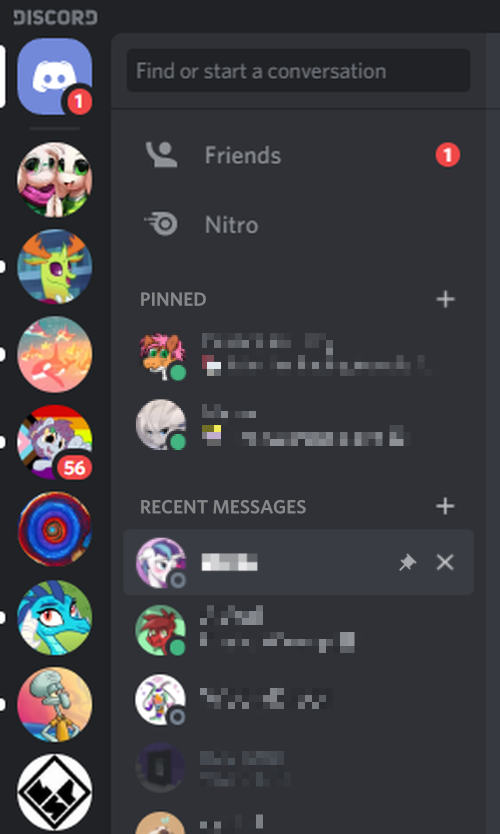
Discord notifications are designed to bring important activity to your attention. Depending on your settings, these alerts may appear on your desktop, mobile device, or within the Discord application.
The main notification categories include:
- Direct messages (DMs): Alerts about private conversations and incoming messages.
- Server notifications: Updates from servers, channels, and community conversations.
- Mentions: Notifications when someone tags you directly or uses a relevant mention.
- Friend-online notifications: Alerts that tell you when a friend becomes available, where supported by your settings.
- System notifications: Alerts related to account activity, calls, and other supported Discord features.
Not every notification type has the same controls. Some can be adjusted globally, while others may depend on a particular server, channel, device, or feature.
Setting and Background: Why Notification Controls Matter
Discord supports communities that range from small groups of friends to servers with thousands of members. Without notification controls, active conversations can quickly produce more alerts than a user wants to receive.
Notification settings help users decide which activity deserves immediate attention and which can wait.
For example, a gamer might want notifications for direct messages and mentions while muting a busy server. A server moderator might need alerts for important community activity but prefer to silence less relevant conversations.
Presence notifications introduce another consideration: being online does not necessarily mean being available for a conversation.
A friend might open Discord to check a message, launch a game, or manage a server without wanting to start a conversation. Similarly, a user may want to know when friends come online without announcing every change in their own activity.
Understanding the difference between notification delivery and online-status visibility is essential to configuring Discord correctly.
Comments
Sign in to join the conversation
Sign inNo comments yet
Be the first to share your thoughts!