
The Complete Wiki to Discord Microphone Permissions on iOS
What Was the iOS Microphone Bug?
Discord fixed an iOS bug where the microphone permissions modal could appear as a thin line, making its contents invisible until the user tapped the screen. Discord
This could make it look like Discord had failed to show the permission prompt, even though the permission flow was being triggered.
Why Microphone Permission Matters
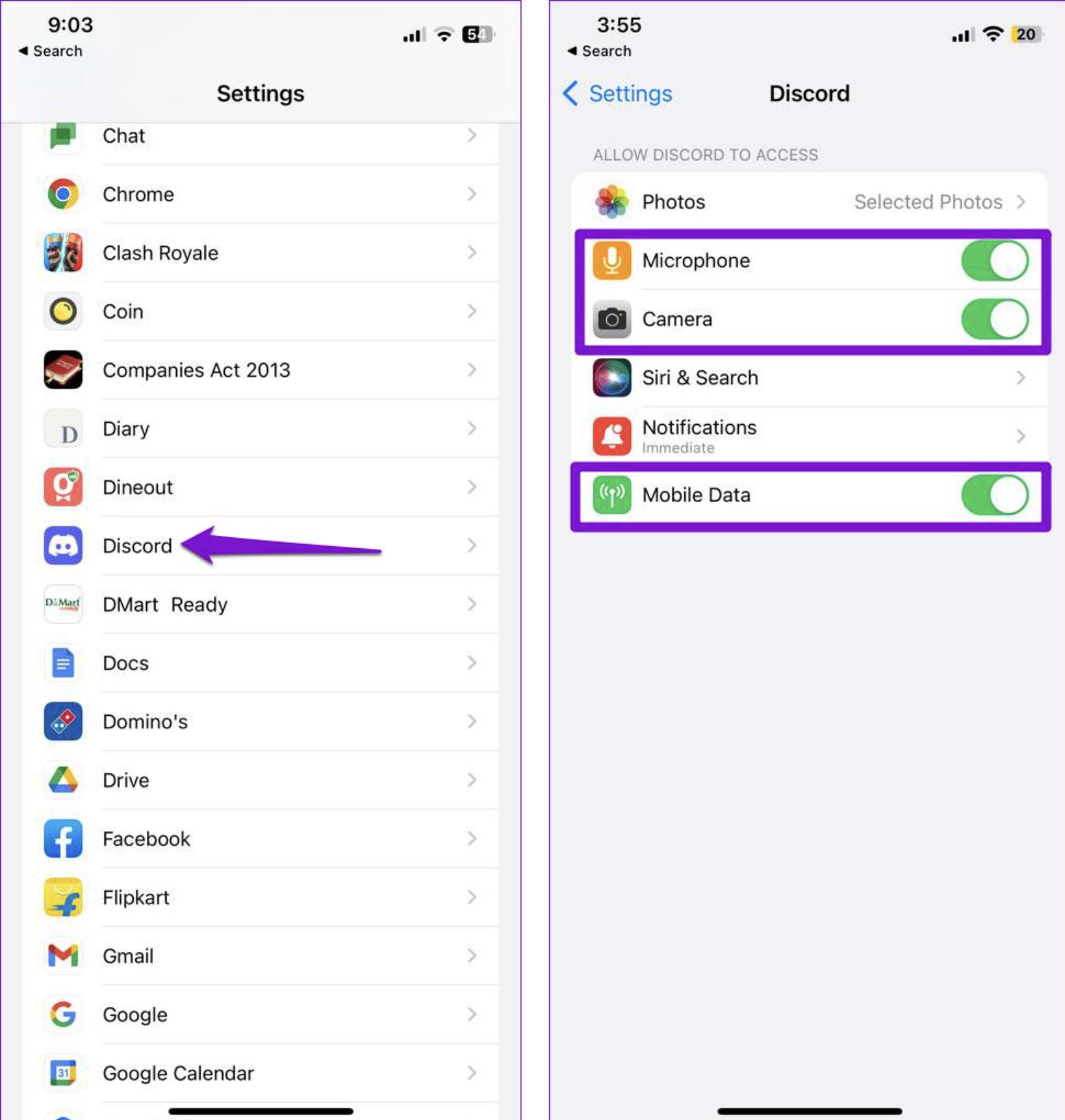
Discord needs microphone access for users who want to speak in:
- Voice channels
- Discord calls
- Voice conversations
- Other Discord audio features
If microphone access is denied, users may be able to join a voice channel but won't be able to transmit their voice.
What New Members Should Check
If a new member cannot speak:
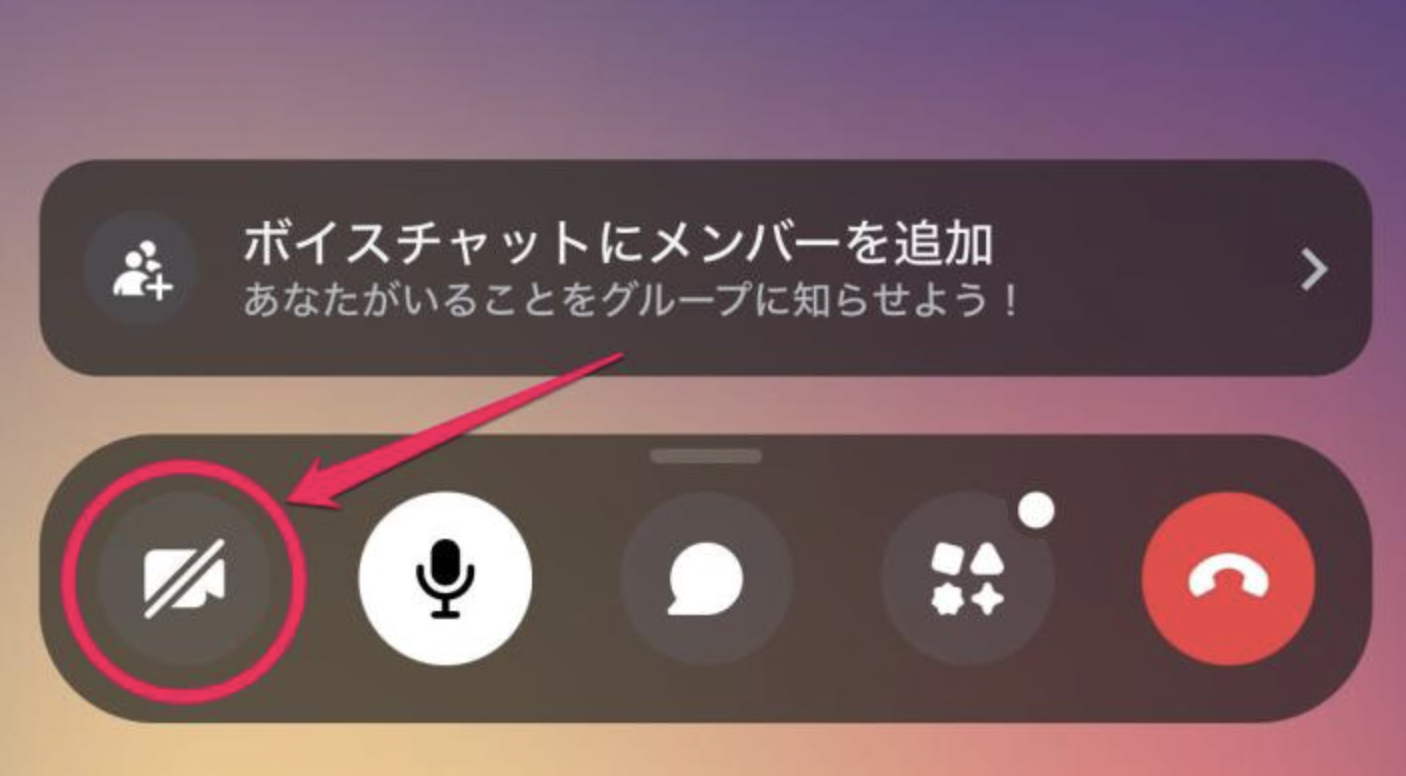
- Open the iPhone Settings app.
- Go to Privacy & Security → Microphone.
- Find Discord.
- Make sure microphone access is enabled.
- Return to Discord and rejoin the voice channel.
If the permission modal itself appears broken, updating Discord is important because the thin-line modal issue has been fixed in Discord's iOS client. Discord
Quick Troubleshooting
Permission prompt looks like a thin line?
Update Discord and reopen the app.
Discord cannot access the microphone?
Check iOS microphone permissions.
Permission was previously denied?
Enable Discord manually from iOS Settings.
Still not working?
Restart Discord and try joining the voice channel again.
🎮 The Bottom Line
The iOS thin-line microphone modal was a Discord UI bug, not necessarily a problem with the user's microphone. Keeping Discord updated and checking iOS microphone permissions should resolve most cases.
Comments
Sign in to join the conversation
Sign inNo comments yet
Be the first to share your thoughts!