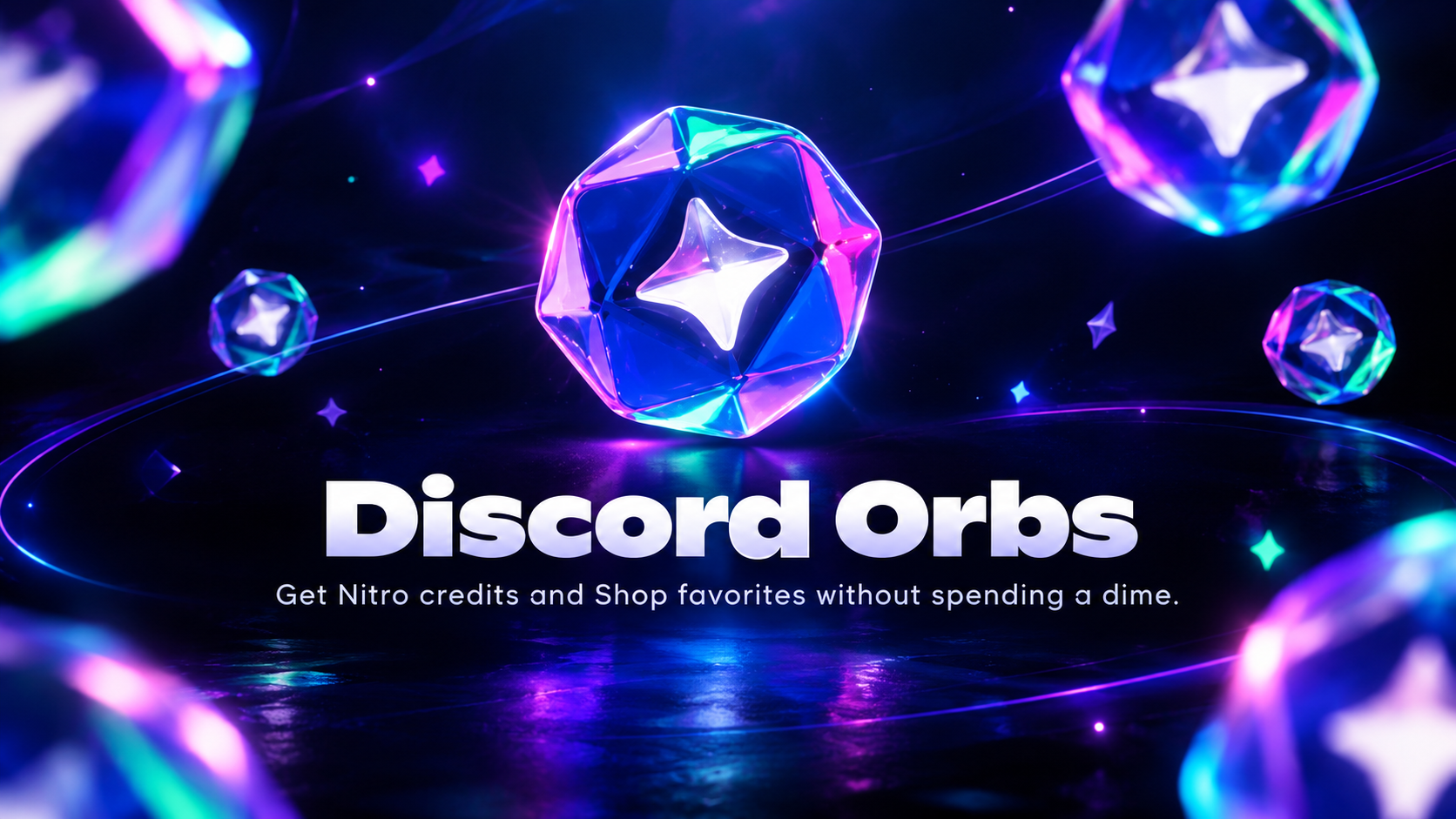

The Complete Wiki to Earning Discord Orbs
Discord Orbs are virtual rewards that users can earn through eligible Discord Quests and redeem for cosmetic items and other perks in the Discord Shop. Instead of spending money on every profile customization item, users can complete selected activities and use their accumulated Orbs to unlock eligible rewards.
From playing games for a specified duration to watching promotional trailers, Discord Quests offer different ways to collect Orbs. The available activities and rewards depend on the Quest, account eligibility, and current promotions.
What Are Discord Orbs?
Discord Orbs are an in-app reward currency connected to Discord's Quests and Shop systems. Users earn them by completing eligible activities and can spend them on supported items.
These rewards are designed to encourage users to discover games, engage with promotional content, and customize their Discord profiles.
Key features of Discord Orbs:
Earn rewards through eligible Quests.
Redeem Orbs for selected Avatar Decorations and Profile Effects.
Use Orbs toward eligible Nameplates and other Shop items.
Redeem certain Orbs-exclusive rewards, including Nitro credits and a profile badge.
Keep earned Orbs in your account until you decide to spend them.
Orbs are tied to the Discord account where they were earned. They cannot be transferred to other users or exchanged for real-world money.
How to Earn Discord Orbs
The primary way to earn Discord Orbs is by completing Quests that specifically list Orbs as a reward. Not every Quest offers them, so always check the reward details before starting.
1. Complete Gameplay Quests
Some Discord Quests require you to play a supported game for a specified period. Depending on the Quest, the required gameplay duration may be 15 minutes or another amount of time.
To get started:
Open Discord on your desktop or browser.
Navigate to Discover > Quests, or open an eligible Quest from the Quest Bar.
Find a Quest that offers Discord Orbs.
Select Accept Quest and read the completion requirements.
Launch the supported game and complete the required gameplay activity.
Return to Discord and select Claim Reward when the Quest is complete.
For gameplay-tracking Quests, you may need to remain logged into the Discord desktop app. Some Quests require streaming gameplay to a friend, while others involve completing a particular in-game action.
Important: A 15-minute requirement is an example, not a universal rule. Follow the duration and instructions displayed on your selected Quest.
2. Watch Video Trailers
Video Quests provide another way to earn rewards without necessarily playing a game. Eligible Quests may ask you to watch a game trailer or another promotional video directly through Discord.
The process is straightforward:
Open Discord and visit the Quests section.
Find an available Video Quest that offers Orbs.
Select Start Video Quest.
Watch the required video through the supported Discord desktop or browser experience.
Complete the viewing requirement and claim your reward.
Video Quest progress may pause if you switch windows, but Discord's instructions indicate that progress is saved so you can resume later.
Not every trailer-watching Quest offers Orbs. Confirm the reward type before spending time on a video.
3. Check for Orb Challenges
Discord has also introduced Orb Challenges as an additional way to earn rewards through specific actions on the platform.
These challenges can appear in Quest Home, the Shop, or the Orbs menu on your profile. Their requirements and rewards vary, and availability may differ between accounts.
Orb Challenges have been described by Discord as an experiment on desktop and browser, so they may not be available to everyone.
4. Look for Other Eligible Promotions
Discord may offer additional opportunities to obtain Orbs through selected promotional activities. Some eligible users may also receive rewards through supported account-linking promotions or subscription benefits.
Always read the official promotion terms to confirm eligibility and understand how the reward is credited.
Where to Find Discord Quests
Finding eligible Quests is the first step toward earning Orbs.
On desktop or browser:
Open Discord.
Select Discover from the left side of the app.
Open the Quests section.
Review the available activities and their listed rewards.
Accept a Quest that offers Orbs.
You may also see a Quest Bar in the lower-left area of Discord when an eligible Quest is available.
On mobile:
Open Discord and tap your avatar.
Navigate to Settings > Quests, or open your Orbs balance if that option is available.
Find an eligible Quest.
Follow the displayed instructions and claim your reward when completed.
The exact menu options and available Quests can vary by platform and account.
How to Redeem Discord Orbs
Once you have collected enough Orbs, you can exchange them for eligible items in the Discord Shop.
<text>On desktop or browser</text>
Open the Discord Shop.
Select the Orbs Exclusives section to explore exclusive rewards, or browse the main catalog for Orbs-eligible items.
Choose an item you want to claim.
Check its Orbs price and make sure you have enough currency.
Select Claim and follow the confirmation steps.
<text>On mobile</text>
Open your profile and access your Orbs balance.
Select the option to redeem Orbs in the Shop.
Browse available items and select a reward.
Confirm the redemption using Orbs.
If an item does not display an Orbs price, it may not be eligible for redemption with this currency.
What Can You Buy With Discord Orbs?
Discord Orbs can be used for a range of eligible rewards, including:
Avatar Decorations: Add decorative designs around your profile picture.
Profile Effects: Customize the visual appearance of your profile.
Nameplates: Personalize the appearance of your profile name area.
Nitro credits: Redeem eligible credits for temporary access to Nitro benefits.
Orbs profile badge: Add the Orbs badge to your profile.
Other eligible Shop items: Some items from Discord's main Shop catalog can also be claimed with Orbs.
The selection and prices may change over time. Partner-branded Shop items, gifts for other users, and recurring Nitro or Server Boost subscriptions cannot be purchased directly with Orbs.
Do Discord Orbs Expire?
According to Discord's Orbs FAQ, earned Orbs remain in your account until you spend them. This means you can save them for a more expensive cosmetic instead of redeeming the first item you see.
However, Orbs are account-bound. If you lose access to your Discord account, you may also lose access to its associated rewards.
Quest availability is a separate matter: an individual Quest can have an acceptance deadline or completion window even though the Orbs you successfully earn do not expire under the current stated rules.
Can Discord Nitro Members Earn More Orbs?
Eligible Nitro subscribers can receive additional benefits related to Orbs.
Discord's published FAQ describes a 1.2x Orbs multiplier for eligible Nitro subscribers who complete Quests offering Orbs. The stated eligibility excludes Nitro Basic and Nitro access obtained through Nitro credits.
Discord has also introduced a monthly benefit that provides eligible Nitro subscribers with 250 Orbs per month. Availability and rollout conditions may apply.
These benefits can help eligible subscribers build their Orbs balance faster, but they are separate from the basic process of completing Quests.
Tips for Earning Orbs Efficiently
Check the reward first: Make sure the Quest actually offers Orbs rather than an unrelated in-game item or cosmetic.
Read the requirements carefully: Some activities require gameplay, streaming, video viewing, or a specific in-game action.
Choose activities you enjoy: A Quest involving a game you already play can be an easy fit for your routine.
Claim completed rewards: Finishing an activity may not automatically add the reward until you claim it.
Check Quest Home regularly: Available activities and promotional rewards can change.
Save Orbs for your goal: Compare Shop prices before spending your balance.
Verify Nitro eligibility: If you subscribe to Nitro, review which Orbs bonuses apply to your plan.
Frequently Asked Questions
1. How do I earn Discord Orbs for free?
Complete eligible Discord Quests that list Orbs as a reward. Depending on the Quest, you may need to play a game, watch a video, or complete another specified activity.
2. Do all 15-minute gameplay Quests reward Orbs?
No. The duration and reward depend on the individual Quest. Check its details before starting.
3. Can I earn Orbs by watching trailers?
Yes, if an eligible Video Quest offers Orbs as its reward. Complete the required viewing activity and claim the reward.
4. Where can I spend Discord Orbs?
You can redeem Orbs in the Discord Shop for eligible cosmetics, including Avatar Decorations, Profile Effects, Nameplates, selected catalog items, and certain exclusive rewards.
5. Do Discord Orbs expire?
Discord's current Orbs FAQ states that earned Orbs remain in your account until you spend them.
6. Can I send my Orbs to a friend?
No. Orbs are linked to the account where they were earned and cannot be transferred or traded between users.
7. Can I convert Orbs into real money?
No. Discord Orbs are an in-platform reward currency and cannot be converted into real-world money.
8. Do Nitro members receive bonus Orbs?
Eligible Nitro subscribers can receive a 1.2x multiplier on qualifying Quest rewards. Eligible subscribers may also receive 250 Orbs monthly, subject to the applicable subscription requirements and rollout.
Final Thoughts
Discord Orbs give users another way to customize their profiles and unlock selected Shop rewards without paying separately for every eligible item. By completing gameplay Quests, watching qualifying video trailers, and checking for additional Orb Challenges, you can steadily build your balance.
The most important step is to check which Quests actually offer Orbs, complete the stated requirements, and claim your rewards. Once your balance grows, you can redeem it for Avatar Decorations, Profile Effects, Nitro credits, and other eligible Discord Shop items.
Comments
Sign in to join the conversation
Sign inNo comments yet
Be the first to share your thoughts!