
The Complete Wiki to Discord iOS Password Security
What Is the New Password Feature?
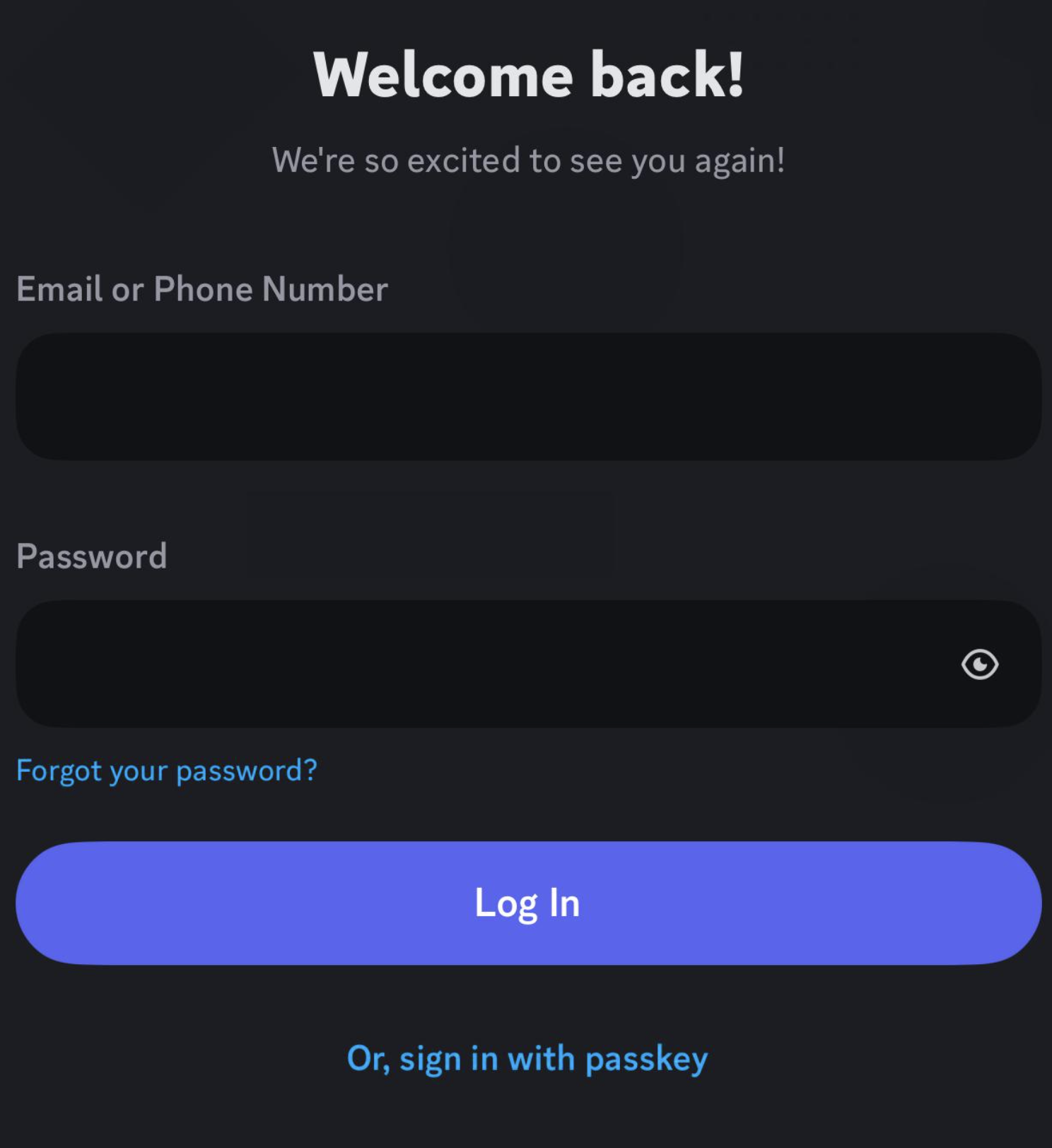
Discord has improved the password entry experience on iOS by adding a show/reveal password button during the login and MFA flow.
The feature lets users temporarily see what they have typed instead of relying entirely on hidden password characters.
Why It Matters
A small password typo can cause unnecessary login failures, especially when users are already going through an MFA-protected login.
The reveal button makes it easier to:
- Check for typing mistakes
- Confirm the correct password was entered
- Avoid repeated failed login attempts
- Reduce the chance of getting temporarily locked out
How to Use It
During the Discord iOS login flow:
- Enter your Discord email or phone number.
- Enter your password.
- Tap the show/reveal password button.
- Quickly verify the characters you entered.
- Hide the password again and continue with MFA.
The exact appearance can vary depending on the iOS version and Discord app version.
MFA Still Matters
The password reveal feature does not replace MFA.
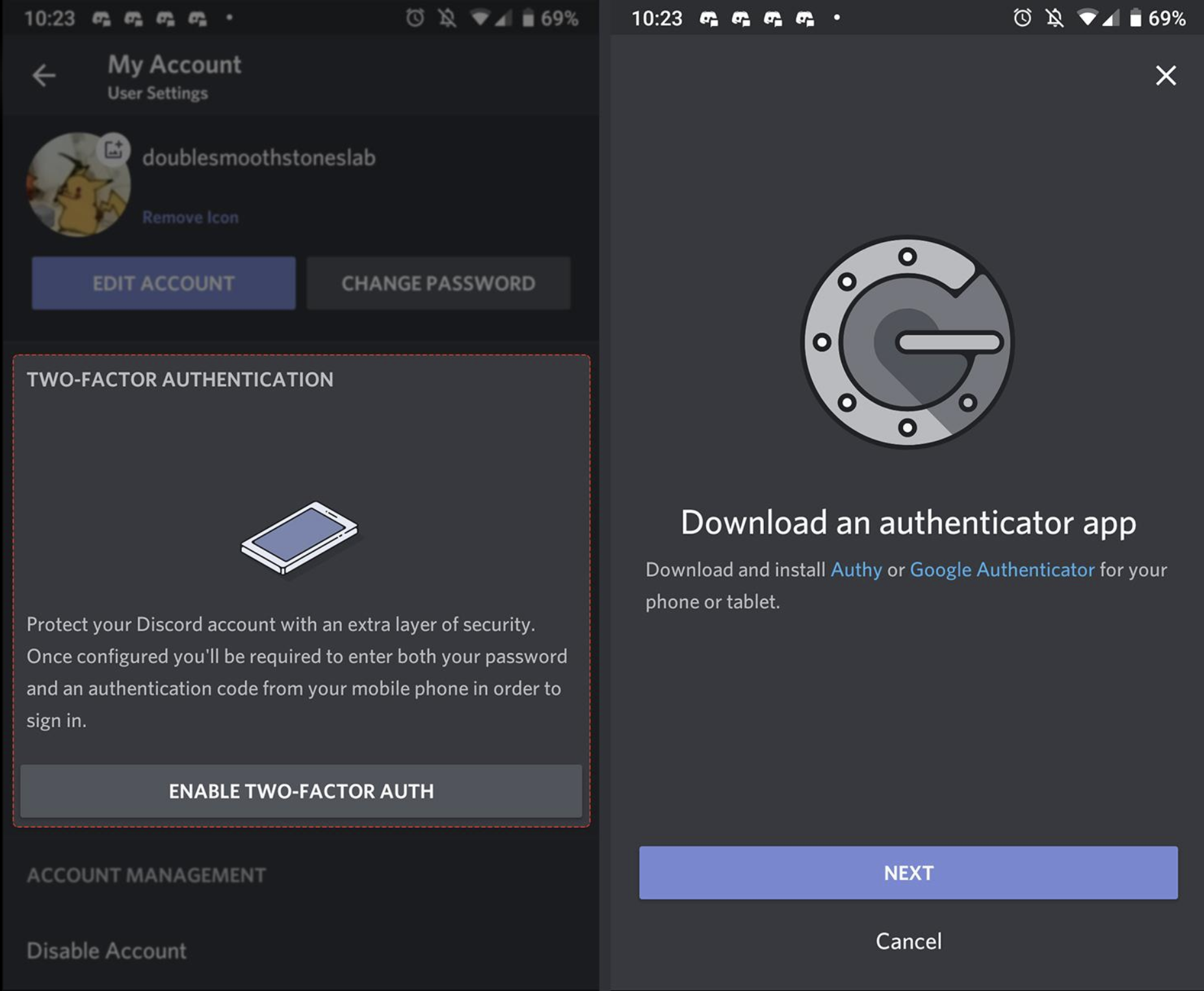
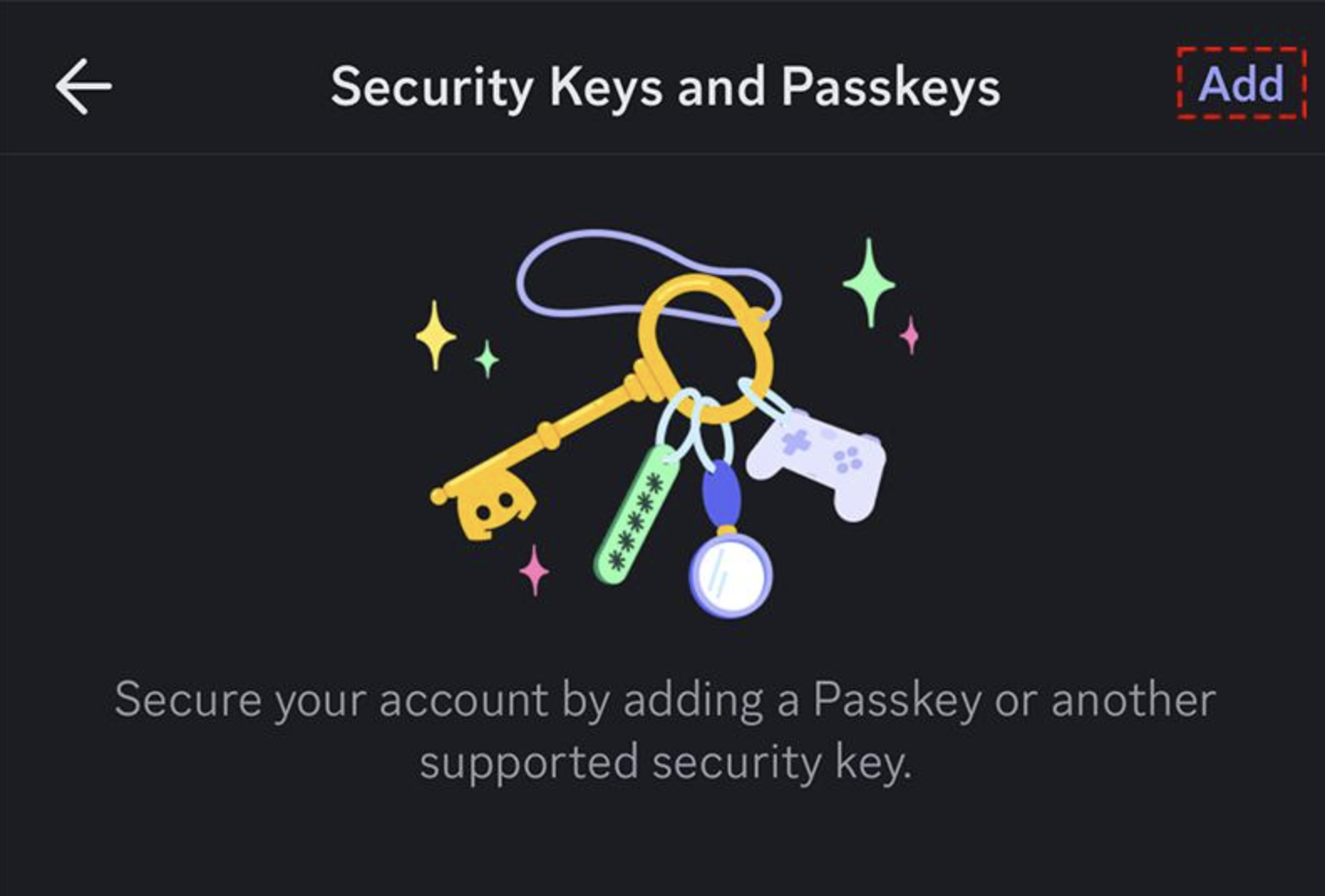
It simply makes password entry easier to verify. Keep your authenticator, passkey, or other enabled MFA method available when signing in.
Also avoid revealing your password in public or around people you don't trust.
Quick Checklist
- Use the reveal button to check for typos.
- Hide the password again after checking.
- Keep MFA enabled.
- Keep your Discord app updated.
- Never share your password or MFA codes.
🔐 The Bottom Line
Discord's iOS password reveal button is a small usability improvement, but it can prevent frustrating login mistakes. When combined with MFA, it makes the sign-in process easier to verify without weakening the protection provided by MFA.
Comments
Sign in to join the conversation
Sign inNo comments yet
Be the first to share your thoughts!