
The Complete Wiki to Discord AutoMod Link Exemptions
What Are AutoMod Link Exemptions?
Discord AutoMod can detect specific words, phrases, links, symbols, and other text through Custom Keyword Rules. You can use this to stop unwanted Discord invites from appearing in your server. Discord Support
A pattern such as:
*discord.gg/*
can be used to catch variations containing a Discord invite link.
How the Wildcard Works
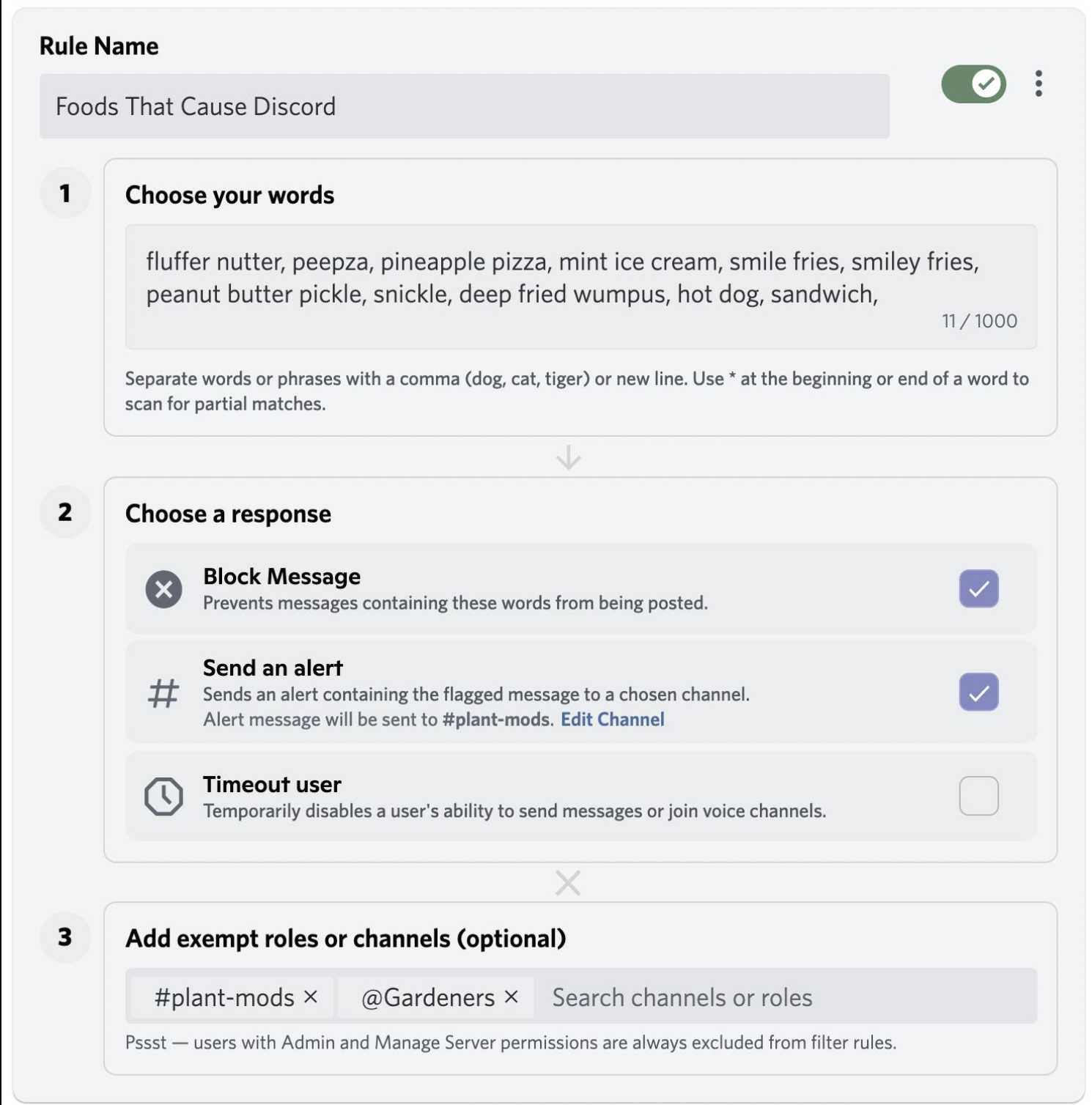
The * character tells AutoMod to use a broader matching strategy.
Discord supports three wildcard matching options:
- Prefix:
cat* - Suffix:
*cat - Anywhere:
*ana*
The wildcard can therefore help catch variations without manually entering every possible version. Discord Support
For invite filtering, a pattern such as *discord.gg/* is useful when you want the filter to look for the invite structure wherever it appears in a message.
Setting Up the Link Filter
Go to:
Server Settings → AutoMod → Custom Keyword Rule
Then:
- Create a new Custom Keyword Rule.
- Add your Discord invite pattern.
- Choose the action, such as Block Message.
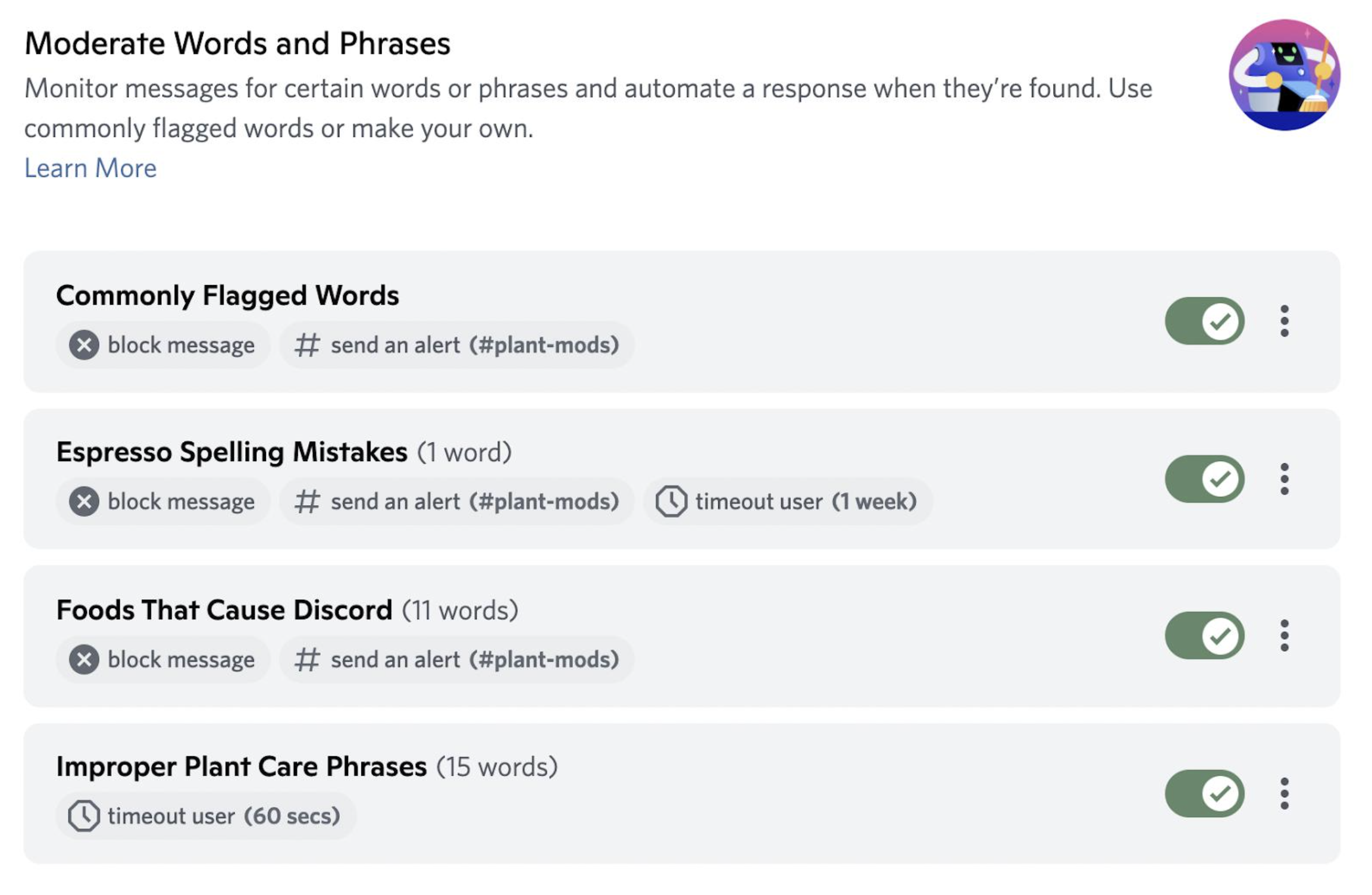
- Optionally enable moderator alerts.
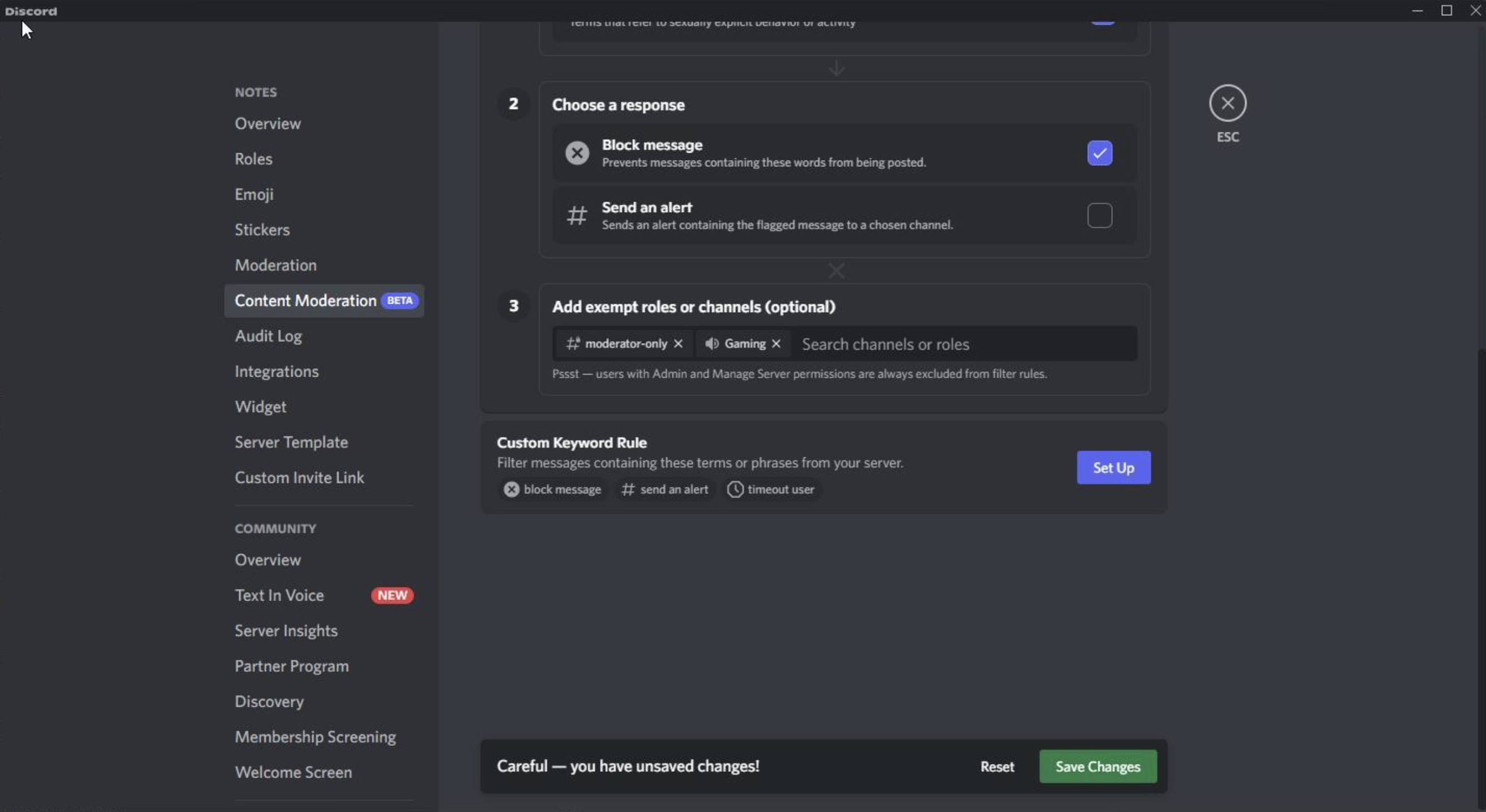
- Add trusted roles or channels as exemptions.
- Save the rule.
Discord allows up to 1,000 terms per Custom Keyword Rule, with each term limited to 60 characters. Discord Support
Allow Trusted Staff to Post Links
Blocking every Discord invite can become inconvenient for moderators, community managers, or partnership staff.
AutoMod lets you add exempt roles and channels to a rule. This means you can keep the invite filter active for normal members while allowing selected staff roles to post links when necessary. Discord Support
For example:
| Member | AutoMod Invite Filter |
|---|---|
| Regular members | Blocked |
| New members | Blocked |
| Moderator role | Exempt |
| Partnership role | Exempt |
| Bot/automation role | Review separately |
Keep exemptions limited to roles you actually trust.
Don't Make the Filter Too Broad
The goal is to block unwanted invites, not every message containing a similar string.
Before activating the rule, test it against:
- Normal conversations
- Legitimate links
- Staff announcements
- Bot messages
- Partner promotions
- Documentation containing Discord URLs
A narrow filter is easier to maintain and produces fewer false positives.
Role vs Channel Exemptions
Use a role exemption when trusted people should be allowed to post links throughout the server.
Use a channel exemption when everyone should be allowed to post links in a specific location, such as:
#partnerships#self-promo#resources#bot-commands
Discord notes that exempting a channel also exempts messages in its threads and Text Chat in Voice. Discord Support
Wildcards vs Regex
Wildcards are useful for straightforward patterns such as invite URLs.
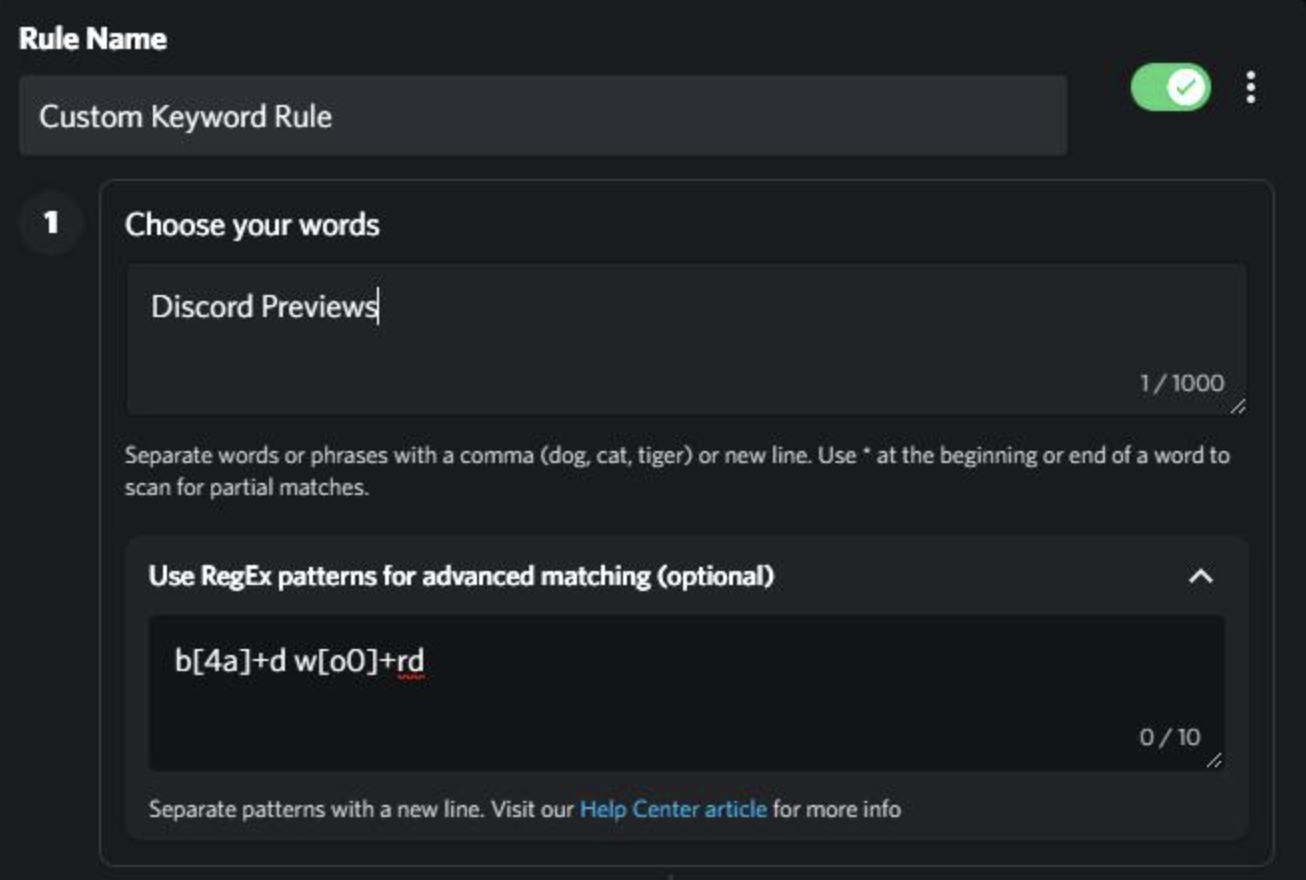
If spammers start modifying links with unusual characters or other evasions, regex can provide more precise pattern matching. Discord supports regex patterns through Custom Keyword Rules. Discord Support
Don't use regex when a simple wildcard can do the job.
Quick Checklist
- Create a Custom Keyword Rule.
- Add the invite pattern.
- Choose Block Message.
- Enable moderator alerts if useful.
- Exempt trusted staff roles.
- Consider exempting dedicated link-sharing channels.
- Test legitimate messages before enabling the rule.
- Review AutoMod alerts regularly.
🎮 The Bottom Line
AutoMod link filtering works best when it is strict for regular members but flexible for trusted staff.
A wildcard such as *discord.gg/* can help catch Discord invite variations, while role or channel exemptions prevent the rule from getting in the way of legitimate moderation and community management.
Comments
Sign in to join the conversation
Sign inNo comments yet
Be the first to share your thoughts!