
The Complete Wiki to Discord API Target Users
What Are Discord API Target Users?
Discord Target Users let developers control which users can access a targeted invite.
The Discord Invite API now provides Bulk-Add Target Users and Bulk-Delete Target Users endpoints for managing these users more easily. Discord Invite API documentation
Bulk-Add Target Users
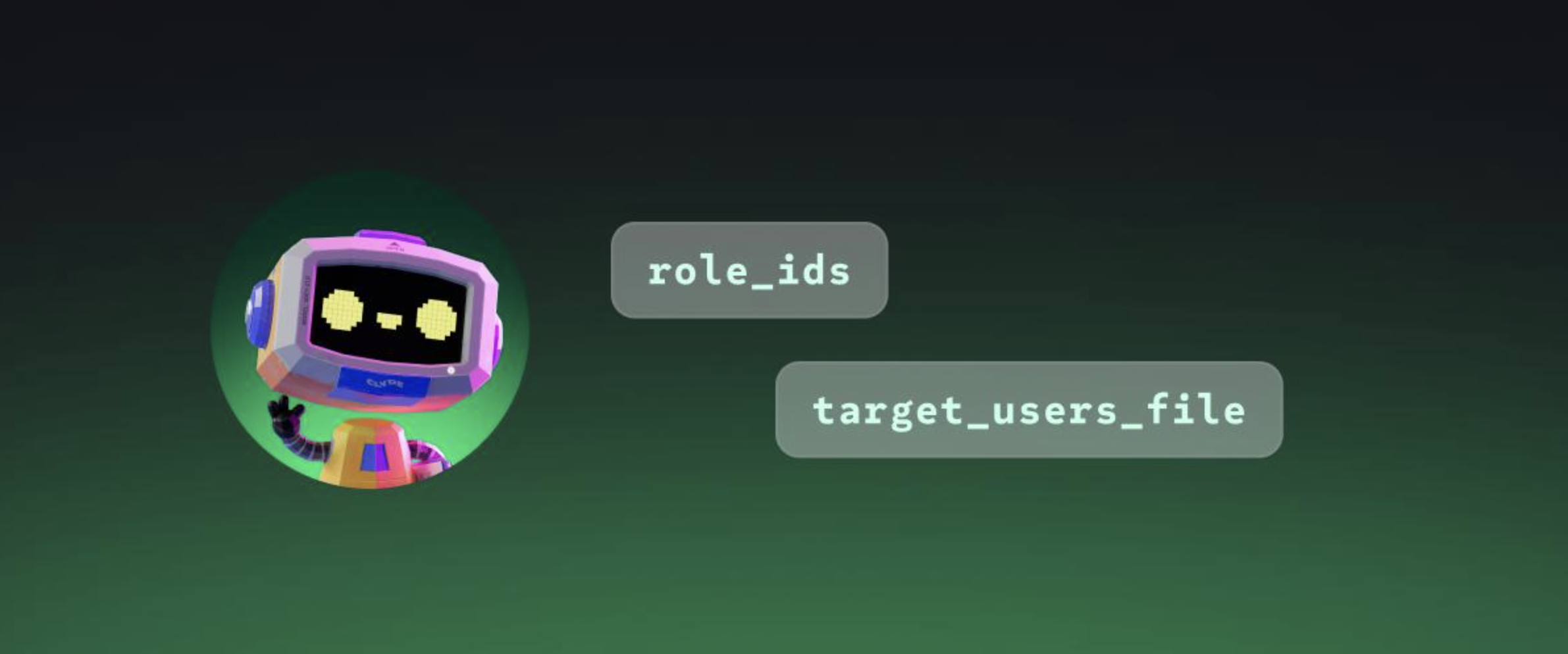
Developers can add multiple users by sending their Discord IDs in a user_ids array.
{
"user_ids": [
"123456789012345678",
"234567890123456789"
]
}
Endpoint:
POST /invites/{invite.code}/target-users/bulk-add
The request can contain up to 1,000 user IDs.
Each ID is a Discord snowflake, Discord's unique ID format for platform objects.
Bulk-Delete Target Users
Removing users works in the same way.
Send the users you want to remove in the user_ids array:
{
"user_ids": [
"123456789012345678",
"234567890123456789"
]
}
Both bulk endpoints support up to 1,000 users per request. Successful requests return 204 No Content. Discord Invite API documentation

Who Can Use These Endpoints?
The caller must be the invite creator or have the MANAGE_GUILD permission.
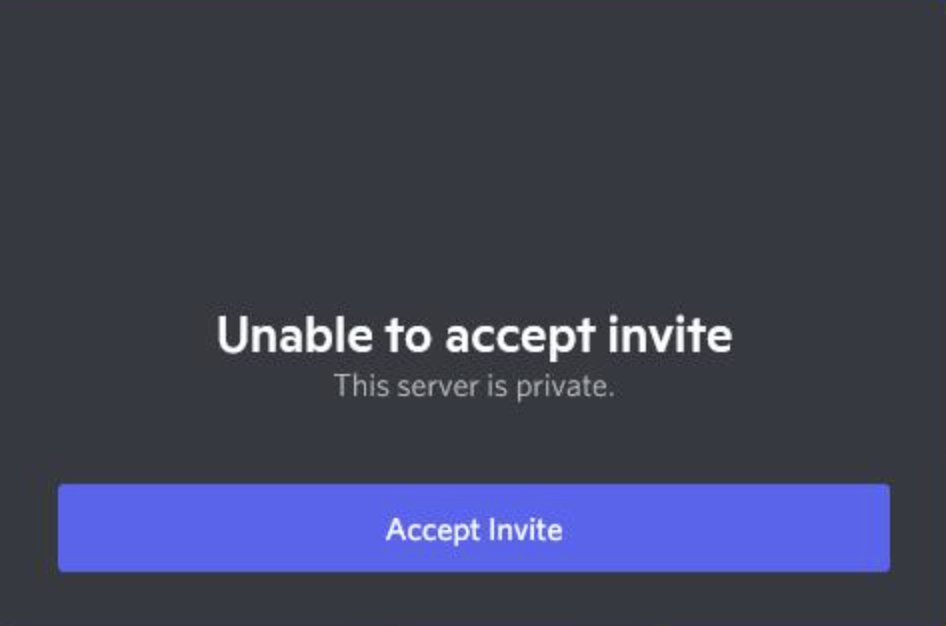
These endpoints manage the invite's target-user list. They do not automatically add users to a Discord server.
When Are Target Users Useful?
Target Users can be useful for:
- Private events
- Closed beta testing
- Gaming campaigns
- Reward programs
- Controlled server onboarding
- Invite-based promotions
The main benefit is simple: developers can make incremental changes without rebuilding the complete target-user list.
Quick Developer Checklist
- Use the correct invite code.
- Pass Discord user IDs as snowflakes.
- Use
user_idsfor bulk changes. - Keep each request to 1,000 users or fewer.
- Use Bulk-Add to add users.
- Use Bulk-Delete to remove users.
- Check that the caller has the required permission.
Comments
Sign in to join the conversation
Sign inNo comments yet
Be the first to share your thoughts!