

The Complete Wiki to Discord API Connection Endpoints
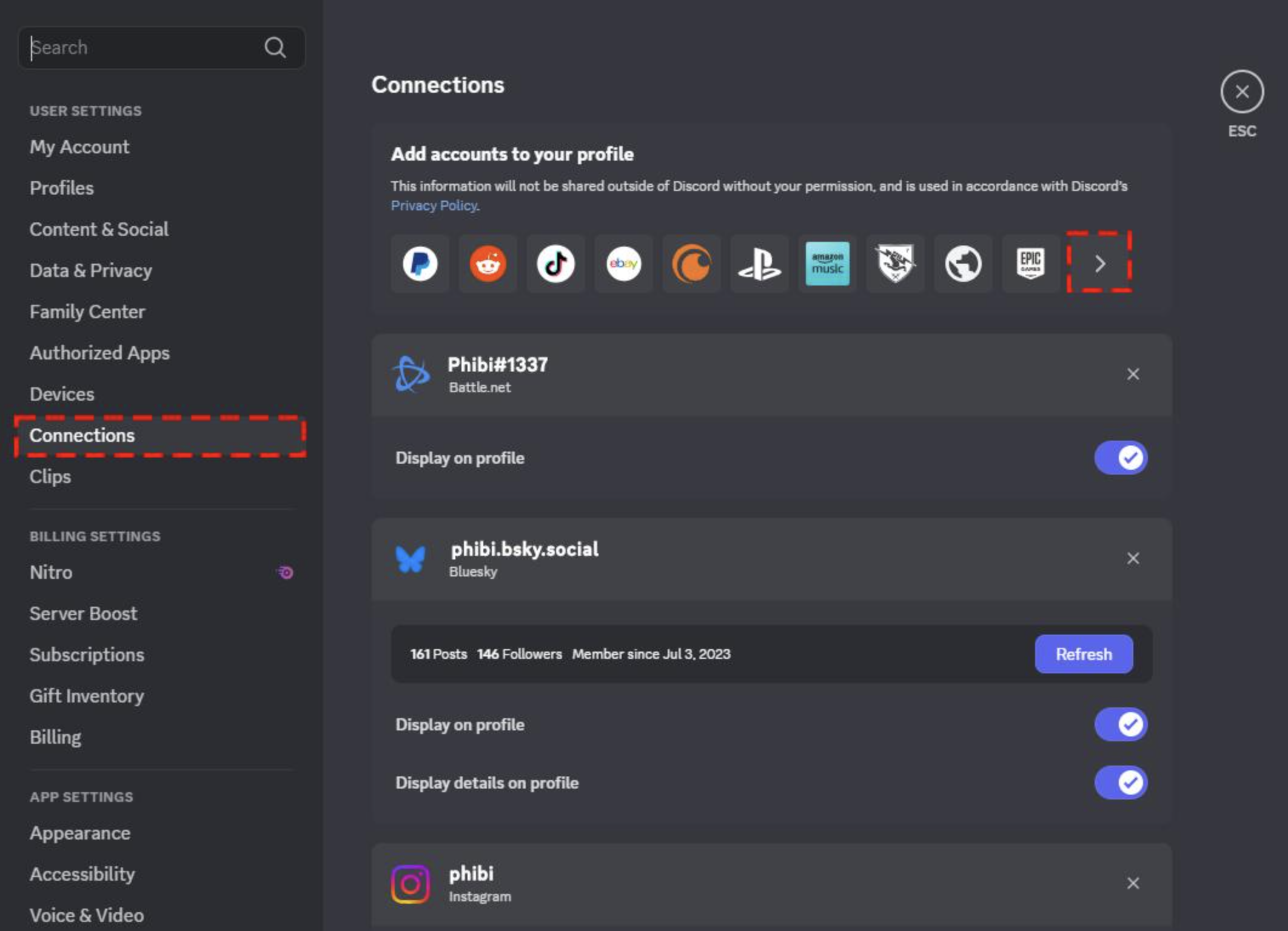
What Changed With Battle.net?
Discord removed Battle.net connections from the user connections endpoint.
Developers that previously relied on:
GET /users/@me/connectionsto detect a user's Battle.net connection can no longer depend on that response.
Existing Battle.net connections stopped being returned through the endpoint in September 2026.
What Developers Should Check
If your application uses Discord connections, review code that checks:
/users/@me/connectionsand specifically searches for:
battlenetAn absent Battle.net entry should not automatically be treated as proof that the user has never connected Battle.net.
OAuth Scopes Still Matter
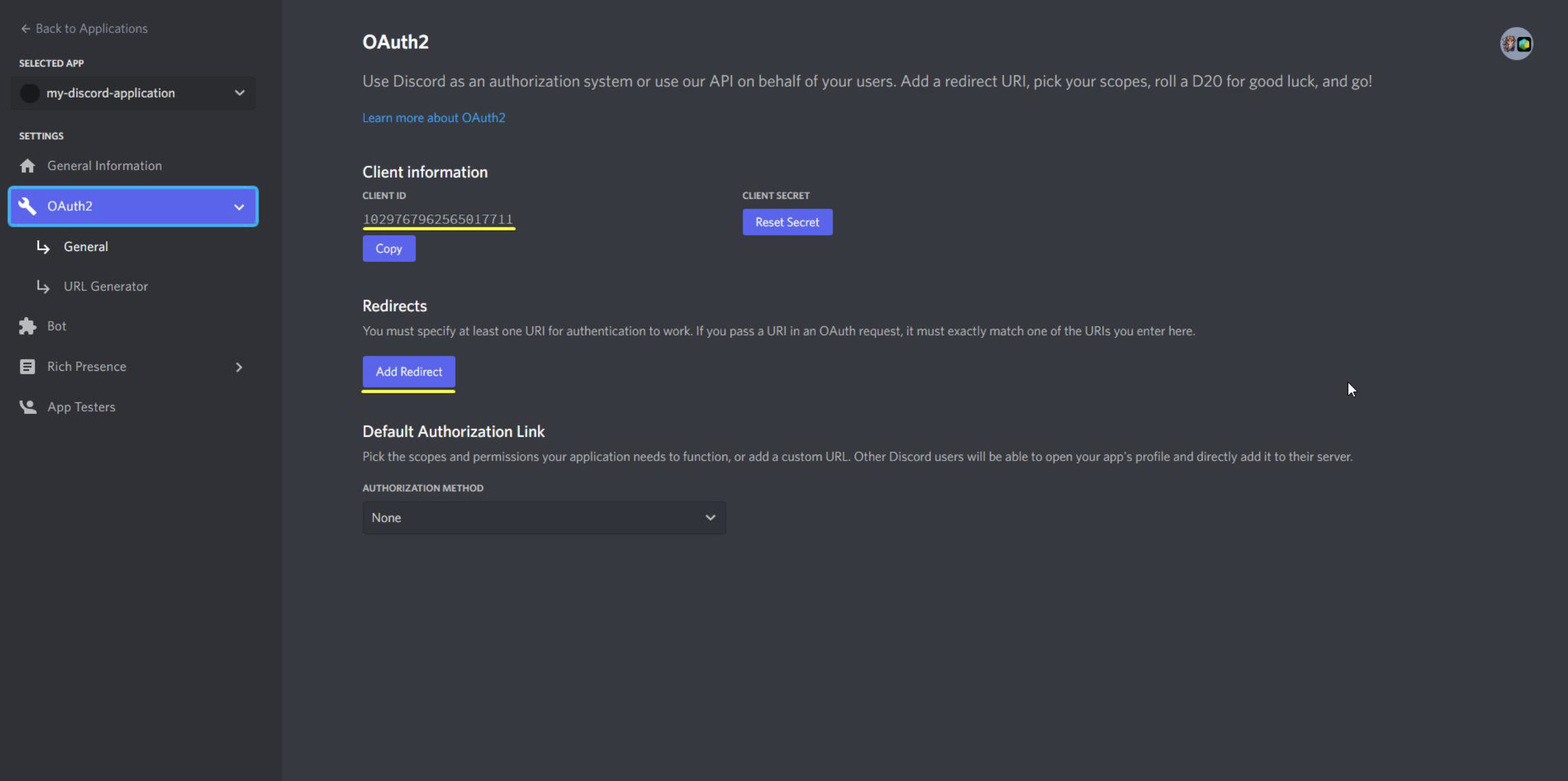
Discord OAuth uses scopes to determine what information and functionality an application can request.
Common scopes include:
| Scope | Purpose |
|---|---|
identify | Basic Discord user information |
email | User's verified email |
connections | Access supported connected accounts |
guilds | User's Discord servers |
guilds.join | Add a user to a server with authorization |
The important point is that having the connections scope doesn't guarantee that every historical connection provider will continue appearing.
Supported connection types can change independently of your OAuth implementation.
What Should You Do?
1. Audit your connection logic
Search your codebase for:
/users/@me/connectionsand:
battlenet2. Don't use Battle.net absence as a verification method
If your application previously used the connection object to identify Battle.net accounts, that logic needs to be redesigned.
3. Review Discord's newer account-linking options
Discord is pushing developers toward newer application identity and social features rather than relying on the old connection endpoint for every integration.
4. Keep OAuth scopes minimal
Only request the scopes your application actually needs.
This makes authorization clearer for users and reduces unnecessary access.
Quick Developer Checklist
- Find every use of
/users/@me/connections - Remove Battle.net-specific assumptions
- Review your OAuth scopes
- Don't treat missing connections as proof of no account
- Check Discord's current developer documentation before adding new providers
- Test your login/account-linking flow again
🎮 The Bottom Line
The Battle.net change is a reminder that Discord connection data isn't a permanent contract for every external platform.
If your application depends on /users/@me/connections, audit the integration now and make sure your authentication logic doesn't assume Battle.net or another provider will always be present.
Comments
Sign in to join the conversation
Sign inNo comments yet
Be the first to share your thoughts!