
The Complete Wiki to Discord 2FA Requirements for Moderation
What Is Discord's 2FA Requirement for Moderation?
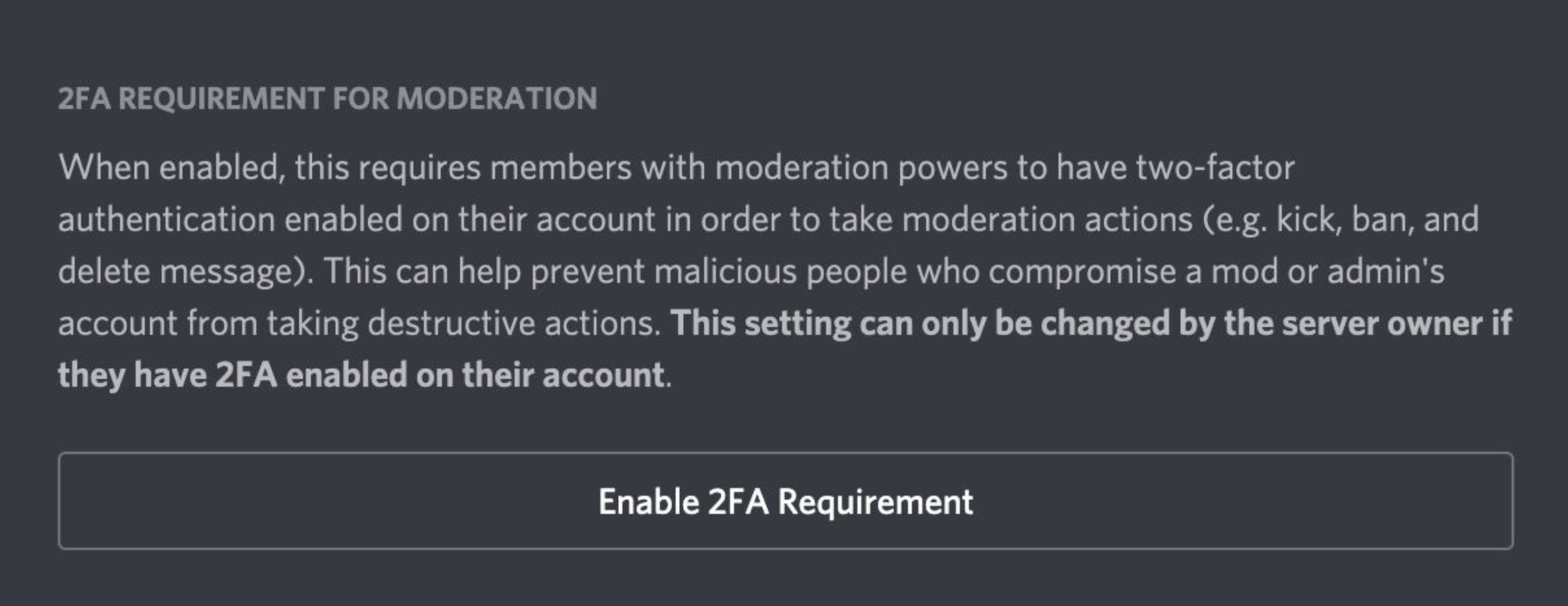
Discord lets server owners require two-factor authentication (2FA) for users with moderation powers.
When enabled, users who have certain administrative or moderation permissions must have 2FA enabled on their Discord account before they can perform protected moderation actions. Discord describes the feature as protection against potentially dangerous administrative actions being performed by users without two-factor authentication. Discord Support
This is particularly useful for large communities where a compromised staff account could cause serious damage.
Why Does Moderation 2FA Matter?
A stolen Discord password can potentially give an attacker access to a staff account.
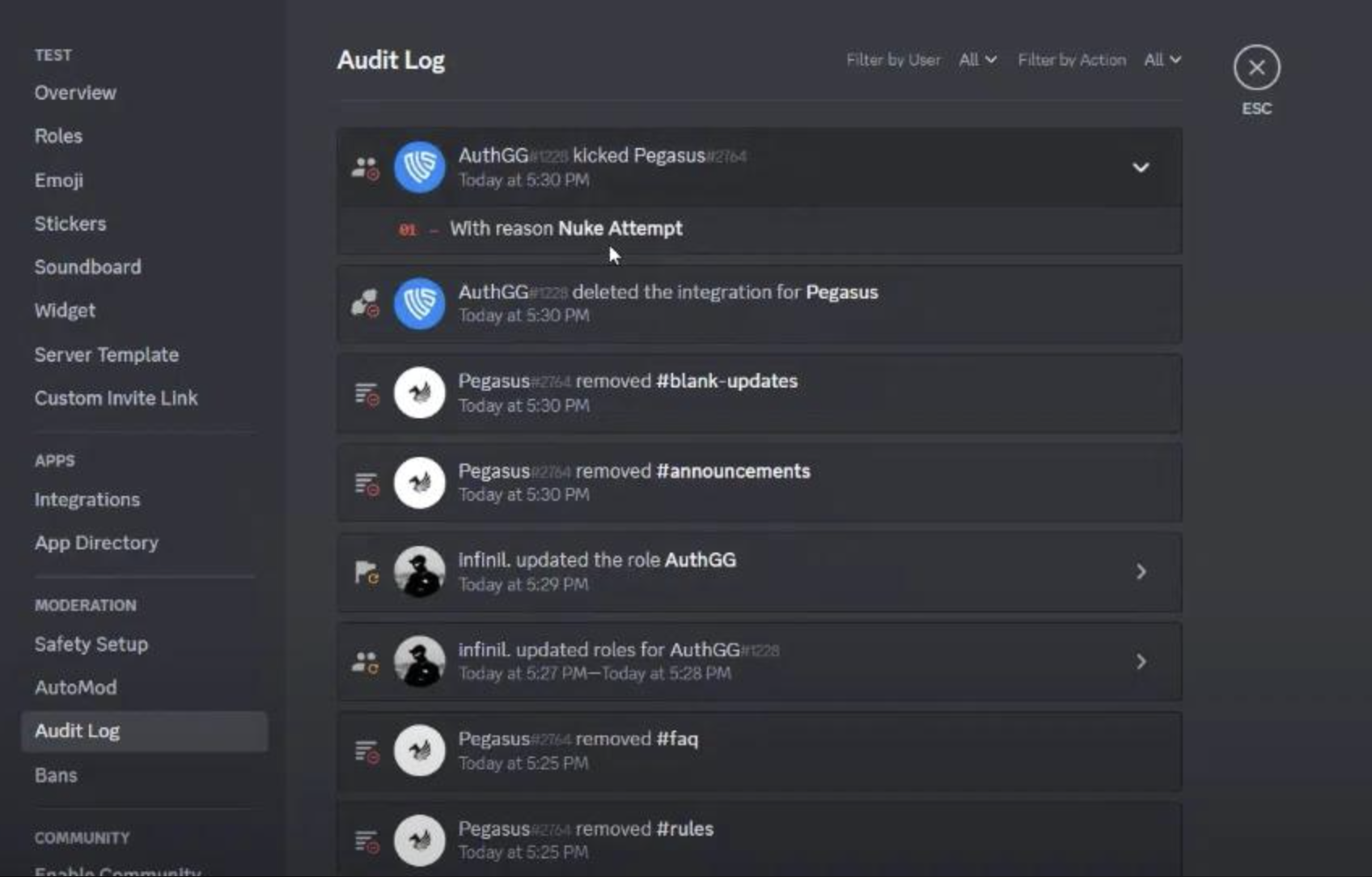
If that account has powerful permissions, an attacker could potentially:
- Change server settings
- Modify roles
- Manage channels
- Kick or ban members
- Perform other privileged moderation actions
Requiring 2FA creates another barrier. Knowing the account password alone isn't enough to authenticate the account when 2FA is required.
How to Enable the Requirement
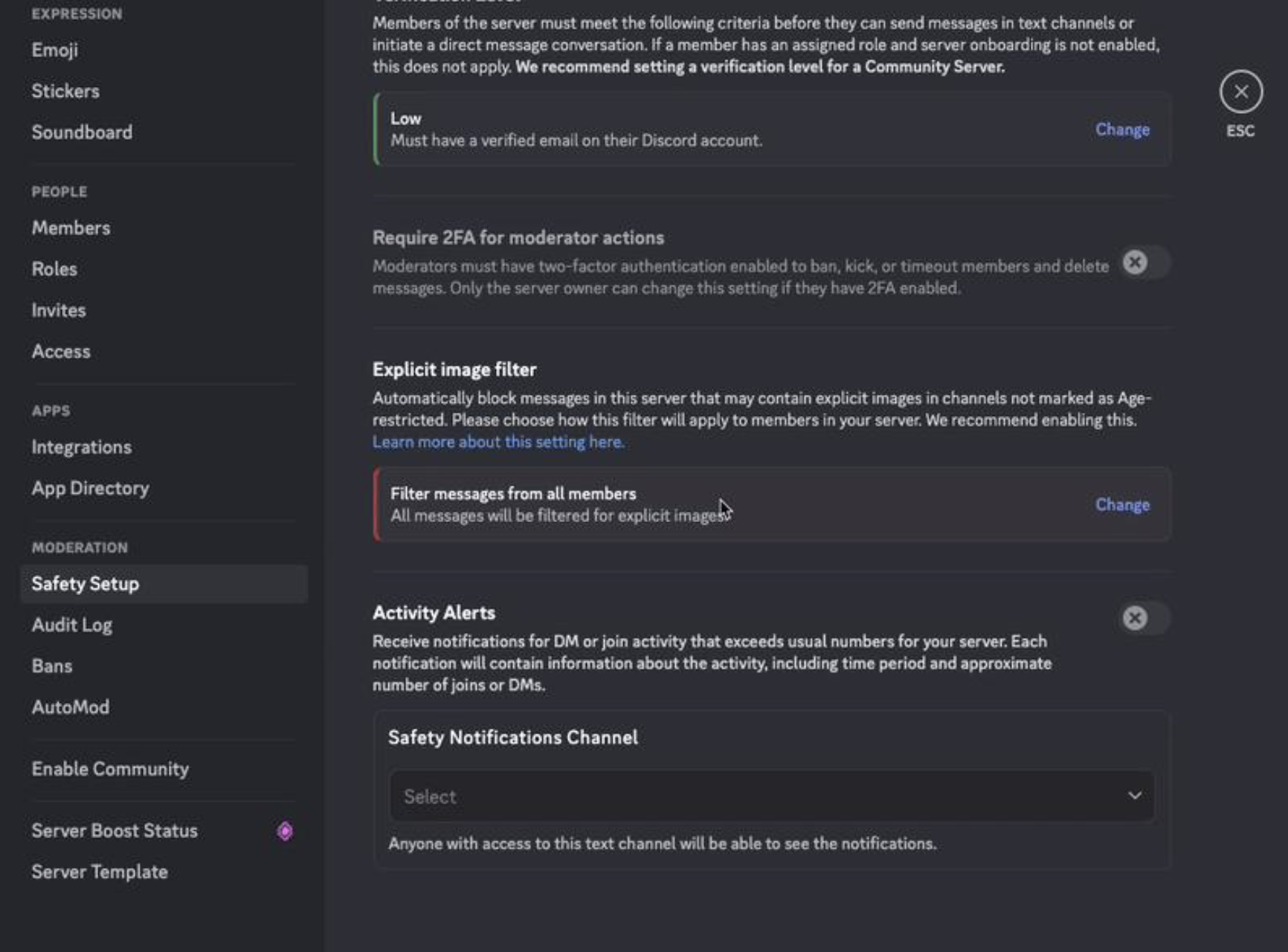
Server owners and administrators can find the relevant security setting through the server's Moderation/Safety settings.
The exact location can vary with Discord's current server-settings layout, but the setting is designed to require Two-Factor Authentication for moderation.
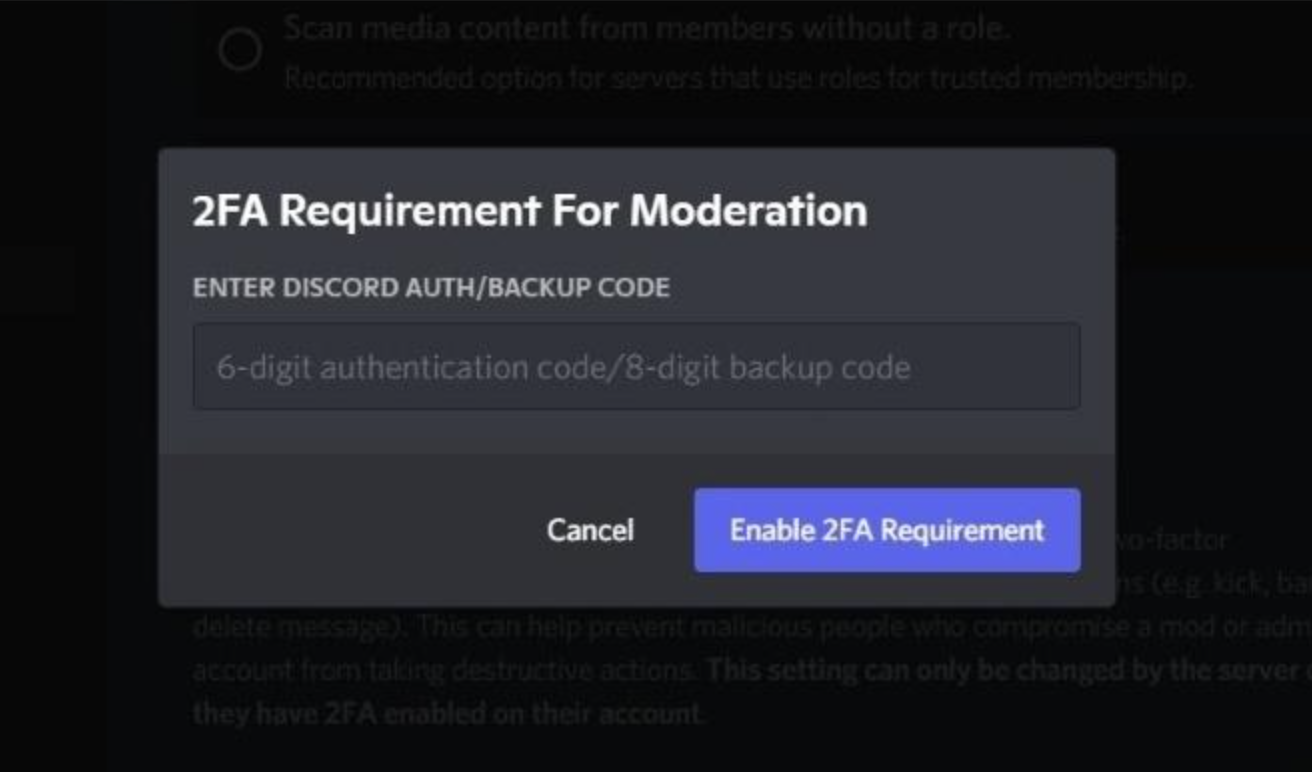
Once enabled, moderators who don't have 2FA enabled will be unable to perform the protected moderation actions until they secure their account. Discord has historically displayed a warning explaining that moderation powers require 2FA. Discord Support
What Happens to Moderators Without 2FA?
Enabling the server requirement doesn't automatically enable 2FA on a moderator's account.
Instead, a moderator without the required authentication setup won't be able to perform the affected moderation actions.
They need to enable MFA on their Discord account first.
Discord currently supports:
- Passkeys and security keys
- Authenticator apps
- SMS
- Backup codes
Discord recommends saving backup codes after enabling MFA because Support cannot remove MFA from an account. Discord Support
2FA Helps Protect Against a Hijacked Staff Account
Consider a server administrator whose Discord password has been stolen.
Without additional protection, the attacker may be able to access the account and use its privileges.
With MFA enabled, the attacker also needs the additional authentication factor to sign in. An authenticator app, for example, generates a separate one-time code alongside the password. Discord Support
For server owners, requiring MFA for moderation adds another layer between a compromised account and sensitive server-management actions.
2FA Isn't the Only Security Layer
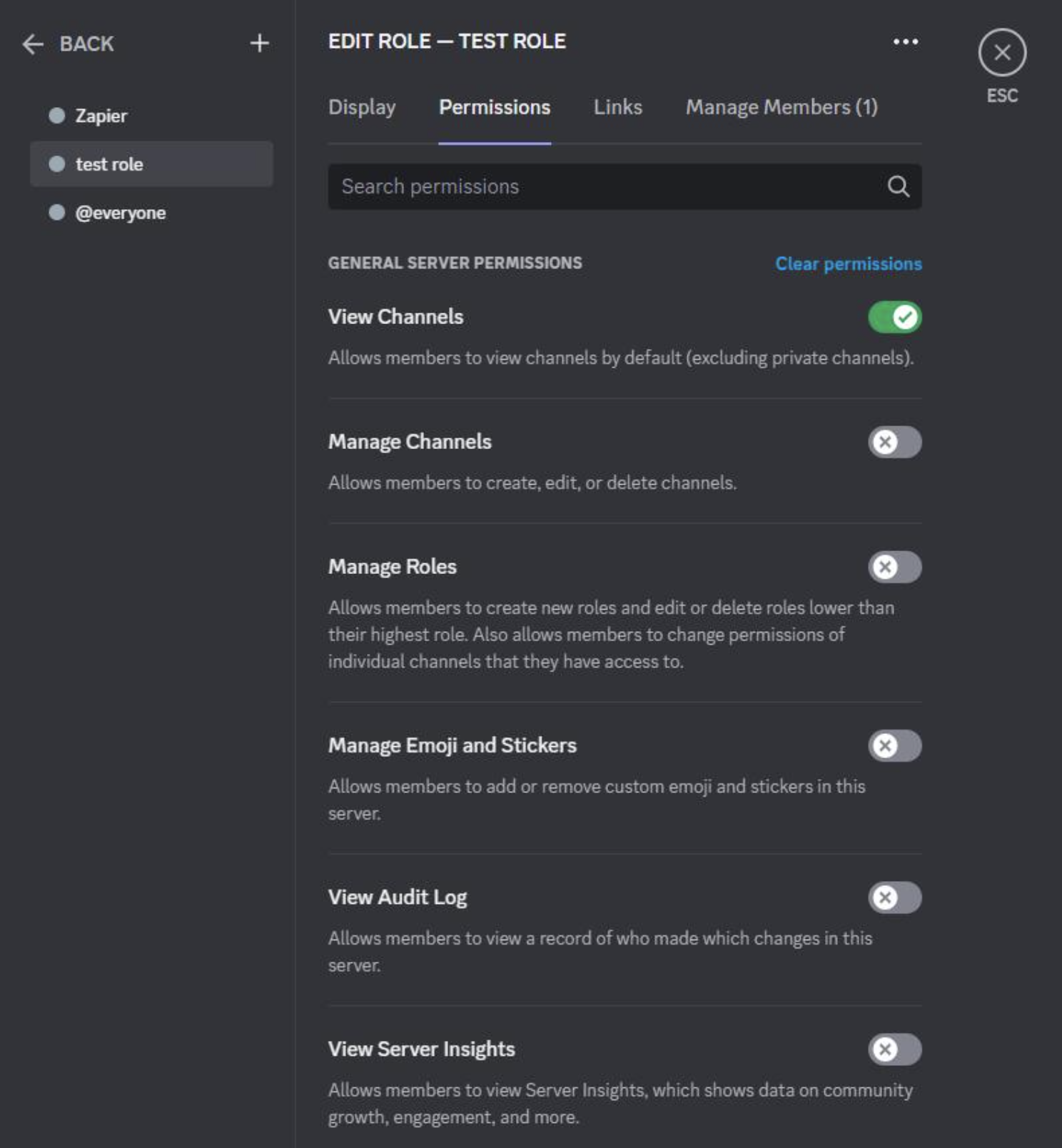
Moderation 2FA works best as part of a broader security setup.
Server owners should also consider:
- Giving staff only the permissions they actually need
- Keeping the Administrator permission limited
- Reviewing roles regularly
- Removing former moderators' permissions
- Using AutoMod
- Enabling appropriate verification levels
- Monitoring moderation activity
- Keeping recovery and backup codes secure
Discord also recommends multiple protective measures for communities dealing with raids, including AutoMod, verification levels and carefully controlled staff permissions. Discord Support
2FA vs Server Verification
These two settings protect different things.
Server Verification Levels determine what account requirements users must meet before participating in a server.
Moderation 2FA protects sensitive moderation actions performed by staff.
So increasing the server's verification level does not replace requiring 2FA for moderators.
Why Large Servers Should Enable It
The larger a community becomes, the more damaging a compromised staff account can be.
A server with hundreds or thousands of members may have:
- Dozens of channels
- Multiple moderator roles
- Complex permission structures
- Large member lists
- Important community resources
- Several administrators with elevated permissions
Requiring 2FA gives those privileged accounts an additional security requirement without forcing every normal member to use it.
🎮 The Bottom Line
Discord's 2FA requirement for moderation is a simple but important security layer for server staff.
It doesn't replace good permission management, but it makes a compromised moderator account harder to abuse. For communities with valuable roles, channels and large member bases, requiring staff to secure their accounts with MFA is a sensible baseline.
Comments
Sign in to join the conversation
Sign inNo comments yet
Be the first to share your thoughts!