
The Complete Wiki to Discord Lobby Additional Names
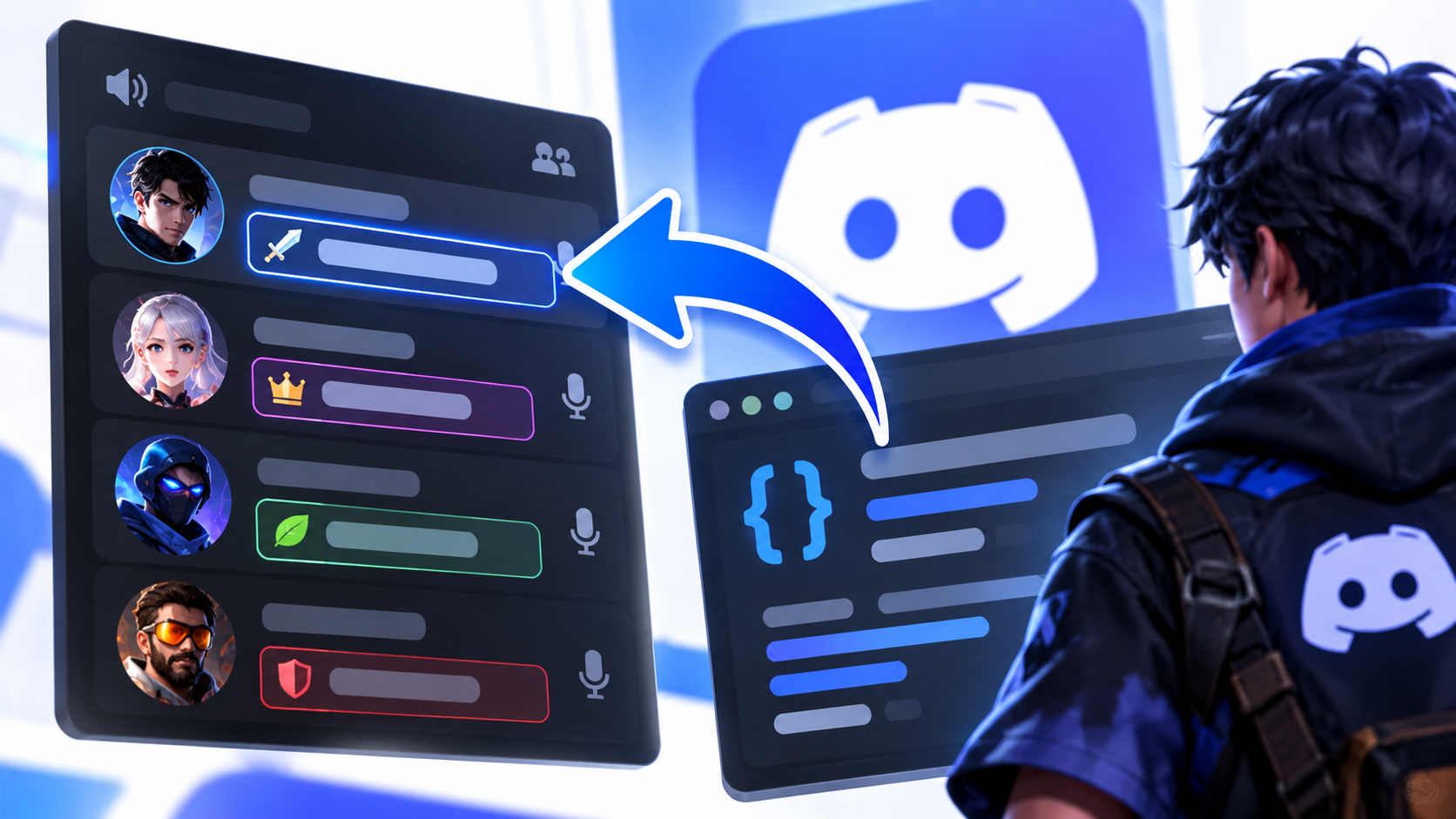
In multiplayer games, a player's Discord identity may not always be the name other players recognize. A player might use one Discord display name but have a different character name, in game alias, or roleplay identity. Showing that additional name alongside a lobby message can make conversations easier to understand, especially in games where character identities matter.
Discord Social SDK provides an additional name field for lobby messages. The important implementation detail is that the game backend must set this field server side. The client can then read the value through MessageHandle::AdditionalName() when processing the message.
💡 DEVELOPER NOTE
The additional name is not simply a local label that a player changes in the Discord interface. Your game's backend is responsible for setting the value associated with the lobby message.
🧭 Navigation
Purpose → Backend Setup → Reading the Field → Integration Tips → FAQs
1. What Is a Lobby Additional Name?
A lobby additional name is a supplementary display name associated with a lobby message. It can help distinguish a player's game identity from their standard account or platform display name.
For example, a player might have the following identities:
Field | Example |
|---|---|
Discord display name | PixelPilot |
In game character name | Aria Storm |
Lobby message | Ready for the next match? |
Additional name | Aria Storm |
In this example, the additional name provides game specific context without requiring the player to change their Discord display name.
Potential use cases include character names in roleplaying games, team aliases in competitive games, and player identities in games with multiple characters.
2. How Is the Additional Name Set?
The additional name must be supplied by the game backend when adding or updating a lobby member. It cannot be set directly through the client SDK.
This means the backend is responsible for associating the correct game identity with the relevant lobby member. The client SDK can then read the additional name from the lobby message record.
Backend and client responsibilities
Component | Responsibility |
|---|---|
Game backend | Sets the additional name when adding or updating a lobby member |
Lobby integration | Associates the game provided name with the relevant lobby context |
Discord Social SDK | Exposes the name through the message handle |
Game client | Reads the available value and decides how to display it |
⚠️ IMPORTANT
Setting a local variable in your game client is not enough to populate this SDK field. The backend must supply the value through the supported lobby member update flow.
Example implementation flow
Backend identity → Lobby member update → Lobby message record → MessageHandle::AdditionalName() → Custom display in game
This separates identity management from presentation. Your backend supplies the game identity, while the client decides how to display it.
3. Reading the Additional Name with MessageHandle::AdditionalName()
The Social SDK exposes the additional name through the AdditionalName() method on discordpp::MessageHandle.
According to the official API reference, the method returns std::optional<std::string>. The value may be absent if no additional name was set.
C++ example
The following illustrates how to read the field from an existing valid message handle.
void HandleLobbyMessage(const discordpp::MessageHandle& message)
{
    const auto additionalName = message.AdditionalName();

    if (additionalName.has_value())
    {
        const std::string characterName = additionalName.value();

        // Use characterName when rendering the lobby message.
    }
    else
    {
        // No additional name was provided.
        // Fall back to the normal author display name.
    }
}
This example demonstrates reading the value, not setting it. The server side lobby member update must be implemented separately through your game's backend integration.
Why is the return value optional?
The additional name is not guaranteed to exist on every message.
Return state | Recommended handling |
|---|---|
Name is available | Use it as supplementary display information |
No name is available | Fall back to the normal author name |
Message handle is invalid | Validate the handle before accessing its fields |
For the complete method definition, see the official MessageHandle API reference.
4. Displaying Character Names in Lobby Chat
Once the value is available, the game can use it to improve how lobby conversations appear.
For example:
Player identity | Message | Possible in game display |
|---|---|---|
PixelPilot | Ready to start? | Aria Storm: Ready to start? |
ShadowByte | Follow me | Night Ranger: Follow me |
NovaPlayer | I found the objective | NovaPlayer: I found the objective |
These are illustrative examples. The additional name is supplied by the game integration, and your game determines how it appears in the interface.
Recommended display behavior
Use the additional name when it is present and appropriate for the game.
Fall back to the regular author name when the field is absent.
Keep the actual message content separate from the display name.
Apply your game's normal text validation and rendering rules.
Ensure the backend associates the correct name with the correct lobby member.
5. Common Implementation Mistakes
Mistake | Why it causes problems | Better approach |
|---|---|---|
Setting the name only in the client | Does not populate the server supplied field | Update the backend lobby member flow |
Assuming every message has a name | The API returns an optional value | Handle the missing value |
Confusing the additional name with a Discord username | They represent different identity information | Treat the additional name as game provided |
Reading an invalid message handle | The handle may not contain a valid message | Validate the handle first |
Using the field without checking its source | Incorrect backend mapping can display the wrong character | Verify member identity and update logic |
6. Frequently Asked Questions
Can the additional name be set directly through the client SDK?
No. Discord's release notes specify that the field must be set server side by the game backend when adding or updating a lobby member.
Which method reads the additional name?
Use MessageHandle::AdditionalName() on a valid discordpp::MessageHandle. It returns an optional string.
Is the additional name the same as a Discord display name?
No. It is an optional game provided name associated with the author in the lobby integration. A character name is one possible use.
What happens if the additional name is missing?
The method may return an empty optional. Your game should fall back to the regular author display name or another suitable label.
Where can developers verify the implementation?
Consult the Social SDK Release Notes for the feature's backend requirements and the MessageHandle API reference for the method signature and return behavior.
7. Quick Facts
Detail | Information |
|---|---|
Feature | Lobby message additional display name |
Example use | In game character name |
Where it is set | Game backend |
When it is supplied | When adding or updating a lobby member |
Client setter available | No, not through the client SDK |
Read method |
|
Return type |
|
Missing value | Handle the empty optional |
Official release notes |
Final Verdict
Discord Social SDK's lobby additional name field gives game developers a way to associate a game specific identity, such as a character name, with lobby messages. Its implementation depends on the correct division of responsibilities: the backend supplies the name when adding or updating a lobby member, and the client reads the value through MessageHandle::AdditionalName().
Handle the field as optional, preserve a sensible fallback for missing values, and keep backend identity mapping separate from UI rendering. This creates a clearer lobby chat experience without confusing a player's game identity with their Discord display name.
Comments
Sign in to join the conversation
Sign inNo comments yet
Be the first to share your thoughts!