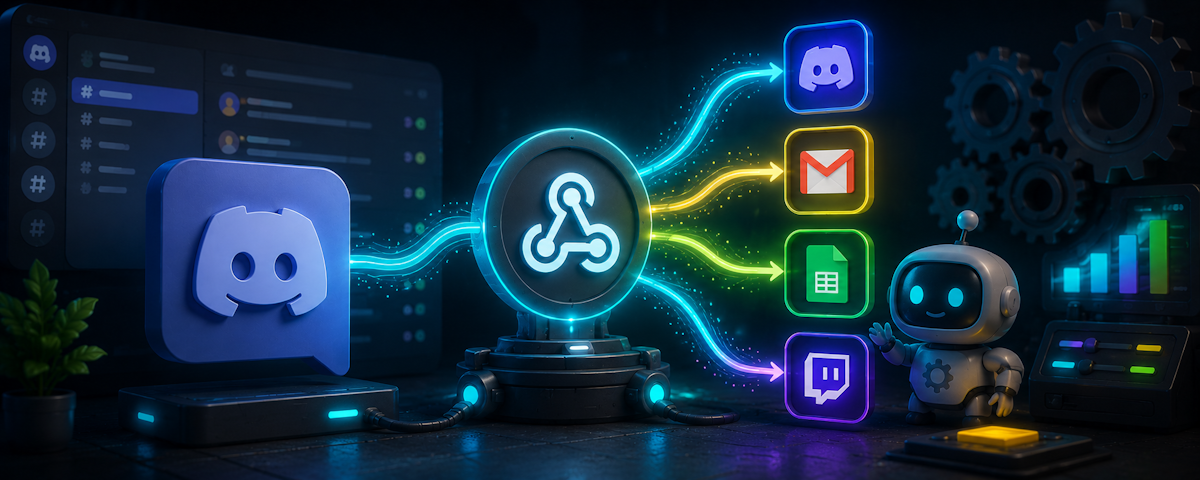

Discord Webhook Integration: From Channel Setup to Custom Embeds
Discord Webhooks are one of the simplest ways to connect an external service with a Discord channel. Instead of building a complete bot, a service can send an HTTP request to a Discord webhook URL and have the resulting message appear directly in the selected channel.
The workflow is particularly useful for GitHub updates, monitoring systems, website notifications, analytics, release alerts, and custom automation.
🧭 NAVIGATION
Create Webhook → Configure Channel → Send JSON → Build Embed → Automate → Best Practices → Verdict
What Is a Discord Webhook?
A Discord Webhook acts as an endpoint that external services can use to send messages into a Discord channel. Discord describes webhooks as a simple method for getting automated messages and data updates from other applications into a text channel.
Unlike a traditional bot, the external service does not need to maintain a persistent Discord connection just to deliver a message.
External Service → Webhook URL → Discord Channel → Message / Embed
This makes webhooks particularly useful when the main requirement is sending information into Discord, rather than reading messages or performing complex interactions.
🔧 Creating a Webhook
Creating one starts from the server's Integrations area.
- Open your Discord server settings.
- Open Integrations.
- Select Webhooks.
- Create a new webhook.
- Choose the destination channel.
- Give the webhook a recognizable name.
- Copy its webhook URL.
Discord's current Server Integrations page allows administrators to create and manage webhooks, including changing their name, avatar, destination channel, and URL.
The account creating or managing the webhook needs the appropriate Manage Webhooks permission for the channel.
📦 Sending JSON Payloads
Once the webhook exists, an external application can send an HTTP POST request to its URL.
A basic payload can contain message content, while richer payloads can contain embeds and other supported message properties.
Event Occurs → JSON Payload → HTTP POST → Webhook → Discord Message
Discord specifically notes that JSON is useful for custom webhook messages and embeds.
For example, an external monitoring service could send:
Server Alert → JSON Data → Discord Webhook → #alerts
This means the same webhook architecture can support anything from simple status messages to highly formatted notification systems.
🎨 Creating Custom Embeds
Embeds are where webhooks become much more visually useful.
A webhook can generate embeds containing elements such as:
• Title
• Description
• URL
• Color
• Author
• Thumbnail
• Image
• Fields
• Footer
• Timestamp
Discord also supports Markdown within embeds.
A typical notification can therefore move from:
Plain Text → Structured JSON → Custom Embed → Rich Discord Notification
For example, a deployment system could create an embed showing:
Production Deployment
Status: Successful
Version: 4.8.2
Environment: Production
Time: 22:10 UTC
This makes important automated information much easier to scan.
📊 Webhook Limits
Discord places limits on embeds and their individual components.
| Element | Limit |
|---|---|
| Embed Title | 256 characters |
| Embed Description | 2048 characters |
| Embed Fields | 25 |
| Field Name | 256 characters |
| Field Value | 1024 characters |
| Footer | 2048 characters |
| Author Name | 256 characters |
| Total Embed Characters | 6000 |
| Embeds Per Message | 10 |
These limits are documented by Discord and should be considered when designing automated notifications.
🚀 Practical Integration Flow
A useful webhook system can connect almost any event based service to Discord:
Website / GitHub / Monitoring Tool → Event → JSON → Webhook → Embed → Discord Channel
For example, a GitHub integration can send repository activity directly into a selected Discord channel. Discord's own webhook guide uses GitHub commits and pull requests as an example.
💡 EDITOR’S NOTE
A webhook is best when the main requirement is one way communication into Discord. If your application needs to read messages, respond to users, manage roles, or perform complex server actions, a Discord bot is generally the better architecture.
Webhooks and bots can also work together, with bots using webhooks for specialized notification or logging workflows.
🔗 Developer Resources
The official Discord Webhook guide explains how to create and configure webhook endpoints.
The Discord Server Integrations guide covers webhook management inside server settings.
For deeper implementation work, developers can use the Discord Developer Platform.
⚠️ QUICK TAKE
Discord Webhooks turn external events into instant Discord notifications without requiring a full bot architecture. The basic flow is simple: create the webhook, send JSON, and let Discord turn the payload into a message or custom embed.
Quick Facts
Platform: Discord
Feature: Webhooks
Setup: Server Integrations
Payload: JSON
Request: HTTP POST
Output: Discord Message or Embed
Best For: Automation, alerts, logs, updates, notifications
Advanced Formatting: Custom Embeds
Final Verdict
Discord Webhooks remain one of the easiest ways to connect external services with a Discord server. Their combination of a simple URL based endpoint, JSON payloads, and customizable embeds makes them powerful enough for everything from basic alerts to polished automation systems.
For developers, the key advantage is simplicity: the external service handles the event, the webhook handles delivery, and Discord handles presentation.
Comments
Sign in to join the conversation
Sign inNo comments yet
Be the first to share your thoughts!