
The Complete Wiki to Discord Server Boosting Perks
Overview
Discord Server Boosting allows communities to unlock additional features by contributing Server Boosts to a server. These upgrades improve voice-channel audio quality, increase custom emoji and sticker capacity, expand Soundboard slots, and unlock larger server-specific file uploads.
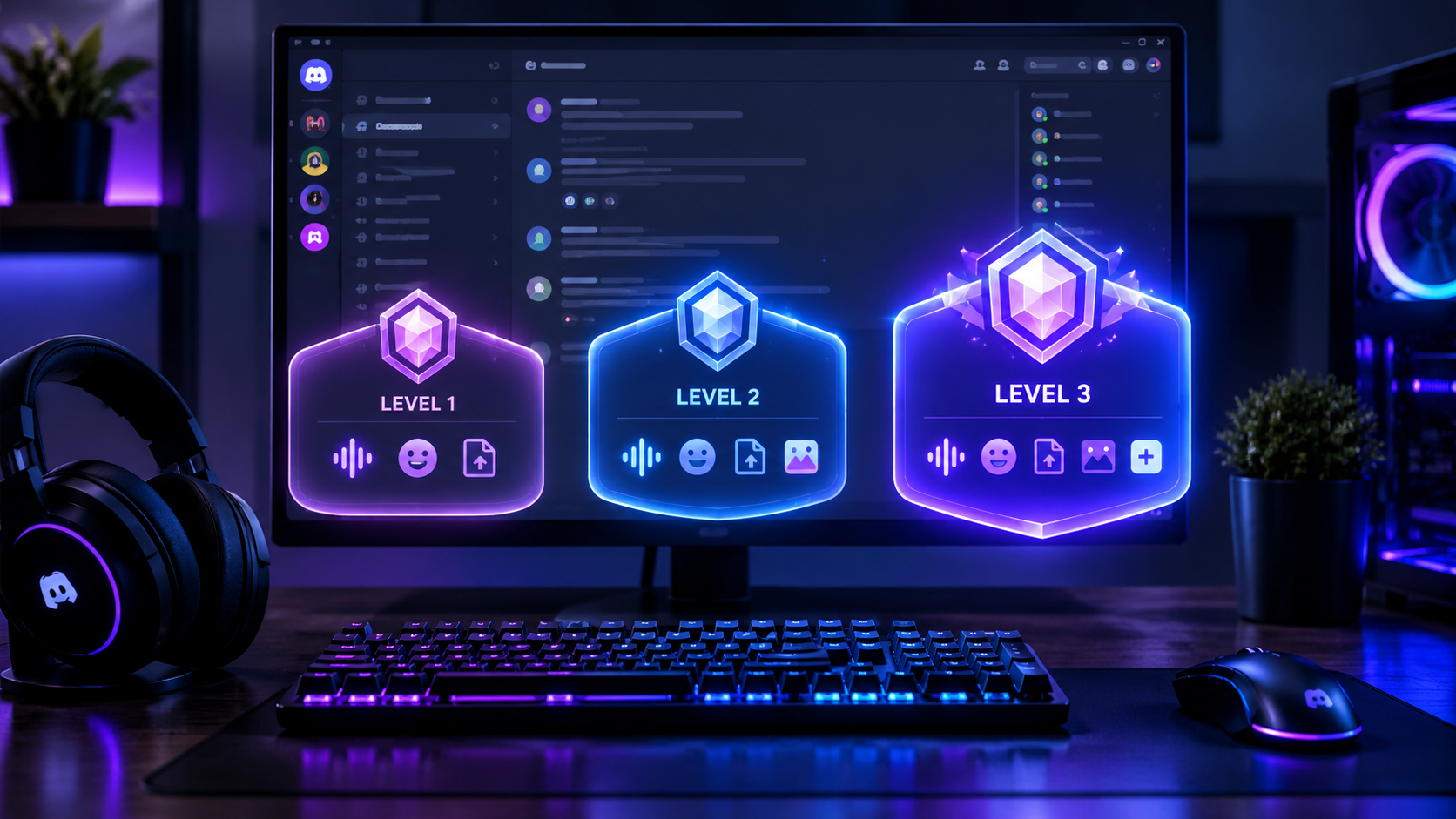
Discord currently has three traditional server boost levels. Each level includes the benefits of the previous level, so reaching Level 3 gives the server the combined perks of Levels 1, 2, and 3.
This guide explains the exact boost requirements, audio bitrates, emoji slots, and upload limits, alongside the other perks available at each level.
Quick Facts
| Feature | Level 1 | Level 2 | Level 3 |
|---|---|---|---|
| Required Server Boosts | 2 | 7 | 14 |
| Maximum audio bitrate | 128 Kbps | 256 Kbps | 384 Kbps |
| Custom emoji slots | 100 | 150 | 250 |
| Custom sticker slots | 15 | 30 | 60 |
| Soundboard slots | 24 | 36 | 48 |
| Server-specific upload limit | Standard limit | 50 MB | 100 MB |
| Go Live quality | 720p at 60 FPS | 1080p at 60 FPS | 1080p at 60 FPS |
| Animated server icon | Yes | Yes | Yes |
| Server banner | No | Static | Animated |
| Custom invite link | No | No | Yes |
Source: Discord's official Server Boosting FAQ and Server Caps documentation. Upload limits in this table refer to server-specific upload benefits, not the separate upload limits included with individual Nitro subscriptions.
Official references: Discord Server Boosting FAQ and Discord Account Caps, Server Caps, and More.
What Are Discord Server Boosts?
A Server Boost is a contribution that helps a Discord server unlock additional features. Boosts can come from eligible subscriptions or be purchased separately.
As a server accumulates the required number of boosts, it can unlock progressively higher levels.
Level 1: Requires 2 Server Boosts.
Level 2: Requires 7 Server Boosts.
Level 3: Requires 14 Server Boosts.
These are the thresholds for the traditional level-based perk system. Discord also offers certain additional perks that use their own boost allocations, separate from the boosts maintaining a server's level.
Server Boosts are useful for gaming communities, creator communities, private groups, and large public servers that want more customization and better audio quality.
Discord Server Boost Level 1
Requirement: 2 Server Boosts
Level 1 is the entry point for server-wide boosting perks. It improves voice-channel audio quality and expands the server's customization options.
Level 1 Audio Bitrate: 128 Kbps
Level 1 raises the maximum voice-channel audio bitrate to 128 Kbps.
A higher bitrate can preserve more audio detail, particularly in music-oriented conversations and voice events. Actual perceived quality also depends on microphones, network conditions, and the audio being transmitted.
To configure the bitrate, a user with the necessary channel permissions can:
Open the server.
Hover over the relevant voice channel.
Select Edit Channel.
Open the channel's Overview settings.
Adjust the Bitrate control.
The available maximum depends on the server's boost level and the channel type.
Level 1 Emoji Slots: 100 Total
Level 1 provides 50 additional custom emoji slots, bringing the documented total to 100 custom emoji slots.
These extra slots help communities create reaction emojis, inside jokes, gaming expressions, and recognizable community branding.
Level 1 Sticker Slots: 15 Total
Level 1 increases the server's custom sticker capacity to 15 slots.
Stickers can be used for reactions, announcements, and community-specific expressions.
Level 1 Soundboard Slots: 24 Total
Level 1 expands the server's Soundboard capacity to 24 slots, allowing more custom sound effects for voice chats and community events.
Other Level 1 Perks
Level 1 also includes:
720p at 60 FPS Go Live stream quality.
Animated server icon.
Custom server invite background.
Who Should Choose Level 1?
Level 1 is suitable for smaller gaming servers and creator communities that want better voice quality, extra emojis, and basic server customization without needing the higher-level upload benefits.
Discord Server Boost Level 2
Requirement: 7 Server Boosts
Level 2 includes all Level 1 benefits and adds higher audio quality, more customization slots, improved streaming quality, and a larger upload limit for server members.
Level 2 Audio Bitrate: 256 Kbps
Level 2 raises the maximum audio bitrate to 256 Kbps.
This is double the Level 1 bitrate and provides more bandwidth for transmitting audio.
It can be useful for communities hosting:
Music listening sessions.
Voice-based events.
Interviews and podcasts.
Creator discussions.
High-quality group conversations.
However, a higher bitrate uses more bandwidth and does not automatically eliminate lag, packet loss, or microphone noise.
Level 2 Emoji Slots: 150 Total
Level 2 adds another 50 emoji slots, increasing the documented total to 150 custom emoji slots.
This is useful for communities that regularly create new emojis for games, events, memes, and member reactions.
Level 2 Sticker Slots: 30 Total
Level 2 increases the server's custom sticker capacity to 30 slots.
Level 2 Soundboard Slots: 36 Total
Level 2 expands the Soundboard to 36 slots.
Level 2 Upload Limit: 50 MB for Server Members
One of the biggest Level 2 benefits is the server-specific 50 MB upload limit for all members.
This benefit applies when uploading files in the boosted server. It is separate from individual Nitro subscription benefits and does not mean every upload throughout Discord receives the same limit.
It can be helpful when community members share:
Gameplay clips.
Screenshots and artwork.
Documents and guides.
Community event assets.
Other permitted files.
Discord has also experimented with larger upload limits, so individual account experiences can vary.
Level 2 Go Live: 1080p at 60 FPS
Level 2 unlocks 1080p at 60 FPS Go Live streaming quality.
This is useful for gaming servers where members stream gameplay, demonstrate game settings, or watch another member play.
Other Level 2 Perks
Level 2 also includes:
Static server banner.
Custom role icons.
Stage Channel audience capacity of up to 150 people for video or Go Live.
Who Should Choose Level 2?
Level 2 is a strong option for active gaming servers, creator communities, and groups that frequently share larger files or host higher-quality streams.
Discord Server Boost Level 3
Requirement: 14 Server Boosts
Level 3 is the highest traditional Server Boost level. It includes the benefits from Levels 1 and 2, along with the highest standard audio bitrate and additional server customization.
Level 3 Audio Bitrate: 384 Kbps
Level 3 raises the maximum audio bitrate to 384 Kbps.
This is the highest of the three traditional server-level audio bitrate caps.
It can benefit music-focused communities, audio discussions, and events where voice quality matters. Actual audio quality still depends on the source, equipment, connection, and Discord's audio processing.
Level 3 Emoji Slots: 250 Total
Level 3 adds 100 more emoji slots, increasing the documented total to 250 custom emoji slots.
For large communities, this allows substantial room for game-specific emojis, creator reactions, community memes, and event branding.
Level 3 Sticker Slots: 60 Total
Level 3 provides a total of 60 custom sticker slots.
This is twice the Level 2 capacity and four times the Level 1 capacity.
Level 3 Soundboard Slots: 48 Total
Level 3 expands the Soundboard to 48 slots, providing more room for custom sounds.
Level 3 Upload Limit: 100 MB for Server Members
Level 3 provides a server-specific upload limit of 100 MB for all members.
This can make it easier for members to share larger gameplay recordings, creative work, and other permitted files directly within the boosted server.
As with Level 2, this is a server-specific benefit. Individual subscription upload benefits and any temporary Discord upload experiments are separate.
Level 3 Stage Channel Capacity
For Stage Channels using video or Go Live, Level 3 supports an audience capacity of 300 people under the documented base Level 3 perk. Additional boosts beyond the threshold may provide further capacity according to Discord's current limits.
Audio-only Stages have separate audience limits and should not be confused with the video or Go Live capacity.
Other Level 3 Perks
Level 3 also includes:
Animated server banner.
Custom invite link.
All Level 1 and Level 2 perks.
Who Should Choose Level 3?
Level 3 is best suited to large gaming communities, established creator servers, and servers that make extensive use of custom emojis, high-quality voice channels, larger uploads, and server branding.
Emoji Slots Compared Across All Levels
Custom emoji capacity is one of the most visible benefits of Server Boosting.
| Server Level | Total Emoji Slots | Additional Slots at That Level |
|---|---|---|
| Base server | 50 | None |
| Level 1 | 100 | +50 |
| Level 2 | 150 | +50 |
| Level 3 | 250 | +100 |
These are the standard documented server emoji totals. Emoji types and other platform restrictions can affect how particular emojis are used.
Important: Emoji slots are a server capacity benefit. They do not mean every member receives a separate personal emoji library.
Audio Bitrate Compared Across All Levels
Discord's standard server-level bitrate caps are:
| Server Level | Maximum Audio Bitrate |
|---|---|
| Base server | 96 Kbps |
| Level 1 | 128 Kbps |
| Level 2 | 256 Kbps |
| Level 3 | 384 Kbps |
The channel's configured bitrate determines the selected setting, up to the applicable maximum. Boosting raises the cap; it does not necessarily set every voice channel to the maximum automatically.
A higher bitrate can improve audio fidelity, but it also requires more bandwidth. Users with unstable connections may experience problems even when a server has Level 3.
Upload Limits Compared Across All Levels
The server-level upload perks are especially relevant for communities that share gameplay recordings, artwork, or documents.
| Server Level | Server-Specific Upload Limit |
|---|---|
| Base server | Standard account limit |
| Level 1 | No additional server-level increase |
| Level 2 | 50 MB for all members |
| Level 3 | 100 MB for all members |
Discord's general file upload limits can change separately from server boost perks. Individual account subscriptions may provide their own upload allowances, and Discord has announced experiments with larger file uploads for selected servers.
For that reason, distinguish between the server's boost-level upload benefit and the upload limit attached to a member's account.
Other Perks Unlocked by Server Boosting
In addition to audio, emojis, stickers, and uploads, server levels provide several visual and streaming improvements.
Animated Server Icon
Level 1 unlocks an animated server icon, helping a community stand out in the server list.
Go Live Streaming Quality
Level 1 unlocks 720p at 60 FPS Go Live quality. Level 2 raises the documented Go Live quality to 1080p at 60 FPS.
Server Banner
Level 2 unlocks a static server banner, while Level 3 upgrades this to an animated banner.
Custom Role Icons
Level 2 unlocks custom role icons, giving servers more options for distinguishing staff, moderators, members, and special groups.
Custom Invite Link
Level 3 unlocks a custom invite link, making it easier to share a recognizable invitation to the community.
Additional Boost Perks Are Separate From Server Levels
Discord also offers certain additional perks that can be unlocked by allocating boosts separately from those maintaining the server's level.
Examples include:
Server Tags: A custom four-character identifier that members can display on their profiles.
Enhanced Role Styles: Additional role styling options, including animated gradient and holographic effects.
Other experimental or eligible perks: Availability may vary by server and Discord's current rollout.
These perks do not automatically come with Level 1, Level 2, or Level 3. They require separate boost allocations and must remain funded to stay active.
See Discord's official Server Boosting FAQ for current eligibility and allocation details.
What Happens If a Server Loses Boosts?
Server Boosts are ongoing contributions. If a server no longer has enough boosts allocated to maintain its current level, it can lose access to that level's perks after Discord's applicable grace period.
Discord's current FAQ documents a 72-hour grace period for level-based perks after a server loses the required boosts. Some additional perks, including Server Tags and Enhanced Role Styles, can be disabled immediately if their dedicated boost allocations are removed.
The custom invite link has a separate rule: if Level 3 is lost, the link can become available to other servers after 30 days.
Server owners should monitor their Boosts tab and decide which level-based and additional perks are most important to maintain.
How to Check Your Server's Boost Level
To review your server's boost status:
Open your Discord server.
Select the server name to access its menu.
Open Server Settings or the Server Boosts section, depending on your interface.
Review the current boost count, level, and active perks.
Server owners and members with the appropriate administrative permissions can review boost allocations and manage eligible additional perks.
Discord's desktop app currently provides the management controls for allocating boosts to additional perks.
Which Server Boost Level Is Worth It?
The right level depends on how your community uses Discord.
Choose Level 1 if you want better audio quality and more customization without needing larger server uploads.
Choose Level 2 if your members frequently share files, stream gameplay, or need more emoji capacity.
Choose Level 3 if your community values the highest standard server audio bitrate, a 100 MB server upload benefit, extensive emoji capacity, and advanced server branding.
A server that primarily uses text channels may not need Level 3. A large community that runs frequent voice events, gaming streams, or creative collaborations may benefit much more.
Frequently Asked Questions
How many boosts are required for Discord Level 1?
Level 1 requires 2 Server Boosts.
How many boosts are required for Level 2?
Level 2 requires 7 Server Boosts in total.
How many boosts are required for Level 3?
Level 3 requires 14 Server Boosts in total.
What is the maximum audio bitrate at Level 1?
Level 1 raises the maximum standard server audio bitrate to 128 Kbps.
What is the maximum audio bitrate at Level 2?
Level 2 raises the maximum standard server audio bitrate to 256 Kbps.
What is the maximum audio bitrate at Level 3?
Level 3 raises the maximum standard server audio bitrate to 384 Kbps.
How many emojis does a Level 3 server have?
A Level 3 server has 250 documented custom emoji slots.
What is the Level 2 upload limit?
Level 2 provides a server-specific 50 MB upload limit for all members.
What is the Level 3 upload limit?
Level 3 provides a server-specific 100 MB upload limit for all members.
Does Level 1 increase the server upload limit?
Level 1 does not provide the additional server-level upload increase associated with Levels 2 and 3. A member's individual account plan may still offer a different upload limit.
Does Level 3 include Level 1 and Level 2 perks?
Yes. Level 3 includes the benefits from Levels 1 and 2, along with its additional perks.
Does boosting improve every member's audio automatically?
Boosting increases the maximum bitrate available to eligible voice channels. Channel settings, connection quality, and individual audio hardware still matter.
Are Server Tags included automatically with Level 3?
No. Server Tags are a separate additional perk that requires its own boost allocation.
Final Verdict
Discord Server Boosting gives communities a clear progression of benefits. Level 1 provides 128 Kbps audio and 100 emoji slots, Level 2 raises audio to 256 Kbps and unlocks a 50 MB server upload limit, while Level 3 reaches 384 Kbps audio, 250 emoji slots, and a 100 MB server upload limit.
For small communities, Level 1 may be enough. Level 2 offers a useful balance for active servers that share files and stream games. Level 3 is the most comprehensive traditional level for communities that want higher audio bitrate, larger server-specific uploads, and more room for customization.
Because Discord can change account limits and introduce new perks or experiments, server owners should verify current limits in Discord's official documentation before making purchasing decisions.
Comments
Sign in to join the conversation
Sign inNo comments yet
Be the first to share your thoughts!