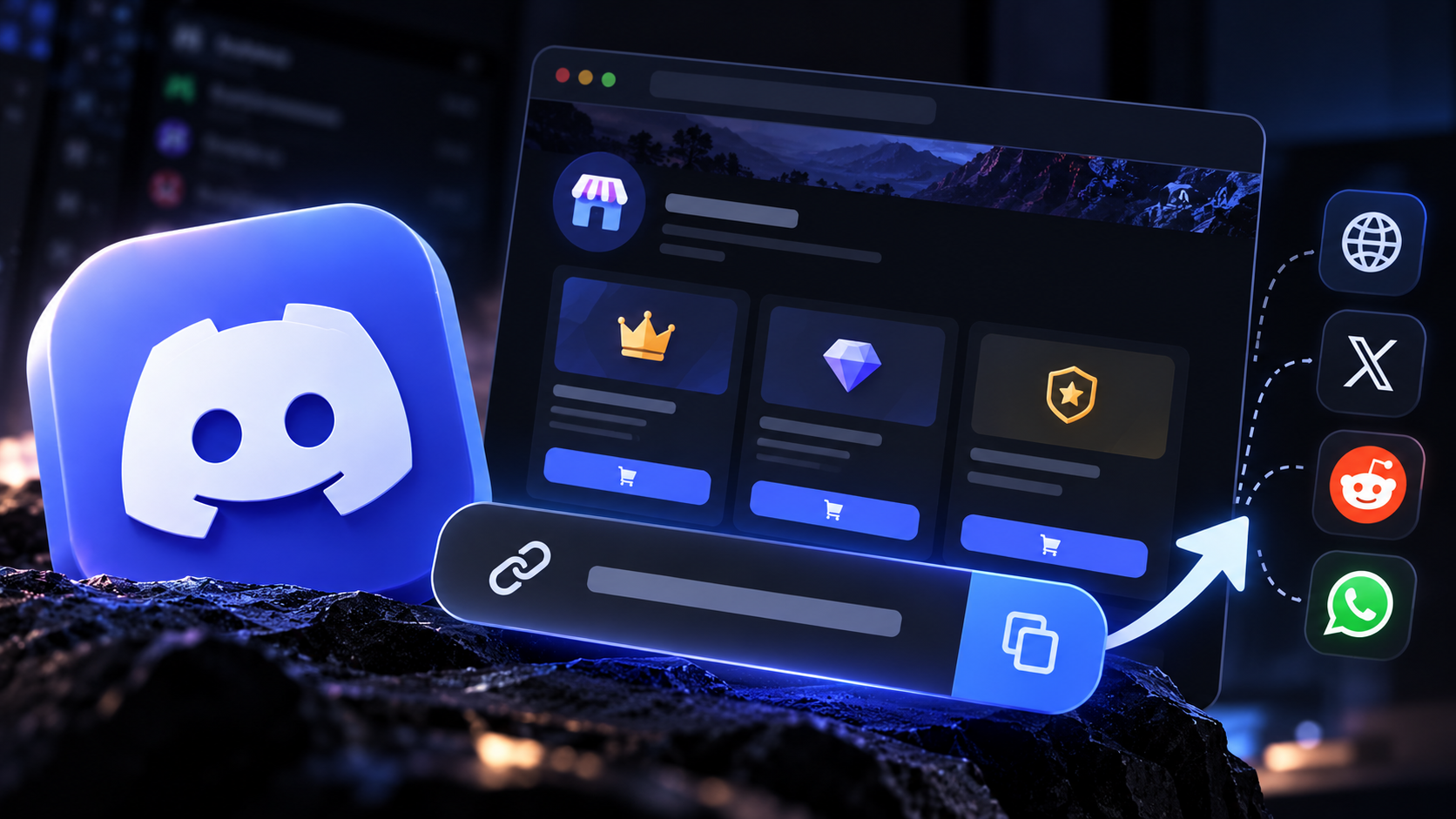

The Complete Wiki to Discord Promo Pages
Running a Discord Server Shop is only part of the challenge. The other part is helping potential buyers discover what you offer, especially people who have not joined your server yet.
A promotional page can act as a bridge between your shop and external audiences. By sharing a public link through social media, websites, creator profiles, or relevant communities, you can give interested visitors a direct path to explore your offers and decide whether to join or buy.
🧭 NAVIGATION
Promo Pages → Shareable Links → External Promotion → Buyer Journey → Best Practices
What Are Discord Promo Pages?
Discord promo pages are web pages or public listings used to showcase a server, its products, services, or paid offerings. Depending on the shop platform and its features, a promo page may include product descriptions, images, pricing, purchase instructions, and a link to join the Discord server.
The key benefit is accessibility. Instead of asking every potential buyer to search for your server manually, you can share a direct URL wherever your audience already spends time.
Important distinction: Discord Server Shop can refer to different shop experiences, including third party storefronts connected to Discord communities. Do not assume every shop has a built in public product page or external checkout link. The exact sharing options depend on the platform you use.
Creating a Shareable Promo Page
Discord has an official Promo Pages feature for eligible servers offering Server Subscriptions. These web pages let people view subscription offerings without logging in to Discord first. According to Discord’s Promo Pages guide, availability is restricted to qualifying monetizing servers, and the published guidance specifies US based servers.
To enable a supported Promo Page:
Make sure your server qualifies for Server Subscriptions and has at least one subscription tier published.
Open your server’s subscription settings.
Turn on Show Your Premium Offering to make the page live.
Customize the images used for your subscription offering.
Optionally add a public or unlisted YouTube video as a teaser trailer.
The page uses the same image assets as your Server Subscriptions page, so prepare your visuals before publishing. Discord notes that image changes can take several minutes to appear.
What About Server Shop Product Links?
Discord’s Server Shop also supports one time digital products, such as downloadable guides and Premium Roles. However, a product link is not the same as a public Promo Page.
Discord’s Server Shop guide for owners and admins explains that product links can be shared inside the server, where they display as product embeds. When shared outside the server, the product embed does not appear.
That means creators should not assume a Server Shop product link will work as a standalone external storefront. If your goal is to attract buyers from social media or a website, verify the destination and purchase flow before promoting it.
How to Attract Buyers Outside Discord

1. Create a clear offer
Use a recognizable product name, strong cover image, concise description, and transparent pricing. Explain exactly what buyers receive.

2. Share links where your audience already is
Promote eligible pages through creator profiles, relevant social posts, newsletters, and your website. Follow each community’s self promotion rules.

3. Measure what works
Use campaign tracking links on your own website or landing page where possible. Compare visits, clicks, and completed purchases to identify your strongest promotion channels.
Key Specifications
Feature | Details |
|---|---|
Official Promo Pages | Designed for eligible Server Subscription offerings |
Visitor access | Promo Pages can be viewed without logging in |
Page customization | Uses subscription images and supports a YouTube teaser |
Server Shop products | Digital downloads and Premium Roles |
External product links | Product embeds do not display outside the server |
Eligibility | Depends on Discord’s current monetization requirements |
💡 EDITOR’S NOTE
Discord’s official Promo Pages and Server Shop products serve different purposes. Promo Pages promote subscription tiers, while Server Shop products support purchases such as downloadable files and Premium Roles. Check the current Discord monetization requirements before planning your sales funnel, since eligibility and feature availability may change.
Best Practices
• Keep the offer and its benefits understandable at a glance.
• Use high quality visuals that match the actual product.
• Be transparent about pricing, access, limitations, and what the buyer receives.
• Avoid misleading promotions or claims about guaranteed results.
• Do not send users to an external checkout that violates the applicable platform rules.
• Test every shared link on desktop and mobile before publishing your campaign.
⚠️ QUICK TAKE
Official Discord Promo Pages can help eligible creators showcase Server Subscription offerings to people outside the app. For Server Shop products, external sharing has an important limitation: product embeds do not appear outside the server, so confirm the available purchase experience before launching a campaign.
Quick Facts
• Best for: Monetizing creators and community owners.
• Main goal: Improve discovery of paid offerings.
• Official options: Promo Pages for eligible subscriptions and Server Shop for supported products.
• Important limitation: Not every Server Shop product has a public external storefront.
Final Verdict
Discord Promo Pages can provide a useful bridge between external audiences and eligible subscription offerings. Build a clear offer, share its public page in relevant places, and track engagement. If you sell Server Shop products instead, understand the external link limitation first and choose a promotion route that gives potential buyers a clear, legitimate way to complete their purchase.
Comments
Sign in to join the conversation
Sign inNo comments yet
Be the first to share your thoughts!