
The Complete Wiki to Discord iOS Picture-in-Picture Colors
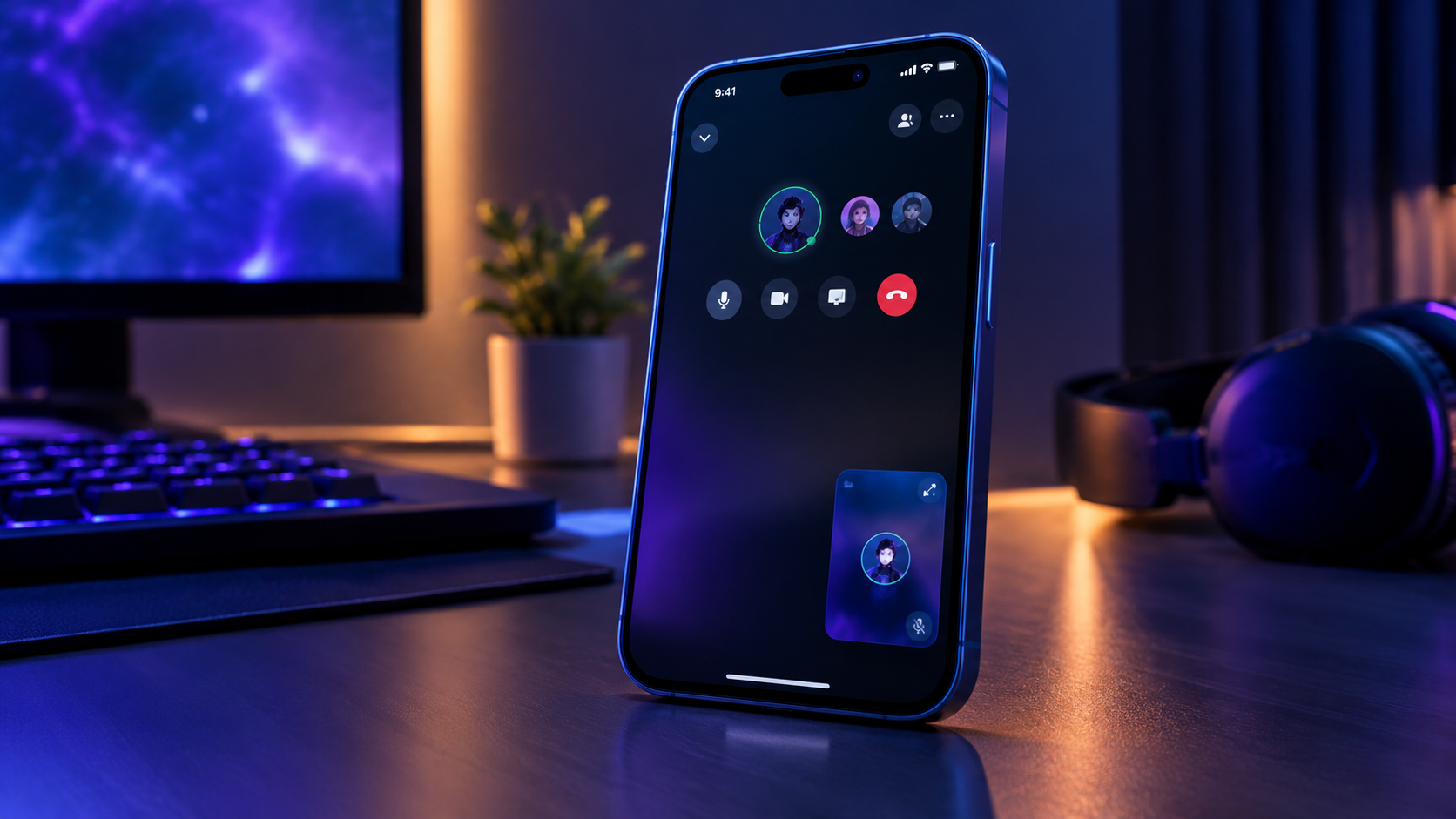
Discord has fixed a small but noticeable visual issue affecting Picture-in-Picture (PiP) on iOS. The bug caused the floating PiP tile's color to differ from the active call screen, creating an inconsistent appearance when users continued a call while navigating elsewhere on their device.
Discord confirmed the correction in its October 6, 2026 patch notes. This was a visual bug fix, not the introduction of a new Picture-in-Picture feature. .
Quick Facts
| Detail | Information |
|---|---|
| Platform affected | iOS |
| Feature | Picture-in-Picture |
| Issue | PiP tile color did not match the active call screen |
| Resolution | Bug fix confirmed by Discord |
| Official patch notes | October 6, 2026 |
| Type of update | Visual consistency correction |
| New feature introduced? | No, this was a bug fix |
What Was the Discord iOS PiP Color Bug?
Picture-in-Picture allows supported video or call content to remain visible in a smaller floating window while users navigate away from the full-screen interface.
Before the correction, Discord's iOS PiP tile could display a color that did not match the active call screen. This was primarily a visual consistency issue. It did not necessarily mean the call itself had failed or that audio was interrupted.
Discord's October 6 patch notes explicitly list the fix: the company resolved an iOS bug where the Picture-in-Picture tile color did not match the call screen color. The release note does not specify the exact technical cause or describe a broader redesign. .
What Changed After the Patch?
The purpose of the fix is straightforward: make the floating PiP tile's color consistent with the active call interface.
1. More Consistent Visual Appearance
The mismatch between the PiP tile and the call screen should be addressed by the fix, giving the interface a more coherent appearance when users move between call views.
2. A Cleaner Mobile Experience
Small visual inconsistencies can make an app feel unfinished, particularly when a floating window remains visible while using other apps. Correcting the mismatch improves interface polish.
3. No New PiP Controls Announced
Discord's note describes a color-related bug fix. It does not announce new PiP controls, additional resizing options, or a new way to manage calls.
How Picture-in-Picture Works on Discord
Discord's mobile calling experience supports Picture-in-Picture on iOS and Android. The feature allows supported call content to remain visible in a compact view while users perform other tasks on their device. Discord documented mobile PiP support in its May 2024 patch notes. .
The exact behavior can depend on the device, operating-system version, and the type of call or content being displayed.
In general, PiP is useful when you want to:
Keep a call visible while navigating other screens.
Continue watching supported video content in a smaller window.
Return to the main call interface when you need the full controls.
The October 2026 color correction improves the visual consistency of this experience rather than changing its core purpose.
How to Check Whether the Fix Is Working
If you use Discord on an iPhone or iPad and previously noticed the color mismatch, try the following:
Update Discord: Check the App Store for the latest available version.
Start a supported call: Join a voice or video call in Discord.
Enter Picture-in-Picture: Use the available PiP behavior for your call and device.
Compare the interfaces: Check whether the floating tile's color appears consistent with the active call screen.
Repeat if necessary: Close and reopen Discord, then test again if the mismatch remains.
Discord notes that patch fixes may roll out to individual platforms over time. The availability of the correction can therefore depend on the version reaching your device. .
What If the PiP Tile Still Has the Wrong Color?
If the issue persists after updating, try these basic troubleshooting steps:
Confirm that Discord is running the latest version available for your device.
Close and reopen Discord, then start a new call.
Check whether the mismatch happens consistently or only under certain call conditions.
Restart your device if the interface continues to behave unexpectedly.
Report the issue to Discord Support if you can reproduce it consistently.
When reporting a bug, include your device model, iOS version, Discord app version, and the steps that cause the mismatch. A screenshot or short screen recording can also help demonstrate the problem.
These are general troubleshooting suggestions, not additional fixes specifically prescribed by Discord for this issue.
Why Small UI Fixes Matter
A mobile call interface needs to remain visually coherent as users switch between full-screen and floating views. When colors differ unexpectedly, the interface can look inconsistent even if the call remains functional.
The correction is a reminder that app quality depends on more than major feature launches. Small improvements to color consistency, layout, and rendering can make everyday interactions feel more polished.
For users who frequently keep calls visible while multitasking, a reliable PiP experience is especially useful.
Frequently Asked Questions
What did Discord fix in the iOS Picture-in-Picture update?
Discord resolved a bug where the Picture-in-Picture tile color did not match the active call screen. The correction appears in the October 6, 2026 patch notes.
Is this a new Discord feature?
No. Discord already supported mobile Picture-in-Picture. This update corrects a visual inconsistency in the existing experience.
Does the fix affect Android?
The specific color mismatch listed in the October 6 patch notes was an iOS issue. The release notes do not describe this particular correction as an Android fix.
Will the update improve call audio or video quality?
The documented fix concerns the PiP tile's color. Discord did not describe it as an audio-quality, connection-stability, or video-performance improvement.
What should I do if the color mismatch remains?
Update Discord, restart the app, and test a new call. If the issue continues, report your device and app details to Discord Support.
Where can I find the official announcement?
Read the Discord Patch Notes for October 6, 2026.
Official Sources
Discord Patch Notes: October 6, 2026
https://discord.com/blog/discord-patch-notes-october-6-2026Discord Patch Notes: May 2024, documenting mobile Picture-in-Picture support
https://discord.com/blog/discord-patch-notes-may-2024Discord Support Center
https://support.discord.com/hc/en-us/
Final Verdict
Discord's October 6, 2026 patch notes confirm a fix for an iOS Picture-in-Picture bug that caused the floating tile's color to differ from the active call screen. It is a small visual correction rather than a new feature, but it helps keep Discord's mobile call interface consistent.
If you previously noticed the mismatch, update Discord and test PiP again. If the issue persists, document the circumstances and report it through Discord's support channels.
Comments
Sign in to join the conversation
Sign inNo comments yet
Be the first to share your thoughts!