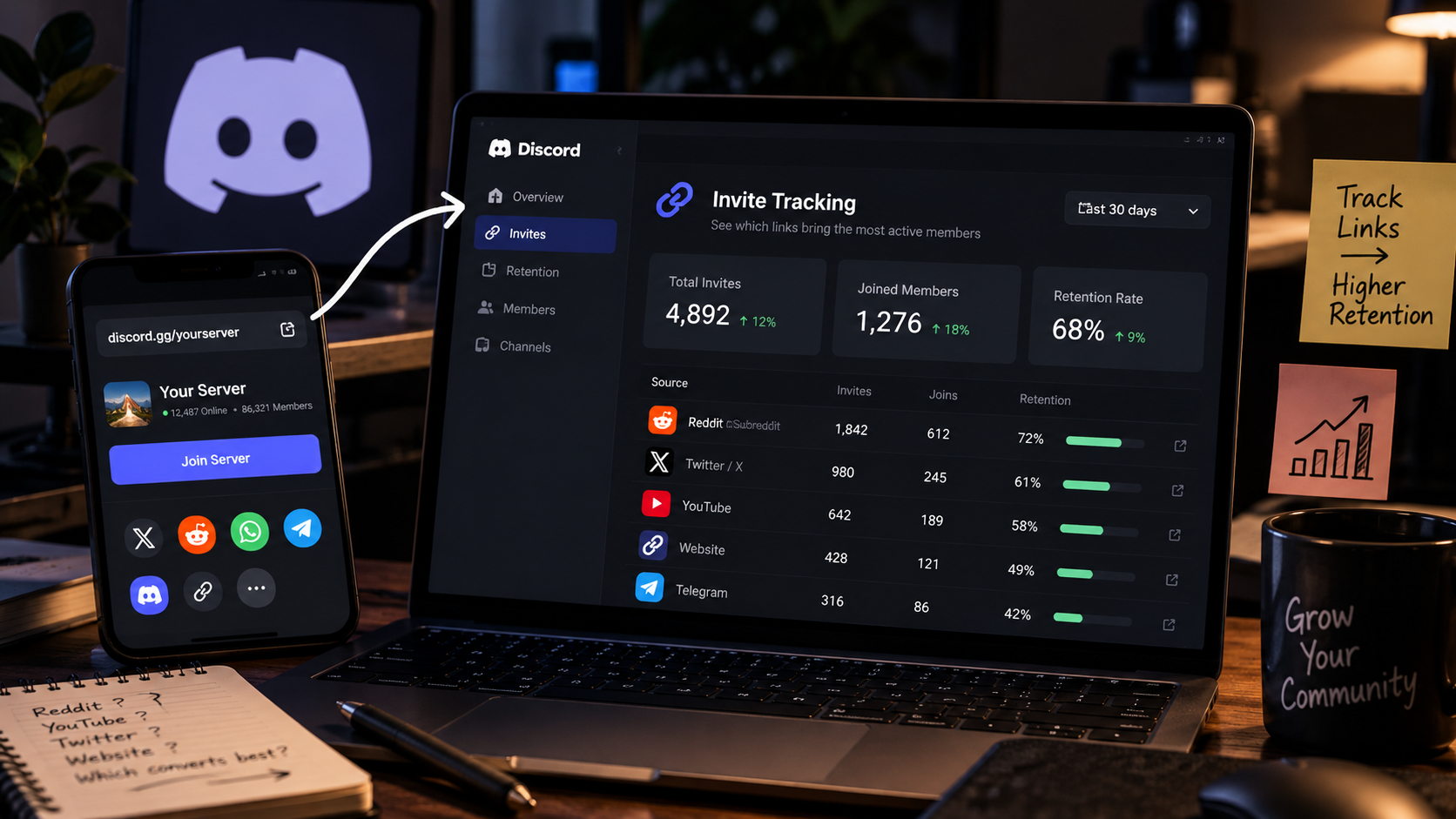

The Complete Wiki to Discord Invite Tracking
Growing a Discord server is not just about getting more members. The real goal is attracting people who participate, return, and become part of the community.
Discord invite tracking helps server owners understand where new members come from. By combining invite analytics with activity and retention metrics, you can compare directory listings, social media links, creator promotions, and other acquisition sources to see which ones bring the most valuable members.
🧭 NAVIGATION
Invite Tracking → Analytics Bots → Source Comparison → Retention Metrics → Optimization
What Is Discord Invite Tracking?
Discord invite tracking is the process of identifying which invitation link a new member used to join a server. Specialized bots can monitor invite usage, attribute joins to specific links, and maintain reports for community managers.
For example, you could create separate invite links for a server directory, a website, and a social media profile. Comparing their join counts helps reveal which channels generate the most initial interest.
However, invite joins and long term retention are different measurements. An invite tracking bot may tell you how many people joined through a link, but identifying how many remain active weeks later requires additional member activity data or a separate analytics system.
For platform details, review the Discord Developer Documentation and Discord's official invite documentation.
Recommended Analytics Tools

Invite Tracker
Tracks joins and departures, provides source breakdowns, and reports retention for members acquired through tracked invites. Its dashboard supports invite labels for campaigns.
Documentation: Analytics dashboard

Discord Server Insights
Discord's built in Insights can help eligible servers understand growth, popular invite links, and referring websites. Availability depends on server eligibility and the current Insights features.
How to Track External Directories
Give each promotion source its own invite link and a recognizable label. For example:
Source | Invite label | What to measure |
|---|---|---|
Server directory A |
| Joins and retention |
Server directory B |
| Joins and retention |
Website |
| Joins and retention |
Social media |
| Joins and retention |
Partner community |
| Joins and retention |
Create separate invites through Discord's invite interface, then label them in a compatible analytics bot. Keep each link exclusive to its intended source. If the same invite is shared across several websites, the bot cannot reliably distinguish which website generated a particular join.
⚙️ How the workflow works
Measuring Retention Correctly
A source that delivers 100 members is not necessarily better than one that delivers 40. The smaller source may bring people who participate more often and stay longer.
Track these core metrics:
Metric | What it tells you |
|---|---|
Total joins | Number of members acquired |
Members who left | How many departed after joining |
Retention rate | Percentage of acquired members who remain |
Activation | How many new members complete a meaningful first action |
Engagement | How actively members participate |
For a simple retention calculation:
Use the same measurement window for each source. A seven day retention comparison, for example, should compare members who have all had a full seven days to remain in the server. Also remember that remaining in the server does not automatically mean a member is active.
💡 EDITOR’S NOTE
Invite attribution has limitations. Some joins may appear as unknown, particularly when multiple people join close together or the bot lacks the necessary permissions. Analytics usually begin when tracking is enabled, so historical invite sources may not be recoverable. Discord's guide to improving community growth and engagement also recommends judging sources by the quality of members they attract, not only by join volume.
Best Practices
• Give every directory and campaign a separate invite link.
• Review retention alongside joins before increasing promotion spending or effort.
• Improve your welcome channel and onboarding process if members join but leave quickly.
• Check bot permissions and restrict access to detailed member analytics.
• Tell your community what invite tracking collects, and follow applicable privacy requirements.
⚠️ QUICK TAKE
Use unique invite links to attribute new members to individual directories and promotion channels. Then compare joins, departures, retention, and engagement to find the sources that bring people who actually contribute to your community.
Quick Facts
• Best for: Community managers, server owners, and growth teams.
• Primary tools: Discord Server Insights and invite analytics bots.
• Main benefit: Source level acquisition and retention comparisons.
• Important limitation: Invite tracking cannot always identify every source, and retention alone does not measure engagement.
Final Verdict
Discord invite tracking becomes much more useful when it measures member quality rather than just invite counts. Label each external source, monitor the performance of its invite link, and compare retention over consistent time periods. This helps you focus on directories and promotions that build a stronger community instead of simply increasing the member count.4
Comments
Sign in to join the conversation
Sign inNo comments yet
Be the first to share your thoughts!