
YouTube Error 429 Chat Glitch: Why Livestreams Are Breaking This Weekend
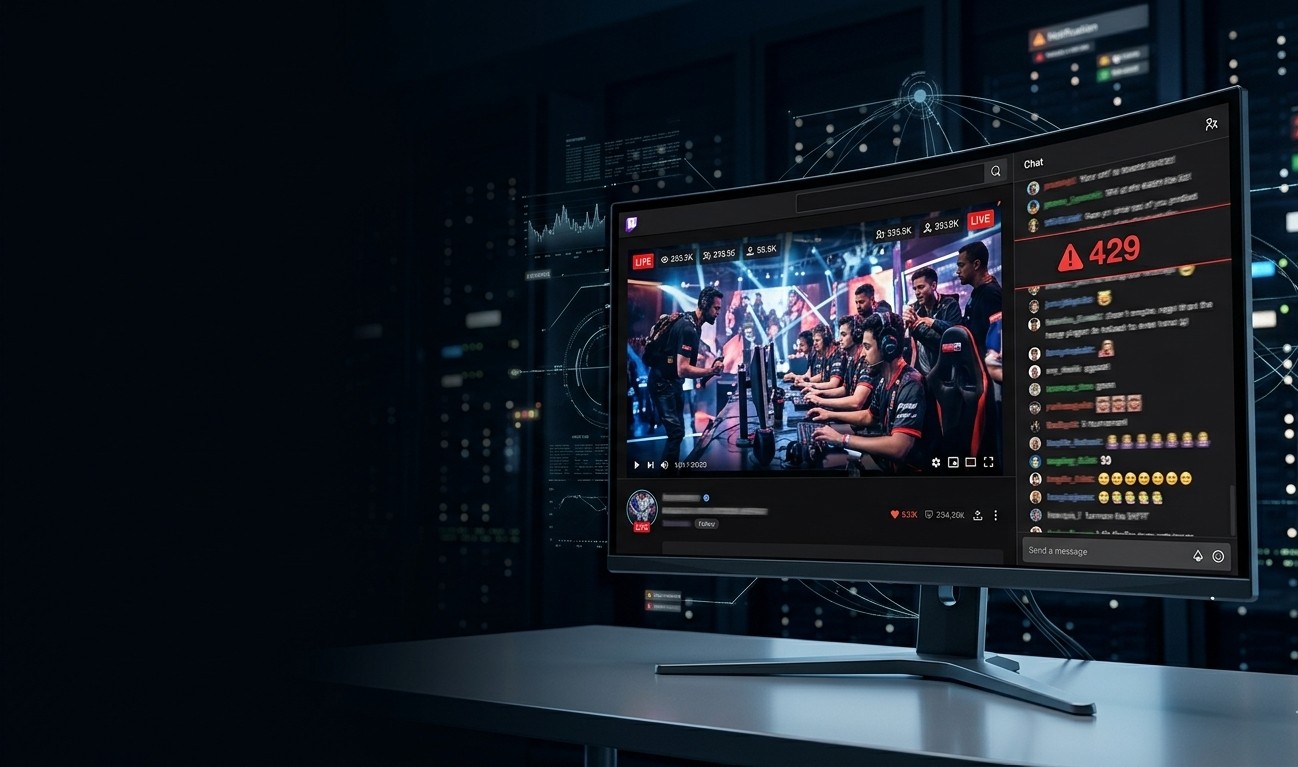
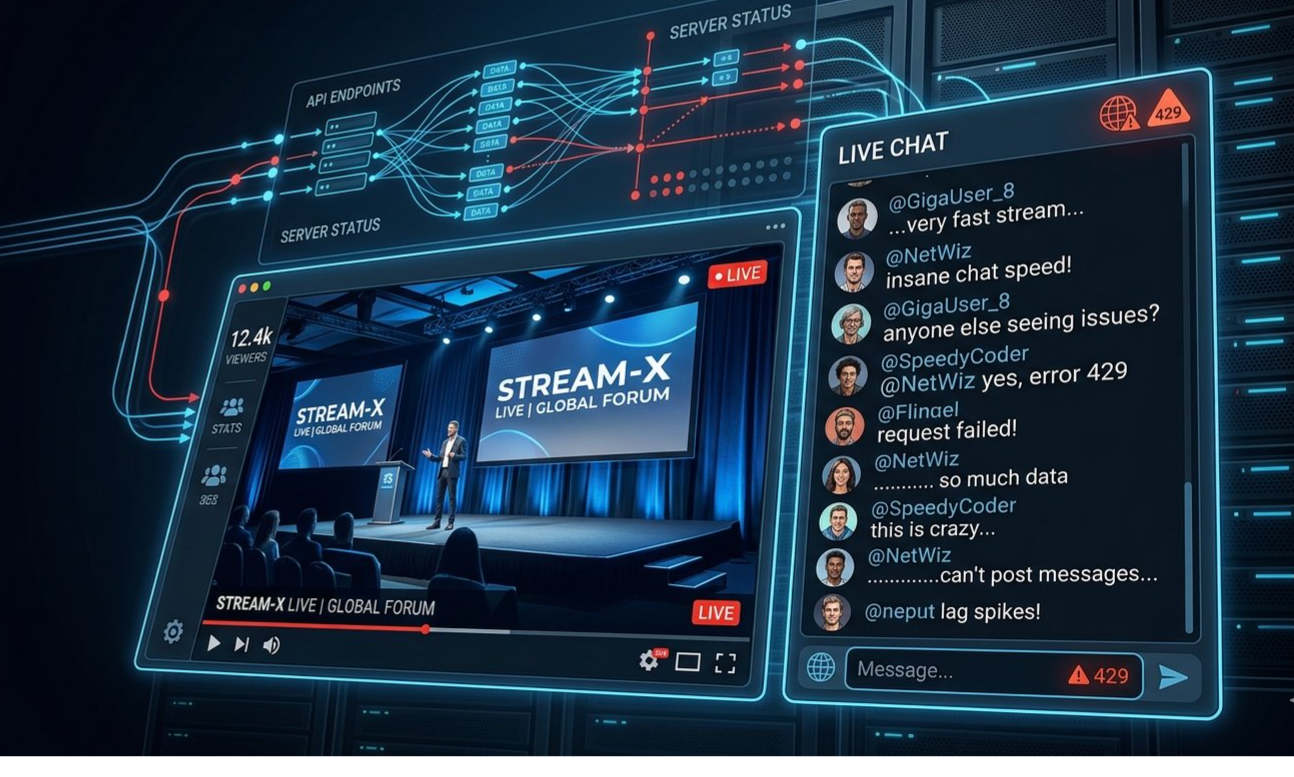
YouTube Error 429 is one of those messages that can appear at exactly the wrong time. You join a massive livestream, the viewer count is climbing, the chat is flying by, and suddenly YouTube stops accepting requests or refuses to let the Live Chat behave normally.
For viewers, it can look like the entire stream is broken.
But Error 429 usually points toward something more specific: too many requests being made within a particular period. With YouTube Live Chat, that can become especially noticeable when viewers are repeatedly sending messages, refreshing the page, reopening the stream or switching rapidly between different parts of the YouTube interface.
YouTube officially documents a Live Chat limit of up to 11 messages every 30 seconds during a livestream or Premiere. That does not mean every Error 429 is caused by personally sending too many messages, but it explains why extremely active chat sessions can behave differently from ordinary video watching.
There is also an important distinction to make before blaming YouTube's servers.
As of the latest official YouTube known-issue information checked for this guide, there is no confirmed platform-wide announcement specifically identifying a weekend-wide "Error 429 Live Chat" outage. YouTube has documented other recent service problems, including issues affecting livestream captions and TV/console login, but that is different from confirming a universal Error 429 chat outage.
That means the right approach is diagnosis first, not panic.
────────────────────────────────────────
────────────────────────────────────────
What Is YouTube Error 429?
The number "429" is commonly associated with a rate-limit response: a service is receiving requests faster or more frequently than it is prepared to accept from a particular client, session or endpoint.
For a normal YouTube viewer, that can be confusing because watching a livestream does not feel like making repeated requests.
Behind the scenes, however, a modern streaming page is doing much more than displaying a video.
The page can maintain the video connection, update chat messages, refresh viewer-facing information, process interactions and communicate with several YouTube services.
Live Chat adds another layer of activity.
YouTube's own documentation says viewers can send up to 11 Live Chat messages every 30 seconds during a livestream or Premiere. Each message can contain up to 200 characters.
So if you're repeatedly posting messages, refreshing the chat, reconnecting or rapidly interacting with a livestream, a rate-limit response can become more plausible.
Important distinction
A YouTube Error 429 does not automatically mean:
YouTube is completely down
The creator's stream has crashed
Your account has been banned
Your internet connection is broken
The livestream itself has ended
It can be a temporary request limit affecting one part of the experience.
────────────────────────────────────────
QUICK FIX
If the stream itself is still playing but Live Chat is showing Error 429, stop sending messages and stop repeatedly refreshing the page. Wait briefly, then reload the stream once. Repeated retries can make a rate-limit situation harder to diagnose.
────────────────────────────────────────
────────────────────────────────────────
Why Error 429 Can Appear During Huge Livestreams
Massive livestreams create a different environment from an ordinary YouTube video.
A normal video might have viewers watching at completely different times.
A major livestream can have thousands or even millions of people interacting simultaneously.
That means Live Chat can become extremely active.
YouTube provides creators with chat controls specifically designed for high-volume conversations. Channel owners and moderators can enable slow mode, which introduces a delay between messages from individual viewers. YouTube also provides moderation controls, blocked-word lists and other tools for managing large chats.
From the viewer's perspective, several things can happen during an extremely active stream:
Messages may appear slowly.
Chat may stop updating temporarily.
Sending another message may fail.
The chat window may reconnect.
The video can continue playing while chat behaves strangely.
Refreshing the page can temporarily make the interface appear normal.
A rate-limit error may appear after repeated interactions.
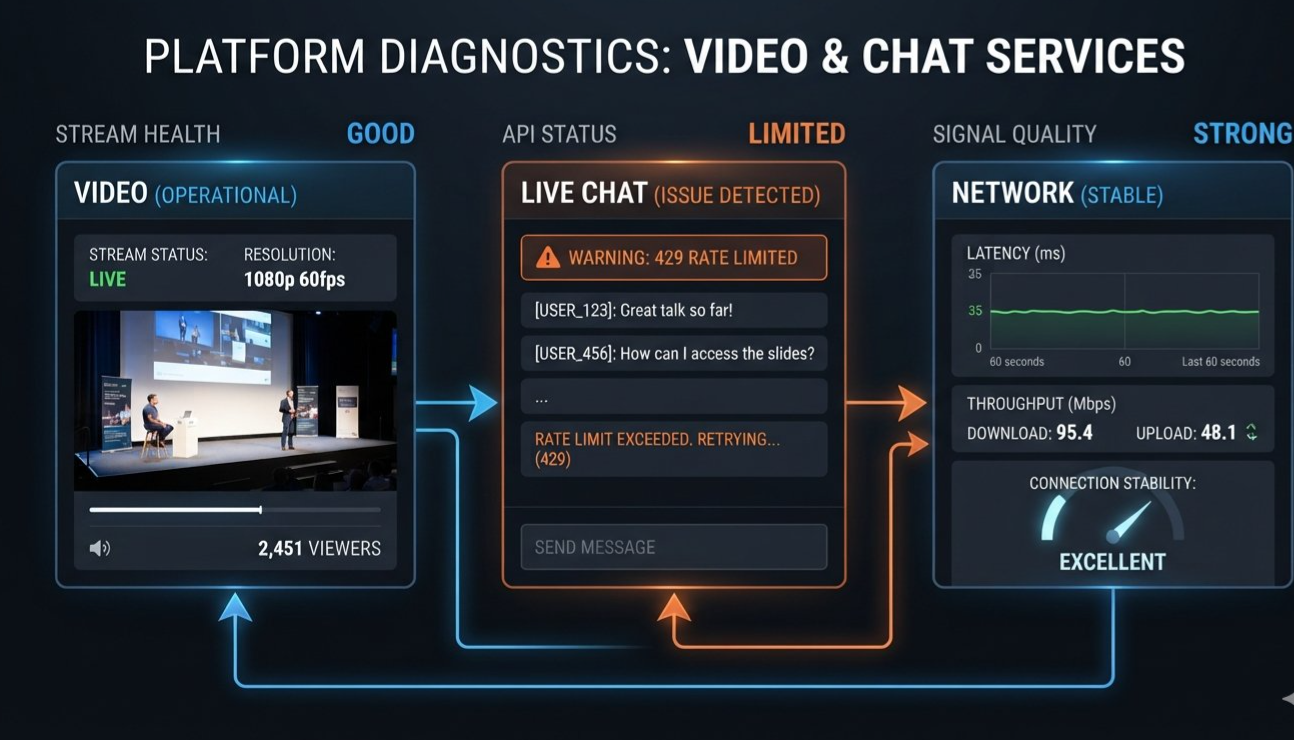
The important point is that the video stream and Live Chat are not necessarily failing in exactly the same way.
YouTube treats Live Chat as an interactive feature of the watch experience, and its documentation specifically notes that Live Chat is available on YouTube watch pages rather than embedded players.
That distinction gives you a useful troubleshooting test.
If the video continues playing but the chat is broken, focus on the chat/session first.
If both video and chat fail, investigate the broader connection, application or YouTube service.
────────────────────────────────────────
Is YouTube Actually Down?
This is the question most viewers ask after seeing Error 429.
The answer is: not necessarily.
A single error does not establish a platform-wide outage.
YouTube maintains a public help and known-issues ecosystem where service problems can be acknowledged and updated. Recent official notices have covered problems such as TV and gaming-console login issues, livestream captions and other account or platform features.
That matters because social media can make a localized issue look much bigger.
Imagine 50,000 people watching the same major event.
If even a fraction of them encounter a chat problem at roughly the same time, screenshots can spread rapidly and create the impression that YouTube itself has completely collapsed.
The better test is simple.
Test 1: Can the video play?
If yes, the problem may be isolated to chat or another interactive feature.
Test 2: Can another YouTube video play?
Open another video in a new tab.
If that works, the problem may be related to the particular livestream or session.
Test 3: Does YouTube work in another browser?
Try a private or incognito window.
If the stream works there, browser data or extensions become more likely suspects.
Test 4: Does the YouTube mobile app work?
If desktop chat fails while the mobile app works, the issue may be local to the browser session.
Test 5: Can another network load the stream?
Switching from Wi-Fi to mobile data, or vice versa, can help determine whether the network is involved. YouTube itself recommends trying another internet connection when troubleshooting streaming problems.
────────────────────────────────────────
────────────────────────────────────────
The Fastest Fixes for YouTube Error 429
If you are watching a major livestream and suddenly get Error 429, do these in order.
1. Stop repeatedly refreshing
This is the first thing to change.
If the problem is connected to request limiting, hammering the refresh button is not a useful diagnostic strategy.
Stop interacting with the page for a short period.
Then try once.
2. Stop sending chat messages temporarily
If chat is the only broken feature, give it a moment.
YouTube officially documents a message rate limit for Live Chat, so repeatedly sending messages is unnecessary when you're already seeing a rate-limit response.
3. Keep the stream open
If the video itself is still playing, don't immediately close everything.
You may be able to continue watching while the chat reconnects.
4. Refresh once
After waiting, perform a single normal refresh.
Avoid repeatedly opening and closing multiple copies of the same livestream.
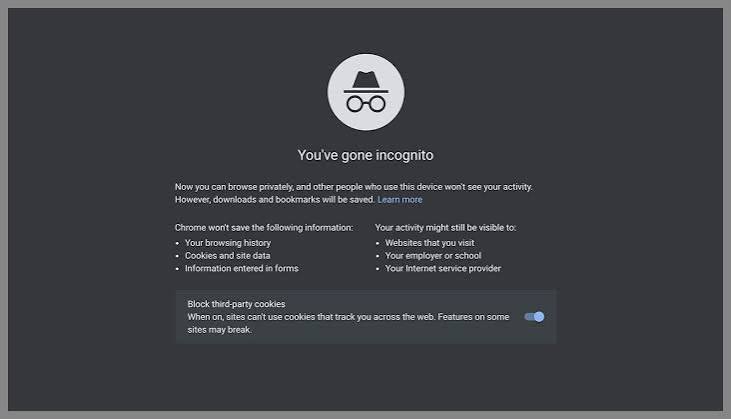
5. Try an Incognito window
Open a private browsing window and visit the livestream again.
This is useful because it gives you a cleaner browser session without relying on all of your existing cookies and extensions.
6. Disable problematic extensions temporarily
Ad blockers, privacy extensions, script blockers and other browser modifications can sometimes interfere with web applications.
YouTube itself recommends checking browser extensions when troubleshooting video errors.
7. Try another browser
If you're using Chrome, test Firefox or another supported browser.
The purpose is not to permanently change browsers. It is to determine whether the problem follows your account/session or stays isolated to one browser.
────────────────────────────────────────
TIP
Do not clear every browser setting immediately. First test an Incognito window or another browser. If the problem disappears there, you have learned something useful before deleting cookies and signing back into everything.
────────────────────────────────────────
Fix YouTube Error 429 on Desktop
Desktop viewers have several quick diagnostic options.
Step 1: Open the livestream in a private window
Chrome:
Ctrl + Shift + N
Firefox:
Ctrl + Shift + P
Then open the livestream again.
If it works normally, the original browser session may be involved.
Step 2: Clear YouTube cookies and cache
YouTube officially recommends clearing cache and cookies for certain loading and formatting problems.
You do not necessarily need to wipe your entire browsing history.
Targeting site data is usually a better first step.
Step 3: Update your browser
An outdated browser can cause compatibility problems with modern web applications.
YouTube recommends using an up-to-date compatible browser when troubleshooting playback problems.
Step 4: Close unnecessary YouTube tabs
If you have multiple livestreams, Shorts, chat windows and YouTube tabs open, close the ones you don't need.
Then open only the stream you actually want to watch.
Step 5: Test without extensions
Temporarily disable extensions or use an Incognito window with extensions disabled.
If the problem disappears, re-enable extensions one by one to identify the source.
────────────────────────────────────────
────────────────────────────────────────
Fix YouTube Error 429 on Android and iPhone
Mobile viewers should take a slightly different approach.
Android
Start by completely closing the YouTube app.
Then reopen it and test the livestream.
If the problem continues, check whether an update is available.
You can also clear the YouTube app cache on Android through the device's app settings. YouTube provides official instructions for cache and cookie troubleshooting.
A basic sequence is:
Settings → Apps → YouTube → Storage & cache → Clear cache
The exact menu names can vary by Android manufacturer.
Do not confuse Clear cache with Clear storage/data. Clearing storage can remove more locally stored app information and may require additional setup.
iPhone
On iPhone, fully close and reopen the YouTube app.
Then check the App Store for an update.
If the problem continues, restarting the phone can help rule out a temporary application or network problem.
You can also test the same livestream through Safari to determine whether the issue is specific to the YouTube app.
Switch networks
If you're on Wi-Fi, temporarily test mobile data.
If you're on mobile data, try Wi-Fi.
YouTube specifically recommends trying a different internet connection when diagnosing streaming problems.
────────────────────────────────────────
Fix Live Chat Without Losing the Livestream
This is one of the most useful distinctions for viewers.
You do not always need to fix the entire YouTube page.
If the video works but chat does not, keep watching.
YouTube's Live Chat is an additional interactive feature. The stream can continue while the chat interface has a problem.
Try this sequence:
Video playing → stop sending messages → wait → refresh once → reopen chat
If chat returns, you can continue normally.
If it does not, watch the stream without chat for a while.
You can also try opening the stream in another supported browser or device.
What if the stream is buffering too?
That points toward a broader problem.
YouTube says network congestion and other factors can cause live-streaming delays even when the viewer's connection appears capable of sustaining the normal bitrate.
In that case, lower the playback quality temporarily.
If you're watching in 1080p, try 720p.
If you're on a weak connection, try 480p.
The objective is to determine whether the stream stabilizes when the bandwidth requirement is reduced.
────────────────────────────────────────
────────────────────────────────────────
How to Tell If the Problem Is YouTube or Your Connection
This is where troubleshooting becomes much easier.
Use this simple matrix.
| What you see | Most useful first test |
|---|---|
| Video works, chat fails | Stop chatting and wait |
| Video and chat both fail | Test another video |
| YouTube fails only in one browser | Try Incognito or another browser |
| YouTube works on mobile but not desktop | Check browser/extensions |
| YouTube fails on Wi-Fi but works on mobile data | Investigate Wi-Fi/router |
| Multiple devices fail simultaneously | Check for a broader service issue |
| Stream buffers but chat works | Check connection and playback quality |
| Chat returns after waiting | Temporary rate limiting becomes more plausible |
This is not a guarantee of the underlying cause.
It is a diagnostic shortcut.
The more devices and networks you test, the easier it becomes to determine whether the problem is local or widespread.
────────────────────────────────────────
Why Massive Streams Make the Problem More Noticeable
The phrase "massive weekend stream" matters because large live events create unusually high interaction.
A major gaming reveal, esports final, creator event or celebrity livestream can generate a chat that moves thousands of messages quickly.
YouTube gives creators moderation controls specifically because high-volume Live Chat requires additional management. Slow mode, blocked words, participant restrictions and moderator tools can all change how viewers interact with a chat.
That means a viewer may experience what looks like a platform failure when the underlying issue is actually one of several different layers:
Layer 1: Your device
The app or browser is behaving incorrectly.
Layer 2: Your browser session
Cookies, cache, extensions or an expired session are interfering.
Layer 3: Your connection
Network congestion, DNS problems or unstable connectivity are affecting requests.
Layer 4: The livestream
The specific stream or chat may be experiencing unusually heavy traffic.
Layer 5: YouTube's service
A broader YouTube problem can affect many users simultaneously.
The goal of troubleshooting is to figure out which layer is failing.
────────────────────────────────────────
What Not to Do When You See Error 429
Some reactions can make troubleshooting more confusing.
Don't refresh twenty times
One refresh can be useful.
Repeated refreshing is not.
Don't open dozens of duplicate livestream tabs
If one session is already having trouble, multiplying the number of sessions does not help you determine the cause.
Don't immediately assume you're banned
A 429 message is not by itself proof of an account suspension or channel-level restriction.
Don't immediately reinstall everything
Start with the simplest tests.
Try another browser.
Try another device.
Try another network.
Then move toward more invasive fixes.
Don't confuse buffering with rate limiting
If the video constantly pauses while chat remains functional, you may have a playback or network issue rather than a Live Chat rate-limit problem.
YouTube recommends checking connection speed, playback quality and other network conditions when troubleshooting video problems.
────────────────────────────────────────
WARNING
If a major livestream is working normally for everyone around you but your account repeatedly receives Error 429, avoid aggressive repeated retries. Give the session time to recover and work through the browser, account and network tests instead.
────────────────────────────────────────
────────────────────────────────────────
YouTube Error 429: The 60-Second Fix Checklist
If you just want the fastest possible solution, follow this order:
1. Stop sending Live Chat messages
Give the chat session a moment.
2. Stop repeatedly refreshing
Do not hammer reload.
3. Check whether the video itself is still playing
If it is, the problem may be isolated to chat.
4. Refresh once
After waiting, try a single reload.
5. Open an Incognito window
This tests whether your normal browser session is involved.
6. Disable extensions temporarily
Especially browser extensions that modify page content.
7. Try another browser
This helps isolate browser-specific problems.
8. Try another device
Check the same livestream on your phone or another computer.
9. Switch networks
Try Wi-Fi versus mobile data.
10. Check YouTube's official service information
If multiple devices and networks are failing simultaneously, look for an official YouTube service announcement rather than assuming the problem is local.
YouTube's official troubleshooting guidance also recommends restarting the browser or app, updating software, checking connections and clearing cache/cookies for various playback problems.
────────────────────────────────────────
YouTube Error 429 FAQ
What does YouTube Error 429 mean?
Error 429 generally indicates that a service is limiting requests because too many requests are being made within a particular period. The exact cause of a YouTube Error 429 can depend on the feature and session involved.
Why am I getting Error 429 in YouTube Live Chat?
Live Chat has its own interaction limits. YouTube officially says viewers can send up to 11 messages every 30 seconds during a livestream or Premiere.
If you're repeatedly interacting with chat or reconnecting to the service, a rate-limit response can become more likely.
Is YouTube down if I get Error 429?
Not necessarily.
If the video continues playing while chat fails, the problem may be limited to the chat/session rather than the entire YouTube platform.
Does refreshing fix YouTube Error 429?
Sometimes a single refresh can restore a temporary session problem.
Repeatedly refreshing is not recommended as a first response because it creates more requests while you're trying to determine whether the problem is actually a rate limit.
How long should I wait?
There is no universal YouTube-published waiting period that applies to every Error 429 situation.
Wait briefly, stop repeated interactions and then test the stream again.
Can clearing cache fix Error 429?
It can help when the underlying issue is stale or corrupted browser data, although clearing cache is not a guaranteed fix for a server-side rate limit. YouTube recommends clearing cache and cookies for certain loading and formatting problems.
Why does the livestream work but chat doesn't?
The video player and Live Chat are separate parts of the YouTube viewing experience.
If video playback continues normally while chat fails, troubleshoot the chat/session first rather than assuming the entire livestream has crashed.
Should I switch from Wi-Fi to mobile data?
It is worth testing.
YouTube recommends trying a different internet connection when diagnosing streaming problems.
Can browser extensions cause YouTube problems?
Yes, extensions can interfere with website behavior. YouTube recommends checking extensions and testing with them disabled when troubleshooting certain video problems.
Is there an official YouTube Error 429 outage?
At the time this guide was prepared, I found official YouTube notices for several recent issues, but not an official notice confirming a platform-wide weekend Error 429 Live Chat outage. That means individual reports should not automatically be treated as proof of a universal YouTube failure.
────────────────────────────────────────
Final Verdict: Diagnose the Chat Before Blaming the Stream
YouTube Error 429 can look dramatic when it appears during a huge livestream, especially when thousands of viewers are posting at the same time.
But the error itself does not tell you that the entire platform has collapsed.
YouTube's documented Live Chat limits make rate limiting a real possibility, while browser sessions, extensions, cached data, network conditions and broader service problems can produce similar-looking failures.
The fastest strategy is therefore simple:
Stop spamming chat.
Stop repeatedly refreshing.
Check whether the video itself still works.
Test another browser or device.
Switch networks if necessary.
Check official YouTube service information before assuming there is a platform-wide outage.
For viewers trying to catch a massive weekend livestream, that approach can save a lot of frustration. Instead of treating every Error 429 as a mysterious YouTube crash, you can quickly determine whether you're dealing with a temporary rate limit, a browser problem, a connection issue or a wider service disruption.