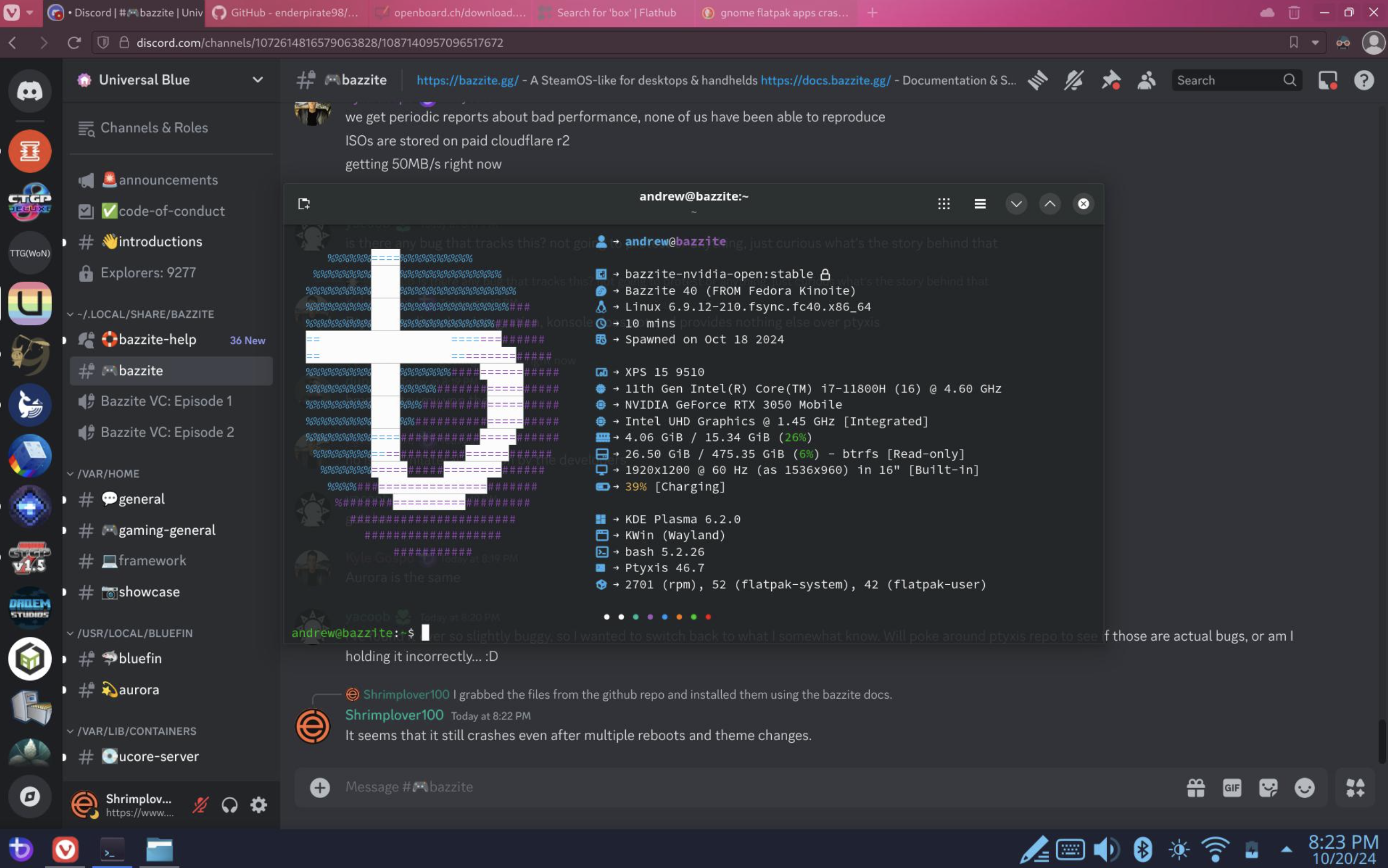

The Linux NVIDIA Fix: How Discord Finally Stopped the X11 Memory Leak
A Discord Bug That Could Eventually Break Your Desktop
Discord on Linux has had its share of strange problems, but this one was particularly nasty.
For users running NVIDIA GPUs with X11, Discord could gradually accumulate X11 connections over time.
At first, nothing seemed wrong.
Discord continued working.
Your desktop continued working.
Other applications continued opening.
But the number of X11 connections kept increasing in the background.
Eventually, the system could run out of available connections.
And that's when the problem became obvious.
New applications simply stopped opening.
It wasn't necessarily a crash.
It wasn't necessarily a GPU failure.
Discord could still be sitting there, apparently working normally, while quietly consuming a resource the rest of the desktop needed.
Discord's recent engineering work finally addresses this long-standing Linux/NVIDIA problem.
What Was the X11 Memory Leak?
To understand the bug, it helps to separate memory from X11 connections.
X11 is the display system used by Linux graphical environments. Applications communicate with the X server through connections and resources.
Normally, an application creates what it needs, uses those resources and eventually releases them.
The Discord bug broke that cycle.
On affected NVIDIA systems, Discord could repeatedly create X11 connections without properly cleaning them up.
The result was a slow accumulation of connections.
Think of it like opening doors in a building and never closing them.
One or two open doors aren't a problem.
But if the process continues for days, eventually there aren't enough doors left for anyone else.
That's essentially what made this bug so frustrating.
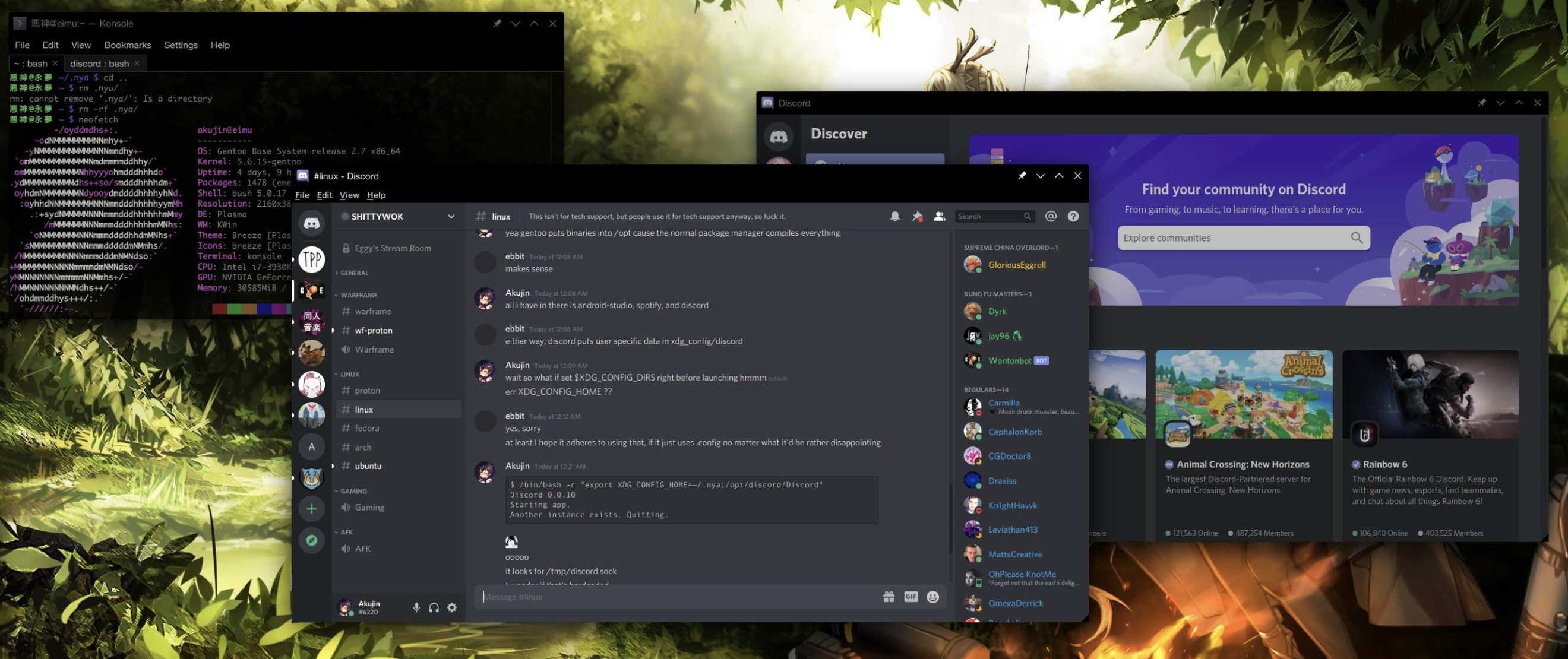
Why NVIDIA Users Were Hit
The problem wasn't simply:
Discord + Linux = memory leak.
The issue involved a specific combination of:
- Discord
- Linux
- X11
- NVIDIA graphics hardware
- Discord's graphics/rendering stack
That made the bug particularly difficult to reproduce universally.
A user on one Linux setup could run Discord for days without noticing anything.
Another user running Discord with an NVIDIA GPU could eventually hit the connection limit.
This is also why ordinary troubleshooting could be misleading.
Restarting Discord would temporarily clear the accumulated connections.
But it didn't fix the underlying problem.
The Symptoms Were Surprisingly Weird
The most frustrating part was that Discord itself might not appear broken.
Instead, users could start seeing unrelated applications fail.
For example, after Discord had been running for a long time:
- A new graphical application wouldn't open
- Launching another program could fail
- Existing applications continued working
- Restarting Discord could temporarily resolve the problem
- The issue could return after extended usage
That made the bug look like an operating-system problem rather than a Discord problem.
If you didn't know what to look for, you could easily blame:
- NVIDIA drivers
- X11
- Your desktop environment
- Linux itself
- A newly installed application
The actual culprit could be a Discord process sitting quietly in the background.
Why Restarting Discord Worked
This is one of the easiest ways to understand the bug.
When Discord was closed, its X11 connections were released.
That gave the X server resources back to the rest of the system.
So the pattern could look like this:
Discord starts
↓
Normal X11 usage
↓
Connections slowly accumulate
↓
More applications continue using X11
↓
System approaches its connection limit
↓
New graphical applications fail
↓
Restart Discord
↓
Connections are released
↓
Everything works again
↓
The cycle begins again
This is why restarting Discord could feel like a magical fix.
It wasn't actually fixing anything.
It was simply resetting the resource usage.
What Made the Bug So Dangerous?
It wasn't dangerous in the security sense.
The problem was resource exhaustion.
Every desktop system has finite resources.
When one application continuously consumes a resource without releasing it, eventually other applications suffer.
In this case, Discord's behavior could effectively interfere with unrelated applications.
That's particularly bad for a desktop application.
Discord isn't supposed to determine whether another application can launch.
But that's exactly what could happen once the X11 connection count became high enough.
The Engineering Fix
Discord's engineering work focused on properly managing the X11 connections involved in the affected graphics path.
The important concept isn't simply:
"Discord uses fewer resources now."
The actual issue was lifecycle management.
Resources created by the application need to be released when they're no longer required.
The patch ensures that the affected X11 connections don't remain open indefinitely.
Instead of allowing the connection count to continuously grow, Discord now properly cleans up the resources associated with the affected operation.
That's the difference between treating the symptom and fixing the bug.
Why This Took So Long to Notice
Resource leaks are notoriously difficult to diagnose.
A normal crash gives engineers an obvious signal.
The application crashes.
A stack trace appears.
The problem can be reproduced.
A memory leak or connection leak is different.
The application can continue functioning normally for hours or even days.
The failure happens somewhere else later.
That makes the chain of events much harder to establish.
Discord users could therefore experience:
Discord running normally → system becomes strange → unrelated applications stop launching.
The connection between those events isn't immediately obvious.
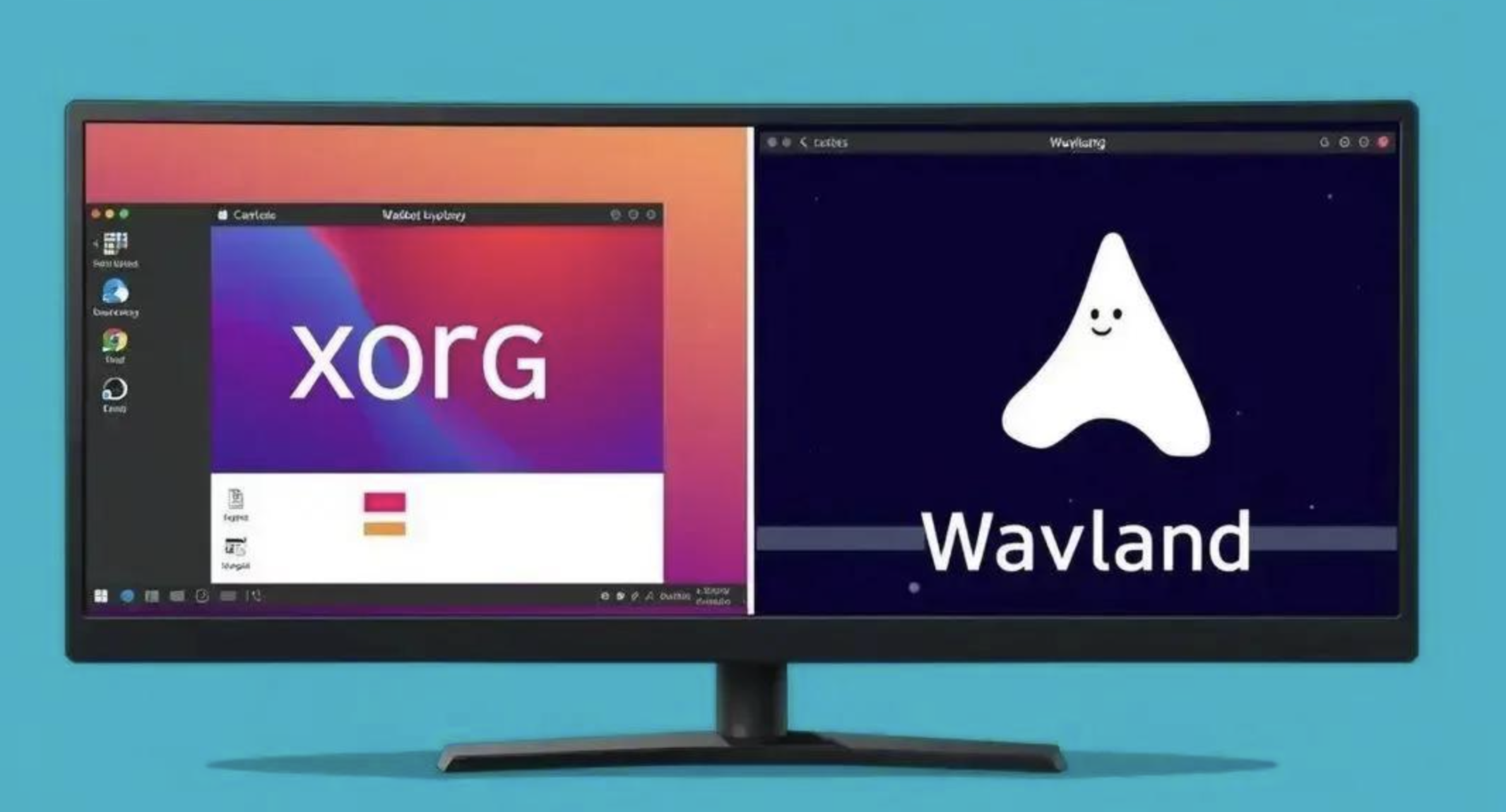
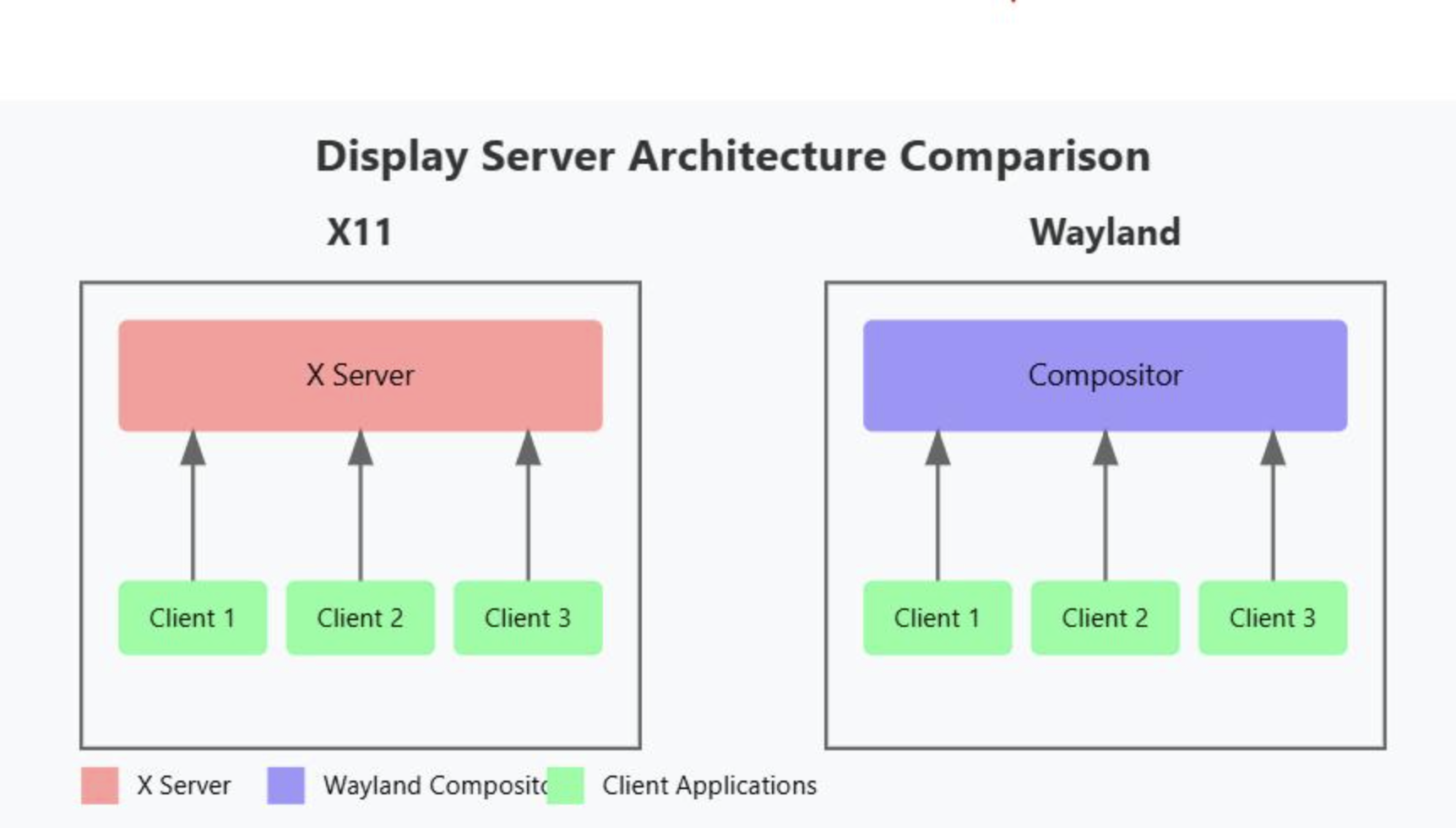
X11 vs Wayland Matters
Another reason this bug didn't affect every Linux user equally is the distinction between X11 and Wayland.
Linux desktops increasingly support Wayland, but X11 remains widely used, particularly through compatibility layers and established desktop environments.
The bug specifically involved X11 connections.
That means the issue wasn't simply a generic Linux graphics problem.
The display-server architecture mattered.
This is also why two users with almost identical Linux installations could have completely different experiences depending on whether their session was running under X11 or Wayland.
Why Linux Users Notice These Bugs Quickly
Linux users tend to have much more visibility into what applications are doing under the hood.
Tools such as:
xpropxlsclientsxwininfonvidia-smi- system monitors
- process inspection tools
can make unusual resource usage easier to investigate.
For an ordinary user, the symptom might simply be:
"Why won't this application open?"
For someone investigating the system, the increasing X11 connection count can provide a much bigger clue.
That kind of debugging information is often what eventually turns a vague desktop problem into a reproducible engineering issue.
Why the Fix Matters Beyond Discord
At first glance, this might look like a very niche bug.
Linux.
NVIDIA.
X11.
Discord.
That's a pretty specific combination.
But fixing this type of bug matters because desktop applications shouldn't interfere with unrelated software simply because they've been running for a long time.
A communication application can be expected to use CPU, GPU and memory.
It shouldn't quietly consume finite display-server resources until other programs stop launching.
The fix therefore improves more than Discord's resource usage.
It improves the reliability of the Linux desktop around Discord.
What NVIDIA Linux Users Should Do
If you've experienced this particular issue, updating Discord is the first thing to do.
You should also keep your Linux graphics stack reasonably current, including:
- NVIDIA drivers
- Your desktop environment
- X11/Wayland components
- Discord itself
If you previously had to restart Discord regularly because new applications eventually stopped opening, the update is particularly worth testing.
You shouldn't need to build a complicated workaround around a problem that has now been addressed upstream.
What Happens Next?
The bigger question is whether this fix becomes the end of the issue for affected Linux users.
The answer will depend on how the patched Discord build behaves across different NVIDIA drivers, desktop environments and X11 configurations.
Linux has an unusually diverse hardware and software ecosystem.
A fix that works perfectly on one distribution can still expose edge cases elsewhere.
But fixing the underlying resource lifecycle is the right direction.
Instead of telling users to periodically restart Discord, the application should simply clean up after itself.
That's what this patch finally moves toward.
🎮 The Bottom Line
The Discord Linux/NVIDIA X11 issue wasn't a dramatic crash.
It was arguably more annoying than that.
Discord could appear completely normal while gradually consuming X11 connections in the background.
Eventually, unrelated applications could stop opening.
Restarting Discord temporarily cleared the problem, but only because it released the connections.
The real solution was fixing the resource-management bug itself.
For most Discord users, this will probably be a tiny engineering detail they'll never notice.
For Linux users who spent weeks wondering why their desktop randomly stopped launching applications, though, this is the kind of fix that makes a huge difference.
Have you ever run into strange Discord issues on Linux?
Was Discord ever responsible for a problem you initially blamed on your NVIDIA driver or desktop environment?


Comments
Sign in to join the conversation
Sign inNo comments yet
Be the first to share your thoughts!