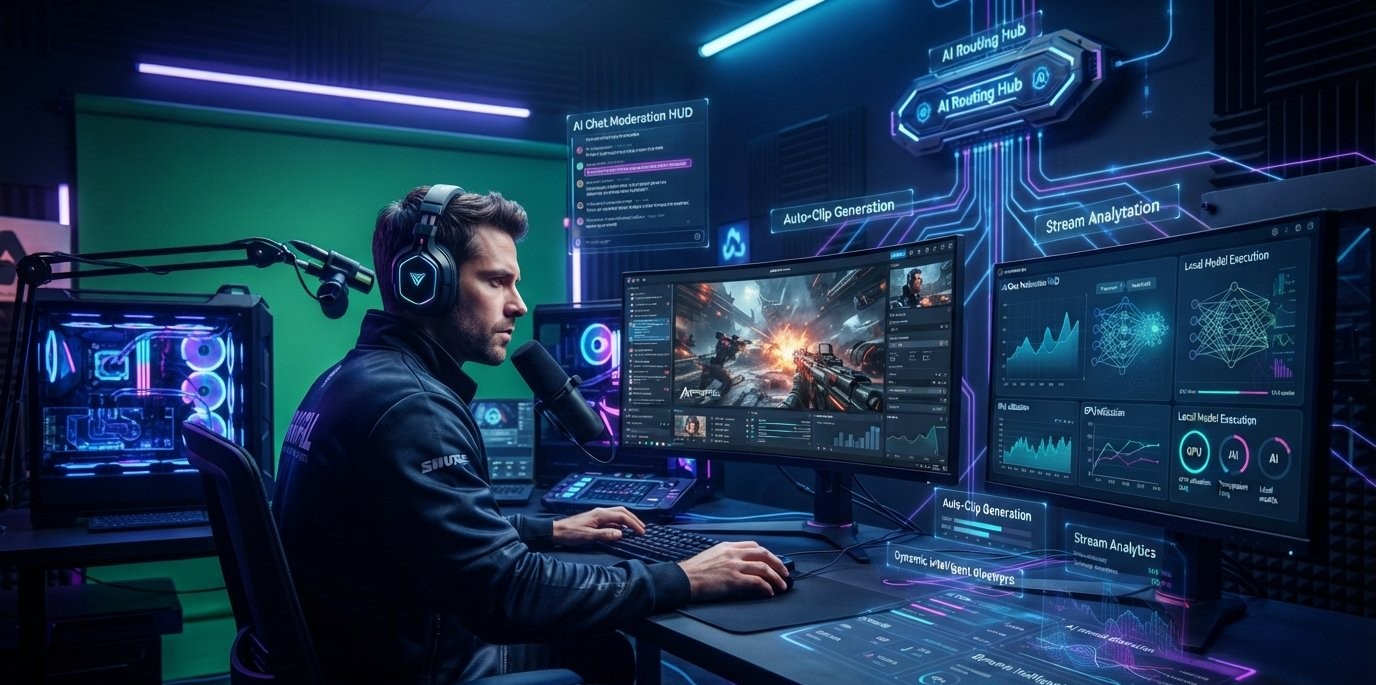

The Rise of the Personal AI Router: How Streamers Are Using NVIDIA PAIR for Zero Lag Overlays
Your gaming PC is probably doing too much.
Open OBS. Launch the game. Keep Discord running. Add a browser full of tabs, alerts, plugins, recording software and maybe an AI assistant watching the stream.
Now throw live chat moderation and automatic clip detection into the mix.
At some point, that powerful GPU starts looking less like a gaming machine and more like an overworked production server.
NVIDIA has a surprisingly simple answer to the problem.
Stop making one computer do everything.
Its new Personal AI Router, or PAIR, turns compatible computers on the same local network into a small AI inference cluster. Instead of every AI request fighting for resources on the streaming PC, PAIR can route independent requests to another machine that has the required model and enough available resources.
That sounds like a niche developer tool.
For streamers, it could be something much more interesting.
What NVIDIA PAIR Actually Does
The name makes PAIR sound more complicated than it is.
Think of it as a traffic controller for local AI.
You have several computers.
Each computer can have an AI model running through an inference engine such as Ollama or LM Studio. PAIR sits between your application and those machines and provides a local endpoint.
When an AI request arrives, PAIR looks at the available machines and decides where that request can run. It considers things such as whether the machine is reachable, whether the appropriate engine is running, whether the requested model is available and the current workload.
The application does not have to know which computer ultimately handled the request.
That is the clever part.
You can have your AI application talking to one local address while PAIR handles the messy part behind the scenes.
💡 THE IMPORTANT PART
PAIR does not combine several GPUs into one giant GPU.
It routes separate AI requests to separate machines. A single request still runs entirely on one node, and GPU memory is not pooled between computers.
Why Streamers Should Care
Streaming is increasingly becoming a multi application workload.
A creator might simultaneously run:
The game
OBS
Discord
Chat moderation
Alerts
Captions
AI assistants
Clip detection
Browser sources
Recording
Analytics
None of these tasks individually sounds unreasonable.
Together, they can turn a gaming PC into a bottleneck.
And AI makes the problem worse because local models can be surprisingly hungry for GPU memory and compute.
That creates an interesting situation.
Your RTX GPU may be excellent at running the game.
But now an AI model wants some of that same hardware.
OBS wants resources.
The game wants resources.
The AI wants resources.
Suddenly the creator is balancing workloads instead of simply playing the game.
PAIR approaches the problem from a different direction.
Move the AI somewhere else.
Your Gaming PC Does Not Need to Do Everything
Imagine a streamer with two PCs.
The first is a powerful gaming machine.
The second is an older RTX system that normally sits unused.
Today, the first computer might handle almost everything.
With PAIR, the setup can become more specialized.
Gaming PC
Runs the game.
Runs OBS.
Handles the primary broadcast workload.
Secondary PC
Runs the local AI model.
Handles chat analysis.
Runs an AI assistant.
Processes other independent requests.
The two machines communicate through the local network.
Nothing about the game needs to change.
Nothing about the second PC needs to be physically connected to the first.
The second machine simply becomes another place where AI work can happen.
NVIDIA specifically describes PAIR as a way to use the available compute of multiple local systems without requiring traditional server racks or special cluster hardware.
And that is what makes the idea interesting for creators.
A second PC you already own suddenly has a job.
How Local AI Routing Works
The process is easier to understand with a simple example.
Suppose your stream assistant sends three AI requests.
Request one: Summarize the last 500 chat messages.
Request two: Generate three possible stream titles.
Request three: Analyze a batch of messages for moderation.
Without a routing layer, those requests might all hit the same AI machine.
With PAIR, each independent request can be routed to an eligible node.
The basic process looks like this:
Your application
↓
PAIR local endpoint
↓
Checks available nodes
↓
Finds a compatible model and engine
↓
Chooses an eligible machine
↓
Runs the inference
↓
Returns the response
The important word is independent.
PAIR is particularly useful when several AI requests are happening at once. NVIDIA's own documentation positions concurrent local workloads and multi agent applications as a major use case.
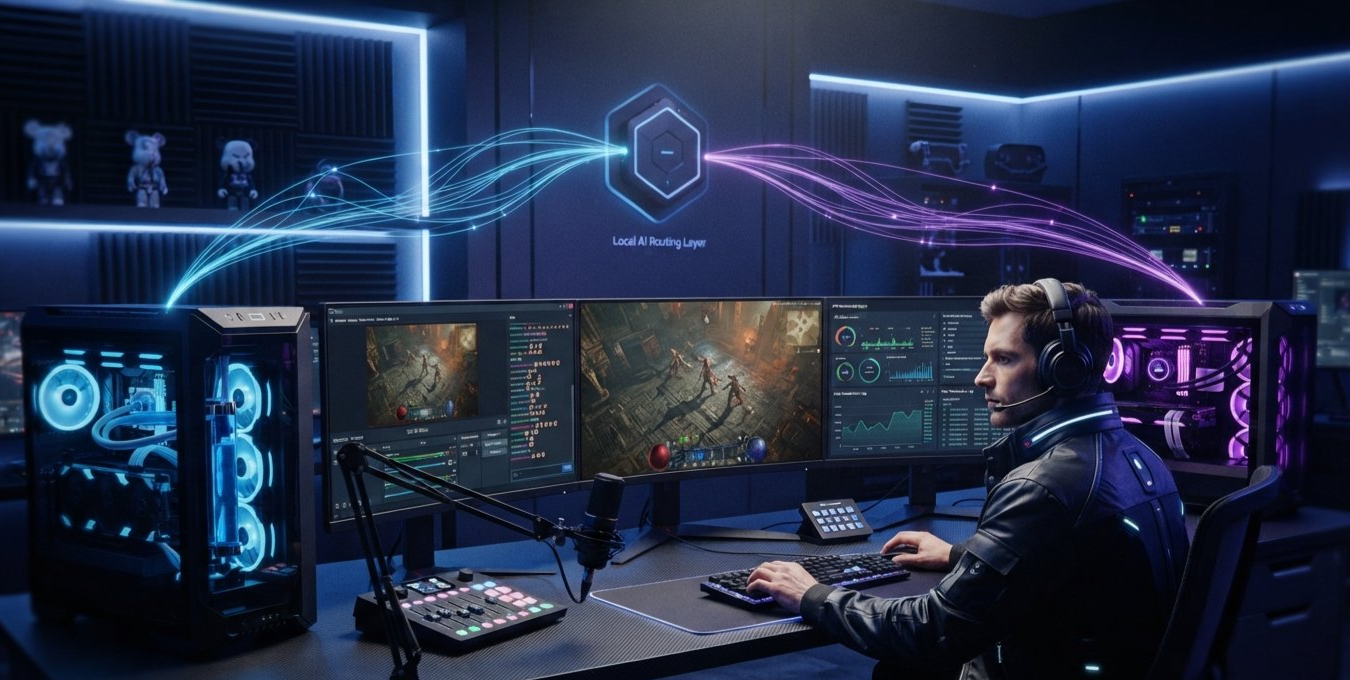
The Zero Lag Overlay Question
Let's deal with the title's biggest claim.
Can PAIR actually create zero lag overlays?
Not literally.
No networking technology can promise zero latency.
PAIR still has to send a request to another machine, process it and return the result.
What it can do is remove one major source of competition.
The AI workload does not necessarily have to run on the same GPU that is rendering your game and handling your broadcast.
That distinction matters.
Imagine you're playing a demanding game at 1440p.
Your GPU is already working hard.
An AI moderation model suddenly needs additional compute.
Instead of putting that model on the gaming machine, PAIR can route the request to another compatible computer on the network.
The game keeps rendering.
The AI machine does the thinking.
That is a much more realistic interpretation of the “zero lag overlay” idea.
AI Moderation on a Second PC
Live chat is one of the easiest places to imagine PAIR being useful.
A large stream can produce an absurd number of messages.
Some are harmless.
Some are spam.
Some contain suspicious links.
Others may need moderation.
An AI moderation agent can help classify that stream of information.
But why make the gaming PC do it?
A creator could run the moderation model on another machine and let the gaming computer focus on the actual broadcast.
The workflow could look like:
Viewer sends message
↓
Chat system sends message to AI
↓
PAIR selects available AI node
↓
Local model analyzes message
↓
Moderation system receives result
↓
Bot decides whether action is necessary
The entire inference path can stay inside the creator's local network when the configured clients, models, engines and nodes are local. NVIDIA specifically says PAIR is designed to keep prompts, files and agent context on the local network in that configuration.
That has an obvious appeal for creators who would rather not send their stream's private data to another service for every AI request.
The Stream Assistant Sitting Next Door
Here's where things get more interesting.
Imagine an AI assistant running throughout your stream.
You ask:
“What did chat think about that last match?”
The assistant checks the relevant conversation and answers.
Then you ask:
“Give me three titles for the YouTube upload.”
It generates them.
Five minutes later:
“What was my biggest donation today?”
The assistant checks the relevant data and responds.
None of those requests needs to be handled by the same machine that is rendering your game.
With a local AI setup, the second PC can become the brain of the broadcast while the main PC remains the engine.
That separation is surprisingly powerful.
Automatic Clips Could Be Another Big Use Case
Streamers already spend hours finding moments worth clipping.
AI can help.
A local agent could monitor things such as:
Chat activity
Game events
Stream metadata
Audio peaks
Viewer reactions
Timestamps
When something unusual happens, the system could flag that section for later editing.
For example:
A streamer gets an extremely rare item.
Chat suddenly explodes.
The game records an unusual event.
The AI sees the combination.
It marks the timestamp.
Later, the creator reviews the suggested clip.
The important point is that this can generate many small AI requests.
That's exactly the kind of workload where distributing independent requests across multiple machines starts to make sense.
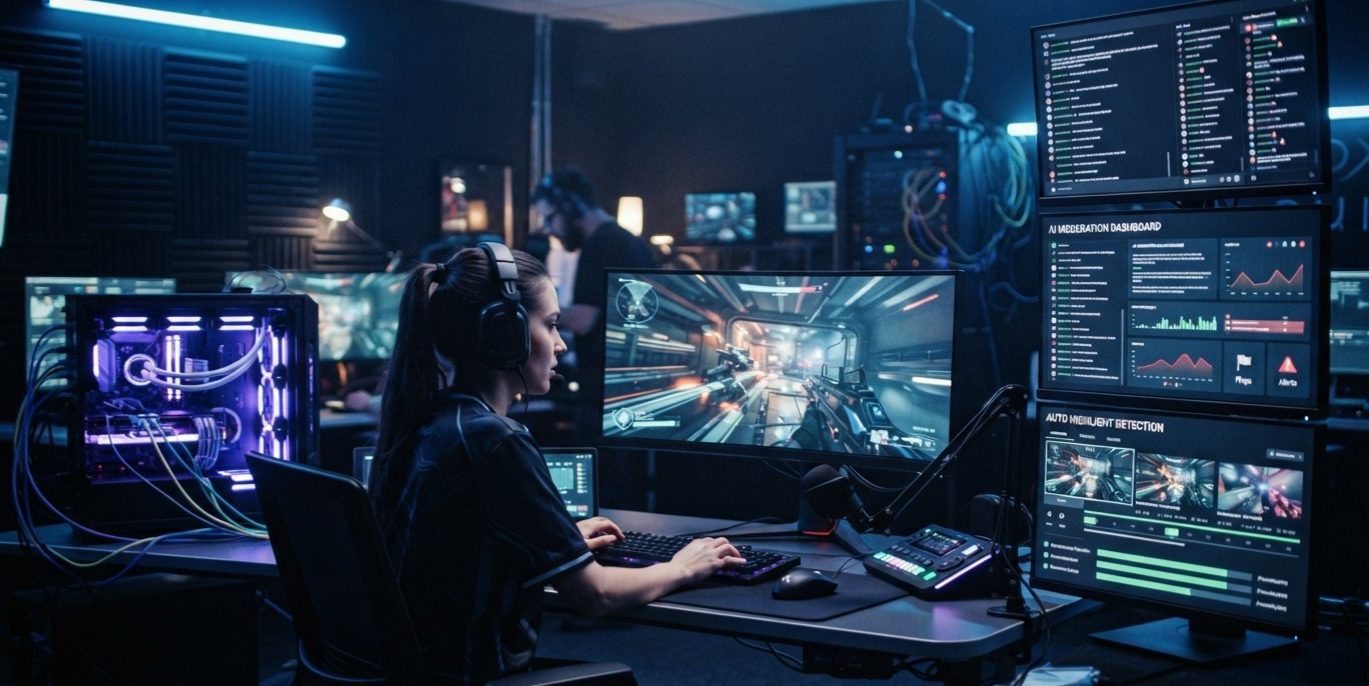
Why Local AI Is More Interesting Than Another Cloud Subscription
Cloud AI is incredibly convenient.
You don't need another GPU.
You don't need to download models.
You don't need to worry about managing inference hardware.
But there is a tradeoff.
Your data leaves your network.
You may pay based on usage.
And every request depends on an external service.
Local AI flips those priorities.
If you already have the hardware, you can run models yourself.
With PAIR, several machines can contribute to that local setup.
NVIDIA says PAIR is designed to keep local prompts, files and agent context on the user's network rather than automatically sending them to cloud inference.
For a streamer, that could include things like:
Private community conversations
Moderation data
Creator notes
Stream transcripts
Local files
Agent context
That doesn't mean local AI is automatically better at everything.
It means the creator gets another option.
The Hardware You Already Own Could Become Useful Again
This might be the best argument for PAIR.
A lot of PC enthusiasts have old hardware.
Maybe your previous gaming PC is sitting under the desk.
Maybe you upgraded your GPU but kept the rest of the system.
Maybe there is an RTX machine that only gets used occasionally.
PAIR gives that hardware another possible purpose.
NVIDIA currently lists support for GeForce RTX 20 Series and newer GPUs, RTX PRO systems, DGX Spark and Apple M4 or newer systems, subject to the relevant software and engine requirements.
That means a personal AI cluster doesn't necessarily have to look like a miniature data center.
It could simply be:
Your gaming PC
Your old RTX PC
Your Mac
A decent Ethernet network
That's a very different idea from traditional AI infrastructure.
What PAIR Cannot Do
This is where NVIDIA's tool needs to be understood correctly.
PAIR is not SLI for AI.
It doesn't take two GPUs and create one enormous pool of VRAM.
If you have:
GPU A = 16 GB
GPU B = 16 GB
you don't suddenly get a 32 GB GPU.
PAIR doesn't split one model across both machines.
It doesn't take one inference request and cut it into pieces.
Each request runs on one eligible node.
So if you have a massive AI model that cannot fit into one machine's available memory, PAIR doesn't magically solve that problem.
Where it shines is different.
More machines = more opportunities to run independent work simultaneously.
That is a much more practical advantage.
The Perfect Personal AI Streaming Setup
A serious creator could eventually build a setup like this.
| Machine | Main Job |
|---|---|
| Gaming PC | Game + OBS |
| RTX AI PC | Local language models |
| Mac | Secondary AI workloads |
| NAS | Recordings and media |
| Router | High speed local networking |
The gaming PC doesn't have to know everything.
The AI machine doesn't have to render the game.
The Mac doesn't have to sit unused.
Each device gets a role.
PAIR sits in the middle and routes compatible AI requests.
NVIDIA's current architecture uses peer nodes rather than a traditional primary server, meaning participating machines can both serve requests and route them elsewhere.
That is a surprisingly elegant approach for something running inside a home.
📊 How a Distributed Streaming Setup Changes the Workload
| Task | Single PC Setup | Personal AI Setup |
|---|---|---|
| Game rendering | Gaming PC | Gaming PC |
| OBS | Gaming PC | Gaming PC |
| AI moderation | Gaming PC or cloud | AI PC |
| AI assistant | Gaming PC or cloud | AI PC |
| Chat analysis | Gaming PC or cloud | Available local node |
| AI agents | Same machine | Multiple nodes |
| Local AI data | Depends on setup | Can remain local |
| Idle hardware | Mostly unused | Can contribute compute |
Chart Title:
From One Overworked PC to a Personal AI Network
Note: This is an architectural comparison, not a benchmark.
NVIDIA's Own Test Shows Why the Idea Works
There is already a useful real world demonstration.
In an NVIDIA test involving five subagents, a three device PAIR cluster completed the workload in 8 minutes and 48 seconds, compared with 18 minutes on a single RTX Spark laptop.
That is roughly a 51 percent reduction in completion time for that particular workload.
But don't turn that into a headline saying:
“PAIR makes AI 51 percent faster.”
That's not what the test proves.
The workload was specifically suited to multiple independent requests.
What it does demonstrate is the basic advantage of distributing concurrent AI work.
When several requests are waiting for one machine, adding another capable machine gives the router somewhere else to send them.
For AI agents and broadcast assistants that generate many separate requests, that distinction matters.
There Is One Catch: Your Network Becomes Part of the System
Once AI workloads leave the gaming PC, the network matters more.
A slow or unstable WiFi connection can become a bottleneck.
For a serious streaming setup, wired Ethernet makes much more sense.
It gives the machines a predictable connection and reduces the chance that an AI request is waiting on the network instead of the GPU.
PAIR uses local discovery and encrypted communication between paired nodes. NVIDIA's documentation says pairing establishes trust and node to node traffic uses mutual TLS.
So the ideal setup isn't just:
Good GPUs
It's:
Good GPUs + good network + sensible workload distribution.
Is This Really the Future of Streaming?
Maybe not exactly as it looks today.
PAIR itself is an inference router.
It isn't a complete streaming platform.
It doesn't automatically create an OBS overlay.
It doesn't automatically moderate your Twitch chat.
It doesn't automatically edit your YouTube videos.
Developers still need to build those integrations.
But that's also what makes the project interesting.
Because PAIR exposes familiar local interfaces, applications and agents using supported Ollama or OpenAI compatible requests can work through its endpoint without having to understand which individual computer ultimately handles the inference.
That creates room for experimentation.
A developer could build the streaming tools.
A creator could build the workflow.
PAIR handles the routing.
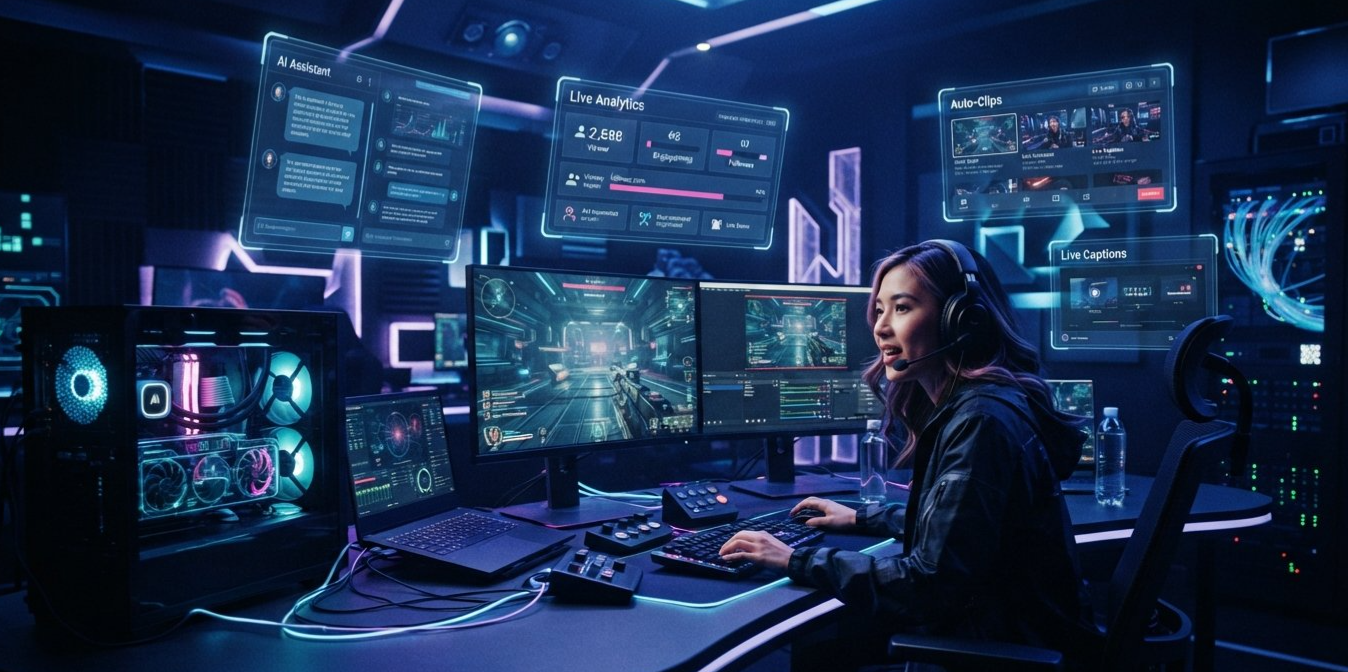
The Real Shift Is Bigger Than PAIR
The interesting thing about PAIR isn't actually the router.
It's the change in mindset.
For years, PC builders have asked:
“How powerful does my main computer need to be?”
Local AI introduces another question:
“Why does one computer need to do everything?”
That is a much more interesting question.
Your main PC can be optimized for gaming.
A second machine can be optimized for AI.
A third can handle storage or video processing.
The network becomes the bridge between them.
Suddenly, the computer sitting beside your desk isn't just another PC.
It's part of the system.
Final Verdict
NVIDIA PAIR isn't going to magically give your gaming PC a faster GPU.
It doesn't create a giant shared pool of VRAM.
And despite the “zero lag” idea, it cannot remove network and inference latency entirely.
But those aren't really the reasons to pay attention to it.
The interesting part is much simpler.
PAIR lets you stop treating your computers as isolated machines.
A gaming PC can concentrate on the game.
An old RTX system can handle AI.
A Mac can contribute another workload.
And applications can send their AI requests to a local endpoint without needing to know which machine is doing the actual thinking.
For streamers, that could eventually mean AI moderation, stream assistants, chat analysis, clip detection and other background tasks running without constantly competing with the game for GPU resources.
NVIDIA's own multi device demonstration shows that this approach can make a meaningful difference for workloads with multiple independent AI requests.
But the bigger story is what happens next.
Once creators realize they don't need one monster PC, they can start building something much more flexible.
One machine plays.
One machine thinks.
Another machine works in the background.
And the router quietly connects them all.
That is the real promise of the Personal AI Router.
🔗 Recommended Reading
For your Discords.ai audience, these fit naturally with the article:
The 2026 GPU Arms Race: Why Your Graphics Card Might Not Matter as Much Anymore
Read the GPU Arms Race article
PC Build Guide for Beginners
Read the PC Build Guide
NVIDIA Personal AI Router
Official NVIDIA PAIR page
NVIDIA PAIR Documentation
PAIR documentation
NVIDIA PAIR on GitHub
Open source PAIR repository


Comments
Sign in to join the conversation
Sign inNo comments yet
Be the first to share your thoughts!