
Getting banned on Discord feels final, but it often isn't. Whether you can get unbanned from Discord depends on one question: who banned you?
A server ban comes from that server's moderators. Discord can't overturn it, so the only way back is through them. A Discord account action, like a suspension, comes from Discord itself, and you appeal it through your Account Standing.
This guide shows you how to tell which one you have, how to appeal each kind, what to write, and the mistakes that make things worse.
At a glance - Server ban: only that server's moderators can lift it. Use their appeal form or contact a moderator - Discord suspension or violation: check User Settings > My Account > Standing and appeal the specific violation - Most violations expire after 90 days. Temporary suspensions last up to a year - Never make a new account to get around a ban. It breaks Discord's rules and can make things permanent
🔍 Server Ban or Discord Ban? How to Tell
| You see this | What it means | Who can lift it |
|---|---|---|
| You can't rejoin one server, but Discord works normally | Server ban | That server's moderators |
| A notice about a rule violation, or features like images are limited | Discord violation | Discord, via appeal |
| You can't use Discord at all, or see a suspension notice | Discord suspension | Discord, via appeal |
If everything else on Discord works and only one community is locked, it's a server ban. Skip to the server ban section below.
🛡️ How to Check Your Discord Account Standing
Discord's Warning System shows every action taken on your account in one place:
User Settings > My Account > Standing
The Standing page shows active and expired violations. Image: Discord.
Your account will show one of these statuses:
| Status | What it means |
|---|---|
| All good | No active violations |
| Limited | Some features are temporarily limited |
| Very limited | More features are limited, for longer |
| At risk | Another violation could mean a permanent suspension |
| Permanently suspended | No access, due to severe or repeated violations |
Most violations expire after 90 days and move to "Expired Violations," where they no longer count. More serious ones can last longer. Each violation's page shows its expiry date.
Even if your account is suspended, Discord says you can still log in to see your Account Standing, including why you were suspended and for how long.
Suspended users can still view their standing and request a review. Image: Discord.
📝 How to Appeal a Discord Suspension or Violation
Discord says every user can appeal actions taken against their account. According to its appeals page:
- Go to User Settings > My Account > Standing.
- Select the violation you want reviewed.
- Press "Let us know" to start a review.
Each violation notice Discord sends also links to a form for requesting a review. If you can't get into the app, Discord's support site lets you submit a request at dis.gd/request and choose Appeal an action taken on my account or bot.
A suspension notice from Discord. Image: Discord.
A few things to know before you appeal:
- Appeal the violation, not your overall standing. Discord reviews specific violations.
- If it's granted, the violation is removed and your standing and access are restored, unless other violations are still active.
- If it's denied, the violation stays until it expires.
- Some appeals aren't eligible, depending on the violation. Child safety violations lead straight to a permanent suspension.
- For server violations, only the server owner can request a review.
What to write in your appeal
Discord doesn't publish a template, but these tips help any review:
- Be specific. Say which violation you're appealing and why you think it was a mistake.
- Be honest. If you broke a rule, say so and explain what you'll do differently.
- Keep it short and calm. A clear paragraph beats an angry essay.
- Add context if a message was taken out of context, or your account was hacked.
- Send one appeal per violation and wait. Spamming requests won't speed things up.
Warnings like this don't affect your Account Standing. Image: Discord.
How to Get Unbanned From Discord Servers
Server bans are decided by each server's own team, and Discord doesn't review them. Your options:
- Look for an appeal form. Many big servers link one in their rules, their website or a separate "appeals" server.
- Message a moderator politely, if the server allows it. Explain what happened and ask whether an appeal is possible.
- Accept the decision and wait. Some servers unban after a set period, or after you show you've read the rules.
Be respectful even if you think the ban was unfair. Moderators talk to each other, and a calm appeal is far more likely to work.
For moderators: how to unban someone
If you run a server and want to lift a ban, you need the Ban Members permission:
- Open Server Settings and go to Bans.
- Find the user in the list.
- Select them and choose Revoke Ban.
They can then rejoin with a valid invite. For tips on handling bans fairly, see our Discord moderation guide and our guide to server rules that actually work.
⚠️ What Not to Do
- Don't make a new account to get around a Discord suspension. Discord's Community Guidelines say: "Do not evade permanent Discord-level enforcement actions." Doing it can get the new account removed too.
- Don't rejoin a server on an alt after a server ban. Moderators usually ban the alt as well, and it kills any chance of an appeal.
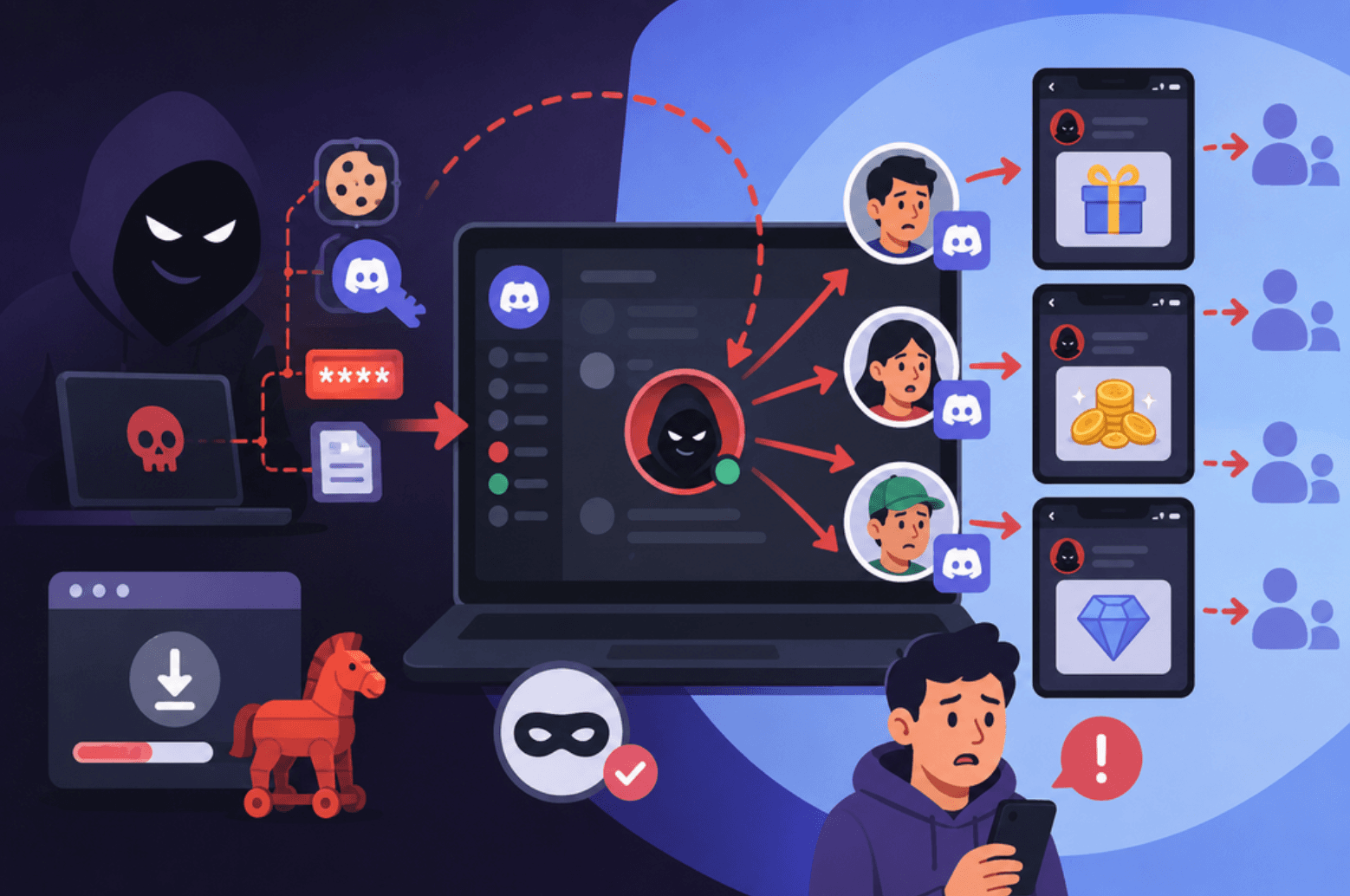
- Don't pay "unban services." Nobody outside Discord can lift a suspension, and anyone asking for your login or payment to do it is running a scam. Our guide to spotting fake giveaways and scams covers the warning signs.
- Don't send repeated angry appeals. It slows things down for everyone, including you.
Frequently Asked Questions
How long does a Discord ban last?
Most violations expire after 90 days. Temporary feature limits can last a few hours to a year, temporary suspensions up to a year, and permanent suspensions don't expire.
Can Discord unban me from a server?
No. Server bans are set by that server's moderators, and only they can lift them.
How do I appeal a Discord ban?
Go to User Settings > My Account > Standing, select the violation and press "Let us know." You can also use the link in the violation notice, or submit a request at dis.gd/request.
Can I see why my account was suspended?
Yes. Suspended users can still log in to view their Account Standing, including the violation and how long the suspension lasts.
Can I get unbanned from Discord if I made a mistake?
Often, yes. Most violations can be appealed, and many expire on their own. Be honest in your appeal and avoid breaking the rules again while you wait.
🎮 The Bottom Line
The first step to getting unbanned from Discord is working out who banned you. Server bans are up to that server's moderators, so look for their appeal form and be polite. Discord violations and suspensions show up in your Account Standing, where you can appeal the specific violation.
Whatever you do, don't dodge a ban with a new account. Patience and an honest appeal are the only routes that work long term.
Have you ever had a Discord ban overturned? What worked for you?

Comments
Sign in to join the conversation
Sign inNo comments yet
Be the first to share your thoughts!