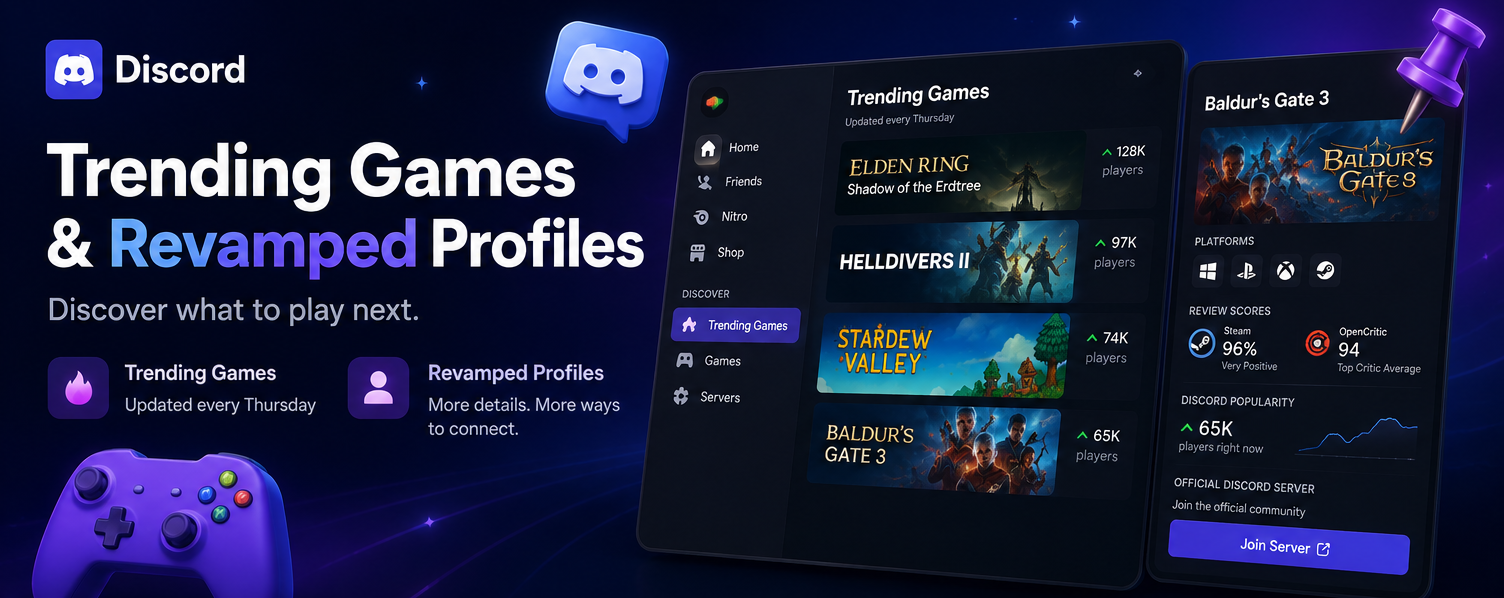

Discord Trending Games & Revamped Profiles: Discover What to Play Next
If you've ever opened your game library and couldn't decide what to play, Discord's latest update is designed for you.
Discord has officially introduced a new Trending Games page and completely revamped Game Profiles, making it easier than ever to discover new games and connect with gaming communities.
Whether you're looking for your next weekend game or checking out what your friends are playing, here's everything you need to know.
What Is the Discord Trending Games Page?
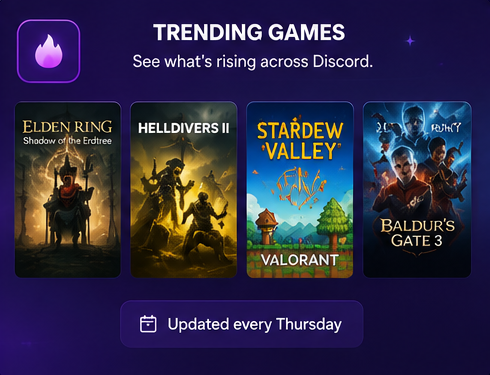
The new Trending Games page is a dedicated game discovery hub built directly into Discord.
Instead of asking friends or scrolling through multiple storefronts, Discord now highlights the games that are becoming popular across the platform.
Features include:
- Weekly game recommendations
- Multiplayer and single-player titles
- Real-time popularity tracking
- Easier game discovery with friends
The page refreshes every Thursday, giving users fresh recommendations every week.
How Does the Trending Games Page Work?
Discord analyzes what users across the platform are currently playing and creates a curated list of trending titles.
What You'll Find
| Feature | Description |
|---|---|
| Weekly Refresh | Updates every Thursday |
| Multiplayer Games | Popular online titles |
| Single-Player Games | Trending solo experiences |
| Community Picks | Games gaining popularity across Discord |
This makes it much easier to discover games that your friends and communities may already be enjoying.
The New Game Profiles Experience
Discord has also completely redesigned Game Profiles.
Previously, clicking on a game simply showed basic information. Now, Game Profiles offer much more detailed information without leaving the app.
What's Included in the New Game Profiles?
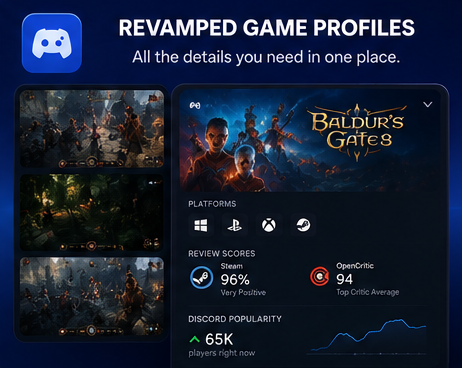
📸 Screenshots and Visuals
View in-game screenshots directly inside Discord.
🎮 Platform Availability
See whether the game is available on:
- PC
- PlayStation
- Xbox
- Nintendo Switch
- Other supported platforms
⭐ Review Scores
Discord now displays review information from:
- Steam
- OpenCritic
This allows you to quickly check whether a game is worth your time.
📈 Discord Popularity
See how popular a game currently is among Discord users.
🌎 Official Community Links
Join the game's official Discord server with a single click.
Why This Matters for Gaming Communities

These updates make organizing game nights much easier.
Instead of:
- Searching Google
- Opening Steam
- Watching YouTube reviews
- Asking everyone what to play
You can now find everything directly inside Discord.
For server owners and community managers, this means:
- Easier game recommendations
- Better community engagement
- Faster event planning
- More active gaming communities
Is the New Trending Games Feature Worth Using?
Absolutely.
Benefits include:
✅ Discover new games faster
✅ Find what your friends are playing
✅ Read reviews without leaving Discord
✅ Join official game communities instantly
✅ Plan gaming sessions more easily
This is one of Discord's biggest gaming-focused updates in recent months.
Frequently Asked Questions
When does Trending Games update?
The page refreshes every Thursday.
Does it only show multiplayer games?
No. Both multiplayer and single-player games are included.
Can I view game reviews inside Discord?
Yes. Discord now shows review scores from Steam and OpenCritic.
Can I join official game communities?
Yes. Game Profiles include direct links to official Discord servers.
Do I need Discord Nitro?
No. These features are available to all users.
Final Thoughts
Discord's new Trending Games page and redesigned Game Profiles make discovering games easier than ever.
By combining recommendations, reviews, screenshots, popularity data, and community links into one place, Discord is becoming more than just a chat app. It's becoming a complete gaming discovery platform.
If you're always looking for something new to play with friends, this update is definitely worth exploring.
Sources
- Official Discord Blog
- Discord Desktop Client
- Discord Support Documentation
- Steam
- OpenCritic


