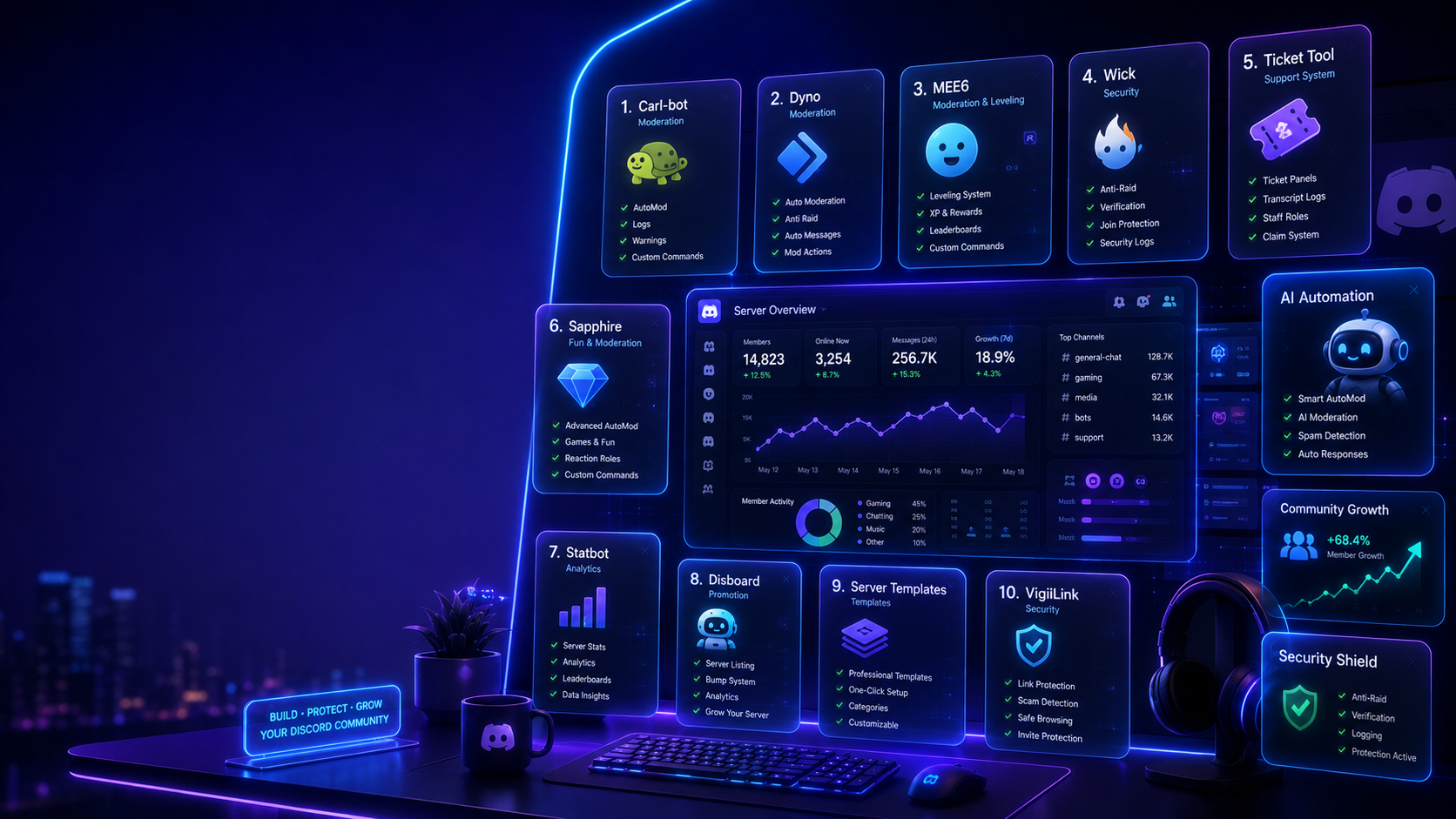

The Top 10 Free Discord Tools Every Server Owner Needs in 2026
Running a successful Discord server isn't just about adding bots and creating channels. The right tools can save hours of work, improve moderation, automate repetitive tasks, and help your community grow faster.
I tested dozens of free Discord tools to find the ones that actually make managing a server easier. Whether you're running a gaming community, creator hub, study group, or business server, these are the tools worth using in 2026.
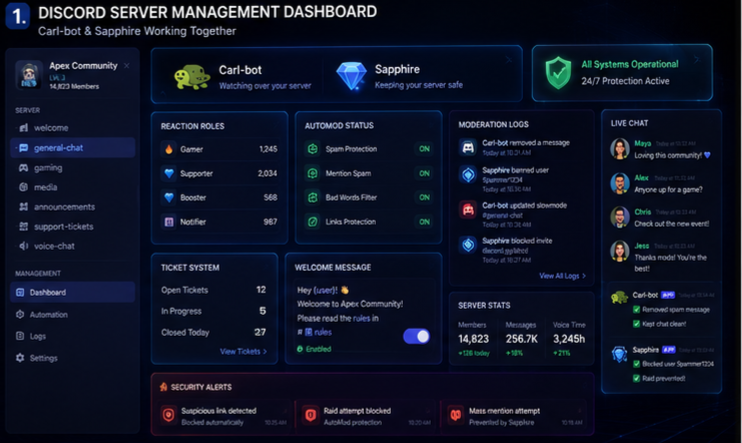
1. Carl-bot — Best Free Moderation Tool
Carl-bot remains one of the best moderation bots available. It includes reaction roles, moderation logs, AutoMod, welcome messages, and custom commands.
Best For
✔ Moderation
✔ Reaction Roles
✔ Welcome Messages
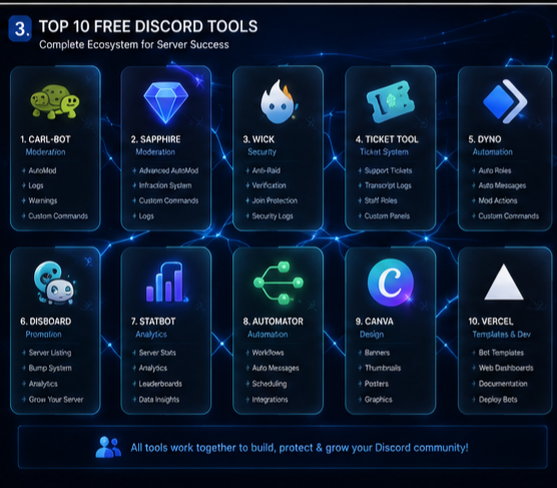
2. Sapphire — Best All-in-One Server Manager
Sapphire combines moderation, ticket systems, automations, and security into one powerful dashboard.
Perfect for communities that want fewer bots while keeping plenty of features.
3. Statbot — Best Analytics Tool
Want to know which channels are active?
Statbot tracks:
• Member activity
• Voice activity
• Server growth
• Message statistics
• User engagement
Great for understanding how your community behaves.
4. Ticket Tool — Best Support System
Ticket Tool lets members create private support tickets.
Perfect for:
• Staff Applications
• Customer Support
• Bug Reports
• Partnership Requests
5. Dyno — Reliable Auto Moderation
Dyno helps automatically remove spam, mute users, create announcements, and manage server permissions.
A great choice for medium and large communities.
6. Discord Server Templates
Instead of building everything from scratch, use free server templates to launch a professional community in minutes.
Templates are available for:
• Gaming
• Study
• Business
• Creator Communities
7. Disboard
Disboard helps promote your Discord server to thousands of potential members.
Regular server bumps improve visibility and help attract new users organically.
8. Wick
If server security is your priority, Wick provides excellent raid protection, anti-nuke features, and advanced moderation tools.
Perfect for large public servers.
9. Canva
Need announcement banners, event posters, or welcome graphics?
Canva offers hundreds of free templates that help your Discord server look professional.
10. Discord Developer Portal
Even if you don't write code, the Discord Developer Portal is worth exploring.
It allows you to:
• Create applications
• Manage webhooks
• Configure bots
• Explore integrations
Learning the basics can unlock powerful automation opportunities.
🔍 Quick Comparison of the Best Free Discord Tools
| If You Need... | Recommended Tool |
| 🛡️ Protect Against Raids | **Wick** |
| 👮 Moderate Your Server | **Carl-bot** |
| 🎫 Manage Support Tickets | **Ticket Tool** |
| 📊 Track Community Growth | **Statbot** |
| 🤖 Automate Tasks | **Sapphire** |
| 📢 Grow Your Server | **Disboard** |
| 🎨 Design Graphics | **Canva** |
⭐ Our Top Picks
🥇 Best Overall: **Carl-bot**
🥈 Best Security: **Wick**
🥉 Best Analytics: **Statbot**
🏆 Best Automation: **Sapphire**
🎨 Best Design Tool: **Canva**
Two Tools You Can Skip
Not every tool is worth installing.
Avoid tools that:
❌ Haven't been updated recently
❌ Request unnecessary Administrator permissions
❌ Have poor moderation features
❌ Offer duplicate functionality you already have
Using fewer, high-quality tools usually creates a better experience than installing dozens of bots.
Final Thoughts
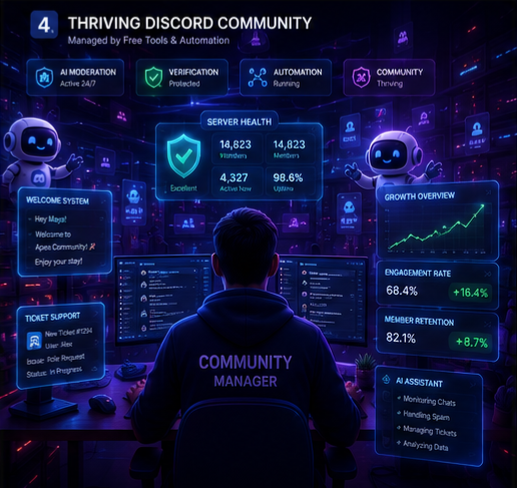
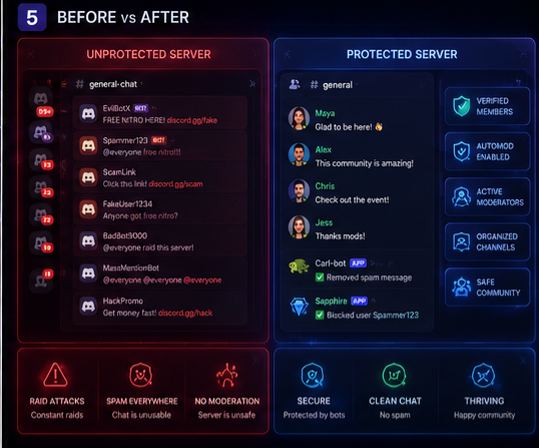
The best Discord communities don't necessarily use the most tools—they use the right ones. By combining moderation, automation, analytics, and design tools, you can save time while creating a safer and more engaging community.
Start with a moderation bot like Carl-bot or Sapphire, add analytics with Statbot, improve support with Ticket Tool, and promote your server using Disboard. Together, these free tools can dramatically improve how you manage your Discord server throughout 2026.


Comments
Sign in to join the conversation
Sign inNo comments yet
Be the first to share your thoughts!