
The Server Boosting Meta: Why Reaching Level 3 Is Crucial for Brand Servers
For a growing gaming community, a Discord server is more than a place to chat. It can be a support hub, a home for creators, a launch platform for new products, and a direct connection between a brand and its audience.
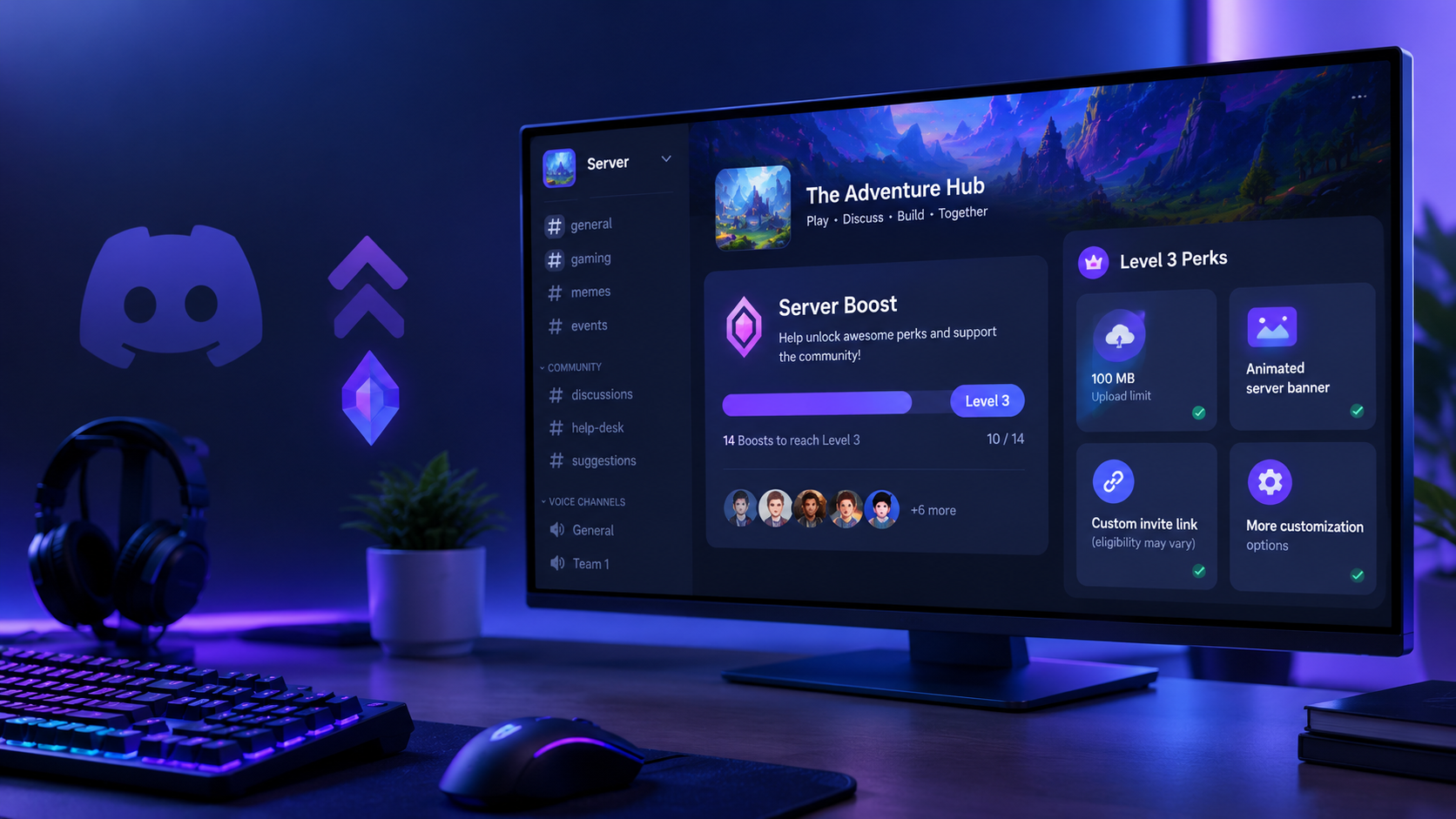
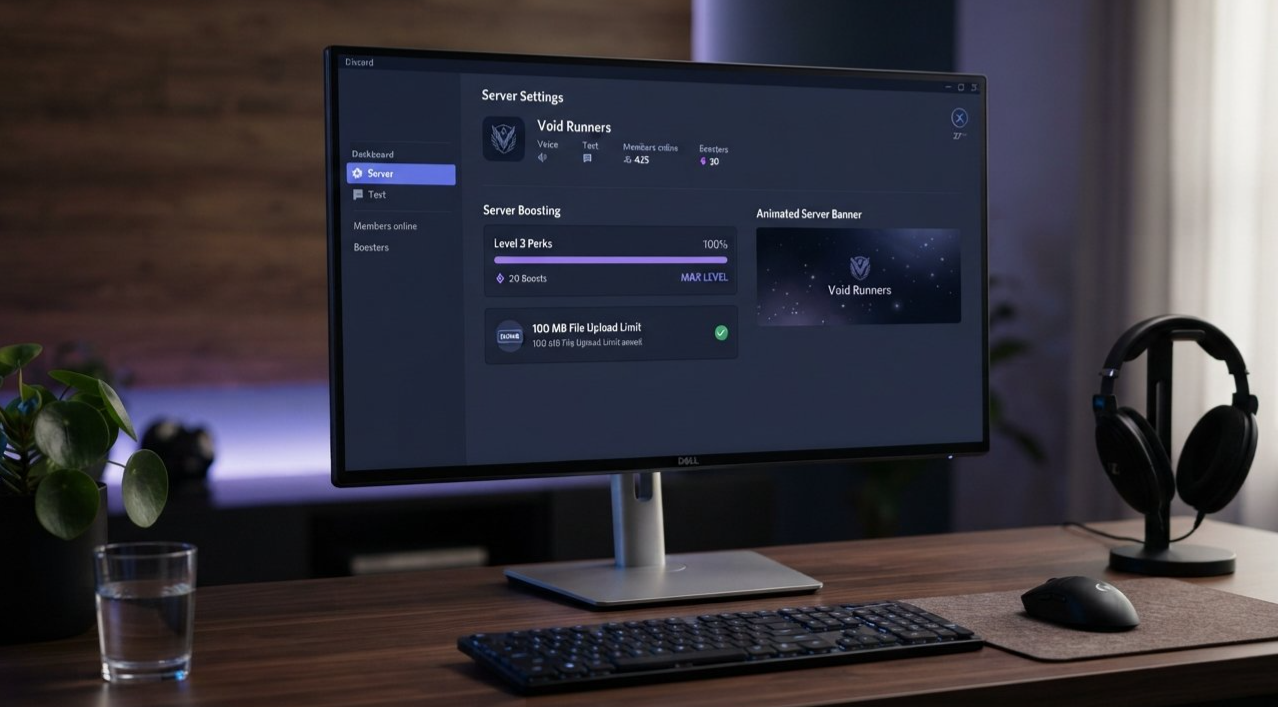
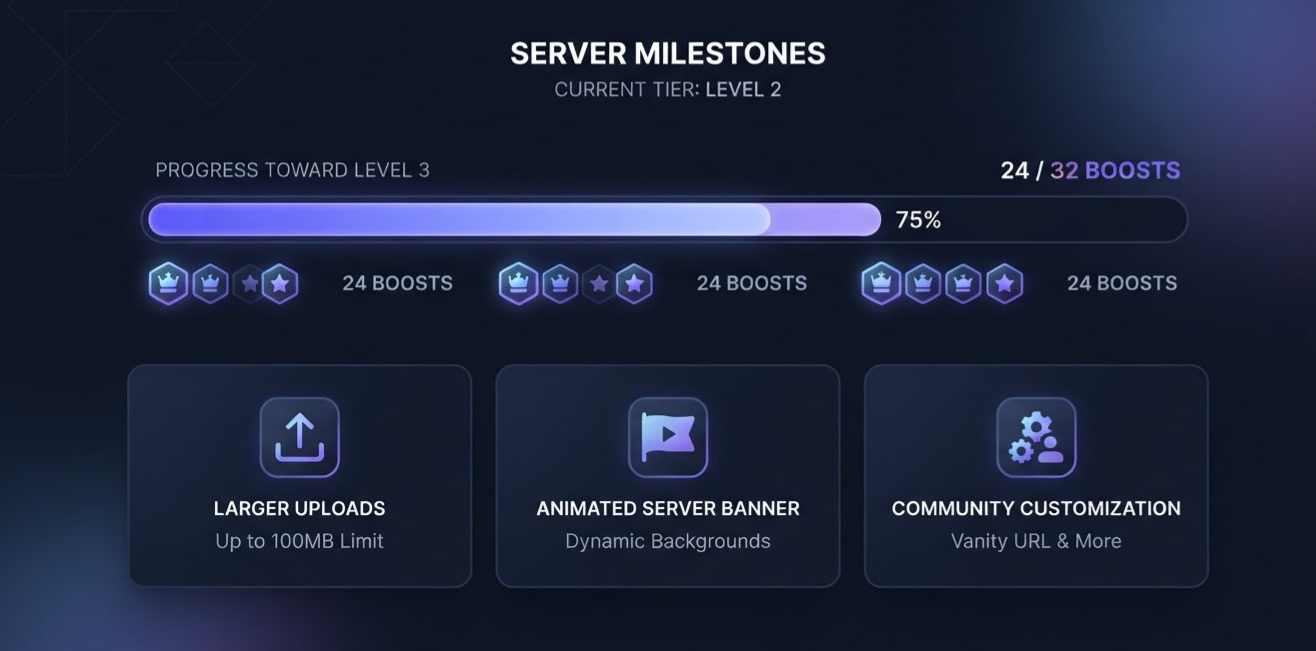
That is why Discord Server Boosting Level 3 has become an attractive milestone for community managers. At this level, eligible servers unlock a 100 MB upload limit for members, an animated server banner, additional customization perks, and access to the highest standard server boost level.
These features can make a server feel more polished and useful, especially for gaming studios, esports organizations, content creators, and established communities.
But reaching Level 3 is not simply a matter of asking members to spend money. Server Boosts require ongoing support, and the smartest communities give members genuine reasons to contribute.
This guide explains what Level 3 unlocks, how to organize a sustainable boosting campaign, and how to use the perks to strengthen your server without turning your community into a constant fundraising exercise.
────────────────────────────────────────
────────────────────────────────────────
────────────────────────────────────────
What Is Discord Server Boosting?
Discord Server Boosting is a way for members to contribute Boosts to a server and help it unlock additional features.
A Boost can come from an eligible subscription benefit or a separately purchased Server Boost. The server's level depends on how many Boosts are allocated toward its level progression.
According to Discord's current Server Boosting FAQ, the standard level thresholds are:
| Server level | Boosts required | Notable perks |
|---|---|---|
| Level 1 | 2 | More emoji and sticker slots, improved audio quality, animated server icon |
| Level 2 | 7 | 50 MB upload limit for server members, static server banner, custom role icons |
| Level 3 | 14 | 100 MB upload limit for server members, animated server banner, custom invite link where available |
These are ongoing requirements, not one-time milestones. A server needs enough active Boosts to maintain its level perks.
That distinction matters for community managers. Celebrating the day your server reaches Level 3 is great, but maintaining the required Boost count is what keeps the benefits available over time.
────────────────────────────────────────
What Does Level 3 Actually Unlock?
The appeal of Level 3 comes from a combination of practical features and branding opportunities.
1. A 100 MB upload limit
Discord's current documentation lists a 100 MB upload limit for all members of a Level 3 server, for uploads made within that server. This is a server-specific benefit, not a universal change to the member's upload limit across Discord.
For communities built around gaming, creative work, or technical support, that extra capacity can make sharing large files more convenient.
2. An animated server banner
Level 3 includes an animated server banner, giving eligible servers another way to create a recognizable visual identity.
A well-designed banner can reinforce a game's visual style, showcase a creator's brand, or make a community feel more intentional when members open the server.
3. Expanded customization
Level 3 adds more emoji, sticker and Soundboard slots, along with higher audio quality and a larger Stage audience capacity. These features can be useful for communities that regularly host events, run voice sessions, or use custom assets to establish their identity.
4. Custom invite link availability
Discord documents custom invite links for eligible Level 3 servers, but its current documentation also notes that availability can depend on eligibility and limited experiments. Check your server's Boost Perks settings before making this a promised benefit of a campaign.
The important takeaway is that Level 3 should be evaluated as a package of features. A server does not need every perk to benefit from boosting, but the combination can be valuable for a large or highly active community.
────────────────────────────────────────
Why the 100 MB Upload Limit Matters
The jump from a 50 MB upload limit at Level 2 to 100 MB at Level 3 can be useful for communities that regularly exchange media and other files.
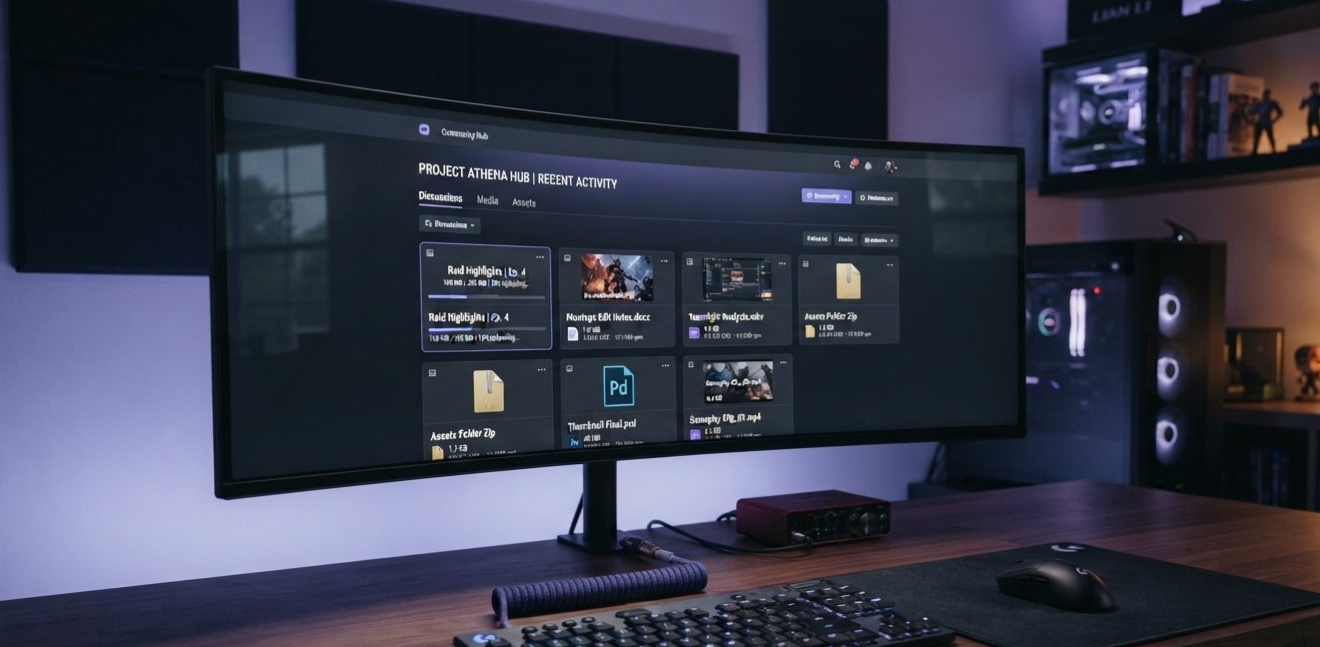
Consider an esports community where players share gameplay clips for review. A creator community where members exchange visual assets. Or a technical support server where users attach diagnostic screenshots and other files to explain a problem.
More upload capacity can reduce the need to compress files or move every conversation to an external file-sharing service.
It does not mean that every file will upload successfully. Discord still applies its file-type, safety, and other platform restrictions, and individual subscription benefits may provide different limits outside the server.
Where the extra capacity helps
| Community type | Potential use |
|---|---|
| Gaming guilds | Gameplay clips and match recordings |
| Esports teams | Review material and team media |
| Creator communities | Visual drafts and project assets |
| Technical support | Screenshots and troubleshooting files |
| Game developers | Community examples and feedback attachments |
The best approach is to make this perk visible through actual use. If members regularly share large clips or project files, explain how the increased limit helps their workflow rather than advertising the number alone.
────────────────────────────────────────
────────────────────────────────────────
Building a Stronger Brand Identity
A large server needs more than a high member count to feel established. Its visual presentation, navigation, event schedule, and community culture all influence whether members want to return.
Level 3 gives server managers more tools to support that presentation.
An animated banner can match a game's seasonal update. Custom emoji can reflect community jokes or recognizable characters. Additional Soundboard slots can support events and voice sessions. Higher audio quality can also help communities that use voice channels for regular discussions.
These features are not a replacement for good management. A beautiful server with confusing channels and inactive moderators will still struggle to retain members.
Instead, think of Boosts as infrastructure for a community that is already delivering value.
Give the perks a purpose
Before launching a campaign, identify the features your members will actually notice.
For example:
A gaming clan might prioritize gameplay uploads and voice quality.
A creator community might focus on its animated banner and visual identity.
An esports organization might value Stage capacity and event presentation.
A fan community might use custom emoji, stickers, and Soundboard effects to strengthen its shared culture.
The more directly the perks connect to the community's activities, the easier it becomes to explain why they matter.
────────────────────────────────────────
Custom Invite Links and Discoverability
A memorable invite link is attractive because it is easier to recognize, share, and remember than a random invitation code.
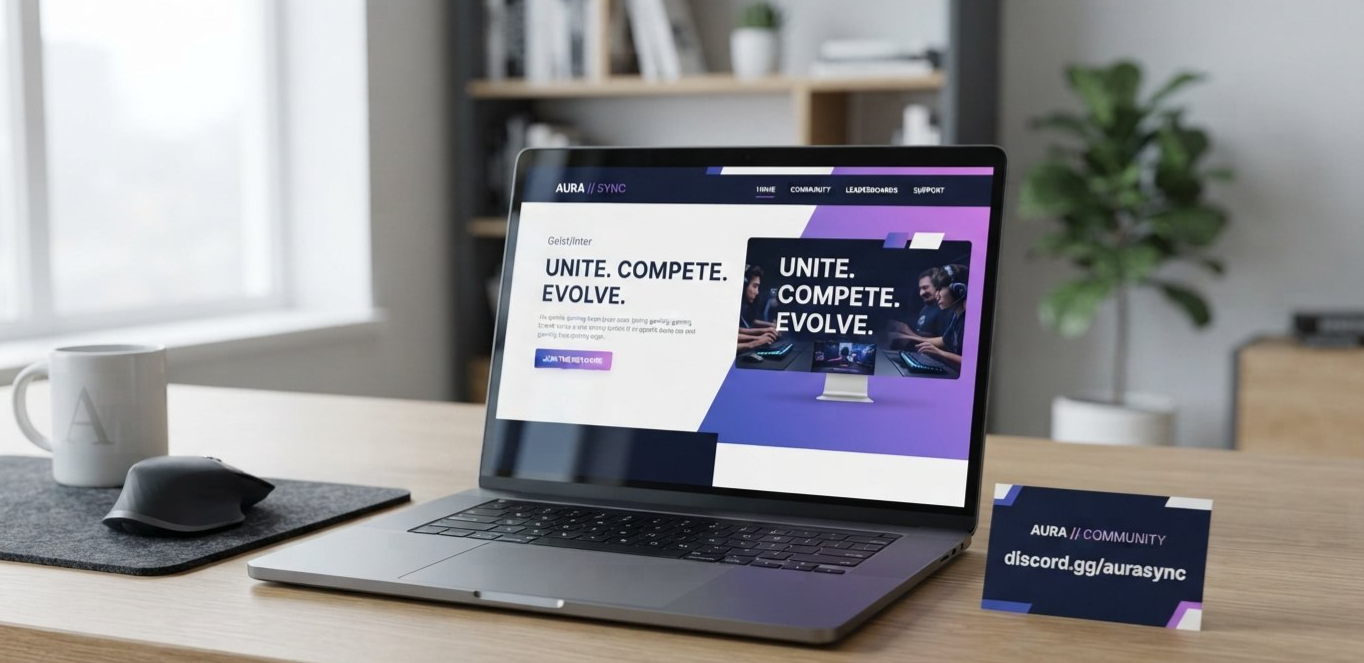
For a brand server, a short address that resembles the community's name can look more professional on a social profile, in a video description, or on a campaign page.
However, there is an important distinction between branding and search engine optimization.
A custom Discord invite link does not automatically improve Google rankings. It can make the invitation more recognizable and easier to share, but it is not a substitute for a website, searchable content, relevant links, or a clear public presence.
Discord's Server Vanity URLs documentation explains custom invite links and the conditions for using them. Because eligibility and availability can change, verify the current options in your server settings.
A smarter way to use a custom invite
If the feature is available to your server:
Choose a short, recognizable invitation address.
Use it consistently across official social profiles and community pages.
Keep the destination welcoming, with clear rules and channel descriptions.
Track whether the link brings in members who actually participate.
Maintain at least one channel visible to everyone, as required for the custom invite to work.
For SEO, connect the Discord community to a broader brand presence where appropriate. A public website with useful articles, event pages, or support documentation can provide the searchable information that a Discord invite alone cannot.
────────────────────────────────────────
────────────────────────────────────────
How to Encourage Members to Boost
The strongest boosting campaigns give members a reason to participate without making them feel pressured to spend money.
Server Boosts may involve a paid subscription or purchase. Community managers should treat them as an optional contribution, not an obligation or a measure of someone's loyalty.
1. Set a clear milestone
Explain the target and the reason behind it.
For example:
"Our next community goal is Level 3. Reaching it will unlock a 100 MB server upload limit and additional customization perks. Boosting is completely optional, and we'll share progress as we get closer."
This message is more useful than repeatedly posting "Please boost us."
2. Make the progress visible
Use a dedicated #server-updates or #community-goals channel to share the current level and explain which perks are active.
Update it when the server reaches a milestone. Avoid constant notifications that interrupt normal conversation.
3. Recognize contributors fairly
A thank-you message, an optional supporter role, or a monthly appreciation post can acknowledge members who contribute.
Discord automatically assigns a Server Booster role to members who boost the server. Its appearance can be customized within the available role settings.
Avoid promising special treatment that affects moderation decisions, competitive access, or the basic ability to participate in the community.
4. Demonstrate the value
If members regularly upload gameplay clips, show how the larger upload limit helps. If the community hosts events, use the banner and voice features to improve the experience.
Members are more likely to understand the purpose of a milestone when they can see its benefits in practice.
5. Keep the campaign honest
Never promise that boosting guarantees better matchmaking, priority moderation, special treatment from a game developer, or increased visibility in Discord's recommendation systems unless a specific official feature actually provides it.
Do not pressure members to reveal financial details or share account credentials. Boosting should always happen through Discord's official interface.
────────────────────────────────────────
A Practical Level 3 Campaign
Here is a simple four-week plan for a community that wants to reach Level 3.
| Week | Action | Goal |
|---|---|---|
| Week 1 | Announce the target and explain the perks | Build awareness |
| Week 2 | Demonstrate upload and branding benefits | Show practical value |
| Week 3 | Share a progress update and thank contributors | Maintain momentum |
| Week 4 | Celebrate the milestone if achieved, or review progress | Close the campaign honestly |
The plan does not guarantee that a server will reach 14 Boosts in four weeks. Results depend on community size, engagement, member interest, and the number of active Boosts already available.
For smaller communities, a longer campaign may be more realistic. It is better to build steady support than to repeatedly push members toward spending money.
Example announcement
Our next community goal: Level 3
We're working toward Discord Server Boost Level 3 to unlock the 100 MB server upload limit and additional customization features for our community.
Boosting is completely optional. If you'd like to contribute, you can find the Server Boost option in Discord's server menu. We'll keep everyone updated on our progress and celebrate together if we reach the milestone.
Thanks for helping make this community a great place to play, share, and connect.
────────────────────────────────────────
────────────────────────────────────────
Keeping Level 3 Active
Reaching Level 3 is only part of the job. Boosts can be removed, subscriptions can end, and members can move their Boosts to other servers.
Discord's current documentation explains that when a server falls below its required Boost count, level perks have a 72-hour grace period. Custom invite links have a separate rule: Discord says a server that can no longer maintain the required Boost status may lose its custom invite link after 30 days. Check the latest official documentation for the exact conditions that apply to your server.
A good maintenance strategy includes:
Checking the server's current Boost count regularly.
Monitoring which perks are active.
Keeping community updates transparent.
Avoiding promises that depend on a perk staying active forever.
Rechecking invite-link availability before printing it on merchandise or using it in long-term campaigns.
Do not build a critical business workflow around a perk without a backup plan. Keep an alternative invitation method and update public links if your server's eligibility changes.
────────────────────────────────────────
Common Mistakes to Avoid
Treating Level 3 as a growth guarantee
Boosting unlocks features. It does not guarantee more members, better engagement, or higher search rankings.
Asking for Boosts without explaining the benefit
Members need a clear reason to care. Connect the campaign to a real improvement in the server experience.
Making every announcement about boosting
Repeated requests can create fatigue. Keep the campaign contained to an appropriate channel and continue providing normal community content.
Promising a vanity URL before checking eligibility
Custom invite link availability can vary. Verify the option in your server's settings before advertising it as a guaranteed reward.
Ignoring retention
A server with excellent perks but little activity may struggle to keep members interested. Prioritize helpful discussions, reliable moderation, events, and a welcoming onboarding experience.
────────────────────────────────────────
Frequently Asked Questions
How many Boosts are needed for Discord Level 3?
Discord's current standard level system requires 14 Server Boosts for Level 3. These Boosts must remain active to maintain the level's perks.
Does Level 3 give everyone a 100 MB upload limit?
Discord lists a 100 MB upload limit for all members when uploading within a Level 3 server. This is a server-specific perk and does not universally change members' upload limits everywhere on Discord.
Does Level 3 guarantee a custom vanity URL?
Do not assume it is guaranteed for every server. Discord's documentation describes custom invite links for eligible Level 3 servers, while availability can also depend on current eligibility and feature availability. Check your server's settings and the latest support documentation.
Does a custom Discord invite improve SEO?
Not automatically. A memorable invite can improve brand recognition and sharing, but it does not directly guarantee better Google rankings. A useful public website and relevant searchable content remain important for SEO.
What happens if a server loses Boosts?
If the server falls below the level requirement, Discord provides a 72-hour grace period for level perks. Custom invite links have a separate retention rule, so check Discord's current documentation before relying on a link long term.
Is Server Boosting worth it for a brand server?
It can be worthwhile when the community will genuinely use the upload, audio, visual, and event-related perks. The value depends on the server's needs, not simply on reaching the highest standard level.
────────────────────────────────────────
Final Verdict
Discord Server Boosting Level 3 can be a worthwhile milestone for an established gaming community or brand server. Its 100 MB server upload limit, animated banner, and expanded customization options can improve how members share content and experience the community.
The key is to treat boosting as a way to support a useful server, not as a shortcut to growth.
Set a realistic target, explain the benefits clearly, thank contributors without pressuring anyone, and maintain the Boost count if you want to keep the perks. If a custom invite link is available, use it consistently as part of your brand identity, but do not confuse a memorable URL with an automatic SEO advantage.
The best boosting strategy is one where members understand what they are supporting and can see the difference it makes.
────────────────────────────────────────
SEO & CMS Checklist
Primary keyword included in the title: Yes
Primary keyword included in the slug: Yes
Primary keyword included in the meta description: Yes
Primary keyword included in the opening paragraphs: Yes
Meta title: Targeted for the site's SEO title range
Meta description: Written for the site's 120–160 character target
Cover image prompt: Included
In-article images: 4
Image prompts: Included at placement
Image alt text and captions: Included
Table of contents: Included
Tables: Included
FAQ: Included
Official Discord sources: Included
Level 3 Boost requirement: Updated to 14 Boosts
Upload limit: Correctly described as 100 MB within the server
Custom invite link: Eligibility caveat included
SEO claims: No guarantee of automatic search-ranking improvement
────────────────────────────────────────
Comments
Sign in to join the conversation
Sign inNo comments yet
Be the first to share your thoughts!