

If you've ever dragged a server from the top of your list all the way down to a folder at the bottom, only to drop it in the wrong place, today's patch is for you. The Discord October 2026 update landed on 22 October, and it fixes one of the oldest annoyances in the app.
It also brings proper Markdown file previews, a bigger upload limit for Nitro members and a rebuilt media engine under the hood.
Here's what's new, who gets each change, and why a couple of these matter more than they look.
At a glance
- Move To: right-click a server or channel to move it into a folder or category
- Markdown previews: uploaded .md files now render with formatting and tables
- Nitro uploads: up from 500MB to 1GB per file
- New Nitro perk: 20% off YouTube Premium for 6 months
- Media engine: rewritten in Rust for better colour and reliability
🎃 A Spooky Little Update
Discord wrapped this one in Halloween paint. The official changelog mentions a new ringtone from The Living Tombstone and a new loading animation, alongside the Halloween events already running.
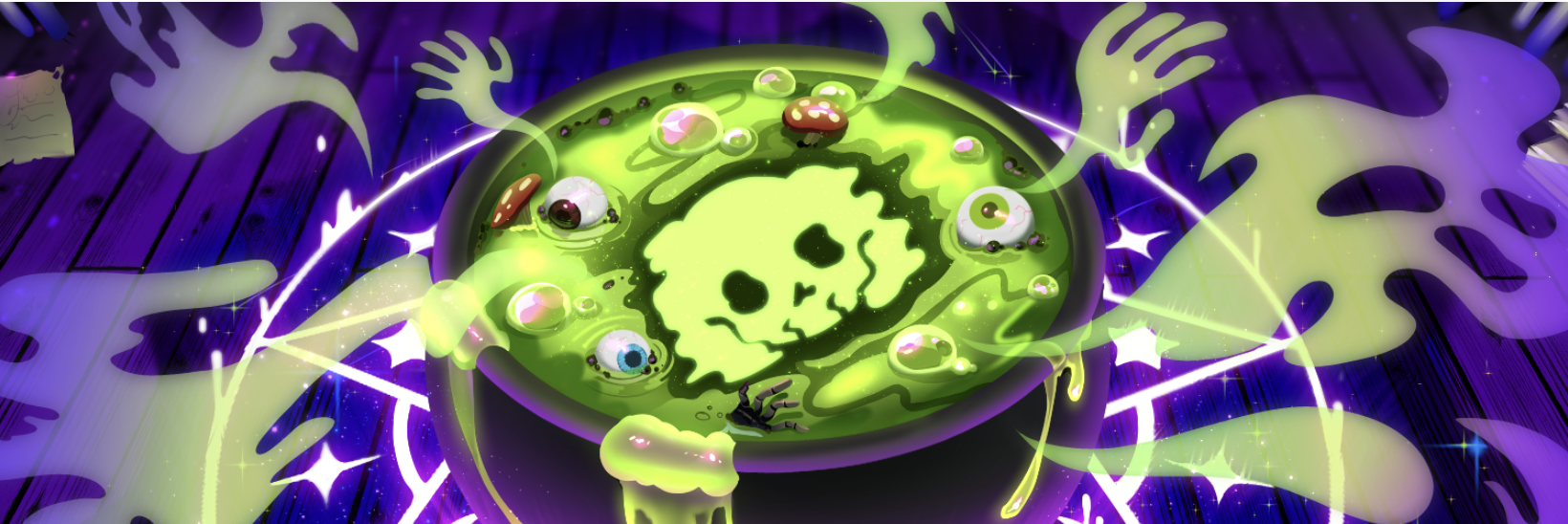
Discord's Halloween art from the 22 October update. Image: Discord.
Discord didn't share much detail on either, so the real meat is in the features below.
📁 Move To: No More Dragging Servers
The headline feature is simple. Right-click a server and pick "Move To..." to send it straight into any folder. The same option works on channels, so server admins can move a channel into another category without dragging. You can also reorder whole folders this way.
This has been a long time coming. A feedback post titled "Right Click > Add Server to Folder" was opened back in July 2019 by a user juggling nearly 70 servers. Seven years later, it's real.
Discord says it's especially handy when a newly joined server lands in a folder you didn't choose. If you like a tidy sidebar, pair it with pinned channels and DMs to keep the stuff you use most at the top.
📝 Markdown Files Now Look Like Documents
Upload a .md file and Discord now renders it properly instead of showing a wall of hashes and asterisks. Discord says previews include tables and formatting.
This is a quiet win for developer, modding and study servers, where people share READMEs, patch notes and guides all the time. Server owners can now drop a rules or FAQ file into a channel and have it actually look readable.
💎 Nitro Gets 1GB Uploads and a YouTube Deal
Nitro members get two new perks:
- 1GB uploads. The Nitro file limit doubles from 500MB to 1GB, so longer clips and bigger project files fit without a third-party link.
- 20% off YouTube Premium for 6 months, for new and existing YouTube Premium subscribers. Terms apply.
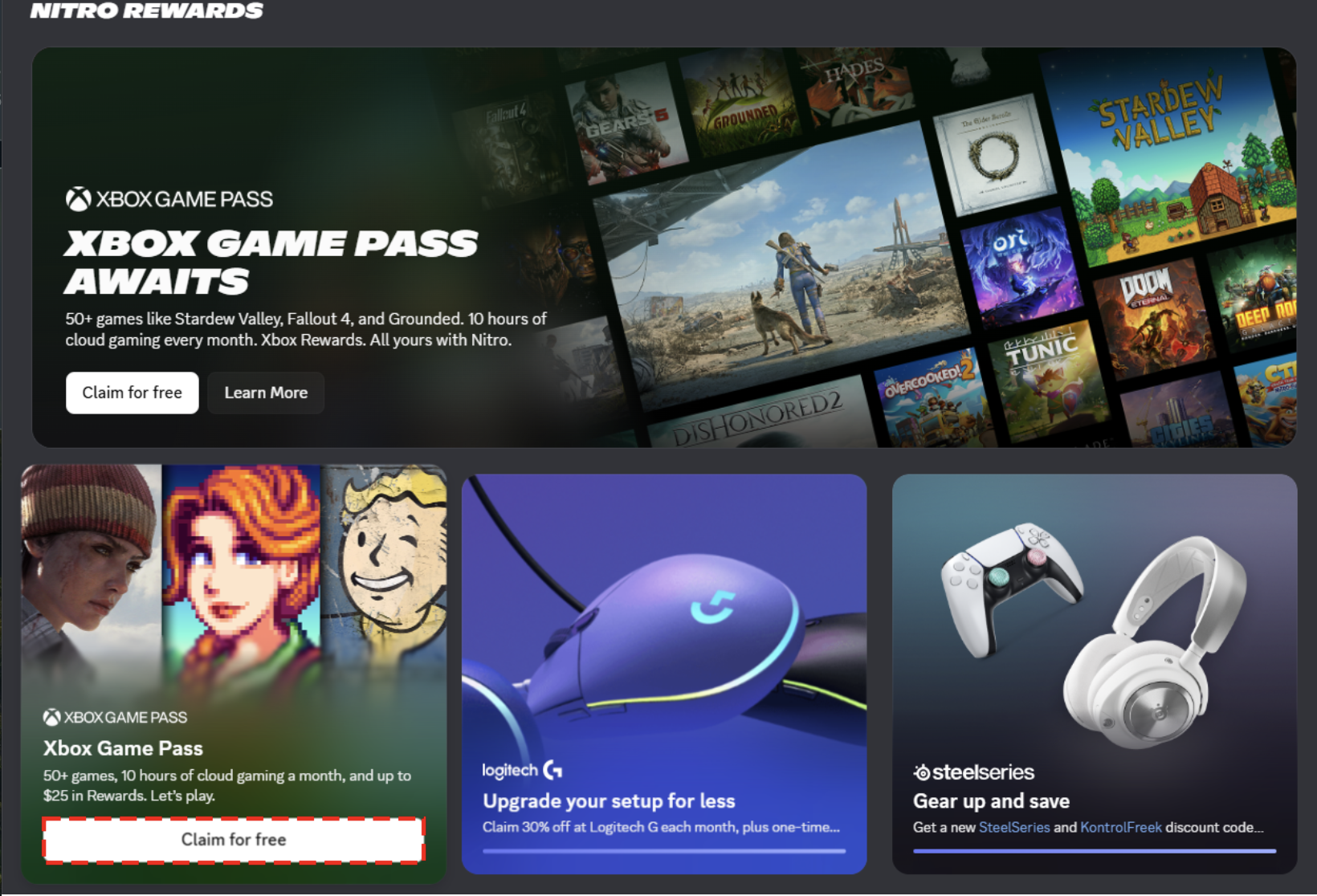
Perks like the YouTube Premium deal are claimed from Nitro Home. Image: Discord.
Free users haven't been left out entirely. Discord's 8 September patch notes say it "upgraded the free upload limit from 10MB to 20MB across all platforms."
| Plan | Upload limit per file |
|---|---|
| Free | 20MB |
| Nitro | 1GB |
Wondering if Nitro is worth it now? Our Discord Nitro vs free comparison breaks down every difference.
⚙️ A Faster, Sharper Media Engine
The least visible change might be the biggest one. Discord says it rewrote its entire image and video sharing engine, replacing old C++ code with Rust.
According to Discord, that means more accurate processing, better-preserved colours and improved reliability. The 6 October patch notes added that "images resize faster with better color accuracy." Discord didn't share speed figures.
In practice, screenshots and clips should look closer to the original, with fewer odd colour shifts after upload.
🔍 Who Gets What?
| Change | Who gets it |
|---|---|
| Move To for servers and channels | Everyone |
| Markdown file previews | Everyone |
| 1GB uploads | Nitro only |
| 20% off YouTube Premium | Nitro only |
| Rust media engine | Everyone |
Discord didn't list platforms for each change. If you don't see something yet, update the app and check Settings > More > What's New.
Frequently Asked Questions
How do I move a server into a folder on Discord?
Right-click the server in your server list, choose Move To..., then pick the folder.
What is the Discord upload limit now?
Free users can upload files up to 20MB. Nitro members can upload up to 1GB per file.
Can Discord preview Markdown files?
Yes. Since the 22 October update, uploaded .md files render with formatting and tables.
Does Nitro Basic get 1GB uploads?
Discord only announced the 1GB limit for Nitro and didn't mention Nitro Basic.
🎮 The Bottom Line
The Discord October 2026 update isn't flashy, but it's full of fixes people have wanted for years. Move To ends the drag-and-drop struggle, Markdown files finally look right, and Nitro's 1GB uploads make sharing big files much easier.
Add a sharper media engine on top, and this is one of the more useful updates of the year.
Which change are you using first: Move To or the bigger uploads?
Sources
- Discord: Discord Update: October 22, 2026, 22 October 2026
- Discord: Discord Patch Notes: October 6, 2026, 6 October 2026
- Discord: Discord Patch Notes: September 8, 2026, 8 September 2026
- Dexerto: Discord doubles Nitro upload limit to 1GB alongside server organization features, 22 October 2026
- Discord Support Community: Right Click > Add Server to Folder, 26 July 2019


Comments
Sign in to join the conversation
Sign inNo comments yet
Be the first to share your thoughts!