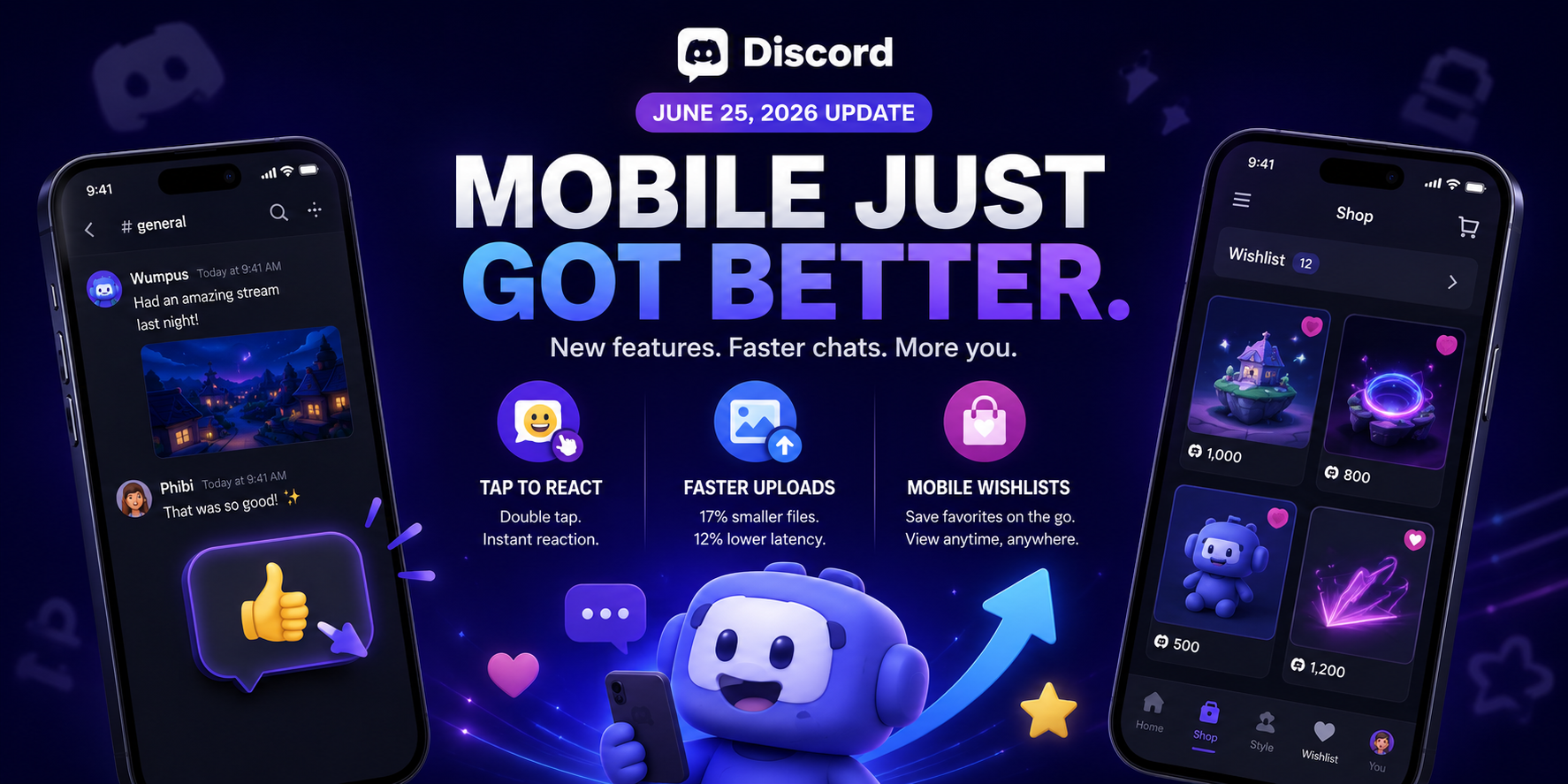

Discord continues to improve its mobile experience with a collection of quality-of-life updates that make chatting faster, reacting easier, and shopping more convenient. Whether you're an Android or iPhone user, these new features are designed to streamline your daily Discord experience.
From instantly reacting to messages with a double tap to faster photo uploads on iOS and mobile Wishlists for the Discord Shop, here's everything you need to know.
Tap to React
Reacting to messages is now faster than ever.
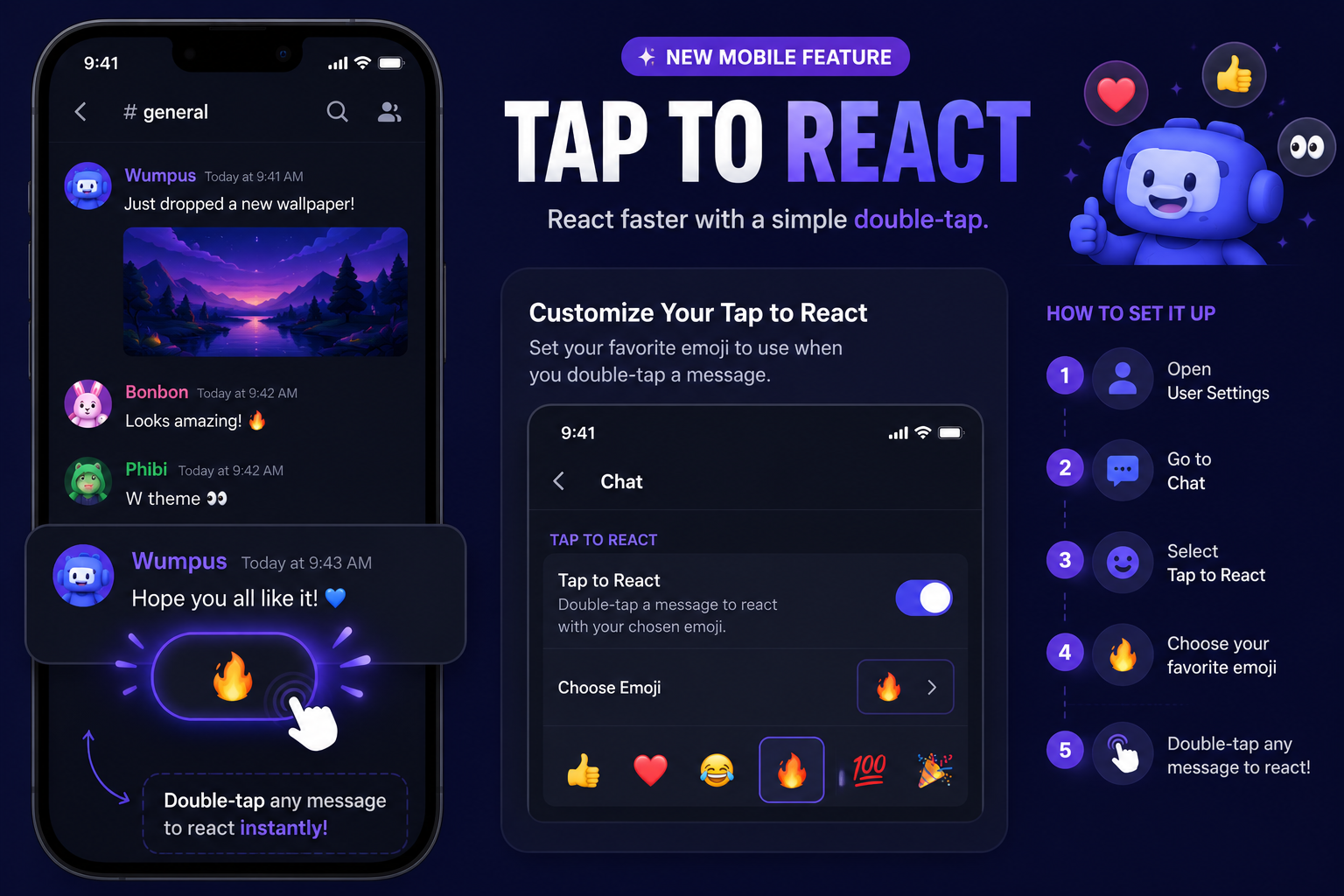
Discord has introduced Tap to React, allowing mobile users to quickly react to any message by simply double-tapping it. Instead of opening the reaction menu every time, your selected emoji is instantly applied, making conversations feel much more natural and responsive.
Whether you're acknowledging a message with a 👍 or laughing with 😂, reacting now takes just a second.
How to Set Up Tap to React
Follow these steps to customize your default reaction:
- Open User Settings.
- Navigate to Chat.
- Find the Tap to React option.
- Select your preferred emoji.
- Double-tap any message to use it instantly.
Once configured, your chosen emoji becomes your default quick reaction across the app.
Faster Photo Uploads on iOS
Sharing photos from your iPhone just became much faster.
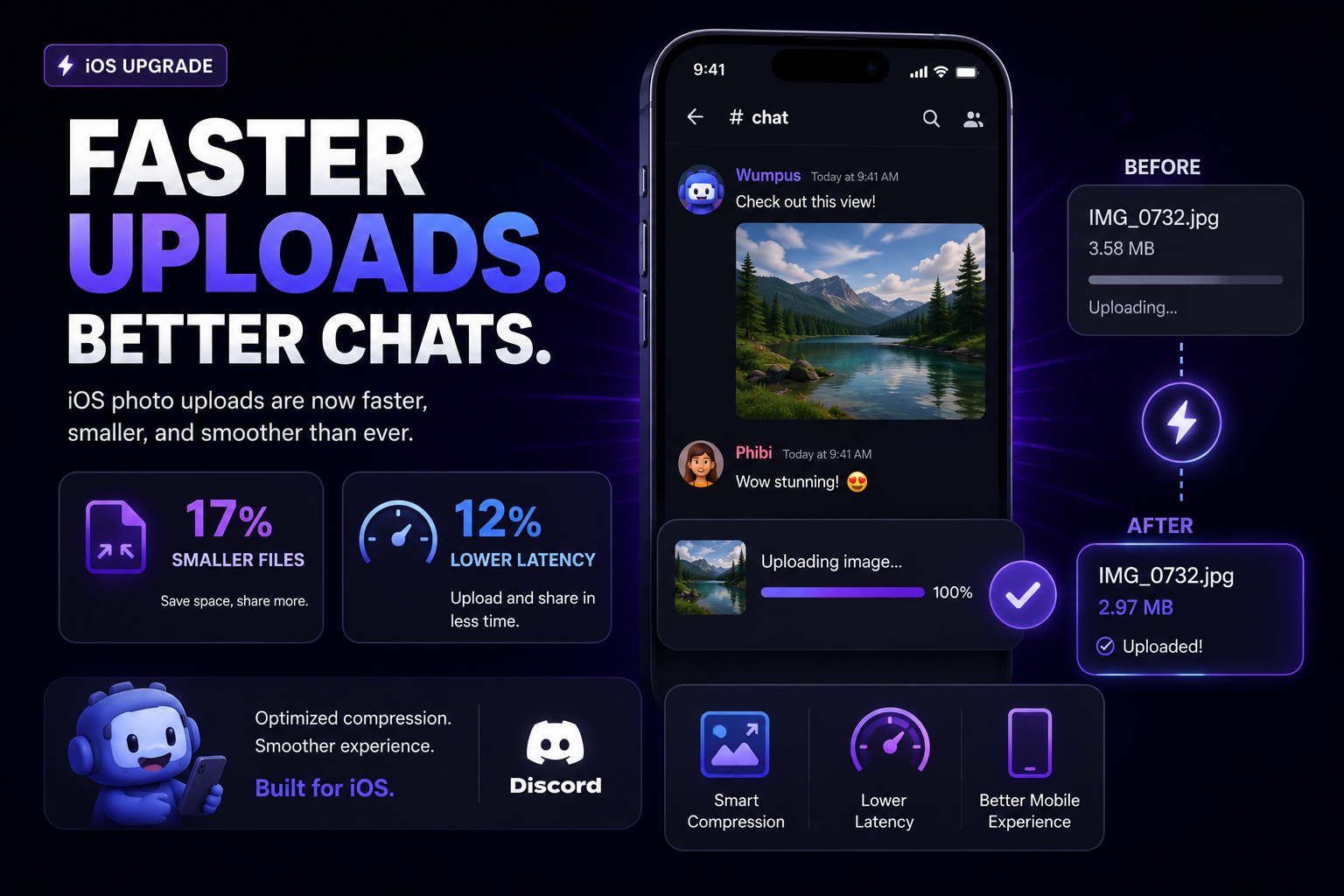
Discord has optimized photo uploads on iOS by improving image compression and reducing upload latency.
According to Discord, the update delivers:
| Improvement | Result |
|---|---|
| File Size | 17% Smaller |
| Upload Latency | 12% Faster |
These improvements mean screenshots, memes, and photos reach your friends more quickly while using less bandwidth.
If you frequently share media in chats or servers, you'll notice a smoother experience immediately.
Mobile Wishlists
Discord Shop customization is now easier on mobile.
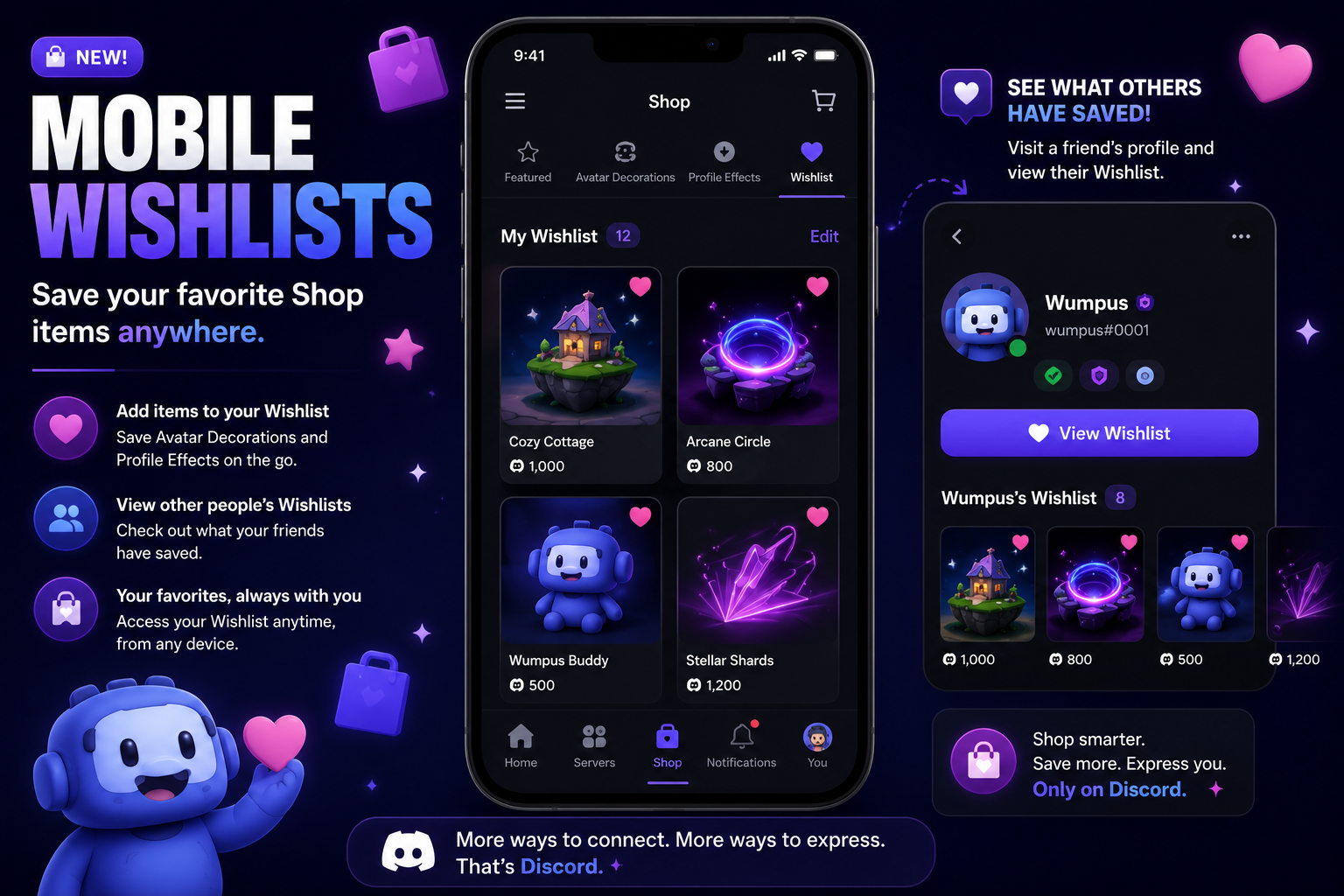
Previously, users had to rely on the desktop app to manage Wishlists for Avatar Decorations and Profile Effects. With the latest update, that functionality is now available directly within the mobile app.
What You Can Do
- Add Avatar Decorations to your Wishlist.
- Save Profile Effects for later.
- Browse your Wishlist anywhere.
- View other user's Wishlists directly from their profiles.
Whether you're planning your next profile upgrade or browsing cosmetic items, Wishlists make it much easier to keep track of your favorites.
Why These Mobile Updates Matter
While none of these additions completely change how Discord works, together they create a much smoother mobile experience.
Highlights
✅ Faster emoji reactions✅ Improved iPhone photo uploads
✅ Smaller uploaded image sizes
✅ Reduced upload latency
✅ Mobile Shop Wishlists
✅ Better overall usability
These improvements save time and reduce friction during everyday conversations.
Frequently Asked Questions
1. How do I enable Tap to React?
Go to User Settings → Chat, choose your preferred emoji, and double-tap messages to react instantly.
2. Does Tap to React work on every message?
Yes. Once enabled, you can use it on supported messages throughout Discord.
3. Are faster photo uploads available on Android?
The announced compression and latency improvements specifically target iOS photo uploads.
4. What improvements were made to iPhone uploads?
Discord reports that uploaded images are approximately 17% smaller while upload latency is reduced by about 12%.
5. Can I create Wishlists from my phone?
Yes. The latest update allows users to add Shop items to their Wishlist directly from the mobile app.
6. Can I view other user's Wishlists?
Yes. You can now browse other user's Wishlists directly from their mobile profiles.
Final Thoughts
Discord's latest mobile updates focus on making everyday interactions quicker and more enjoyable.
With Tap to React, you can respond to messages instantly. Faster iOS uploads make sharing media more efficient, while Mobile Wishlists let you save and browse your favorite Shop items wherever you are.
Although these are small quality-of-life improvements individually, together they make Discord's mobile app feel faster, smoother, and more polished than ever.
Sources
- Official Discord Changelog (June 25, 2026)
- Discord Mobile App
- Discord Support Documentation


Comments
2Sign in to join the conversation
Sign in