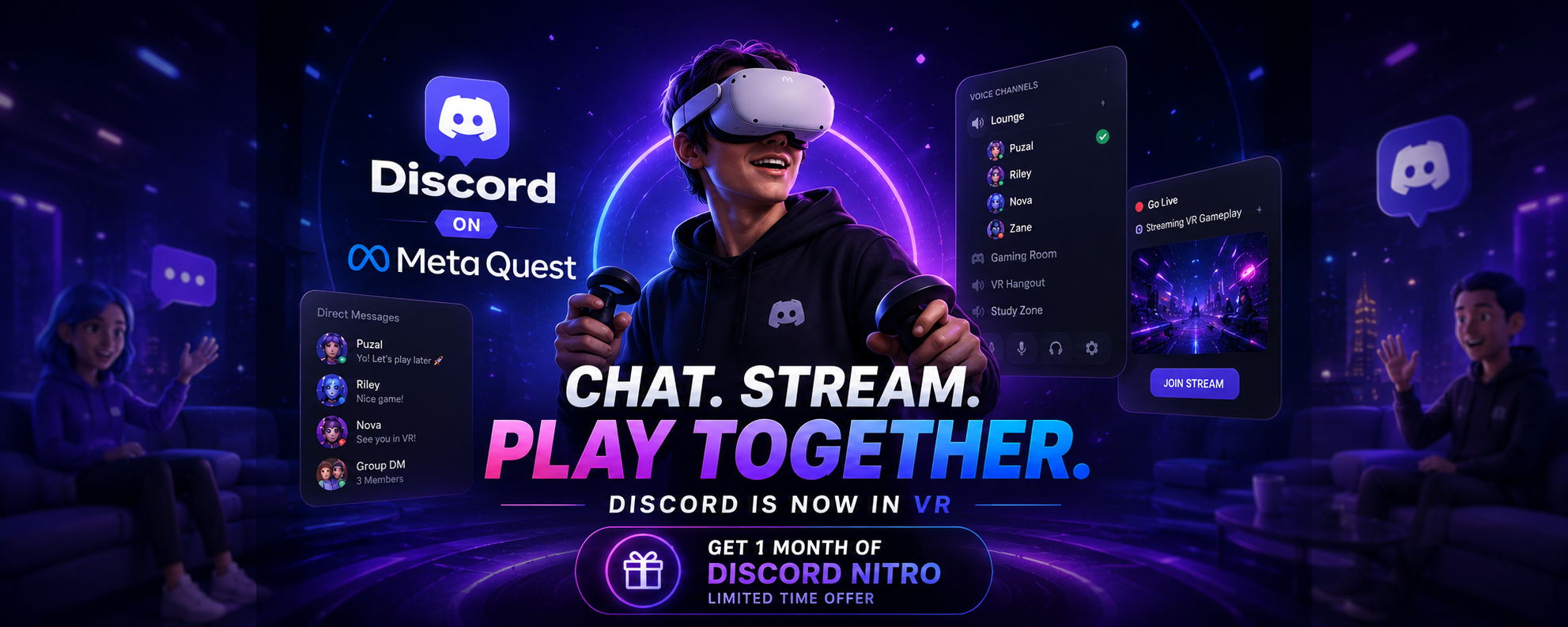

Virtual reality just became much more social. Discord has officially launched its native Meta Quest app, bringing voice chat, direct messages, streaming, and video calls directly into VR.
Previously, Quest users had to rely on browser workarounds or unofficial methods to stay connected with friends. With the official Discord app now available on the Meta Horizon Store, chatting while immersed in VR has never been easier.
Here's everything you need to know about Discord's new Meta Quest experience and how to claim a free month of Discord Nitro.
Discord Is Now Available on Meta Quest
Discord's native app is now available for several Meta VR headsets, allowing users to stay connected without leaving virtual reality.
Supported Headsets
- Meta Quest 2
- Meta Quest Pro
- Meta Quest 3
- Meta Quest 3S
Instead of juggling browser tabs or external devices, you can now access Discord directly inside your headset.
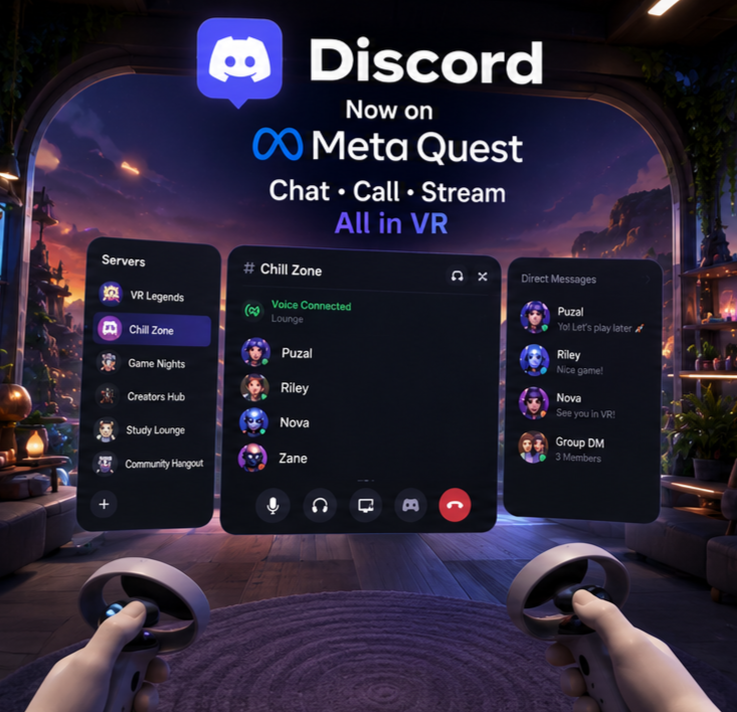
Voice Chat, DMs & Servers in VR
The Meta Quest app delivers much more than basic messaging.
After signing in, you'll have access to:
- Your Discord servers
- Direct Messages (DMs)
- Group DMs
- Voice Channels
- Notifications
Thanks to the Quest headset's built-in microphone, joining voice conversations feels just as seamless as using Discord on desktop or mobile.
Video Calls with Your Meta Avatar
One of the standout features of the new app is support for Meta Avatars.
Instead of appearing on camera, your personalized Meta Avatar can represent you during Discord video calls.
This creates a more immersive experience while allowing you to stay expressive inside virtual reality.
Whether you're gaming, hanging out, or attending virtual events, your avatar becomes your on-screen identity.
Stream Your VR Gameplay
Sharing VR experiences is finally simple.
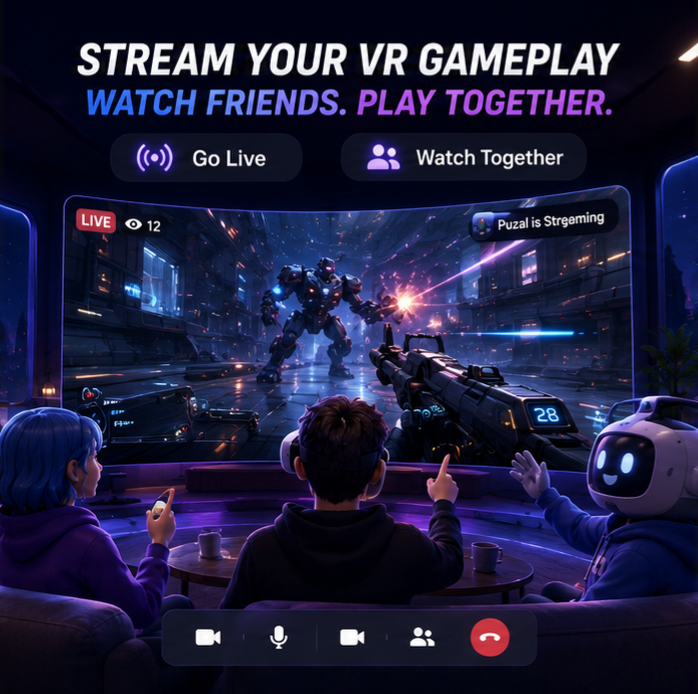
Using the native Discord app, you can stream your first-person VR gameplay directly to friends inside Discord servers.
Likewise, you can watch your friends stream their PC or console games while relaxing inside your virtual environment.
Streaming Features
- Stream VR gameplay
- Watch friends' game streams
- Join voice chat while streaming
- Share experiences without leaving VR
This makes Discord one of the best communication platforms for multiplayer VR gaming.
Claim a Free Month of Discord Nitro
To celebrate the launch, Discord and Meta are offering a limited-time promotion.
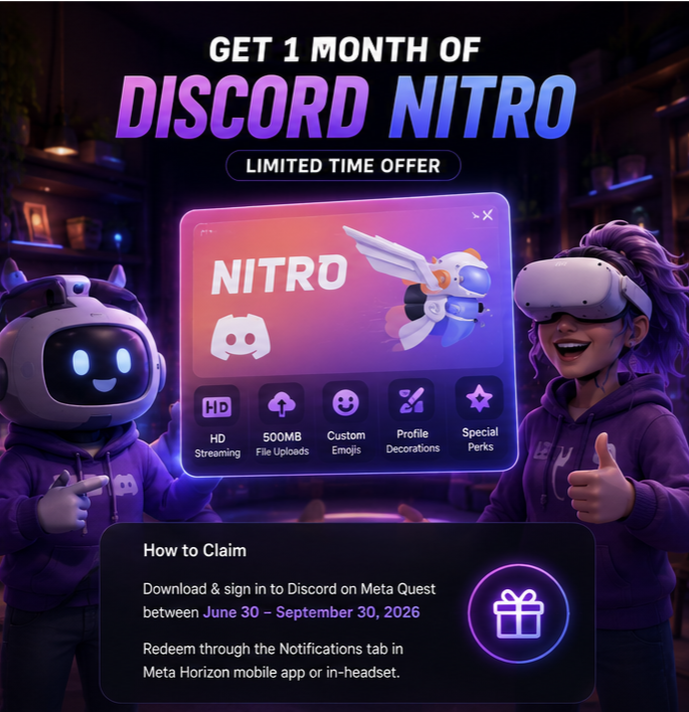
If you download and sign into the Discord app on your Meta Quest headset between June 30 and September 30, 2026, you'll receive one free month of Discord Nitro.
Nitro Benefits
- HD streaming
- 500 MB file uploads
- Custom emojis
- Avatar Decorations
- Profile Effects
- Higher quality screen sharing
You can redeem the offer through:
- The Notifications tab in the Meta Horizon mobile app.
- Your Meta Quest headset.
Why This Launch Matters
Discord has become the default communication platform for gamers, and bringing it directly into VR removes one of the biggest pain points for Meta Quest users.
Highlights
✅ Native Meta Quest app✅ Voice chat in VR
✅ Direct Messages and servers
✅ Meta Avatar video calls
✅ VR gameplay streaming
✅ Free Discord Nitro promotion
The result is a much smoother and more immersive social experience.
Frequently Asked Questions
1. Which Meta Quest headsets support Discord?
The app supports Meta Quest 2, Meta Quest Pro, Meta Quest 3, and Meta Quest 3S.
2. Can I join Discord voice channels in VR?
Yes. You can join voice channels using your Quest headset's built-in microphone.
3. Does the app support Direct Messages?
Yes. You can access your servers, DMs, and Group DMs directly inside the Quest app.
4. Can I stream VR gameplay?
Absolutely. The native app allows you to stream your VR gameplay directly to your friends on Discord.
5. How do I claim the free month of Nitro?
Download and sign into Discord on your Meta Quest headset during the promotional period, then redeem the offer through the Meta Horizon app or directly from your headset.
Final Thoughts
Discord's arrival on Meta Quest is a major step forward for VR gaming and social experiences.
With native support for voice chat, messaging, streaming, Meta Avatar video calls, and a limited-time free Nitro offer, Quest users can finally enjoy the complete Discord experience without relying on browser workarounds.
If you're a VR gamer who spends time in Discord communities, this is one update you won't want to miss.
Sources
- Official Discord Changelog (June 30, 2026)
- Meta Horizon Store
- Discord Support Documentation
- Meta Quest Documentation


Comments
1Sign in to join the conversation
Sign in