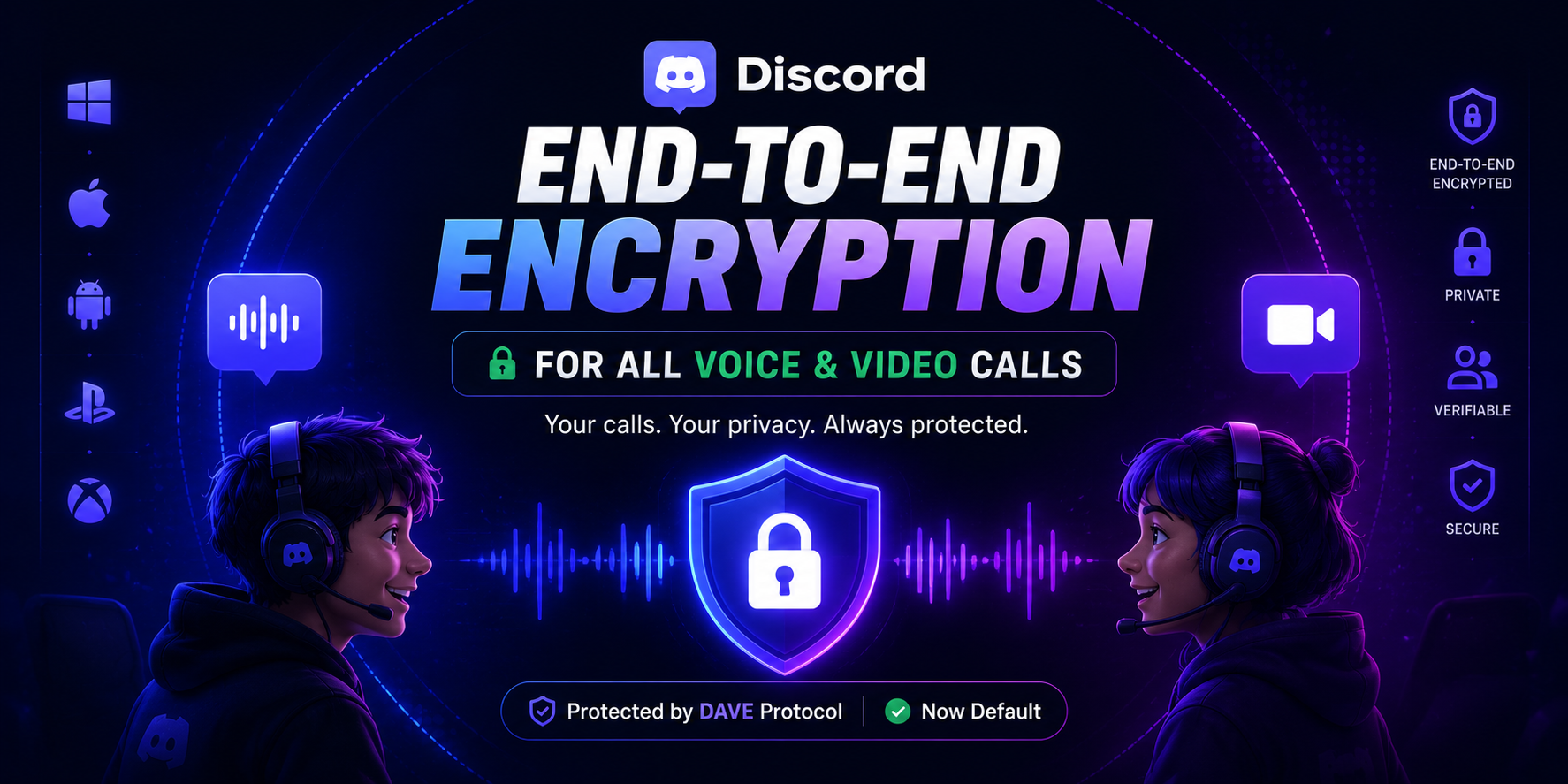

Privacy has become more important than ever, especially for gamers, communities, and friends who spend hours talking on Discord every day. After years of development, Discord has officially completed the rollout of end-to-end encryption (E2EE) for all standard voice and video calls, making private conversations more secure than ever before.
Powered by Discord's new DAVE (Discord Audio & Video Encryption) protocol, this update ensures that your voice and video calls can only be accessed by the people participating in them—not even Discord can listen to the conversation.
Here's everything you need to know about Discord's biggest privacy upgrade.
What Is End-to-End Encryption?
End-to-end encryption (E2EE) is a security technology that protects your conversations by encrypting them before they leave your device.
Only the people participating in the call possess the keys needed to decrypt the audio and video. This means that no third party including Discord itself can access your conversations while they are in transit.
With this update, voice and video communication on Discord is significantly more private.
Meet DAVE: Discord's Encryption Protocol
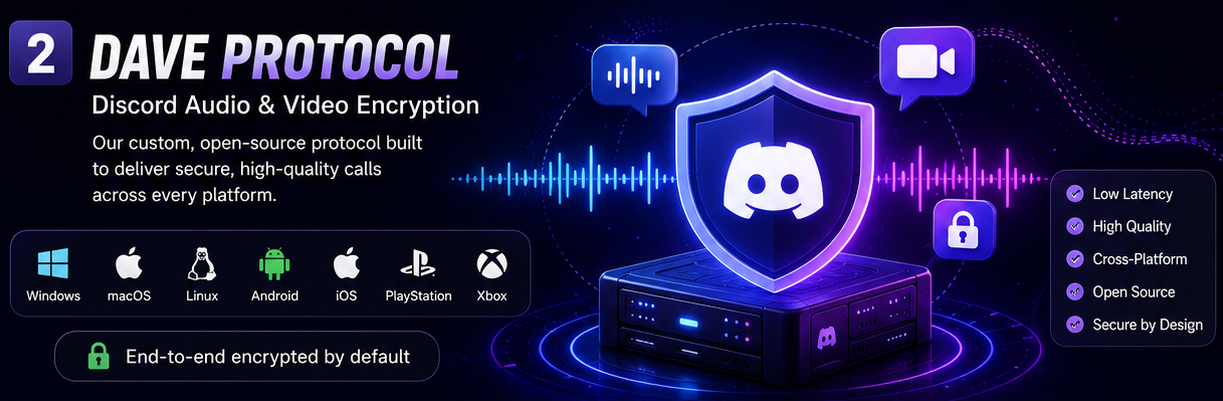
To make end-to-end encryption work across multiple devices and gaming platforms, Discord developed its own open-source encryption system called DAVE (Discord Audio & Video Encryption).
Unlike traditional messaging apps, Discord supports users across:
- Windows
- macOS
- Linux
- Android
- iPhone
- PlayStation
- Xbox
The DAVE protocol was specifically engineered to maintain low latency while keeping calls secure across all supported platforms.
Best of all, there's nothing you need to enable.
Encryption is automatically turned on for supported calls.
Which Calls Are Protected?
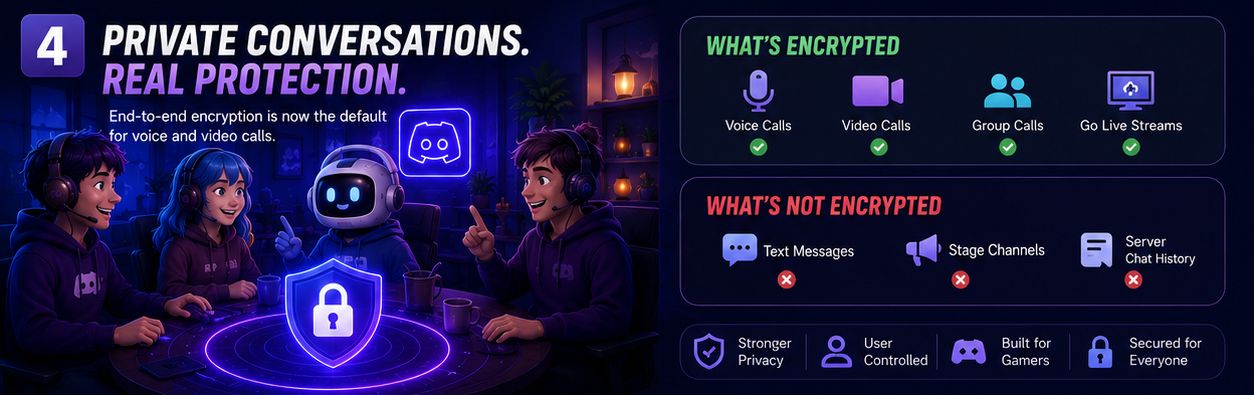
End-to-end encryption is now enabled by default for:
✅ Direct Message voice calls✅ Direct Message video calls
✅ Group DM voice calls
✅ Group DM video calls
✅ Standard Voice Channels
✅ Go Live streams
The protection works automatically, giving users a safer communication experience without changing any settings.
How to Verify Your Call Is Encrypted
Discord also allows users to confirm that a conversation is fully encrypted.
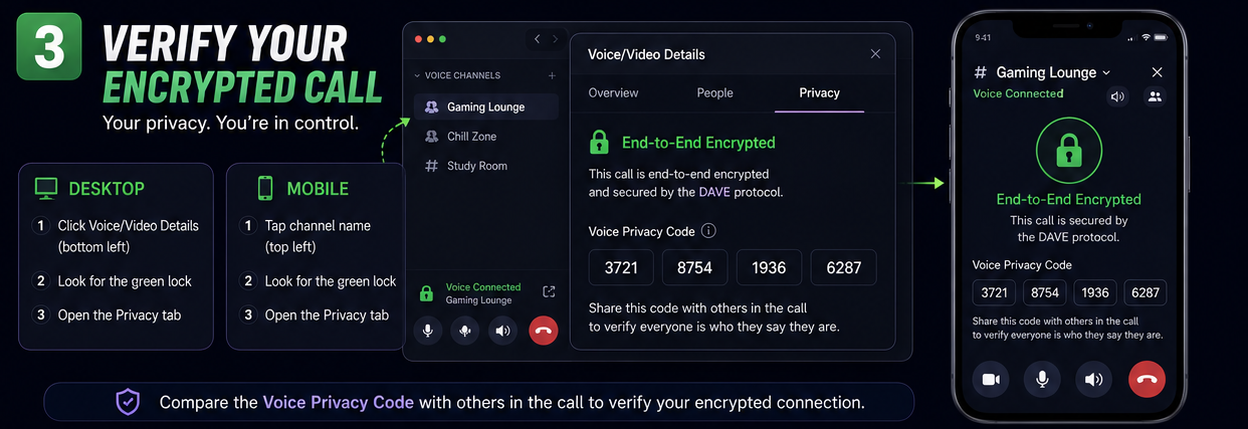
On Desktop
- Join a voice or video call.
- Click Voice/Video Details in the lower left corner.
- Look for the green lock icon.
- Open the Privacy tab.
On Mobile
- Join a voice channel or call.
- Tap the channel or call name at the top.
- Look for the green lock icon.
- Open the Privacy section.
You'll also find a unique Voice Privacy Code that can be compared with other participants to verify everyone is securely connected.
What Isn't End-to-End Encrypted?
While voice and video communication now benefits from E2EE, not every Discord feature is encrypted.
Currently, the following remain outside the encryption rollout:
- Text messages
- Server chat history
- Stage Channels
Discord explained that encrypting text conversations would require rebuilding many existing moderation and safety systems.
Since Stage Channels are intended for large public broadcasts, they are also excluded from end to end encryption.
Why This Update Matters
Privacy is becoming an increasingly important part of online communication.
By introducing end-to-end encryption as the default for voice and video calls, Discord provides stronger protection for millions of daily users without requiring any additional setup.
Key Benefits
🔒 Private voice conversations🎥 Secure video calls
⚡ Automatic protection
🌍 Cross-platform compatibility
🛡️ Open-source encryption protocol
✅ Built-in verification tools
Whether you're gaming with friends or collaborating with teammates, your conversations are now significantly more secure.
Frequently Asked Questions
1. What is the DAVE protocol?
DAVE (Discord Audio & Video Encryption) is Discord's open-source encryption protocol that powers end-to-end encrypted voice and video calls.
2. Do I need to enable encryption?
No. End-to-end encryption is enabled automatically for supported voice and video calls.
3. Are text messages encrypted?
No. Discord text messages currently remain unencrypted to support moderation and safety systems.
4. How can I verify my call is encrypted?
Look for the green lock icon and compare the Voice Privacy Code found in the Privacy section of the call.
5. Are Stage Channels encrypted?
No. Stage Channels are excluded because they are designed for public broadcasts.
Final Thoughts
Discord's rollout of end to end encryption marks one of the platform's biggest privacy improvements to date.
With the introduction of the DAVE protocol, voice and video conversations are now protected by default across desktop, mobile, and supported gaming platforms. Combined with easy to use verification tools, users can communicate with greater confidence knowing their private conversations stay private.
Although text messages remain outside the scope of this update, Discord has taken a significant step toward creating a more secure communication platform for its global community.
Sources
- Official Discord Engineering Blog (DAVE Protocol)
- Discord Support Documentation
- Discord Desktop Client
- Discord Privacy Documentation


Comments
1Sign in to join the conversation
Sign in